Skip to content
SozAI

Two SozAI extensions for Chrome

One reads YouTube transcripts beside the player. The other turns WhatsApp Web voice messages into text. Both are free, neither needs an account.

Add to Chrome

Both are free. Neither needs an account.

What you need

  • Chrome 116 or later, or a Chromium browser that installs from the Chrome Web Store
  • An internet connection — transcription happens on SozAI servers
  • No account, no signup

What each one looks like

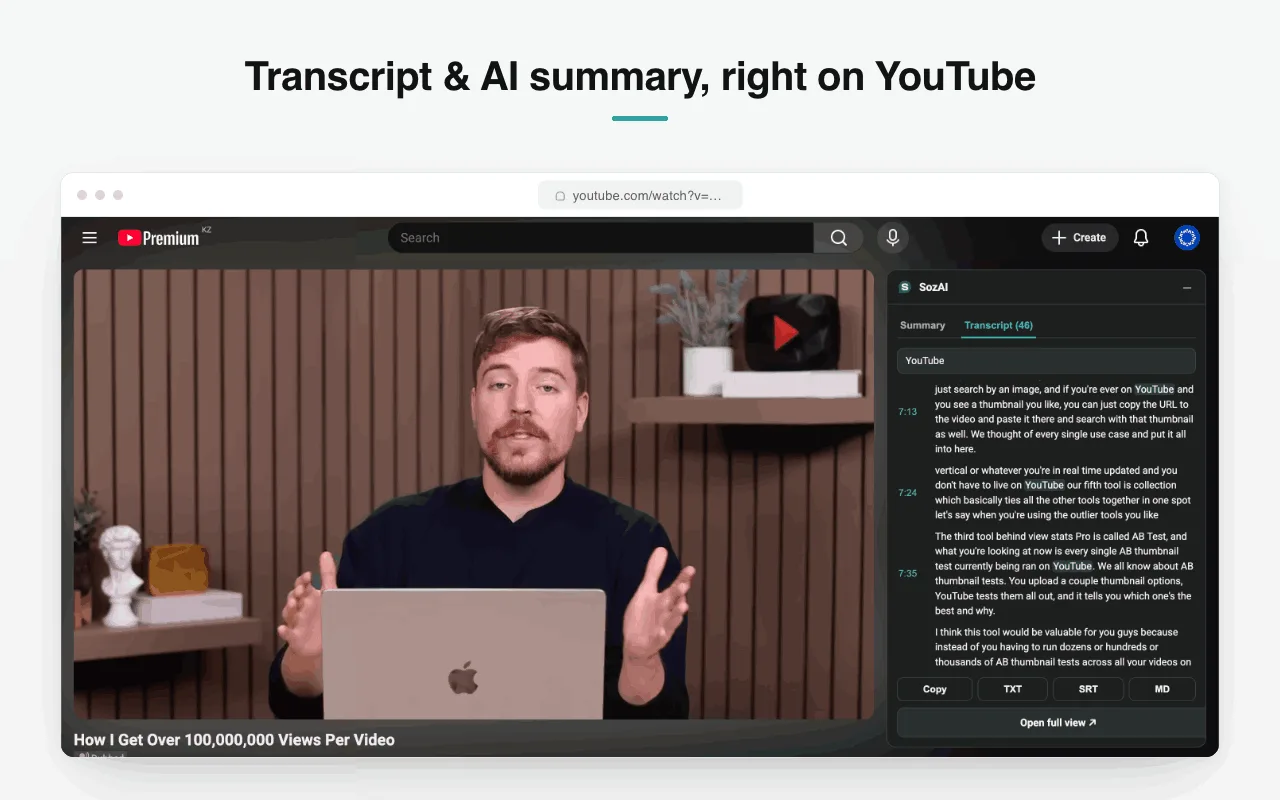
The transcript opens beside the video

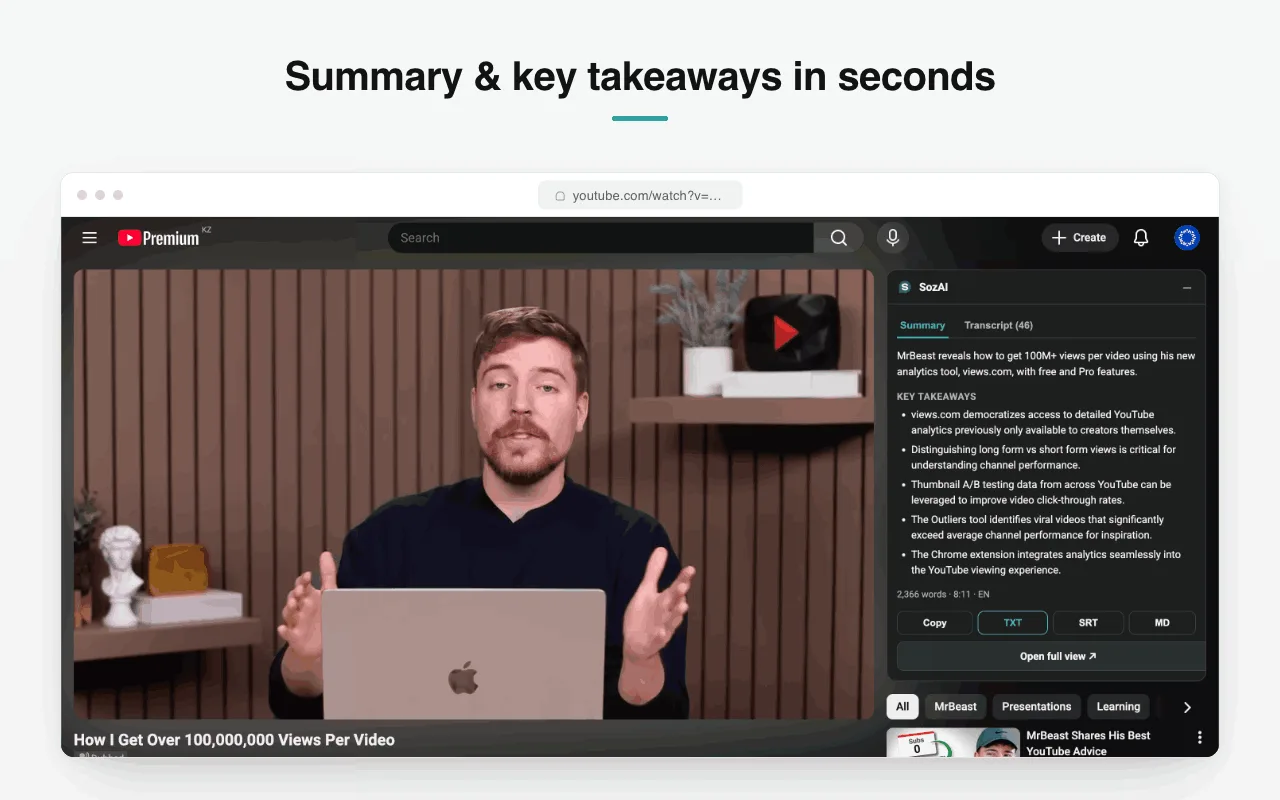
YouTube: the transcript opens beside the video

A panel docks next to the player with two tabs — a written summary, and the full transcript in timestamped blocks you can search and export.

  • Nothing to paste — it reads the video you are watching
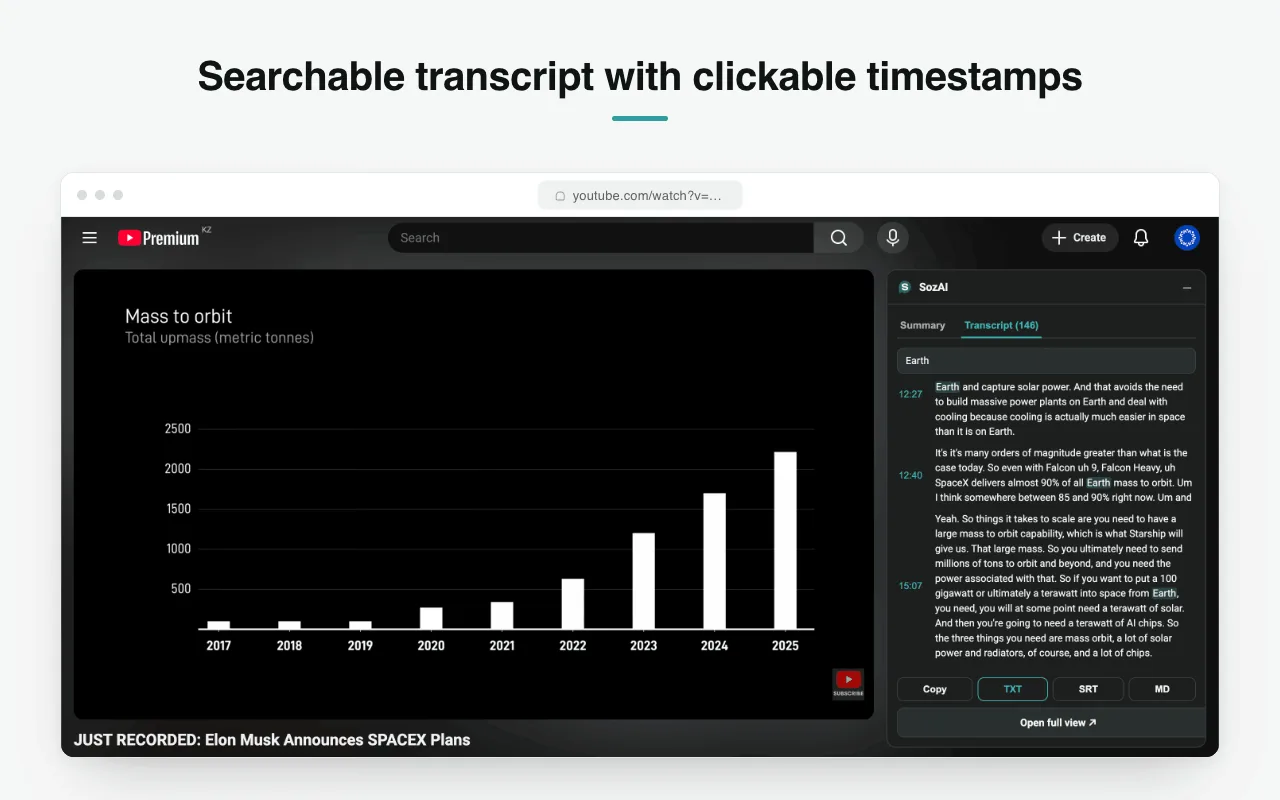
  • Search the transcript, jump by timestamp
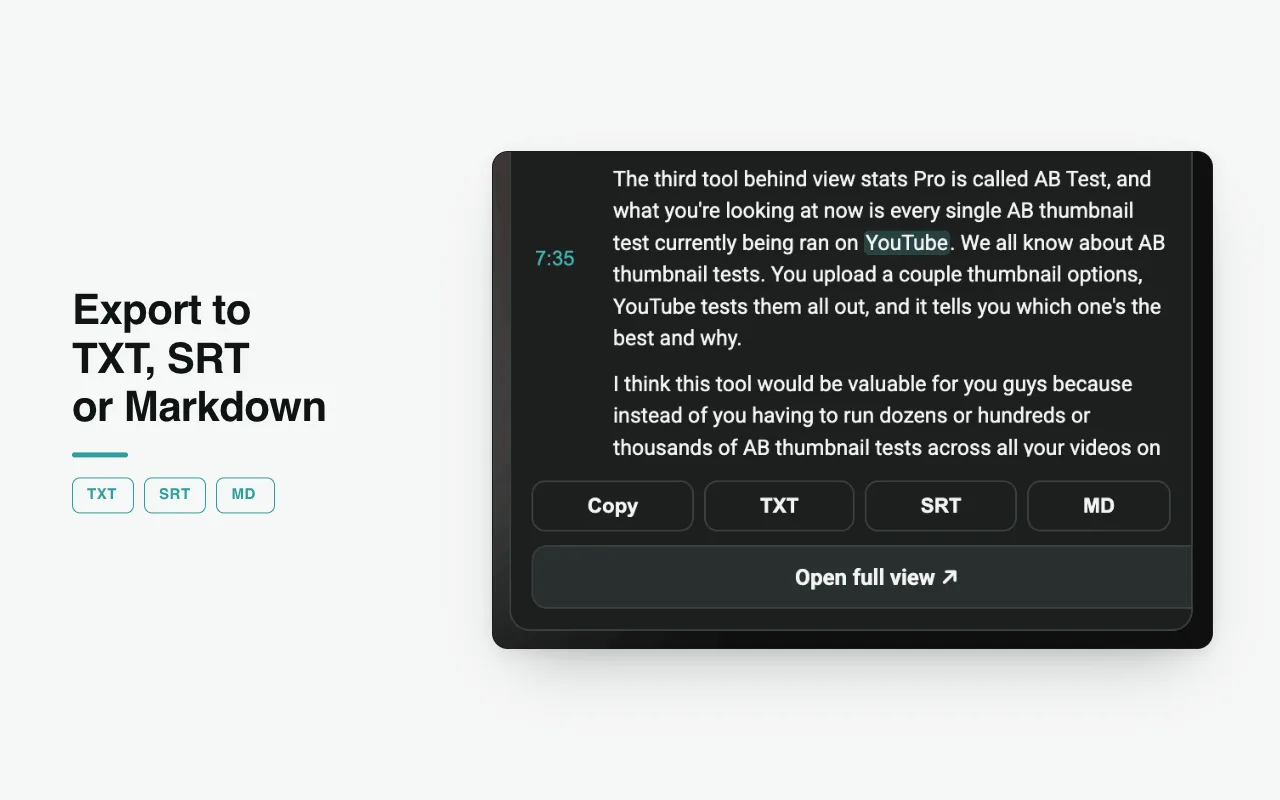
  • Export TXT, SRT or Markdown
A Transcribe button on every voice note

WhatsApp: a Transcribe button on every voice note

The button sits under the voice bubble in WhatsApp Web. Press it and the text appears in the chat, with a one-line summary above it.

  • No app switching and nothing to upload
  • Language detected from the audio
  • Copy the text out in one press

What each one does

YouTube: transcript beside the video

A panel with the full timestamped transcript and an AI summary, next to the player.

YouTube: search inside a video

Filter the transcript to the lines containing a word, with the timestamps preserved.

YouTube: TXT, SRT and Markdown

Copy the text, or export a subtitle file with the timings intact.

WhatsApp: read voice notes

A Transcribe button under every voice message in WhatsApp Web, with the text shown in the chat.

WhatsApp: any language

The language is detected from the audio, and the summary comes back in that same language.

Both: no account

No signup, no login, nothing to configure. Install and use.

Pick an extension

Add them to Chrome

Both are free and install in one click from the Chrome Web Store.

Add to Chrome

Both are free. Neither needs an account.