
Free 5-minute preview
Voice Memo to Text
Drop a voice memo here and read the first 5 minutes as text for free, with no signup; the SozAI app transcribes the whole memo.
- Free preview: first 5 minutes
- Deleted after processing
- No signup
Drop your file here
or
Supports MP3, M4A, WAV, OGG/OPUS, AAC, FLAC and WEBM
Transcript
Where your memo is, and how to get the text
Phones save voice memos as ordinary audio files, most often M4A. Get the file out of the recorder app and drop it in the box above to read the first five minutes. For the whole memo, share it straight into the SozAI app instead; you can share several memos at once.
| Where the memo is | To use the box above | To transcribe all of it |
|---|---|---|
| Voice Memos on iPhone | Tap the recording, tap the three dots, then Share and Save to Files. You get an .m4a file. | Same Share button, then pick SozAI in the share sheet |
| Recorder app on Android (Samsung Voice Recorder, Google Recorder and others) | Open the recording and tap Share; on some phones it sits in the three-dot menu. Most of these apps save .m4a, a few offer WAV. | Share, then pick SozAI |
| Voice Memos on a Mac | Drag the recording out of Voice Memos onto the desktop, or use Share. | Drop the file on the SozAI window or its Dock icon |
| WhatsApp voice note | On the phone, press and hold the message and share it (on iPhone: Forward, then the share icon). It arrives as an .opus file. | Pick SozAI in the share sheet. In WhatsApp Web, our WhatsApp voice to text extension puts a Transcribe button under each voice message |
What the free preview on this page does
Your browser opens the file and keeps the first five minutes. A shorter memo is sent as it is. A longer one is cut on your own device first, so the rest of it never leaves your phone or computer.
The language (any of 99) is detected from the audio, so there is nothing to set. When two people talk, the text is split into speaker turns. You see the transcript once; after that it is deleted at the speech recognition service, and we keep neither the audio nor the text. No account is needed for the preview.
- Formats: MP3, M4A, WAV, OGG/OPUS, AAC, FLAC, WEBM and MP4.
- Size: files up to about 30 MB on a computer and 12 MB on a phone. A five-minute phone memo is usually a few megabytes.
- Each device gets a limited number of free previews a day.
The transcript Voice Memos makes on its own
On recent versions of iOS, Voice Memos can show a transcript of a recording by itself, for some languages and devices. If the memo is a short one in English and you only want to read it once, try that first. It costs nothing and the audio stays on the phone.
It runs out when the memo is in another language, when two people are talking and you need to know who said what, or when the text has to go somewhere else: an email, a document, a subtitle file. We go through the built-in transcript and four other ways in how to transcribe voice memos on iPhone.
Memos longer than five minutes
An hour-long lecture or a long walk spent talking to yourself won't fit in the preview. Share the memo into the SozAI app on iPhone, Android or Mac, or upload it at web.sozai.app, and the whole recording is transcribed: files up to 500 MB, speaker labels, a timecode on every passage and a summary on top. A one-hour file is usually ready one to two minutes after the upload finishes.
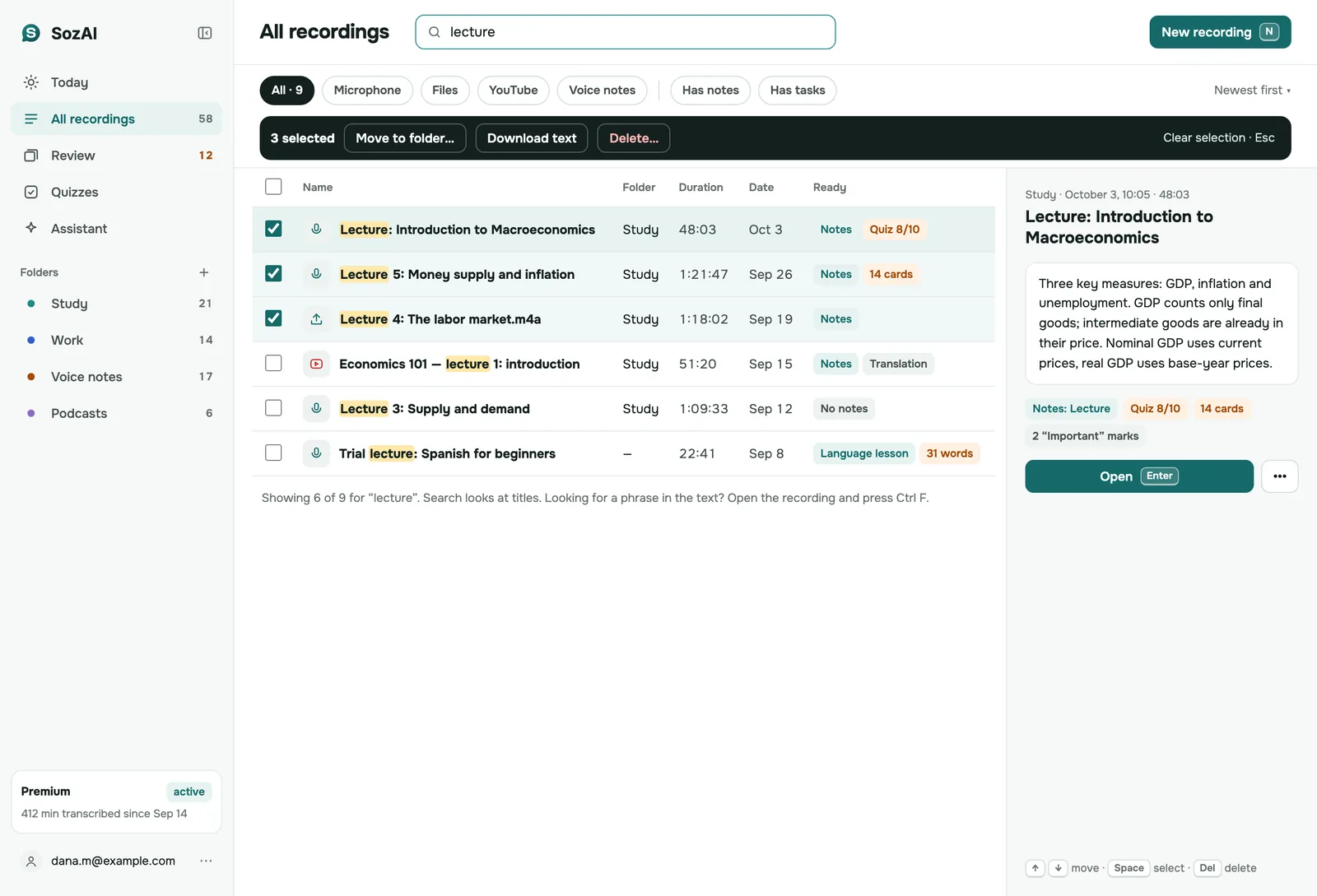
Every memo then sits in one library on all your devices. On the web you can search it for a word you remember instead of playing ten files to find one idea. From the phone app you can export TXT, PDF, SRT, VTT or JSON.
The first 30 minutes in the app are free, once. After that, Premium is $4.99 a week or $79.99 a year, billed by the App Store or Google Play.
Getting a cleaner transcript from a phone memo
Most bad memo transcripts are bad recordings. A phone in a pocket or a bag records through fabric. That muffles consonants, and no software can bring back what the microphone didn't catch. Hold the phone, or put it on the table pointing at whoever talks. Say unusual names slowly the first time. Memos made that way come back close to word for word.
How Voice Memo Transcription Works
From a memo on your phone to text you can paste anywhere
Share the Memo
In Voice Memos or your Android recorder, tap Share. Save it to Files to use the box above, or pick SozAI to send the whole memo to the app.
Read the First Five Minutes
Drop the file above. Your browser keeps the first five minutes, the language is detected, and the text usually appears in about a minute.
Finish It in the App
Copy the preview or download it as a text file. For the whole memo with speaker labels and a summary, open it in the SozAI app.
Answers
Frequently Asked Questions
What people ask before they drop a memo
Which recordings can I turn into text?
Anything with speech in it: iPhone Voice Memos, Samsung Voice Recorder, Google Recorder and other Android recorders, WhatsApp voice notes, dictation apps and desktop recorders. The box on this page takes MP3, M4A, WAV, OGG/OPUS, AAC, FLAC, WEBM and MP4 and transcribes the first five minutes. The SozAI app takes the whole recording, in files up to 500 MB.
How accurate is voice memo transcription?
It depends on the recording more than on anything else. A memo spoken with the phone in your hand usually comes back with few mistakes; a memo recorded in a pocket or next to traffic loses words. Rare names and terms are the usual misses, so check those. We measured our transcription on clips in 10 languages and published the method and every result in our accuracy test.
How do I export a recording from the Voice Memos app?
Open Voice Memos, tap the recording, tap the three dots and choose Share. Pick Save to Files to get an .m4a file you can drop on this page, or pick SozAI to send the memo to the app for a full transcript. On a Mac you can also drag a recording from Voice Memos onto the desktop. AirDrop to a Mac works too.
How long does voice memo transcription take?
The five-minute preview on this page is usually ready in about a minute. In the SozAI app, a one-hour recording usually takes one to two minutes once the upload has finished, and shorter memos are faster. You can close the app while it works; the transcript appears in your library on every device signed in to the same account, including web.sozai.app.
How much is free?
On this page, the first five minutes of each file, with no account; each device gets a limited number of previews a day. A 40-minute memo gives you its first five minutes as text, and the other 35 are never uploaded, because the cut happens in your browser. In the SozAI app the first 30 minutes of full transcription are free, once. After that, Premium is $4.99 a week or $79.99 a year.
Is my voice memo content kept private and secure?
Your memos travel over HTTPS and are stored on our servers. Speech recognition runs at partners named on our sub-processors page. We don't sell your recordings, our code never uses them to train models, and you can delete a memo or your whole account yourself.
Can I transcribe WhatsApp voice notes?
Yes. On your phone, press and hold the voice note and share it to SozAI (on iPhone: Forward, then the share icon); the app takes the .opus file WhatsApp sends. You can also save it and drop it on this page for the first five minutes. If you read WhatsApp on a computer, the WhatsApp Web extension adds a Transcribe button under each voice message, so nothing needs saving.
Does it tell two speakers apart?
Yes. When more than one person talks, the transcript is split into turns labelled Speaker A, Speaker B and so on, both in the preview here and in the app. In the iPhone or Android app and on web.sozai.app you can rename the labels to real names or roles. Labels are least reliable when two voices sound alike or one person only says a word or two.
Can I edit the text before I use it?
The preview on this page is read-only, but you can copy it or download it as a text file and edit it anywhere. In the SozAI app on iPhone and Android you can correct the transcript line by line or as a whole, and your edits are what you export and share. The web and Mac versions show the text but don't edit it yet.
Does my memo need to be in English?
No. The language (any of 99) is detected from the audio, so you never choose it, here or in the app. A memo in one language that switches to another for a sentence or two is transcribed in the main language, and those sentences may come out wrong. In the app you can translate a finished transcript and keep the original next to it.
Turn your next voice memo into text
Drop a memo above for a free five-minute preview, or share it into the SozAI app for the whole recording. The first 30 minutes in the app are free, once, with no card.
Start with 30 free minutes. No credit card needed.


