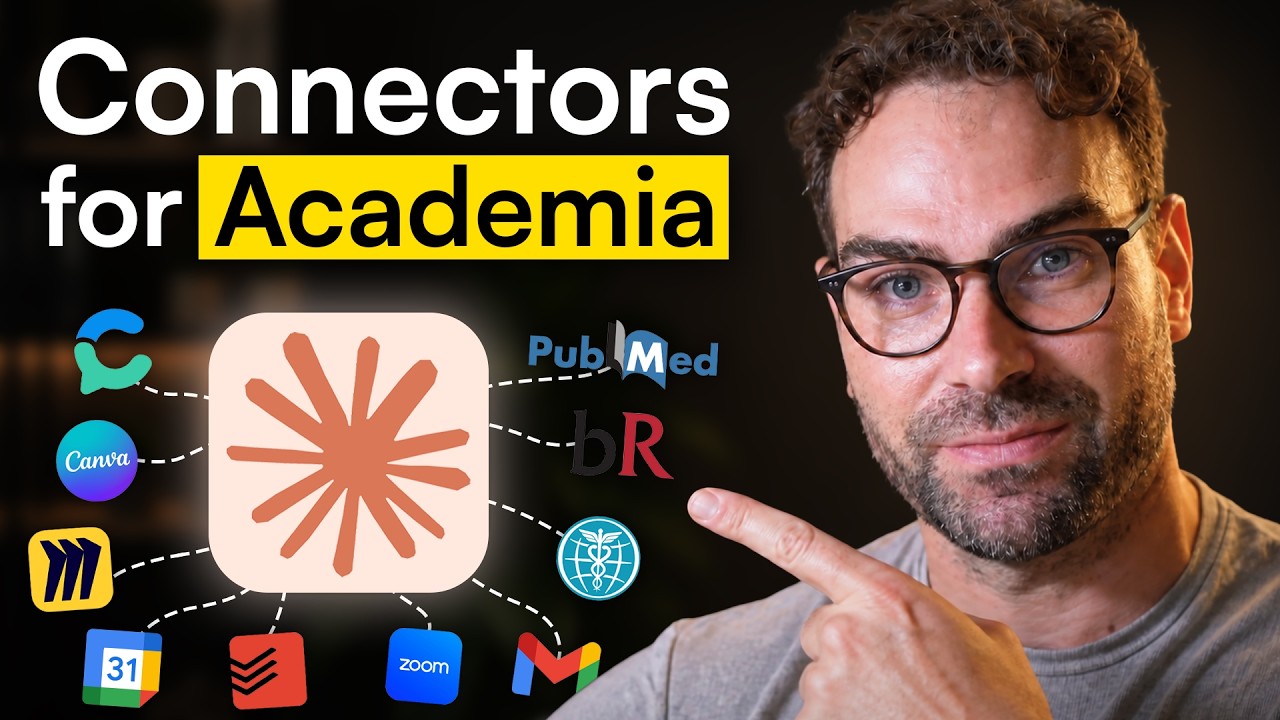
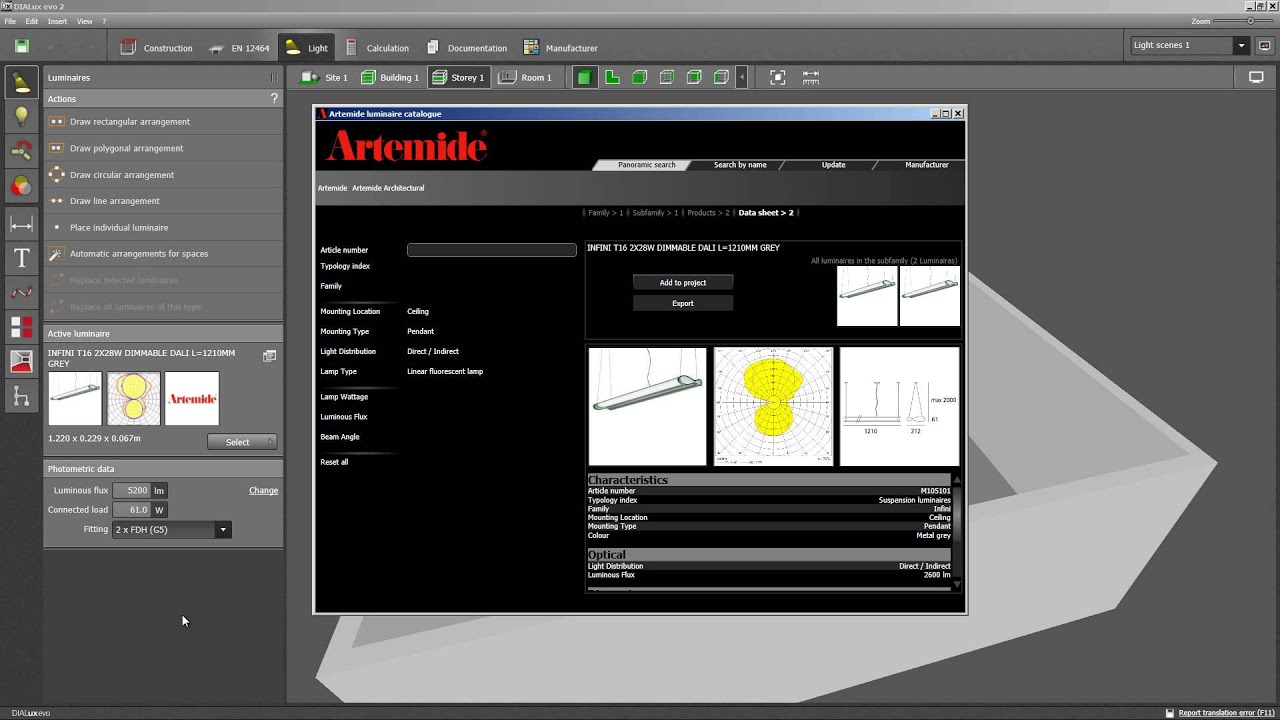
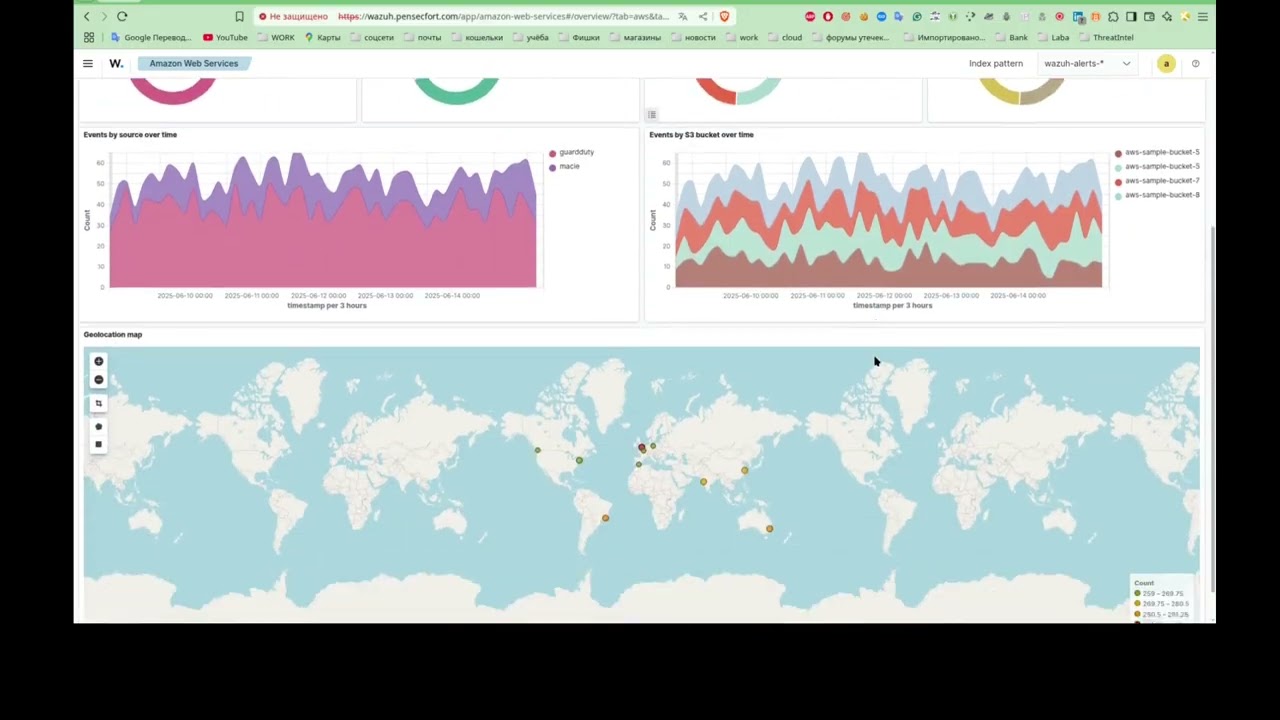
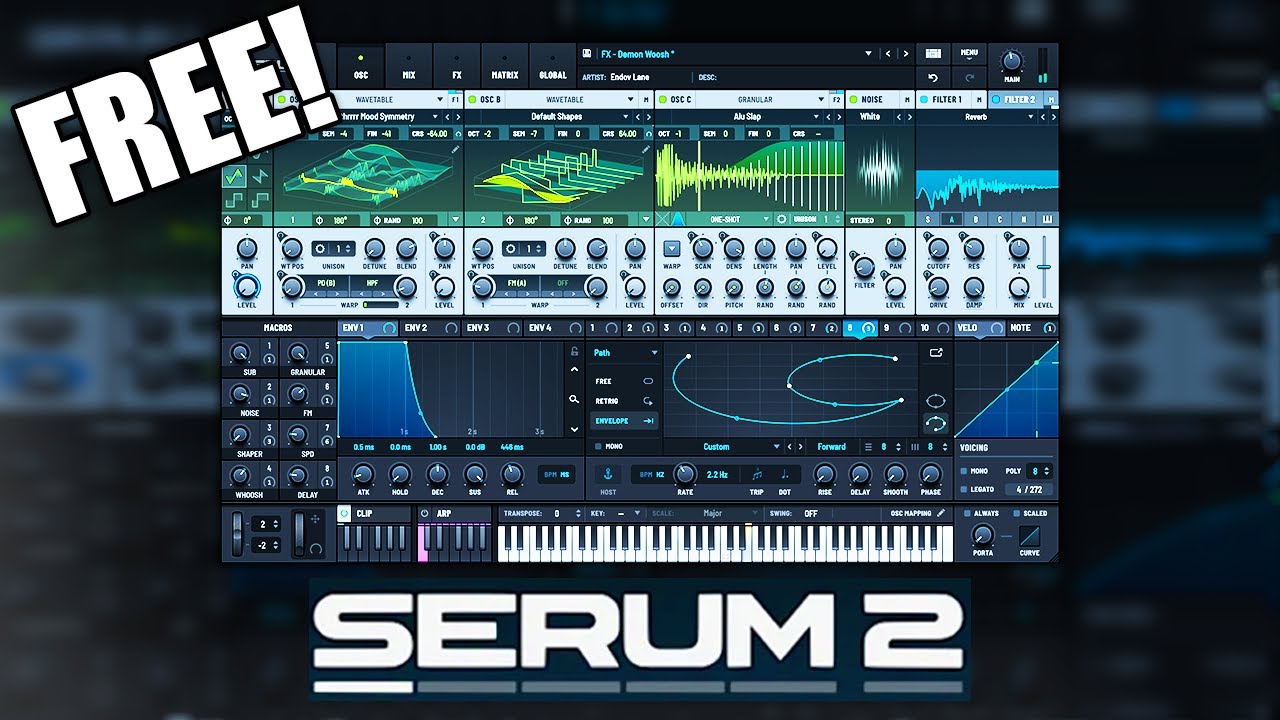
This shelf gathers practical software walkthroughs, setup guides, and troubleshooting videos. Its strongest threads are Claude and Claude Code, including model and token choices, coding workflows, second-brain systems, and links with NotebookLM, Obsidian, TradingView, and ElevenLabs. Other videos work through Hostinger and WordPress hosting, free domains and discount codes, Google Ads and Merchant Center suspensions, Selenium with Java, FreeCAD, DIALux evo, and Lovable. There are also narrower how-tos for FL Studio, Xiaomi firmware, document archiving, and phone lock screens.
People come here to configure a coding assistant, build an AI-supported workflow, publish or host a site, address an advertising suspension, or automate a repeated task. The shelf also supports comparisons and purchase decisions, through titles on Hostinger, Papra versus Paperless-NGX, and free access to AI services. It is a practical reference for moving from a named tool or problem to a concrete procedure.
9:07
41:46
2:04:04
8:54
27:28
12:28
11:43
35:02
15:33
1:07:46
3:12
14:18
1:00:04
27:49
2:26:33
9:15
1:44
2:45
1:27
2:35:32
2:06
8:38:34
14:53
3:24
0:49
1:50:13
11:36
11:16
22:05
10:52
51:14
1:40
3:01
8:56:42
6:11
6:38
7:43
9:55
22:11
3:50
1:55:23
1:56:38
1:50:15
2:04:04
37:51
15:32
1:11
28:00The shelf includes Claude Code introductions, free-plan and model- or token-selection advice, coding workflows, second-brain systems with Obsidian, NotebookLM combinations, TradingView connections, and AI-assisted dashboards and social-media automation. It also includes videos on Claude-related services such as Graphify, GLM-5.2 access, and Ominroute.
There are Hostinger reviews, coupon and discount guides, WordPress hosting material, free-domain topics, and Google Ads or Merchant Center suspension fixes. Several titles focus specifically on misrepresentation or circumventing-systems suspensions, making this a useful part of the shelf for diagnosing account and website problems.
Yes. It includes Selenium with Java, FreeCAD, DIALux evo, FL Studio, Xiaomi firmware, self-hosted document archiving, and FiveM MLO creation. These sit alongside the AI material, so the shelf covers both general software procedures and focused technical tutorials.
Can't find a transcript?
Paste any YouTube link and get the full transcript with timestamps for free.
No account needed. Free, with timestamps.