Skip to content

📈 How to Get More Clicks on Pinterest in 2026 (Outbound… — Transcript

Learn proven Pinterest marketing strategies for 2026 to boost outbound traffic with keyword hacks, pinning schedules, and top tools.

Key Takeaways

  • Keyword optimization tailored for Pinterest is crucial for pin visibility and traffic.
  • Consistency in pinning, starting slow and scaling gradually, prevents burnout and account flags.
  • Automated tools like BlockToPin and Ads Power streamline pin creation, scheduling, and multi-account management.
  • List-style and how-to pins perform best by matching Pinterest users’ discovery behavior.
  • Monitoring account health with tools like flaggedpins.com helps detect hidden penalties impacting clicks.

Summary

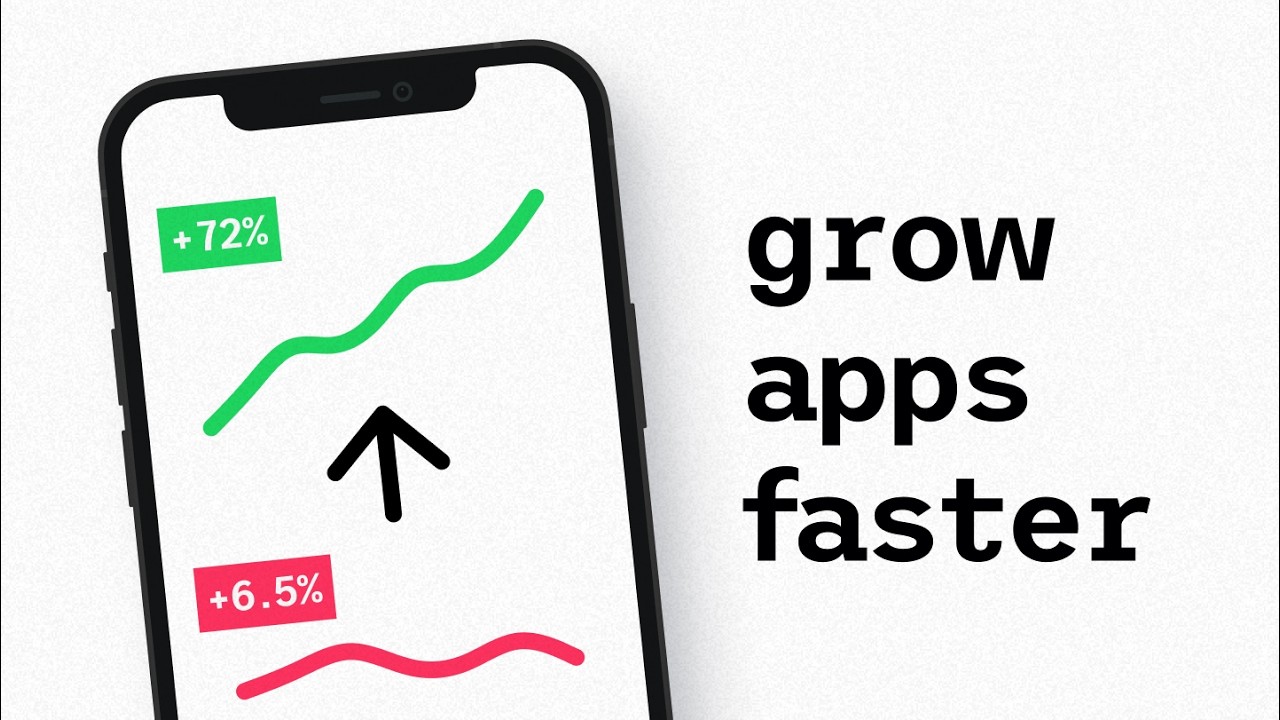
  • Anastasia shares her journey from zero clicks to 50,000-80,000 monthly outbound clicks on Pinterest.
  • Emphasizes the importance of keyword optimization using PinClicks, a Pinterest-specific keyword research tool.
  • Recommends a manageable pinning schedule starting with 5-10 pins per day to maintain consistency and avoid burnout.
  • Introduces BlockToPin for automated pin creation and scheduling, including analytics to track CTR and top-performing pins.
  • Highlights the value of creating new pins for older posts to sustain traffic growth.
  • Discusses managing multiple Pinterest accounts safely using Ads Power browser to avoid cookie clashes and bans.
  • Explains the effectiveness of list-style pins and how-to pins for driving traffic and engagement on Pinterest.
  • Warns about potential Pinterest penalties like flagged pins or removal of the visit site button affecting outbound clicks.
  • Recommends using flaggedpins.com to identify pins that may be filtered or flagged by Pinterest.
  • Encourages mixing content types and continuous analysis to optimize Pinterest marketing results.

Full Transcript — Download SRT & Markdown

00:00
Speaker A
Hey friends, Anastasia here. Does this sound familiar? You create a few pins, you post them, and nothing happens. No clicks, maybe some impressions, but no actual traffic. And that's where most people quit Pinterest.
00:17
Speaker A
But I didn't quit. I pushed through. And now one of my Pinterest accounts gets between 50,000 and 80,000 outbound clicks per month to my website for free.
00:31
Speaker A
So in this video, I will walk you through the exact Pinterest strategies that are working right now, including my pinning schedule, keyword hacks, analytics breakdowns, and all the tools that help me manage several Pinterest accounts without going crazy. Let's
00:50
Speaker A
start with the basics. Keywords. Pinterest is a search engine. If you're not optimizing for keywords, your pins will not get seen, no matter how beautiful they are. I use PinClicks to do my keyword research. This is the most
01:06
Speaker A
comprehensive keyword tool that's showing you search volume specifically based on Pinterest. Most other tools that you might have seen before, they actually show you search volume for the keywords on Google. But PinClicks gets search volume data for keywords from
01:24
Speaker A
Pinterest and it shows me what's trending, what's seasonal, and which keywords the top-performing pins are using right now. The top pins feature is gold here. I just type in something like beef recipes and I get the highest
01:40
Speaker A
performing pins for that keyword plus their titles, descriptions, and the engagement on the pins. By the way, you can get the link to PinClicks below as well as other tools that I will mention in this video. I have also a special
01:54
Speaker A
coupon code for my audience there. So, all I do is analyze what's working. I look for patterns and model it in my own content. But there is another crucial part of success on Pinterest. It's consistency. A lot of people try the
02:10
Speaker A
platform and they quickly fail because they cannot keep up with the pinning pace. So what is my pinning schedule and what is my growth strategy? So I get a lot of these questions. How many pins should I post per day? And the real
02:27
Speaker A
question is how consistently can you post without burning out? So, I recommend starting with just 5 to 10 pins per day. That is manageable. Once you see momentum, you can scale to 20 pins per day. But a little side note
02:45
Speaker A
here, don't go from zero to 20 pins on a brand new account. You might get flagged as spam. You should start slow and build gradually over the course of several months. If you ask me what I use to
03:00
Speaker A
create and schedule my pins, I actually still make high-quality pins using Canva and then schedule them on Pinterest. But I do this only for a small portion of my pins. There is something else that helped me scale my account. I started
03:16
Speaker A
using BlockToPin. This is a pin creation tool and it's also a scheduling tool. I have a bunch of templates there.
03:24
Speaker A
I actually imported some of my Canva templates and then I just submit my sitemap and the tool automatically generates pins for all the posts on my site. After using this tool for months, I started paying attention to the statistics that
03:41
Speaker A
it provides that we cannot get anywhere else. So if you go to analytics then breakdowns here you can go through all these columns and check which of your pages are generating the most traffic say in the past 90 days or lifetime. You
03:57
Speaker A
can see here the CTR which is click-through rate and that's where you see your outbound clicks, how well your pins that are getting a lot of impressions are driving you traffic. On Pinterest, you can and you actually should create new pins for your older
04:14
Speaker A
posts. This is the biggest thing that people don't realize about Pinterest. You might want to pay attention here if you were distracted until now. Most people don't know that your best performing pages on the site will likely perform on Pinterest well over and over
04:33
Speaker A
again if you create new pins for them. To do this in BlockToPin, you just go to breakdown by top URLs. Then select your top 10 posts by traffic in the lifetime tab and then you can bulk
04:48
Speaker A
create pins for them. I'll drop a link with my coupon code for BlockToPin below as well. I can also analyze my best templates based on CTR. Some of your templates, like in my case, these taller ones, will consistently drive you more
05:04
Speaker A
traffic than others. So eventually I got rid of shorter pin templates and I don't use them in the next pin generations. I generate pins here once a month for the next 30 days. And if you have ever tried
05:19
Speaker A
switching between Pinterest accounts on the same computer, you know how messy it can get. You get logged out, cookies clash, and Pinterest can even start limiting reach or flagging your content.
05:34
Speaker A
So, I partnered with Ads Power for this part of the video to show you how you can solve this problem. It is an all-in-one entity-decked browser that helps you manage multiple Pinterest accounts in a more safe and easy way.
05:49
Speaker A
It's trusted by thousands of marketers and Pinterest managers worldwide. See here, you can open separate browser profiles for each Pinterest account, each with its own fingerprint, IP, and login. No need to clear cookies or risk getting banned. You might need to run
06:10
Speaker A
multiple accounts because, say, you have several websites like I do. Or maybe you have clients and you manage Pinterest for them. Well, you can do it safely now on the same computer with Ads Power.
06:23
Speaker A
They have a free plan and I'll leave the link below so you can check it out. If you decide to upgrade, use coupon code Anastasia for an extra 5% off on a paid plan. All right, back to the strategy.
06:37
Speaker A
Let's talk about the right types of pins that drive traffic. This is something most people overlook. It's always a good idea on Pinterest to make list-style pins like 25 cozy fall dinner ideas.
06:52
Speaker A
They work great because Pinterest users are in a discovery mode. They're not looking for a specific answer like on Google for example. On Pinterest, they're looking for a broad idea, an inspiration about a certain topic. These pins drive most of the traffic to my
07:10
Speaker A
website. But there is also another kind of pins that people often don't even know about. Personally, I also ignored them for a very long time and I thought they were not a good fit for Pinterest until I tried some topics and they
07:25
Speaker A
actually worked great. They're how-to pins. I discovered this by accident. I always thought that how-to content can only do well on Google search. But one of my how-to pins has a very high 6% engagement rate. This includes clicks
07:43
Speaker A
and saves. And this is way above the average 2% on my pins. Why? Because people apparently search exactly for those phrases on Pinterest. You know, something like how to grow mushrooms.
07:57
Speaker A
These pins don't just perform on Pinterest, they also rank on Google, which means double the traffic. So now what I do is I mix my content. I create both list posts and also how-to guides.
08:11
Speaker A
You also want to keep an eye on the potential penalties or features that Pinterest is testing because sometimes accounts look perfectly fine on the outside, meaning you're not suspended.
08:24
Speaker A
Your pins even get good impressions, but there is a problem specifically with outbound clicks. And when this happens, you might want to check your account on flagpins.com site. It's free and it will actually send you an email with a list
08:40
Speaker A
of your pins that might be flagged. For example, for AI-modified images or some other pins that might have been filtered out on Pinterest from search results because they say, for example, they violated some community guidelines.
08:55
Speaker A
There is also an ongoing experimental issue on Pinterest when they remove the visit site button from some Pinterest accounts. So the pins in these cases, they keep getting high impressions but users cannot easily click through to your website. So if you see that your
09:13
Speaker A
outbound clicks are down you can go to Pinterest analytics and add a filter by outbound clicks like this. And if you see that impressions are up or stable but outbound clicks are down, you want to check with flaggedpins.com if on
09:27
Speaker A
some of your pins Pinterest already removed this button.
09:41
Speaker A
once we're done with this one. The next thing that I'd like to talk about is scaling smart and not in a spammy way.
09:49
Speaker A
Scaling your Pinterest presence doesn't mean that you should go wild. Here's what worked for me. I keep reusing my top performing pin designs as templates and I can analyze the best performing templates and I can automate this in
10:04
Speaker A
blog to pin as I've shown you early in the video. I also use pin clicks to spy on successful Pinterest accounts in my niche. And here is what nobody tells you about Pinterest. You will not get results in your first week or maybe even
10:19
Speaker A
in your first month or a few months. So stay consistent. Post daily. Focus on smart keywords and good design. If you're feeling fired up and ready to grow your Pinterest traffic, I've got a free Pinterest master class. I'll link
10:34
Speaker A
it below. And if you're ready to go deeper, then check out my full Pinterest as your traffic secrets course. It's also linked down below. It's perfect if you want to turn Pinterest into a traffic machine for your blog or
10:48
Speaker A
business. Let me know in the comments what you're working on on Pinterest and if you have tried any of these tools I've talked about before. And if you have by any chance an e-commerce site and you want to learn how to use
11:01
Speaker A
Pinterest for that type of business, I'll link the video up there and I'll see you in the next one.
Topics:Pinterest marketingPinterest trafficPinterest keyword researchPinClicksBlockToPinAds PowerPinterest pinning schedulehow-to pinslist-style pinsPinterest analytics

Answers

Frequently Asked Questions

How can I find the best keywords for Pinterest pins?

Use PinClicks, a keyword research tool that provides Pinterest-specific search volume and trends, helping you optimize your pins for visibility.

What is a good pinning schedule to avoid burnout?

Start with 5 to 10 pins per day to maintain consistency without burning out, then gradually increase to 20 pins per day as momentum builds.

How can I manage multiple Pinterest accounts safely?

Use Ads Power, an entity-decked browser that allows you to manage multiple accounts with separate profiles, fingerprints, and IPs to avoid cookie conflicts and bans.

Get More with the Söz AI App

Transcribe recordings, audio files, and YouTube videos — with AI summaries, speaker detection, and unlimited transcriptions.

Or transcribe another YouTube video here →