Skip to content

Stop Settling for Slow Wi-Fi – Try This Trick!

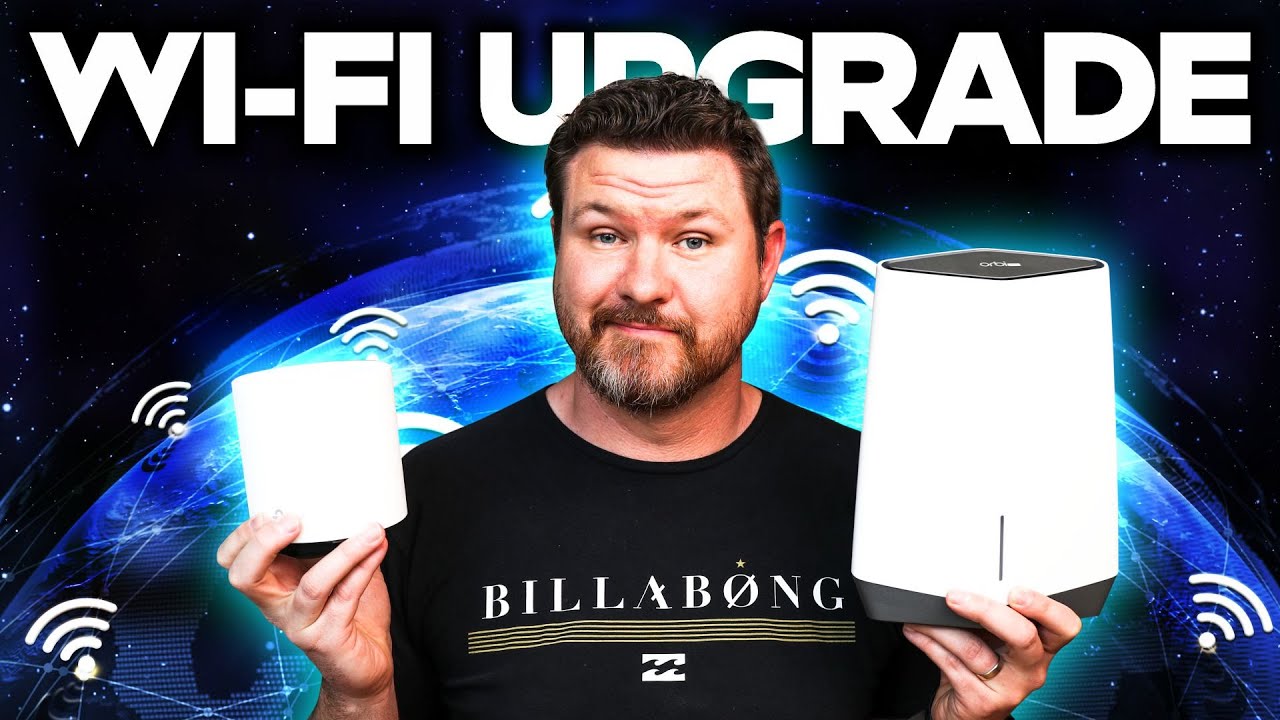
Learn how wired backhaul can boost your mesh Wi-Fi speeds and reliability with simple setup tips and alternatives like MoCA adapters.

Key Takeaways

  • Wired backhaul significantly improves mesh Wi-Fi speed and reliability by reducing wireless interference.
  • Using Ethernet cables or MoCA adapters can provide stable wired connections even in homes without Ethernet ports.
  • Setup for wired backhaul in systems like TP-Link Deco is straightforward and often plug-and-play.
  • Interference from devices like microwaves and neighbors' Wi-Fi can degrade wireless backhaul performance.
  • Future home networking improvements include smart home integration using the Matter protocol.

What the video covers

  • Introduction to mesh wired backhaul as a method to improve home Wi-Fi performance.
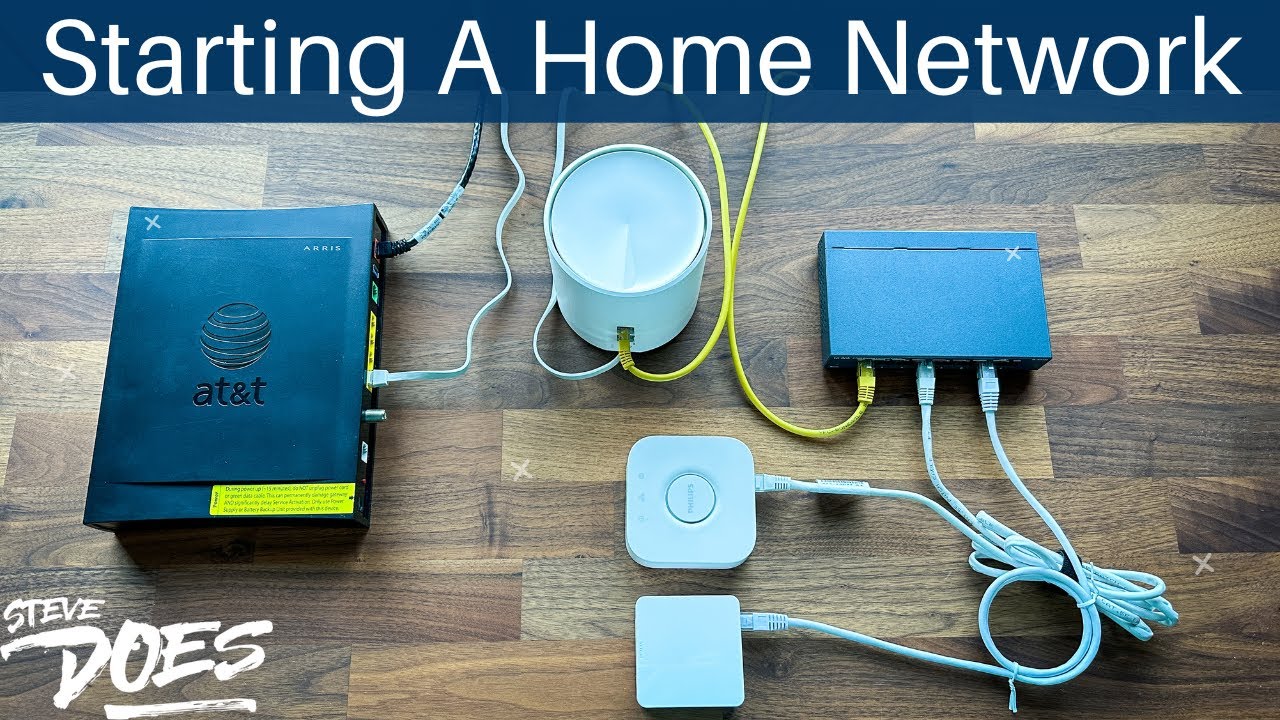
  • Explanation of wired backhaul as connecting mesh nodes via Ethernet for stability and speed.
  • Benefits of wired backhaul include reduced interference and more reliable connections.
  • Demonstration of speed tests showing significant improvement with wired backhaul.
  • Discussion of common home wiring limitations and use of MoCA adapters to utilize coax cables for Ethernet data transfer.
  • Step-by-step setup example using TP-Link Deco mesh system with plug-and-play wired backhaul.
  • Mention of upcoming smart home series focusing on the Matter protocol for local device communication.
  • Sponsored segment promoting Privacy VPN for online security and streaming access.
  • Encouragement to subscribe for more networking tips and future videos on boosting Wi-Fi signals.
  • Closing remarks thanking viewers and previewing next video content.

Answers

Questions about this video

What is a mesh wired backhaul and why should I use it?

A mesh wired backhaul connects your mesh Wi-Fi nodes via Ethernet cables instead of wirelessly, providing a more stable, faster, and interference-free network connection.

Can I use existing coax cables in my home for wired backhaul?

Yes, by using MoCA adapters, you can transfer Ethernet data over your home's coax cables, enabling wired backhaul without running new Ethernet wiring.

Is setting up wired backhaul complicated?

No, many mesh systems like TP-Link Deco offer plug-and-play wired backhaul setup, automatically detecting the wired connection once plugged in.

Full Transcript — Download SRT & Markdown

00:02
Speaker A
Today, we're diving into the world of mesh wired backhaul. Now, I know you're thinking, wired? Yeah, that sounds pretty boring, but let me tell you, this is going to be pretty exciting to get the most out of your mesh system. This is episode 4 in our home networking series. If you've missed previous episodes, definitely go take a look at that. I will have a link below in the description of that playlist and go through all the different things that we've talked about.
00:14
Speaker A
4 in our home networking series if you've missed previous episodes definitely go take a look at that I will have a link below in the description of that playlist and go through all the different things that we've talked about
00:24
Speaker A
For beginners to set up their home network. Now, like with all the other videos in this series, leave your questions down below. I will do my best to get to them, and if it's something that there's a video, I will make another video talking about that topic. Also, don't forget to subscribe because following up this network series, we are going to be building out a smart home using the new Matter protocol. It's a new language that devices are going to be using to communicate with each other, keeping everything locally in your home, making everything work faster. I'm going to do a full build-out and a series on that, so don't forget to subscribe so you are aware of that happening.
00:35
Speaker A
video talking about that topic also don't forget to subscribe because following up this network series we are going to be building out a smart home using the new matter protocol it's a new language that devices are going to be
00:48
Speaker A
First, let's start with the basics. A mesh Wi-Fi wired backhaul is kind of just a fancy way of saying that you are connecting all of your devices through a wired connection. This might seem kind of old school, but it's actually a nice, reliable way for your connection to be stable and reliable. But what about the backhaul parts? The backhaul is the backbone of your home network, the part that connects all the nodes together. In a wired backhaul system, the connections are connected through Ethernet instead of wirelessly.
00:59
Speaker A
start with the basics a mesh Wi-Fi wired backhaul is kind of just a fancy way of saying that you are connecting all of your devices through a wired connection this might seem kind of old school but it's actually a nice reliable way for
01:13
Speaker A
Now, I know what you're thinking: Ethernet cables? That is so old school, but hear me out. When it comes to creating a fast, reliable network, wiring is definitely going to be the way to go. With a wired backhaul system, your Wi-Fi network can transmit data at lightning-fast speeds without interference from other pesky devices. Alright, I have the Deco set up in the far corner of my house, the farthest away it would get. I mean, my house is very big, but if we take a look here at the app, we see signal strength to the main router is medium, so it has dropped. It used to say strong. Let's even do a speed test and see what kind of signal we're getting.
01:27
Speaker A
wirelessly now I know what you're thinking ethernet cables that is so old school but hear me out when it comes to creating a fast reliable Network wiring is definitely going to be the way to go with a wired backhaul system your Wi-Fi
01:39
Speaker A
Alright, 115 down at 64 up. I pay for a thousand up and a thousand down. That is not good. So, what are the benefits of using a wired backhaul? Well, for starters, you're going to get a more stable and reliable connection, which means you'll experience fewer drops and delays. Plus, because the backhaul is wired, you won't have to worry about interference from other devices like your neighbor's Wi-Fi or somebody using the microwave. With all the interference that you're going to be getting from outside your home and inside your home, it is really going to affect the strength and reliability that you're going to be getting from your wireless backhaul. So, being able to plug in that wire, getting a wired backhaul, is really going to provide a strong, fast, and reliable signal.
01:54
Speaker A
take a look here at the app we see signal strength to the main router is medium so it has dropped it used to say strong let's even do a speed test and see what kind of signal we're getting
02:10
Speaker A
And speaking of reliable, let's talk about this video sponsor, Privacy VPN, and their award-winning lightning-fast service. With their service, you can connect up to 10 different devices, have access to over 50,700 servers across the globe, all of this for an incredibly low price. They even have a special going on right now that if you sign up for a five-year commitment, you can get the service for a dollar a month. Now, all plans are going to unlock Disney Plus, Hulu, and over seven different Netflix regions. So, if you're interested in protecting yourself online, sign up in the link in the description.
02:26
Speaker A
connection which means you'll experience fewer drops and delays plus because the back hole is wired you won't have to worry about interference from other devices like your neighbor's Wi-Fi or somebody using the microwave with all the interference that you're going to be
02:39
Speaker A
Now, there's a good chance that you don't have Ethernet ports around your house, so Wi-Fi is just the simpler and easier way to go. But there's a really good chance that you probably have coax cable in each room of your house. This is the cable they use to get cable TV service into your house. Well, did you know that you could actually transfer data over those cables? You can buy a pair of MoCA devices like this. You're going to put one on your modem side where your switch is, and the other side you'll put in that bedroom. You can then connect Ethernet cables into that, giving you an Ethernet connection in that room where you can plug your mesh satellite into to get a better, stronger signal.
02:53
Speaker A
really going to provide a strong fast and reliable signal and speaking of reliable let's talk about this video sponsor privacy VPN and their award-winning Lightning Fast service with their service you can connect up to 10 different devices have access to over
03:09
Speaker A
Now, with the TP-Link Deco system that I'm using, setting up a wired backhaul is completely plug and play. Once you plug that cable in, give it a couple of minutes. It'll detect that it is a wired backhaul, and it'll automatically make that connection. Now, with that said, let's go ahead and test out the speeds that we're getting. Now, if we take a look at the app here, we can see the connection between these two. It shows a Wi-Fi symbol, so it shows a very weak Wi-Fi signal right here. I have now plugged in the Ethernet backhaul into the back of my device right here, so it's going to take a minute or so, but this Wi-Fi signal here in the back should actually change to a different symbol indicating that it now has a wired backhaul connection.
03:21
Speaker A
dollar a month now all plans are going to unlock Disney Plus Hulu and over seven different Netflix regions so if you're interested in protecting yourself online sign up in the link in the description now there's a good chance
03:32
Speaker A
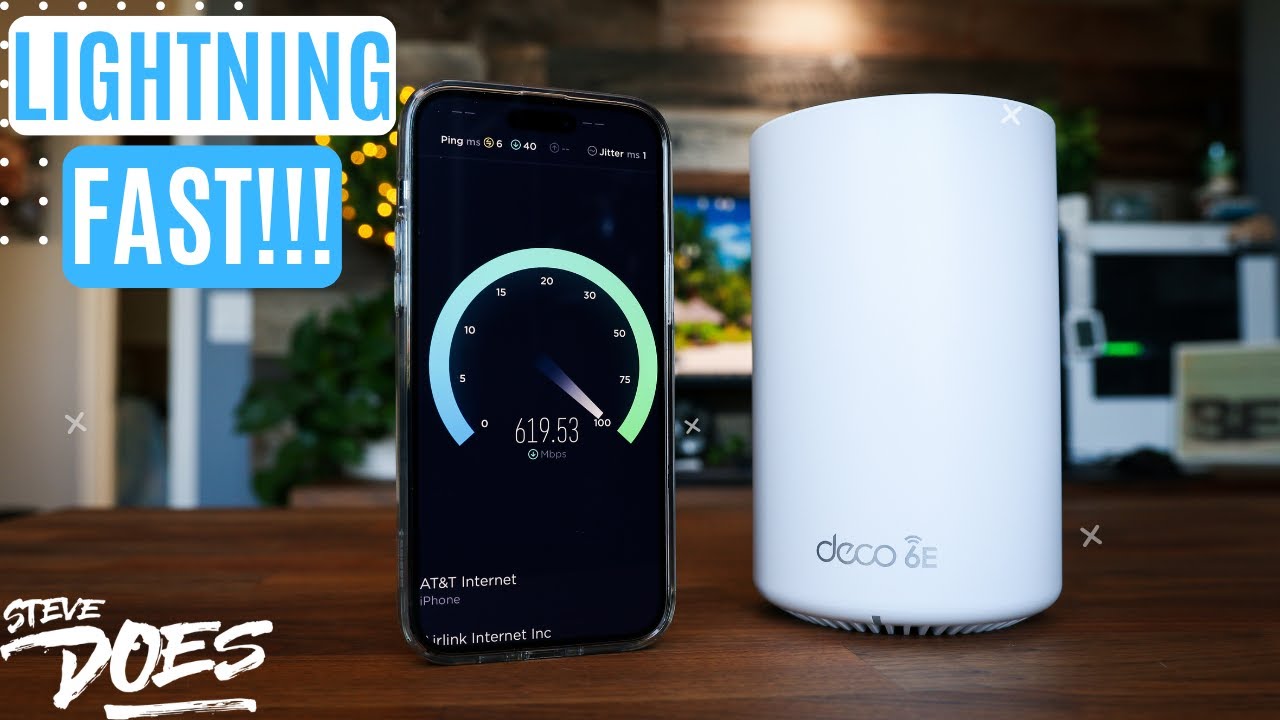
All right, there we go, and now they wired backhaul connection with these two devices right here. Let's go ahead and test out the speed. All right, here we go, high hopes. Oh yeah, there we go. Foreign. So, looking at over five times faster just having this cable plugged into the network and getting incredible speed from this thing. So, there you have it, folks. A wired backhaul may not be the most exciting thing out there, but it's a seriously efficient way to get the best speeds and reliability out of your home network system.
03:44
Speaker A
cable TV service into your house well did you know that you could actually transfer data over those cables you can buy a pair of mocha devices like this when you're going to put on your modem side where your switch is and the other
03:57
Speaker A
I'd like to thank everybody who made it this far in the video. I do truly appreciate that. In next week's video, we're going to be talking about five ways to boost your Wi-Fi signal, going through all those, hopefully helping you get a better, faster, more reliable signal out of your Wi-Fi router. If this video is helpful, give a thumbs up, let me know that you liked it. As always, don't forget to subscribe for more content like this. I'll see you guys in the next video. [Music] [Applause] [Music] [Music]
04:12
Speaker A
that I'm using setting up a wired backhaul is completely Plug and Play Once you plug that cable in give it a couple of minutes It'll detect that it is a wired backhaul and it'll automatically make that connection now
04:23
Speaker A
with that said let's go ahead and test out the speeds that we're getting now if we take a look at the app here we can see the connection between these two it shows a Wi-Fi symbol so it shows a very
04:33
Speaker A
weak Wi-Fi signal right here I have now plugged in the ethernet backhaul into the back of my device right here so it's going to take a minute or so but this wi-fi signal here in the back should actually change to a different symbol
04:48
Speaker A
indicating that it at now has a wired backhaul connection all right there we go and now they wired backhoe connection with these two devices right here to go ahead and test out the speed all right here we go high hopes
05:06
Speaker A
oh yeah there we go foreign so looking at over five times faster just having this cable plugged into the network and getting incredible speed from this thing so there you have it folks a wire backhaul may not be the
05:24
Speaker A
most exciting thing out there but it's a seriously efficient way to get the best speeds and reliability out of your home network system I'd like to thank everybody who made it this far in the video I do truly appreciate that in next
05:38
Speaker A
week's video we're going to be talking about five ways to boost your Wi-Fi signal going through all those hopefully helping you get a better faster more reliable signal out of your Wi-Fi router if this video is helpful giving a thumbs
05:51
Speaker A
up let me know that you liked it as always don't forget to subscribe for more content like this I'll see you guys in the next video [Music] [Applause] [Music] [Music]
Topics:mesh Wi-Fiwired backhaulhome networkingTP-Link DecoMoCA adaptersEthernetWi-Fi speednetwork reliabilitysmart homeMatter protocol

Get More with the SozAI App

Transcribe recordings, audio files, and YouTube videos — with AI summaries, speaker detection, and unlimited transcriptions.

Or transcribe another YouTube video here →