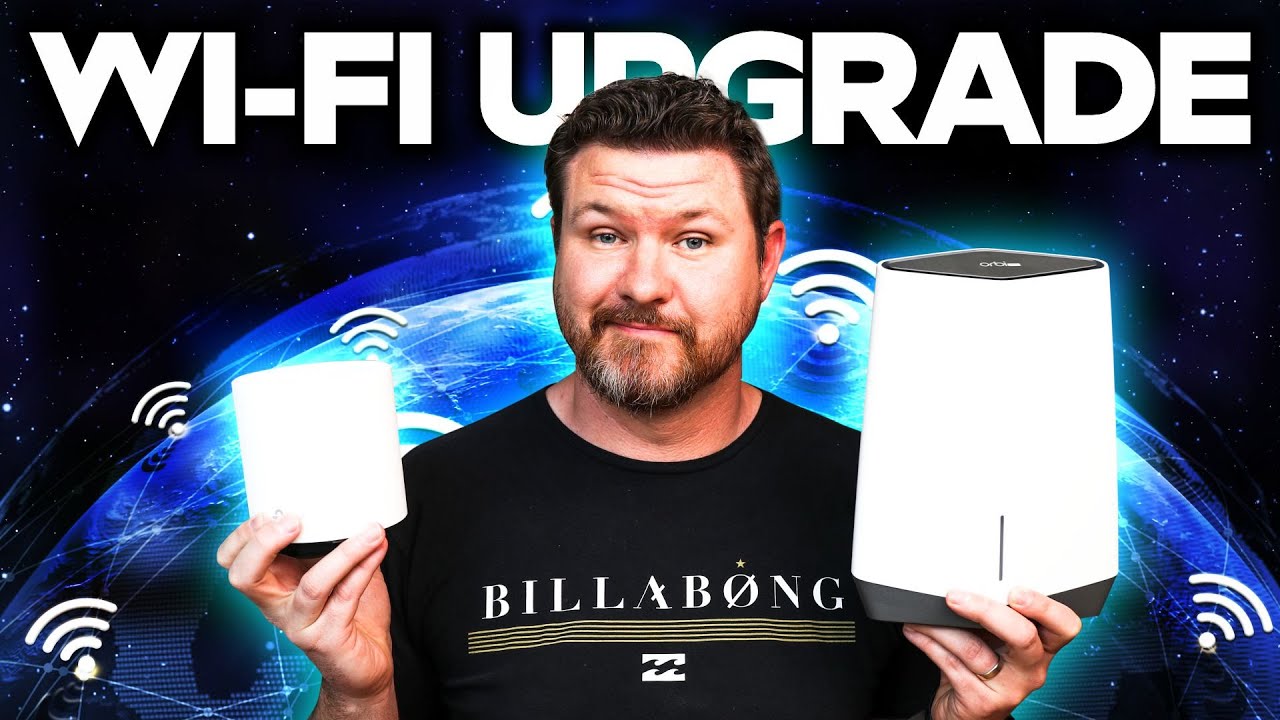
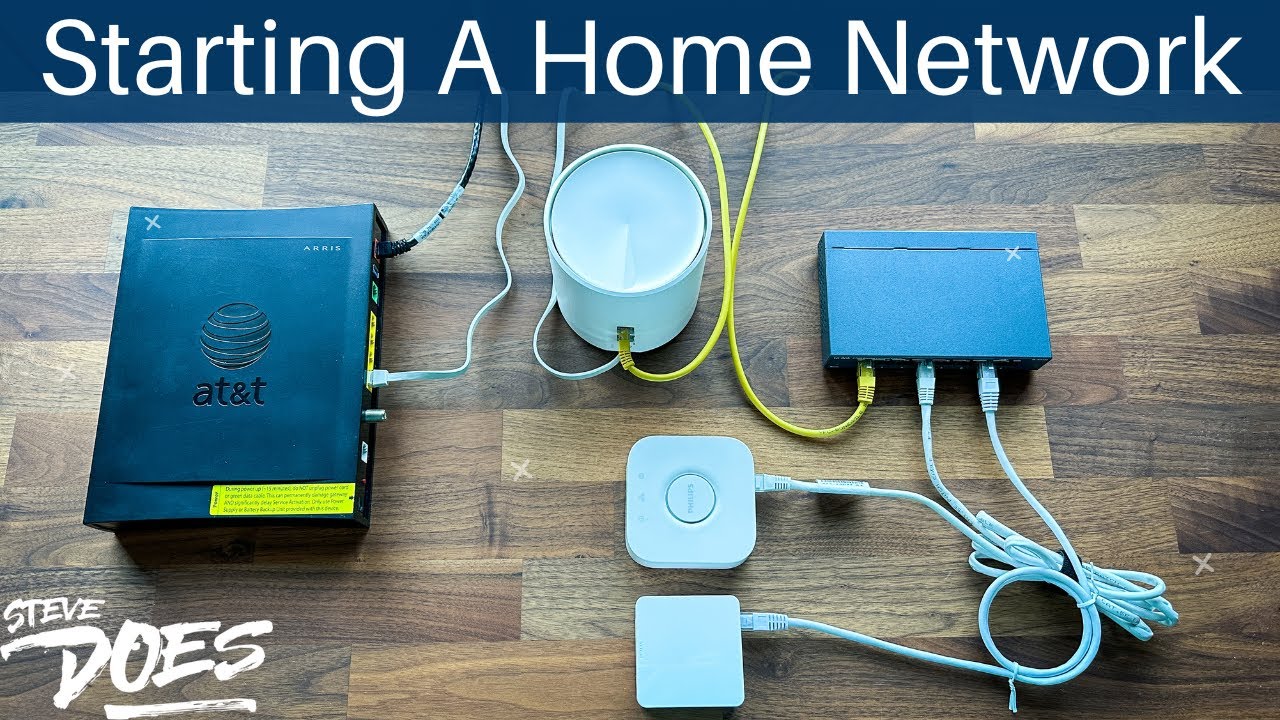
Review and speed test of the TP-Link Deco XE75 Pro Wi-Fi 6E mesh system, highlighting features, setup, and performance.
Ask about this video. Answers come from its transcript only — with the timestamp, so you can check them.
Generated from the transcript and can be wrong — check the timestamp.
Key Takeaways
- The Deco XE75 Pro offers tri-band Wi-Fi 6E with a new 6 GHz band for less congestion and higher speeds.
- The Pro version includes a 2.5 Gbps Ethernet port, enhancing wired network performance.
- Supports up to 200 devices and covers large homes with AI-driven mesh technology.
- Includes TP-Link Home Shield for security and parental controls, with optional premium subscription.
- Setup is user-friendly via the Deco app, and speed tests show significant improvements over older systems.
What the video covers
- Overview and unboxing of the TP-Link Deco XE75 Pro mesh Wi-Fi system with Wi-Fi 6E support.
- Explanation of Wi-Fi 6E technology including tri-band support with 2.4 GHz, 5 GHz, and new 6 GHz bands.
- Comparison between Pro and non-Pro versions, focusing on the 2.5 Gbps Ethernet port exclusive to the Pro model.
- Discussion of features like AI-driven seamless mesh networking, Wi-Fi Dead Zone killer, and support for up to 200 devices.
- In-depth look at TP-Link Home Shield security suite with parental controls, network protection, and subscription options.
- Setup process using the TP-Link Deco app, including device detection and satellite node addition.
- Performance testing including speed tests comparing old network to new Wi-Fi 6E system.
- Advanced technologies such as MU-MIMO and OFDMA for multi-device connectivity and network efficiency.
- Coverage area of approximately 5500 square feet for a two-unit system.
- Future-proofing benefits of adopting Wi-Fi 6E despite limited current device support.
Chapters
- 00:00Introduction and Overview
- 00:50Wi-Fi 6E Technology Explained
- 01:56Tri-Band Features and Device Support
- 03:29Pro vs Non-Pro Version Differences
- 03:55Advanced Features and Wi-Fi Dead Zone Killer
- 04:38AI-Driven Mesh and 2.5 Gbps Port Details
- 05:17Home Shield Security and Parental Controls
- 06:05Multi-Device Support and Future Proofing
- 06:56Unboxing and Physical Features
- 08:25Setup Process Using the Deco App
Full Transcript — Download SRT & Markdown
Speaker A
If you are looking to upgrade your home network, then look no further because I have got the mesh Wi-Fi system that is going to be the best bang for your buck. In today's video, we're going to be taking a look at the Deco XE75 Pro, what it offers, and some speed tests. So let's get started.
Speaker A
it offers and some speed tests so let's get started hey everybody welcome back to another video so we're taking a look at another mesh wi-fi system from tp-link now a while ago I took a look at their Deco
Speaker A
Hey everybody, welcome back to another video. So we're taking a look at another mesh Wi-Fi system from TP-Link. Now, a while ago, I took a look at their Deco X20. It was a Wi-Fi 6 mesh Wi-Fi system that was a great entry-level system. Well, TP-Link now has their brand new XE75. Now, this is the Pro version that we're going to be taking a look at in
Speaker A
this video I also want to thank tp-link for sending this unit out for me to review and for sponsoring this video now I'm super excited about this one specifically because this is Wi-Fi 6E which means it is going to be taking
Speaker A
this video. I also want to thank TP-Link for sending this unit out for me to review and for sponsoring this video. Now, I'm super excited about this one specifically because this is Wi-Fi 6E, which means it is going to be taking
Speaker A
2.4 the 5 gigahertz signal and now a new six gigahertz signal which is something that is very new to home networking it is a much broader system allows for a lot more devices to connect to it and is
Speaker A
advantage of that six gigahertz signal. Now, to quickly explain that, the old versions of Wi-Fi out there had a 2.4 gigahertz signal. Newer versions had dual band where they had 2.4 and 5 gigahertz, and now these new tri-band ones have the
Speaker A
of the features that come with this device right here but before we get started don't forget to subscribe and hit that notification Bell so you don't miss out on future videos like this one and with this head let's go ahead and
Speaker A
2.4, the 5 gigahertz signal, and now a new six gigahertz signal, which is something that is very new to home networking. It is a much broader system, allows for a lot more devices to connect to it, and is
Speaker A
gigahertz port on the back if you get the non-pro version it's exactly the same thing same speed and everything except it does not have that 2.5 gigahertz port on the back of the device we'll take a look at that in a second we
Speaker A
a lot less cluttered than the 2.4 and the 5 gigahertz systems out there. So while not a lot of devices out there can support Wi-Fi 6E, it is definitely great for future-proofing your devices down the road. Now, let's take a look at some
Speaker A
60 let's flip it over and take a look at some more of the features in depth again it's talking about that six gigahertz band we see clean and congestion free because of that taking a look down here we've got the Wi-Fi Dead Zone killer as
Speaker A
of the features that come with this device right here. But before we get started, don't forget to subscribe and hit that notification bell so you don't miss out on future videos like this one. And with this, let's go ahead and
Speaker A
your house which is just going to help blanket your house in Wi-Fi signal which is just awesome seaming less AI driven mesh which is great like I mentioned we've got the 2.5 gigahertz port on this one because it is the pro version and
Speaker A
take a look at those features. This is the AX AA tri-band mesh Wi-Fi 6E system. We've got the AXE 5400 Pro, includes that new six gigahertz Wi-Fi band. This one, since it is the Pro version, does have a 2.5
Speaker A
for you to keep your network safe and then also some extra like parental control features and Reporting features that does have a subscription tied to it but for the most part with the Home Shield that this does come with for free
Speaker A
gigahertz port on the back. If you get the non-Pro version, it's exactly the same thing, same speed and everything, except it does not have that 2.5 gigahertz port on the back of the device. We'll take a look at that in a second. We
Speaker A
for multi-user multi-in multi-out which essentially that means that this device right here can connect and speak to multiple devices at the same time that thing is important you're definitely going to want that in your system another thing that this one has too is
Speaker A
see that we're going to be able to get speeds of 5400 meg. This covers 5500 square feet for just the two devices right here. We've also got the ability to connect 200 devices. That is insane. It's got Home Shield like I mentioned, Wi-Fi
Speaker A
definitely going to want in your system for future proofing all right so now that we've taken a look at the features with this device let's go ahead and take a look at what comes in the Box dive into the app and then do a speed test
Speaker A
6E. Let's flip it over and take a look at some more of the features in depth. Again, it's talking about that six gigahertz band. We see clean and congestion free because of that. Taking a look down here, we've got the Wi-Fi Dead Zone killer as
Speaker A
somewhere in your house as a satellite if we take a look here on the back we have got three ports because this is the pro version it is going to come with a port that is 2.5 gigabit now if you
Speaker A
they say, and essentially because this is a mesh system, we're going to be able to put these satellites around the house. So you're gonna take one of these devices, plug it into your modem. The other one you're going to put out somewhere in
Speaker A
power cable for each of the devices and a network cable to plug it into your cable modem okay now that we have seen what comes in the Box let's go ahead and get this set up in the app so the setup
Speaker A
your house, which is just going to help blanket your house in Wi-Fi signal, which is just awesome. Seamless AI-driven mesh, which is great. Like I mentioned, we've got the 2.5 gigahertz port on this one because it is the Pro version, and
Speaker A
want to add a deco and scroll down to the device that I have so let's say I've got the xe75 pro which is going to be right here I'll tap on that I'm going to say that I have two floors here so it's
Speaker A
then we've got TP-Link's Home Shield. So it comes with these features right here. We've got network protection, parental control, quality of service, and comprehensive reports. Now, TP-Link does offer a Pro version of their Home Shield. It's going to offer some extra features
Speaker A
click on here and it's going to detect the device set it up all I have to do after that is say I'm going to add another device I plug in one of the satellites and if I do that within two
Speaker A
for you to keep your network safe and then also some extra parental control features and reporting features. That does have a subscription tied to it, but for the most part, with the Home Shield that this does come with for free,
Speaker A
now that we have these things set up let's do a speed test all right now before I get this thing set up I want to test on my old Network now my old network is already pretty fast but let's
Speaker A
you're going to get all this good stuff right here. Now, a couple other advanced features that I did want to point out on the side of the box, we do have the MU-MIMO connection, which is going to allow
Speaker A
ahead and take that system down set this one up so we're not going to interference and see what kind of speeds we're going to be able to get out of the Wi-Fi 6E okay so I've disconnected the old system we've got the new system in
Speaker A
for multi-user, multi-in, multi-out, which essentially means that this device right here can connect and speak to multiple devices at the same time. That thing is important. You're definitely going to want that in your system. Another thing that this one has too is
Speaker A
this kind of boost out of this system right here I'm pretty happy with jumping up to the Wi-Fi 6E with that six gigahertz signal is pretty awesome okay so now let's quickly go over some of the features in the app loading up the app
Speaker A
it's got the OFDMA. That's going to be similar to the MIMO where it's going to be able to talk to a bunch of different devices at the same time, but those are two advanced features that you're
Speaker A
have my main device which is in the server room and then we've got the other Deco setup right there if I click on the other satellite Deco and bring it up right here it's going to show me what
Speaker A
definitely going to want in your system for future-proofing. All right, so now that we've taken a look at the features with this device, let's go ahead and take a look at what comes in the box, dive into the app, and then do a speed test.
Speaker A
other over ethernet so if you are lucky enough to have ethernet throughout your house you can do plug ethernet directly into the satellite to get an even faster connection and as a teaser for next week's video I'm going to show you how
Speaker A
All right, so here's what we have in the box. We've got two of our devices right here. Now, both are exactly the same. One of these you'll plug into your cable modem. The other one is going to be put
Speaker A
of our devices right here I can see my home network it's going to show me all the devices that are connected down here at the bottom we have got Smart Action so tp-link has a lot of smart home
Speaker A
somewhere in your house as a satellite. If we take a look here on the back, we have got three ports because this is the Pro version. It is going to come with a port that is 2.5 gigabit. Now, if you
Speaker A
instance I've got parental control so I clicked on ADD I added my daughter for parental control I don't have a device connected in here right now but you can go through and set up a different parental controls on here below that we
Speaker A
don't have the Pro version, it'll still come with three. They'll just all three be the gigabit ports. Back here, we've got a power port, and then this is what the device looks like. Really nice looking device. Also, in the box, we have got a
Speaker A
gigahertz Wi-Fi right here right now my six gigahertz Wi-Fi by default is going to be a dedicated backhaul so that is going to allow for these devices to communicate with each other if I click on there I can set it up to be a Wi-Fi
Speaker A
power cable for each of the devices and a network cable to plug it into your cable modem. Okay, now that we have seen what comes in the box, let's go ahead and get this set up in the app. So the setup
Speaker A
Advanced so here in advance we've got things like our DHCP servers we've got address reservations port forwarding different things like that so here are all of the different Advanced features that you can set up with this device now
Speaker A
cannot be easier with these devices. Right here, I have the Deco app loaded up. I've created my account. All I'm going to do is click on the plus sign in the top right corner. I'm going to say that I
Speaker A
that and actually view some things but you can't manage anything from that website so it all has to be done through the app here now for most people it's totally fine I mean most people are probably not going to go in and mess
Speaker A
want to add a Deco and scroll down to the device that I have. So let's say I've got the XE75 Pro, which is going to be right here. I'll tap on that. I'm going to say that I have two floors here, so it's
Speaker A
and go to our overview and let's say I click on a device like my iPhone right here so on my iPhone I can go into a specific device I can rename it if I want to so I can tap on the name right
Speaker A
going to help me with my setup, and then I'm just going to click on the next button. It's going to say to plug in my device, wait for the lights to start flashing, and then all I'll have to do is
Speaker A
far as the data being used on there so that's just a quick overview of the app and the features that you're gonna get into that overall I think the Deco xc75 is a fantastic device out there I love
Speaker A
click on here, and it's going to detect the device, set it up. All I have to do after that is say I'm going to add another device. I plug in one of the satellites, and if I do that within two
Speaker A
version that is one that I recommend I feel like that one is just in the perfect sweet spot for most users if you are a high-end and more advanced user and have maybe a home network really built out and to be able to take
Speaker A
minutes, it's automatically just going to connect up and be ready to go. It is super simple setup. Once that is connected to the app, all you need to do is create a network name and then set up a password, and you're good to go. Okay, so
Speaker A
device I gotta say it is definitely something that I recommend but how does it stack up with its competitors maybe you know what tp-link will sponsor a future video doing a comparison between this device right here and some of the
Speaker A
now that we have these things set up, let's do a speed test. All right, now before I get this thing set up, I want to test on my old network. Now, my old network is already pretty fast, but let's
Speaker A
the next video [Music] foreign [Music]
Topics:TP-Link Deco XE75 ProWi-Fi 6Emesh Wi-Fi systemtri-band Wi-Fi2.5 Gbps EthernetHome ShieldMU-MIMOOFDMAnetwork upgradespeed test