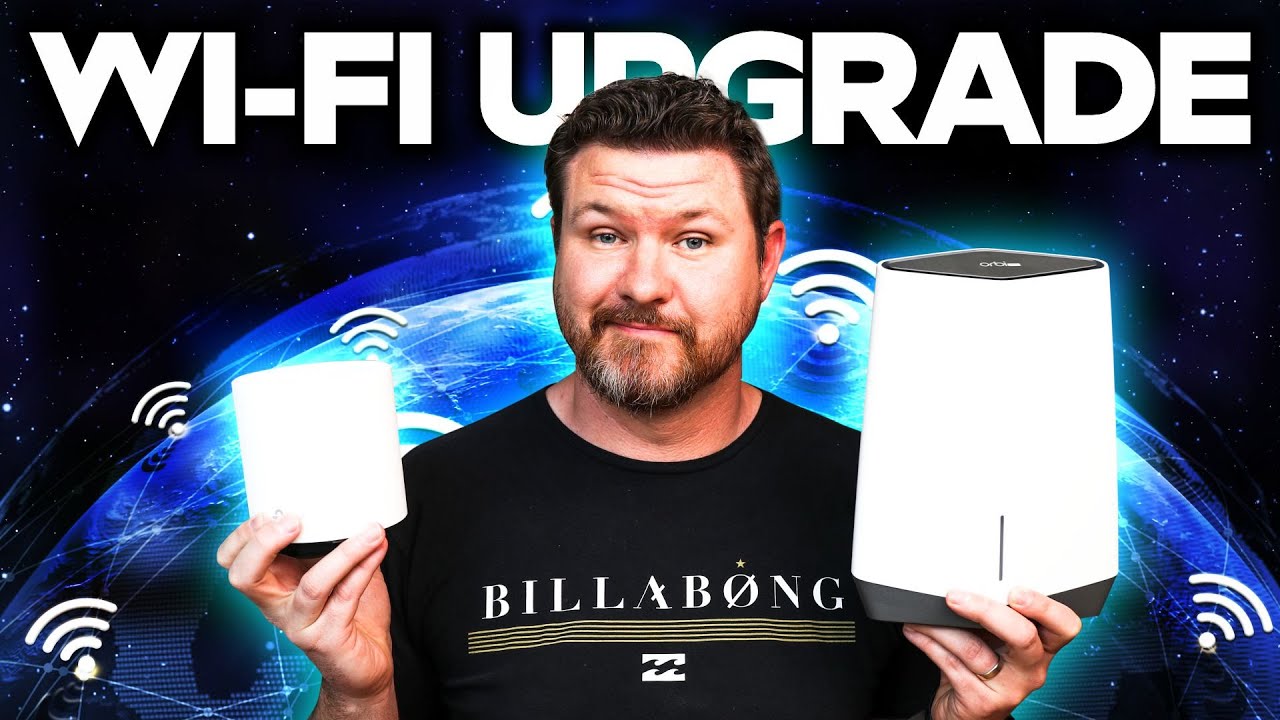
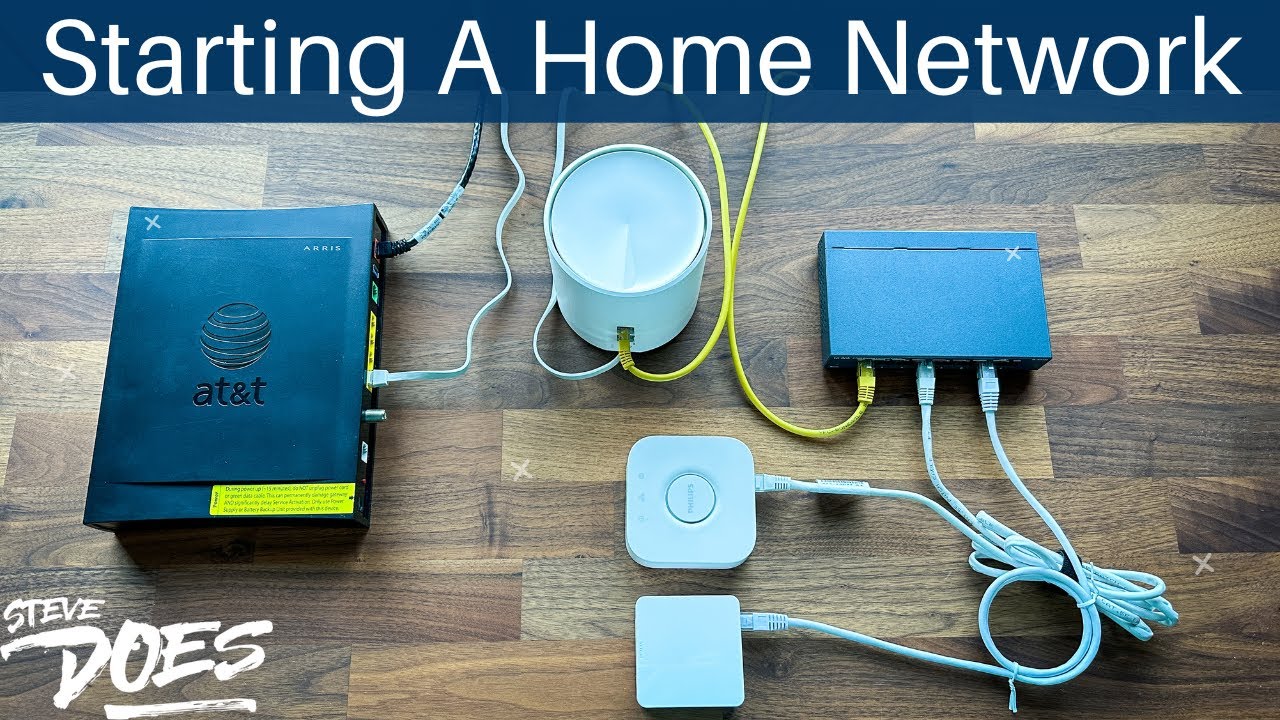
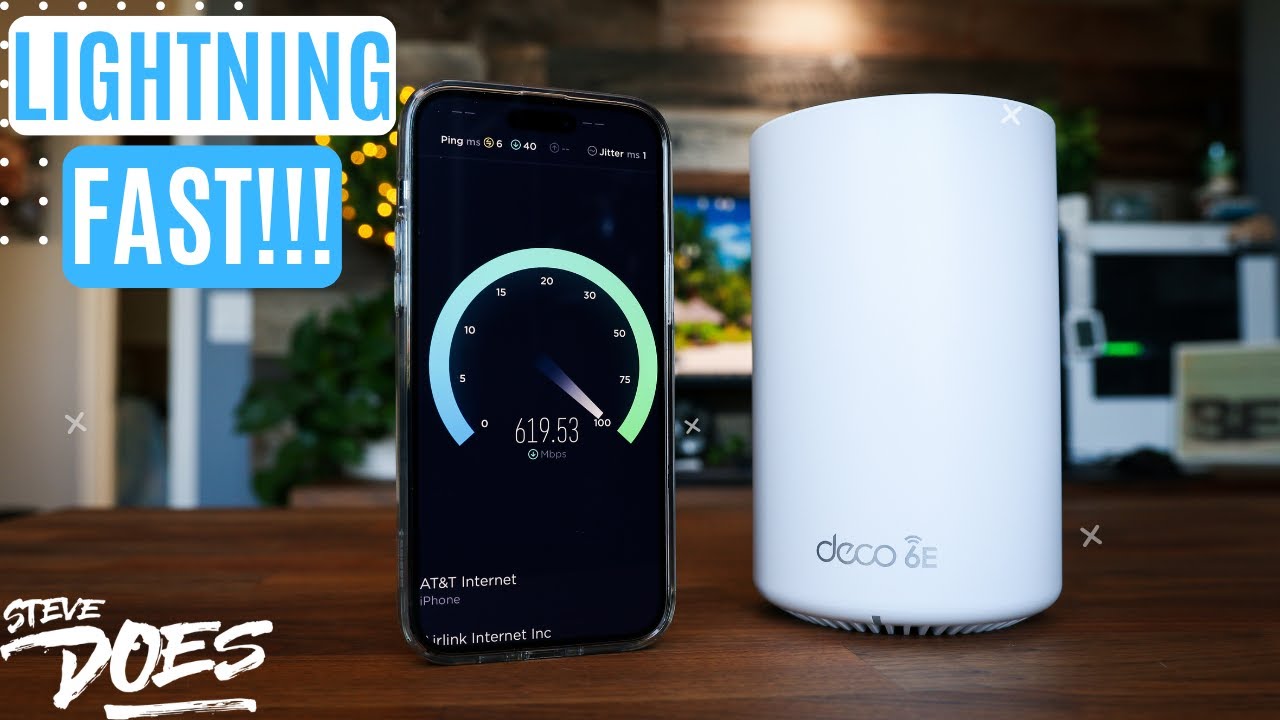
Learn how to choose the right mesh Wi-Fi system for your home, comparing Wi-Fi standards, bands, speeds, and key features.
Ask about this video. Answers come from its transcript only — with the timestamp, so you can check them.
Generated from the transcript and can be wrong — check the timestamp.
Key Takeaways
- Wi-Fi 6E and Wi-Fi 7 offer the latest technology with the 6 GHz band for future-proofing your network.
- Tri-band and quad-band systems provide more bandwidth and better performance but come at a higher cost.
- Speed ratings on the box indicate the maximum combined bandwidth shared across all devices.
- Using old routers as part of a mesh system can extend coverage and improve network efficiency.
- Travel routers can create secure private networks on public Wi-Fi, enhancing security and convenience.
What the video covers
- Introduction to a new networking series focused on mesh Wi-Fi and its features.
- Explanation of Wi-Fi standards: Wi-Fi 6, Wi-Fi 6E, and Wi-Fi 7, including their alternate names AX, AXE, and BE.
- Discussion of Wi-Fi bands: dual-band, tri-band, and quad-band systems and their frequency ranges (2.4 GHz, 5 GHz, 6 GHz).
- Comparison of mesh Wi-Fi system speeds using examples from TP-Link Deco and Netgear Orbi devices.
- Importance of speed ratings (e.g., AXE 5400 vs AXE 11000) and how they relate to device support and bandwidth sharing.
- Overview of a travel router sponsor product that provides private, fast Wi-Fi on the go with multiple modes and VPN support.
- Considerations for coverage area beyond just home square footage and the use of satellites to extend Wi-Fi coverage.
- Additional features like Ethernet port speeds, MU-MIMO technology, and future-proofing with Wi-Fi 7.
- Advice on budget considerations when choosing between different mesh Wi-Fi systems.
- Mention of potential subscription services related to some mesh Wi-Fi products.
Chapters
- 00:00Introduction to Mesh Wi-Fi Series
- 00:54Overview of Home Networking and Products
- 01:39Wi-Fi Standards Explained: 6, 6E, and 7
- 02:28Understanding Wi-Fi Bands: Dual, Tri, and Quad
- 03:30Speed Ratings and Performance Comparison
- 04:39Sponsor Segment: TP-Link Travel Router
- 07:30Coverage Considerations and Extending Wi-Fi
- 09:23Advanced Features and Future-Proofing
- 10:47Using Satellites to Extend Coverage
- 12:14Additional Features and Technologies
Full Transcript — Download SRT & Markdown
Speaker A
Hey everybody, we are starting out with a new networking series. And in this series, I want to help you guys understand mesh Wi-Fi, a lot of the features that come with it, and kind of explain through the different things
Speaker A
that you're going to be reading on a box to kind of help you make a better decision on how to pick something out that's right for you. Now, I will be creating a playlist for this series to put on the channel, so I recommend going
Speaker A
and checking that out as these are being released. We're going to be talking about things like Mocha, how to set that up. I'm also going to be talking about different router options that you can get on different budgets. And then
Speaker A
lastly in the series, we're going to be talking about your old Wi-Fi router and what you can do with it once you upgrade. So, don't get rid of those old ones because we can use those later down the line. Now, I've done a ton of
Speaker A
networking videos and put them into their own series. One that was really popular was building out your home network. So, if you are a beginner, you don't really even know where to start, but you want to know what products to
Speaker A
get and what those products do. I will leave a link for that playlist down below and that can kind of help you get started on building out your own home network. But in this video today, we're going to be talking about the different
Speaker A
features that are offered with mesh Wi-Fi, what they mean, and see if you need them. So, with that said, let's go ahead and dive into some of these features. All right, so I'm going to assume that you are either at a store
Speaker A
looking at a box or maybe searching online to find out the best one for you.
Speaker A
I've got a bunch of different options over here. And I want to take a look at their boxes. The first thing that I want to point out is if we take a look at this one right here, this is from TP-Link
Speaker A
and this is their Deco XC75 Pro. If you take a look here, we see it says Wi-Fi 6E. So, you're going to see different options when looking for a Wi-Fi system.
Speaker A
Typically, they are going to be Wi-Fi 6, Wi-Fi 6E, and the newest is going to be Wi-Fi 7. Now, those are different Wi-Fi standards. If we look up here, another way for Wi-Fi 6E is going to be AXE. If
Speaker A
it's Wi-Fi 6, it'll just say AX. And with the Wi-Fi 7, it's going to say BE.
Speaker A
Now, those are the different standards of what they used to be called. Now, they are just Wi-Fi 6, 6E, and 7 just to kind of make it a little bit easier on the different Wi-Fi standards that are coming out. Now, if it fits into your
Speaker A
budget, I definitely recommend looking at something that is Wi-Fi 6E or Wi-Fi 7. Those are going to have the new 6 GHz band, which is definitely going to future-proof your setup. Now, the next thing that we're going to take a look at
Speaker A
here is our bands. So this one right here says tri-band. That means it's going to have three different bands inside of it. If we take a look here on the side of the box, it's going to show
Speaker A
us the bands that it has. So we see here that we are going to have a 2.4 GHz band. We have a 5 GHz band and then we also have the 6 GHz band. So that's the tri-band that we're getting out of this
Speaker A
system right here. If we want to take a look at another system, here is one from Netgear. So this is the Orbi Wi-Fi 6E.
Speaker A
This is their 960 series and this one is a quad-band system. So if we take a look on the back of this box, we can see what the four bands are going to be. So right here we have got one 2.4 GHz. We have
Speaker A
two 5 GHz bands and then we also have that 6 GHz band. So that is going to be the difference between, say, a tri-band and a quad-band system. Now, typically with quad-band systems, they are going to be quite a bit more money. So, do keep that
Speaker A
in mind when you're looking for a system. Dual-band is kind of older technology that you might see out there on occasion. Typically, that's going to be the 2.4 and the 5 GHz band. But, if we're looking at these Wi-Fi 6E and the
Speaker A
Wi-Fi 7s, those are usually tri-band to quad-band. Now, another thing that I want to point out that makes all the difference in the world when you are picking out your Wi-Fi system is the speed of that system. If we take a look
Speaker A
at the two systems that I have right here. So, both of them are Wi-Fi 6E. We have got TP-Link Deco. We have got Netgear Orbi. The pricing on these two are quite different from each other, and I want to show you why. Let's take a
Speaker A
look at the Deco setup right here. So, on the Deco setup, we see it says AXE 5400. Now, essentially what that number means is the speed or the bandwidth that you're going to be able to get out of this system right here.
Speaker A
So, if we take a look right below that, we see speeds up to 5.4 gigs roughly or 5,400 megabits per second. So, essentially what that means is with all of your devices that you're going to be connecting to this thing,
Speaker A
this one can support up to 200 devices, it is all going to be sharing a bandwidth of this speed right here. So 5400 or 5,400 is the speed that this one is able to produce. If we take a look at
Speaker A
our Orbi device, take a look at the back of this one right here. This is the quad-band system. And this one right here says AXE 11000. So we're getting double the speed out of this one that we were out of the
Speaker A
Netgear one. So even though this one is a lot more expensive, it is twice the speed even though they're both Wi-Fi 6E.
Speaker A
So, that is definitely something you want to look at. So, we've got 11,000 speed out of this one. And looking right below that, it's going to give us the speed of each of our different bands.
Speaker A
So, the 2.4 band is going to be a max speed of 1,200. Our two 5 gig speeds are going to be 2,400 each. And then our 6 GHz speed is going to give us the 4,800.
Speaker A
So, you can see how each of these are broken out to provide their own speed for their own band. So, do keep that in mind when you are looking at your system. That is going to be the most
Speaker A
important thing that you're going to want to know if you're looking at performance. All right, let's take a break to talk about today's sponsor.
Speaker A
Now, a quick story for you. I have been traveling a lot lately. Whether it's business or personal, there have been airports, hotels, even cabins in the snow. And with all that traveling, Wi-Fi is kind of a hit and miss. So, I started
Speaker A
using this little guy right here. This is the TP-Link TL-WR30002X and this is their travel router and it's honestly made things so much smoother. Even though it is tiny, it is super fast. Like 2.5 gig internet port speed fast. Plus, it's got Wi-Fi 6,
Speaker A
so my laptop and phone get solid speed wherever I am. And here's what I really like about it. Public Wi-Fi always makes me a little nervous. But this router creates my own private network. I just log in once, whether it's at a hotel, a
Speaker A
cafe, or wherever, and all of my stuff connects to it. It's that easy. The travel router has seven different modes, so you can use it in any situation that you need to. You can also set up VPNs, which is really simple. You can do that
Speaker A
through NordVPN or Surfshark. It's powered up by USB-C, so you can plug it into the wall or even a power bank. Also on the back of the device is a USB 3 port where you can plug a hard drive
Speaker A
into it and essentially share your files with anybody on your network. Another big benefit of taking this on a family vacation with all of our devices is that I can pre-sign all of our devices up to connect to the travel router. So that
Speaker A
way when we get to a hotel or an Airbnb, wherever we're staying, all I need to do is get the travel router up online on the internet and then every device that we turn on is automatically going to
Speaker A
connect to it because I've already preset it up. It just makes everything so much easier and less to worry about when on a trip. So yeah, if you're bouncing between places like I am and want reliable, fast, private Wi-Fi in
Speaker A
your pocket, this little TP-Link travel router is awesome. I'll drop a link in the description if you guys want to check it out. All right, the next important thing that we
Speaker A
covering the size of your home is what's important with these devices. Now, something to keep in mind, too, when you're looking at coverage area is that you don't want to just look at your home square footage because obviously you
Speaker A
want coverage outside of your house, maybe your garage, your driveway, your backyard. you're going to want coverage in those areas, too. So, if we take a look at our Orbee device right here, this one here is going to be able to
Speaker A
cover up to 6,000 square ft. So, we're getting 6,000 square ft of coverage with this device. You can see another right here, and that's going to be out of these two devices. So, essentially, each one of these devices is going to be able
Speaker A
to cover about 3,000 ft. Now, the good thing with mesh Wi-Fi systems is you can always add more of these devices to it.
Speaker A
So, let's say I buy a two pack that's covering 6,000 square ft and I want to add another one to there. I can go buy a single unit, add it to my setup, and add an additional 3,000 square ft. If we
Speaker A
take a look at our Deco setup right here, so our Deco setup, this one's going to be covering 5,500 ft out of these two devices. Now, I want to jump a little bit into Wi-Fi 7 and talking about those devices. Now, knowing what
Speaker A
we know from what we've just talked about, we can take a look at our Wi-Fi 7 setup right here. So, this one is from TPLink. This is their BE63. And just taking a look at this one right here. This one is going to be
Speaker A
giving us speeds of up to 10,000 megabits out of all three of these devices right here. This is a Wi-Fi 7 whole home system. If we take a look here on the side, we can see some of our
Speaker A
stats. We have got our wireless. We've got our 6 GHz speed. We have also got our five and our 2.4. So, we can see this is a triband setup. Now, another thing that I want to point out are the
Speaker A
ports on our device. So, let's take a look at those really quick. If we take a look at our Orbee setup, so this is going to be the Orbee 960 series. This one right here has a 10 gig internet
Speaker A
port. So, whatever you're getting for your internet can be plugged into here and go up to 10 gigs. Next, we have an Ethernet port of 2.5. This is a good port to connect, say, to your other router. And then the rest of them here
Speaker A
are only a gig. I'd recommend, if you're looking at the ports on the back, to at least have a gig on every single one of these ports. We're kind of getting to the point right now where 2.5 gig is
Speaker A
going to be the new standard going forward, but at least have a gig on everything else. Now, obviously that is not going to apply to everybody, but I would say anybody who is techsavvy and like streaming and gaming 2.5, we're
Speaker A
kind of getting there in the next year or two. Now, if we take a look at the satellite itself, we've got different ports back here. So, let me really quickly show you this. Here is the main router itself. You can see right here it
Speaker A
says router. This is what is plugging into your modem, your cable modem, whatever is getting internet into your house. That is going into the main router that you see right here. So, this is going to be in our main room. The
Speaker A
next is that we're going to take a satellite here. And a satellite is something that we are going to be able to put anywhere else in the house to extend our coverage. So that is why this one here looks a little bit different.
Speaker A
We have got that 2.5 GHz port on the back right here. And then the rest are going to be the 1 gig ports back there.
Speaker A
Give you a closer look at what that looks like. Now, if we take a look at our TPLink Deco, this one's going to look a little bit different. So this one right here is actually their new Wi-Fi 7. You can kind of see the seven across
Speaker A
here. This is the Deco Wi-Fi 7. And the back of this one right here, all four of the ports are going to be 2.5 gig. So, we're getting fast 2.5 gig across the board with this one. And that's kind of
Speaker A
why I like this one so much is that we're getting Wi-Fi 7 out of it. We're also getting a full 2.5 gig ports all the way across. I'd love to see a 10 gig on there, but that's going to be in
Speaker A
their more expensive setups. Now, I want to show you guys a few more features on here. So, let's take a look at the box.
Speaker A
We've talked about our different port setup. We have got our mesh protocols. We have got our wireless and wired back hole. So essentially what that is is that it's what our devices use to connect to each other. So each one of
Speaker A
these devices connect to each other. Let's say this one right here is the main router for the house. And then we've got our two satellites out here that are providing all of our coverage.
Speaker A
These can connect to each other through a wireless back hole, meaning that they will wirelessly connect to each other, allowing all of your devices to connect to our main one right here. Another way is to do a wired back hole where you
Speaker A
plug an Ethernet cable between the two. That is going to give us the fastest speeds possible, but it's not always possible to run wires between your devices unless your house is wired with Ethernet. Luckily, mine is. Now, there
Speaker A
is another way to get around this, and that is if you have coax in your house.
Speaker A
So, if you remember the old cable systems that used to be in our house for a cable TV, you plug your coax cable into the wall. Well, you can actually use those cables for data transfer, and that's going to be through something
Speaker A
called Mocha. And that is something that we're going to be going and diving a little bit more into in our next video.
Speaker A
So, make sure you are stay tuned for that. But that is going to allow us to connect an Ethernet port into our coax cable, transfer it through our walls to get that wired back haul and the fastest connection possible. Now, two more
Speaker A
features that I want to talk about on our device. We have got a security. I would definitely recommend trying to find something that has WPA3. That's going to be our fastest connection. And then here are some of our Wi-Fi 7
Speaker A
functionalities. The one I want to point out is MU MIO or multi-user multi-in multi-out. Essentially, what that is is that is a technology that was introduced during Wi-Fi 5. And essentially, what that would do is it would let multiple
Speaker A
devices communicate with your router at the same time. Prior to that, the router can only connect to one device at a time, and would have to do that really quickly, switching between devices, which made it pretty slow. This feature
Speaker A
right here allowed it to connect to multiple units at the same time, which definitely helped pick up speed for our communication. Well, with Wi-Fi 7, we have a brand new feature, and that is this one right here, which is called
Speaker A
multi-link operation, or ML. MLO allows your one device to connect to multiple bands. So, we talked earlier about having a 2.4 gig band, a couple of 5 gig bands, and then that new 6 GHz band.
Speaker A
Well, if you have a device that has ML, it's able to connect to multiple bands at the same time, essentially establishing multiple connections and increasing its speed even more. So, that is new with Wi-Fi 7, which is just
Speaker A
making our speeds with Wi-Fi 7 so much faster. So, that is another feature that I recommend getting if it is within your budget. Now, there are a few more features that I'd like to point out for you to keep in mind when you're
Speaker A
purchasing your system, and that is, does it have guest wireless? Do you have the ability to turn on a guest network for your guests to connect to? So, you're not just giving out your username and password to anybody that comes over
Speaker A
to your house. That is definitely something I recommend setting up. The next thing that I would look for are parental controls. if it has that feature and then also what other security features it has. If we take a
Speaker A
look at our Decco system, our Deco system has something called home shield. So that is the TPLink version of their security system. If we take a look here at Netgear, they have something called Netgear Armor. Now that is going to be
Speaker A
their security software. Something to keep in mind with both of those is both of those do require an additional subscription. So you do have to pay monthly for that. With some of these systems right here, it does come with
Speaker A
say a few months or maybe a year free for that service, but after that you will have to start paying for that. So keep that in mind. Now something that I would definitely keep a look at when you
Speaker A
are searching for this stuff is that are any of these features behind any kind of payw wall? Meaning that they are not going to work unless you have that subscription. The number one being the parental controls and some security
Speaker A
features are typically bundled up with those subscriptions. So, you have to pay for that subscription to get those parental controls. So, that's something to look into when you are picking up a system. All right. Now, let's do a final
Speaker A
rundown of the top things that you should be looking for when picking up a system. First one is going to be how many bands does it have? Is it a triband? Is it a quad band? Next is going to be its speed. What kind of
Speaker A
speeds are you getting out of this system? Are we getting a 5400meg setup or are we getting a 10 11,000 meg setup?
Speaker A
Are we looking at something like this with an AXE 5400 setup with those speeds and coverage or are we getting something that's going to be a little bit more powerful with the Deco BE 10,000? Now, that's going to be almost twice the
Speaker A
speed as our previous version. Next in line of importance is going to be the coverage that you're getting. And then lastly, I would say is taking a look at the ports on the back. What speeds are you getting out of those ports? make
Speaker A
sure they're at least a gig, which I would think everything that's being sold now is going to at least be a gig. I would prefer to have everything be a 2.5 gig all the way up to maybe a 10 gig
Speaker A
system. That would be kind of really futurep proofing yourself down the road. Well, I hope talking through some of these features helped you kind of understand what to look for and also evaluate kind of what your needs are. I
Speaker A
see a lot of people who take a look at a system and they just look at the Wi-Fi 6, Wi-Fi 6E, or Wi-Fi 7 and just assume that they're all the same. But within each one of those, there are a wide
Speaker A
range of additional features that are going to affect your speed and performance. So, I hope this information was helpful. If you guys want to know how to build out your home system from the devices that you need and how to set
Speaker A
all of those up, be sure to check out this video right here. If this video was helpful, give it a thumbs up. Let me know that you liked it. As always, don't forget to subscribe for more content like this. And I'll see you guys in the
Speaker A
next video. [Music] [Applause] [Music]
Topics:mesh Wi-FiWi-Fi 6EWi-Fi 7tri-bandquad-bandhome networkingTP-Link DecoNetgear Orbitravel routernetwork speed