Skip to content
Get App

Bansos Tahap 4 Oktober 2026 Mulai Cair, Ini Cara Cek Penerima

Bansos phase 4 for 2026 starts disbursement from October. Learn how to check recipient status via Ministry of Social Affairs website or Cekbansos app.

Key Takeaways

  • Bansos phase 4 disbursement for 2026 is ongoing from October to December.
  • Recipient verification is essential and can be done online via official platforms.
  • Social assistance data is dynamic; eligibility may change between phases.
  • Multiple government social assistance programs are integrated into the checking system.
  • Using NIK is the key method to verify social assistance recipient status.

What the video covers

  • Bansos phase 4 for 2026 social assistance begins disbursement gradually from October to December.
  • Disbursement of social assistance is carried out every 3 months.
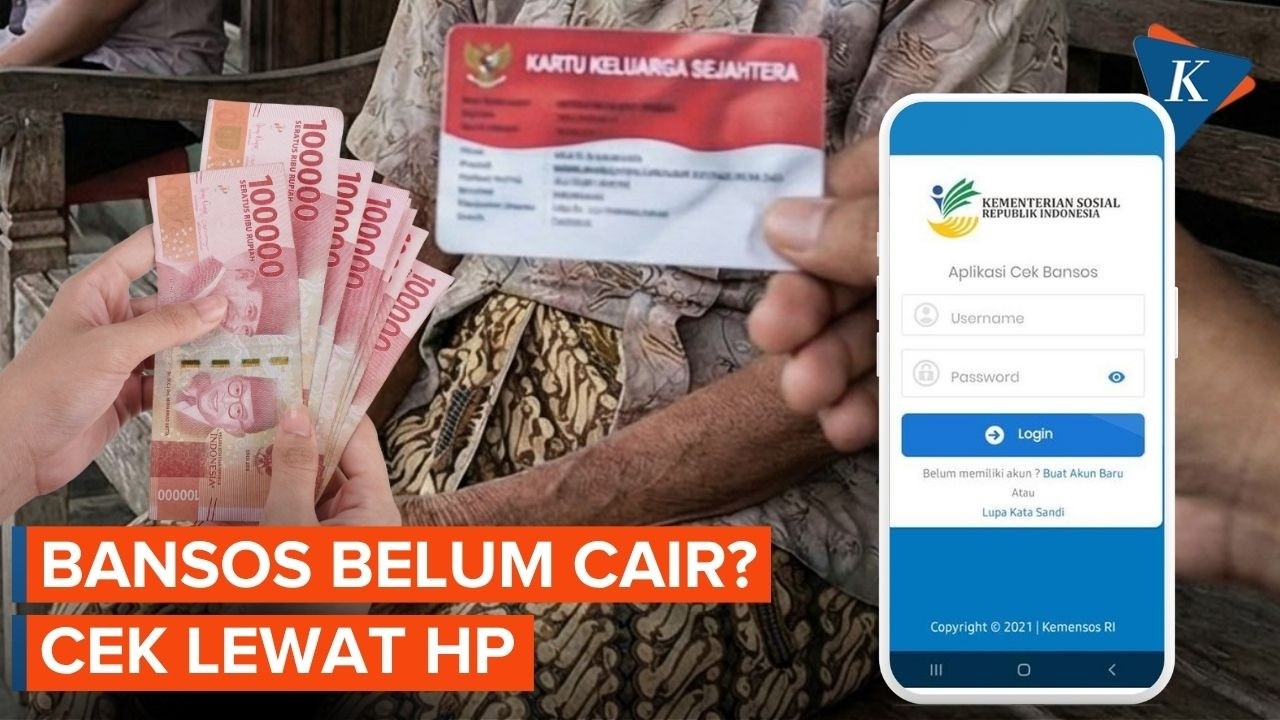
  • Recipients must check if their names are registered as beneficiary families (KPM) in the national socioeconomic single data (DTKS).
  • Recipient data can be updated; previous recipients are not guaranteed to receive assistance again.
  • Recipients can check their status via the official Ministry of Social Affairs website or the Cekbansos app using their NIK from their ID card.
  • Steps to check via the Ministry of Social Affairs website include entering NIK, captcha, and searching to view recipient details.
  • Steps to check via the Cekbansos app include opening the app, entering NIK, and viewing search results.
  • Information shown includes recipient name, status, decile group, type of assistance, and distribution period.
  • Types of social assistance include Family Hope Program (PKH), non-cash food assistance (BPNT), rice food assistance, and Health Insurance PBI (PBI JK).
  • Each assistance program has specific recipient criteria and terms.

Answers

Questions about this video

When does the disbursement of Bansos phase 4 for 2026 start?

The disbursement of Bansos phase 4 for 2026 starts gradually from October and continues until December.

How can recipients check if they are registered for social assistance?

Recipients can check their registration status by entering their NIK on the official Ministry of Social Affairs website or through the Cekbansos app.

What types of social assistance are included in the Bansos program?

The social assistance programs include the Family Hope Program (PKH), non-cash food assistance (BPNT), rice food assistance, and Health Insurance PBI (PBI JK), each with specific eligibility criteria.

Full Transcript — Download SRT & Markdown

00:08
Speaker A
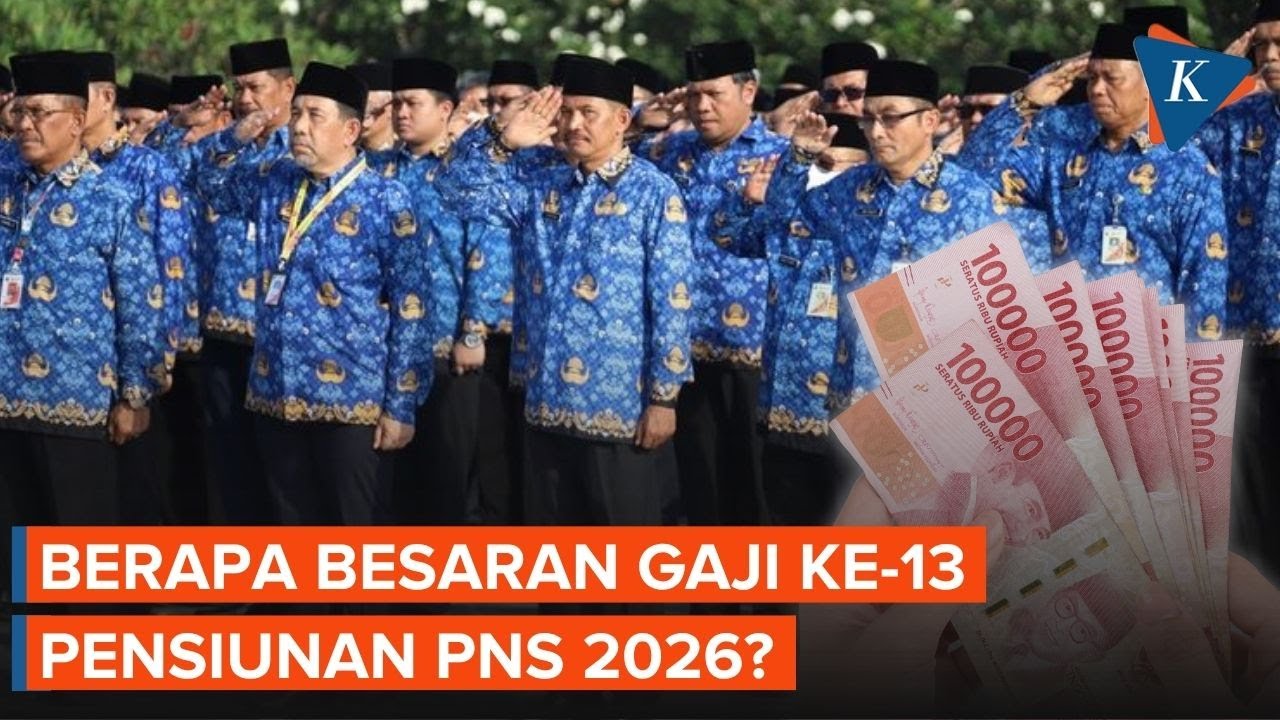
Social assistance or Bansos phase 4 for 2026 is starting to be disbursed. Disbursement of this social assistance is carried out every 3 months. For the 2026 phase 4 social assistance, disbursement is done gradually from October to December. Checking for
00:24
Speaker A
recipients is also important to determine if their names are registered as beneficiary families or KPM in the national socioeconomic single data or DTKS. Social assistance recipient data can also undergo updates. This means that previous phase recipients are not guaranteed to receive
00:42
Speaker A
assistance again. In the next phase, the public can check their social assistance recipient status through the official Ministry of Social Affairs system or the Cekbansos app by entering the NIK listed on their ID card. Here is how to check social
01:05
Speaker A
assistance via the official Ministry of Social Affairs website. First, open a browser on your mobile phone or computer. Access the official Ministry of Social Affairs social assistance check page at the following link. Enter your NIK according to your ID card data.
01:17
Speaker A
Fill in the available verification code or captcha. Click or select search data. The system will immediately display information recorded in the national socioeconomic single data such as name, recipient status, decile group, type of assistance, and distribution
01:35
Speaker A
period. Meanwhile, how to check social assistance via the Cekbansos application is as follows. First, open the Cekbansos application, select the Cekbansos menu, enter your NIK as per your ID card, then press search data.
01:51
Speaker A
Wait until the search results appear. The social assistance check results will show information regarding recipient data, including decile group, type of assistance, and its distribution period. A number of social assistance programs from the government can be recorded in the system according
02:15
Speaker A
to the recipients' criteria. The types of social assistance include the Family Hope Program or PKH, non-cash food assistance or BPNT or Staple Food Assistance, rice food assistance, and finally the Health Insurance PBI or PBI JK. Each of these programs has its own
02:35
Speaker A
respective recipient criteria and terms.
Topics:Bansossocial assistancephase 42026disbursementrecipient checkMinistry of Social AffairsCekbansosDTKSPKH

Get More with the SozAI App

Transcribe recordings, audio files, and YouTube videos — with AI summaries and speaker detection. 30 minutes free.

Or transcribe another YouTube video here →