
Key Takeaways
Sort before you buy anything. Split the box by format, then by whether the label tells you something. Unlabelled tapes go first, because nobody knows what is on them. The urgent formats are the ones with few surviving players — Video8, Hi8, MiniDV, microcassette — not the oldest tape. Compact cassette and VHS decks are still cheap and everywhere. Damp is what actually destroys an archive; mould is far more common than magnetic decay. For a handful of tapes, do it yourself. Beyond that, a service is usually cheaper in real terms.
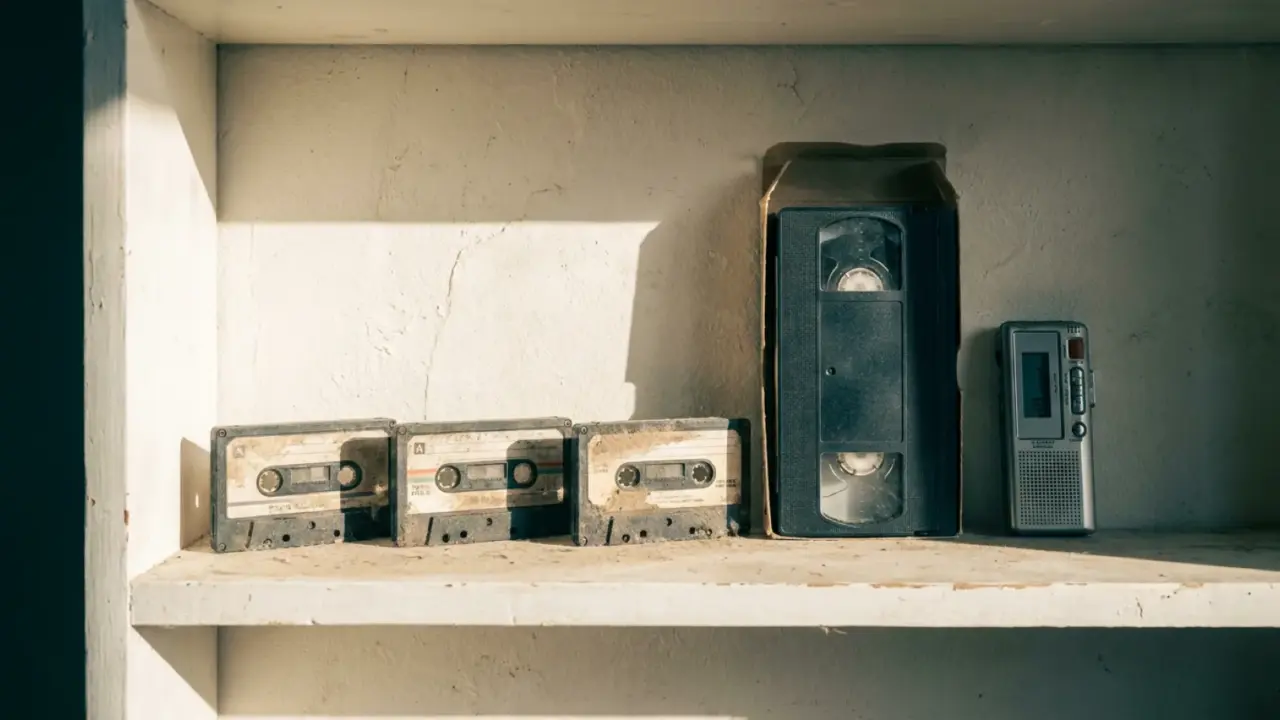
The box has been in the loft since the last house move, and probably the one before that. Some of it is labelled in a hand you recognise. Some of it is not labelled at all. There is a camcorder in there with no charger, a dictaphone with a corroded battery compartment, and a stack of VHS tapes that might be family and might be a taped-off-the-telly film from 1994.
None of this needs to be solved this weekend. What it needs is an hour of sorting, so that you know which parts of it are actually at risk and which parts will still be fine in five years. Almost everyone gets this the wrong way round and starts by buying a capture device.
Triage on the floor, before any purchase
Empty the box onto a table or the floor. Make a pile per format. Compact cassettes in one pile, microcassettes in another, VHS in another, and the small camcorder tapes — Video8, Hi8, MiniDV — in their own piles, because they look similar and are not interchangeable.
Then sort each pile again, by label. Anything with a clear description on the spine goes to the back. Anything blank, or marked only with a number, or with a peeled-off sticker, goes to the front.
That second sort feels backwards, since the labelled tapes are the ones you have an emotional reason to want. It is still the right order. A tape marked “Christmas 1996” is a known quantity — you can guess roughly what it holds and decide later whether it is worth the hour. An unlabelled tape is the only one in the box that might contain something nobody in the family remembers exists. Those are the ones worth opening first.
You now have a map. Write it down — how many of each format, how many unlabelled. That list is what you will use to decide everything else, including whether to pay someone.
What is actually at risk
Two things threaten a family archive, and only one of them is the tape.
The first is damp. Mould on tape is far more common than magnetic decay, and it is the thing that genuinely ruins recordings. A loft bakes in summer and condenses in winter. A garage is worse. If you do nothing else today, move the box indoors — a wardrobe, under a bed, anywhere with the same temperature and humidity as the rooms you live in. That single move buys you years and costs nothing.
The second is the player, and this is the part people underestimate. Magnetic tape stored cool, dry, and away from speakers or motors lasts decades. The panic about consumer cassettes “expiring” is overstated for anything that has lived indoors. What does not last is the ability to play the thing back. Compact cassette and VHS machines are still cheap and plentiful, and will be for a while. Video8, Hi8, MiniDV and microcassette players are not. Fewer were made, fewer survive, and the ones that survive are increasingly bought by people doing exactly what you are doing.
So the priority order is not oldest first. It is:
- Anything showing white or fuzzy deposits on the tape or inside the shell — deal with it separately, and do not run it through a deck you care about.
- Camcorder tapes: Video8, Hi8, MiniDV.
- Microcassettes, including whatever is still sitting inside the dictaphone.
- Unlabelled compact cassettes and VHS.
- Everything labelled and identifiable.
The route out of each format
Compact cassette is the easy one. A working deck, a cable into a computer’s input or a cheap USB audio interface, and recording software. The whole thing runs in real time — a sixty minute tape takes sixty minutes — and you sit there because tapes need flipping and levels need watching. A cheap all-in-one USB cassette player will do it, and it will sound mediocre: soft, a bit muddy, with wow on anything the original recorder was already struggling with. For spoken word that does not matter much. For music it does.
Microcassette needs the original machine or a compatible one, and that is the constraint. If the dictaphone still runs, use it. Record its output the same way you would a cassette deck. If it does not run, you are shopping for a working machine, and that market is thinner than the cassette one.
VHS has no direct digital route out. There is no cable that turns an analogue video signal into a file on its own. You need a working VCR plus a USB capture device sitting between the VCR and the computer, and you need both to be talking to each other properly before you start, which is where the evening goes.
Camcorder tapes follow the same pattern, with one addition worth taking seriously: capture the audio properly, not as an afterthought. A family video is usually worth more for what people say on it than for the picture. The picture is a small, soft, shaky rectangle. The voices are the part you will actually go back to. If your capture setup gives you any choice about audio quality, take the better option.
Doing it yourself against paying someone
A transfer service charges per tape. It turns the whole project into a courier booking and a wait, and you get files back without having spent a single evening on cables.
Doing it yourself costs one evening of setup — finding a deck, buying the capture hardware, working out why the software sees no signal — and then real time per tape after that. Real time means real time. A three hour VHS is three hours of your machine running.
The break-even is usually a handful of tapes. Below that, the setup evening dominates and the service wins on your time even though it costs more per tape. Above it, the per-tape charges stack up fast and the setup evening amortises into nothing. If your triage list says four tapes, book a service. If it says forty, buy the hardware.
There is a middle route that often makes sense: pay a service for the formats you have no player for — the Hi8, the MiniDV — and handle the cassettes and VHS yourself, since those decks are cheap enough that you may as well own one.
A folder of files is not an archive
The tapes come back as MP4 and WAV files with names like a date and a serial number. That is a technically successful digitisation and a practically useless one. Nobody browses forty untitled files looking for the bit where their grandmother talks about the farm.
Two things fix it. Names — even rough ones, even guesses, written as you listen. And text, because text is what makes audio searchable. A transcript of a ninety minute tape lets you find one sentence in seconds instead of scrubbing through it. If you already have the files on a phone or a Mac, running them through the transcription app gives you text with speaker labels, so you can tell who is talking without recognising every voice yourself, and there are overviews of turning audio recordings into text and video files into text if you want to see what comes out before committing the whole box to it.
Transcribing everything is usually the wrong move, though. Most family tape is ambient — a birthday party where the interesting part is thirty seconds long. Transcribe the interviews, the recorded phone calls, the tapes where someone is clearly telling a story to camera. Leave the wedding reception as video with a decent filename.
What you will not get back
A digitisation preserves what is on the tape. It does not improve it. A camcorder recording that was dark and noisy in 1998 will be a dark, noisy file, only now permanent. Capture software with enhancement settings will mostly make it look processed rather than better.
Mould-affected tape is a specialist job, and running it through a domestic deck spreads the problem to the heads and then to the next tape you play. Set those aside rather than experimenting.
Automatic transcripts of old tape will be imperfect in a specific way: they handle a clear voice near a microphone well and struggle with a room full of people, a television in the background, and the tape hiss underneath all of it. Expect to correct names, dialect words and anything shouted from across the room. That is still faster than typing it from scratch, but it is not a finished document, and the tapes where it matters most are often the ones recorded worst.
Finally, none of this is a backup until there are two copies in two places. One drive in the same house as the original tapes is one flood away from being nothing.

