Skip to content
Get App

Smooth lines in Photoshop with Lazy Nezumi Pro

Learn how Lazy Nezumi Pro helps create smooth, precise lines in Photoshop with pressure control and advanced drawing tools.

Key Takeaways

  • Lazy Nezumi Pro significantly improves line smoothness and control in digital drawing.
  • Customizable pressure curves allow artists to maintain natural pen sensitivity.
  • Constraint tools simplify complex shapes and perspective drawing.
  • Scripting capabilities enable advanced customization and creative effects.
  • The software integrates well with existing art tools and hardware.

What the video covers

  • Lazy Nezumi Pro is a Windows app designed to improve line quality by processing pen position and pressure.
  • It offers multiple presets and smoothing types for flexible line creation.
  • Users can edit the pressure curve to optimize drawing feel and access the full pressure range of their tablet.
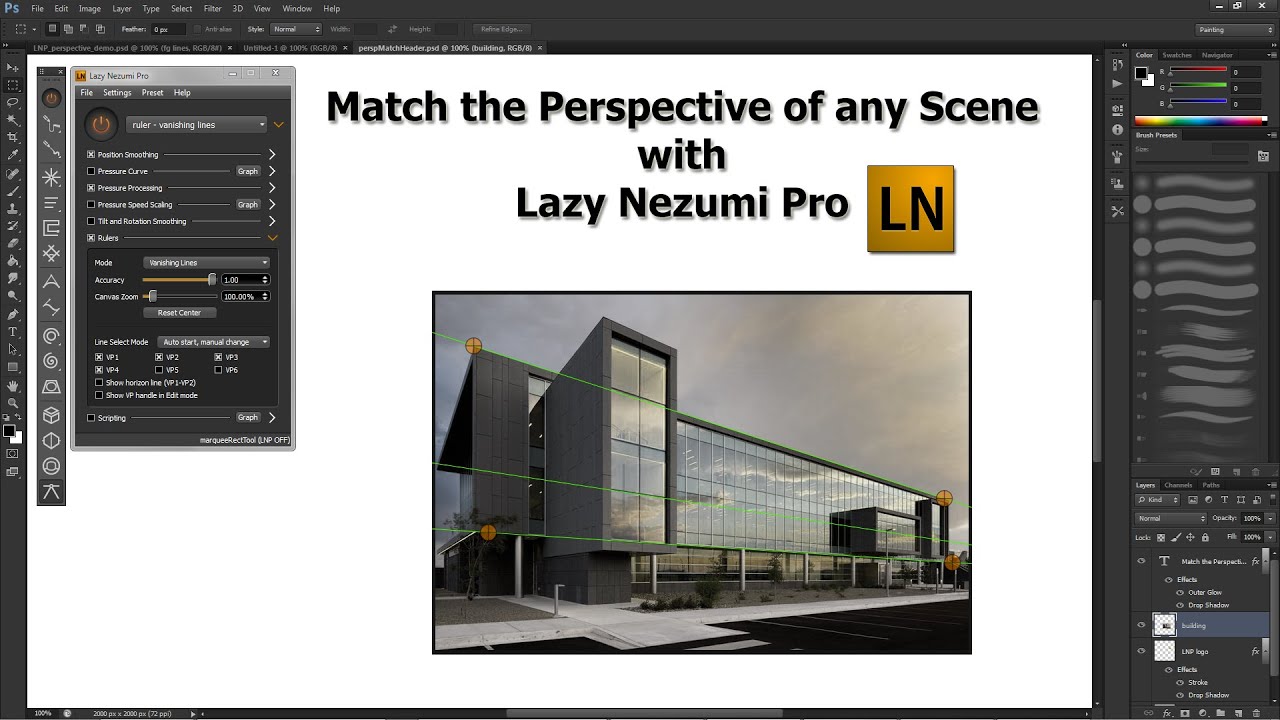
  • The app includes a powerful constraint system for drawing parallel lines, circles, ellipses, and handling isometric or perspective sketches.
  • Lazy Nezumi features a scripting engine for custom processing effects and built-in examples.
  • It is widely used by professional digital artists globally.
  • Compatible with most popular art applications and tablet brands.
  • The video encourages users to try Lazy Nezumi Pro for free to enhance digital art efficiency.

Answers

Questions about this video

What is Lazy Nezumi Pro and how does it help digital artists?

Lazy Nezumi Pro is a Windows application that enhances digital drawing by processing pen position and pressure to create smooth, precise lines. It offers presets, pressure curve editing, and constraint tools to improve drawing accuracy and feel.

Can Lazy Nezumi Pro be used with different art applications and tablets?

Yes, Lazy Nezumi Pro is compatible with most popular art applications and tablet brands, making it versatile for various digital artists' setups.

Does Lazy Nezumi Pro offer any advanced features for complex drawings?

Yes, it includes a powerful constraint system for drawing parallel lines, circles, ellipses, and managing isometric or perspective sketches, as well as a scripting engine for custom effects.

Full Transcript — Download SRT & Markdown

00:01
Speaker A
Draw a line, undo. Try again, undo. Ugh, it's a pain, right? Well, there's a solution for you: Lazy Nezumi Pro!
00:13
Speaker A
Lazy Nezumi is a Windows app that processes both your pen's position and pressure to help you create beautiful lines. It offers multiple presets and smoothing types for unparalleled flexibility. You can also edit your pressure curve to find the perfect drawing feel. At last, access your tablet's full pressure range without
00:34
Speaker A
crushing your pen! But there is more! Lazy Nezumi offers a powerful constraint system. Draw parallel lines, circles, and ellipses.
00:45
Speaker A
Breeze through those tedious isometric or perspective sketches. Lazy Nezumi also features a scripting engine, allowing you to create your own processing effects or to choose from the many built-in examples.
01:00
Speaker A
Lazy Nezumi is being used by talented professionals all around the globe. And the best part: it works with most of your favorite art applications and tablet brands.
01:14
Speaker A
Want to become a more efficient digital artist? You can try Lazy Nezumi Pro for free today!
Topics:Lazy Nezumi ProPhotoshopdigital artline smoothingpressure sensitivitydrawing toolsisometric drawingperspective sketchingpen pressureart software

Get More with the SozAI App

Transcribe recordings, audio files, and YouTube videos — with AI summaries and speaker detection. 30 minutes free.

Or transcribe another YouTube video here →