Making 10X Minecraft — Transcript

Full Transcript — Download SRT & Markdown

00:00
Speaker A
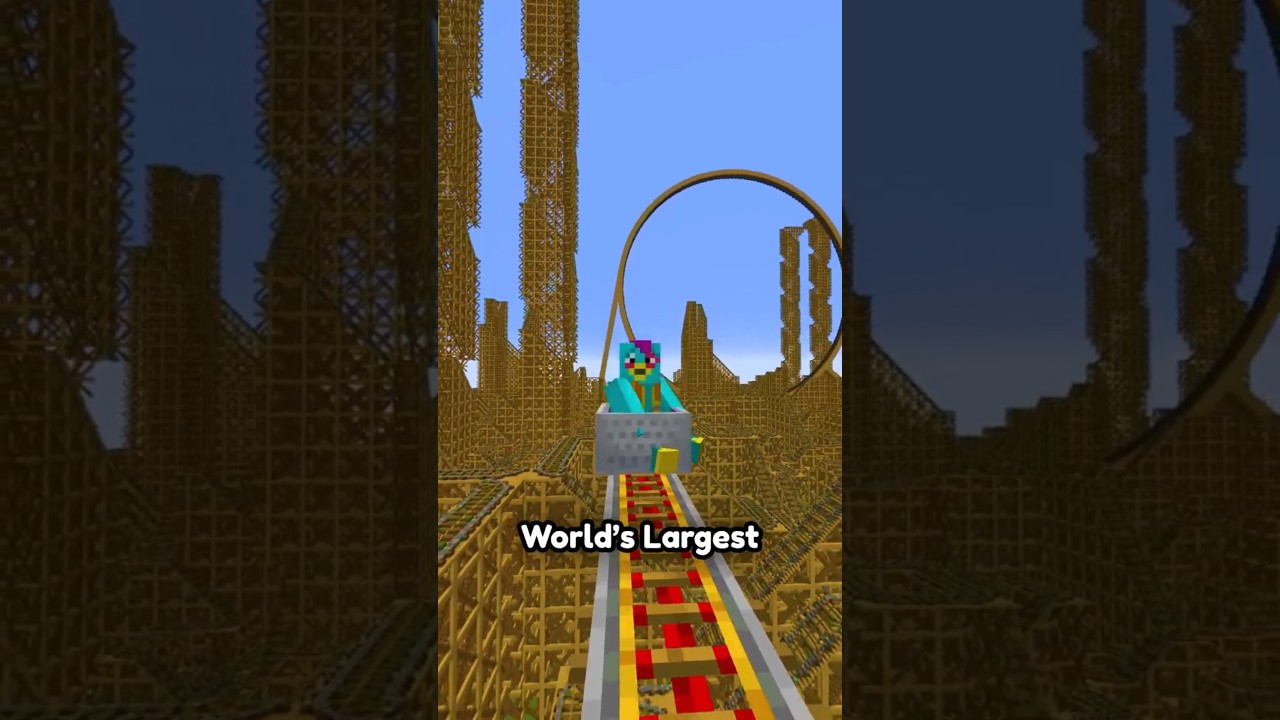
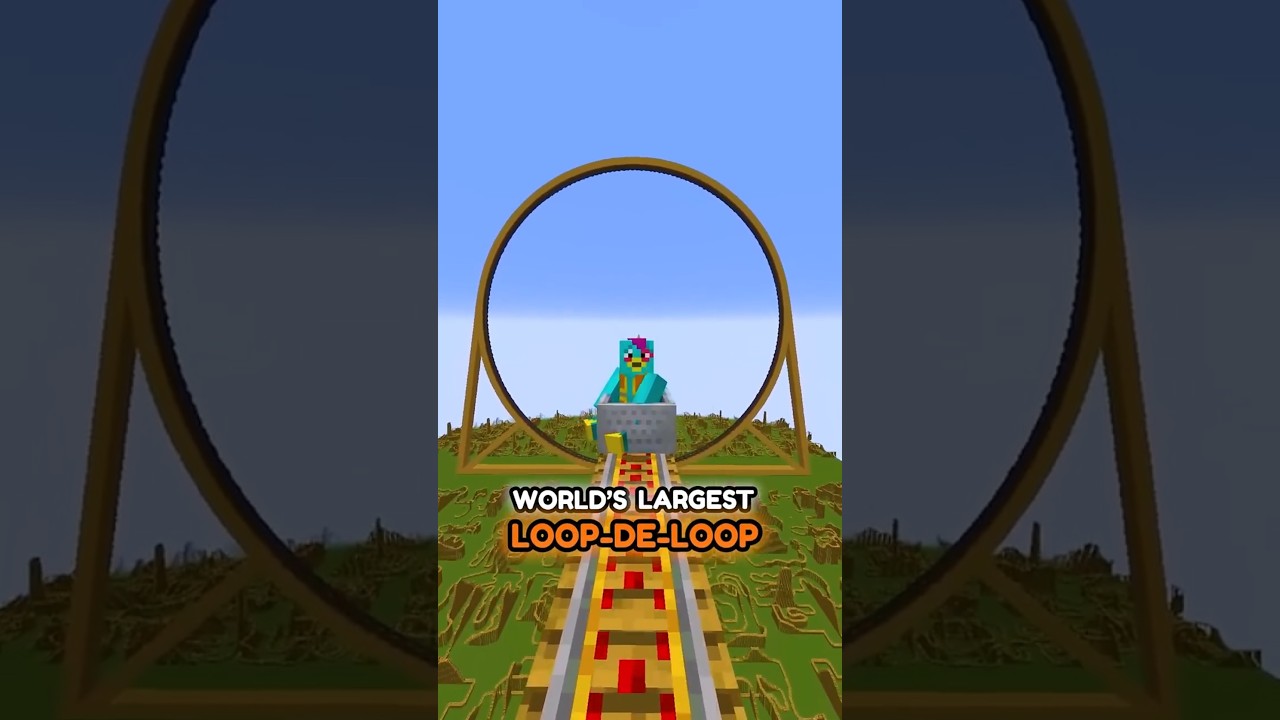
I made a Minecraft world that is over 10 times the normal size!
00:03
Speaker A
It's so big that you literally feel like an ant just walking around.
00:07
Speaker A
But how? To make the giant blocks realistic,
00:09
Speaker A
I tried texturing them by hand, but the first one I did took like an hour to get right.
00:13
Speaker A
So I need a better way.
00:15
Speaker A
I did some research and found a website that lets you convert images into blocks.
00:19
Speaker A
So I spent 10 hours converting all the texture PNGs.
00:22
Speaker A
Then to make them 3D, I used World Edit to copy and paste the textures onto all the sides.
00:27
Speaker A
But for special blocks that aren't cubes, like flowers,
00:30
Speaker A
it turns out that the normal versions are literally just two flat PNGs rotated together.
00:34
Speaker A
Excuse me?!
00:35
Speaker A
So I literally just rotated the big versions 45 degrees.
00:38
Speaker A
But how did I put the blocks together to look like that?
00:41
Speaker A
I'm not about to manually paste all of them.
00:43
Speaker A
So I upscaled this island I made and used this special World Edit command to replace all the blocks with the realistic versions.
00:49
Speaker A
Voila, 10X Minecraft!

Frequently Asked Questions

How did the creator initially try to texture the giant blocks, and why did they change their method?

Initially, the creator attempted to texture the giant blocks by hand, but this proved to be too time-consuming, with the first block taking about an hour. They then switched to using a website that converts images into blocks to make the process more efficient.

How were non-cube blocks, like flowers, created in the 10X Minecraft world?

For non-cube blocks like flowers, the creator discovered that the normal versions in Minecraft are simply two flat PNGs rotated together. They replicated this by rotating the larger versions of these blocks by 45 degrees.

What method was used to assemble the entire 10X Minecraft world after the individual blocks were created?

To assemble the entire 10X Minecraft world, the creator upscaled an existing island they had made. They then used a special World Edit command to replace all the blocks on this upscaled island with the realistic, giant versions they had created.

Get More with the Söz AI App

Transcribe recordings, audio files, and YouTube videos — with AI summaries, speaker detection, and unlimited transcriptions.

Or transcribe another YouTube video here →