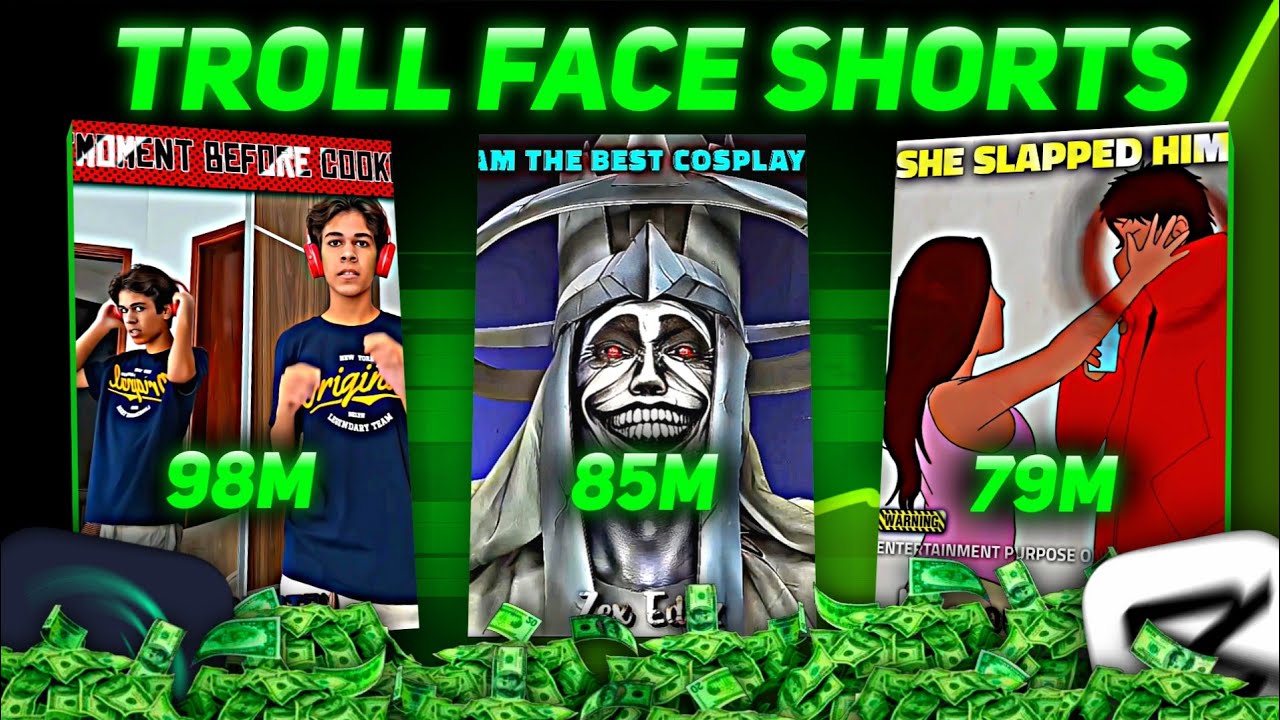
Learn how to create viral troll face shorts on YouTube using mobile editing with CapCut, including clip sourcing, text animation, and quality enhancement.
Key Takeaways
- Using text in troll face shorts increases chances of monetization on YouTube.
- CapCut is a recommended mobile app for editing troll face shorts with various effects and animations.
- Following specific social media accounts can provide a large repository of troll face clips for content creation.
- Quality improvement and compression effects are essential for professional-looking shorts.
- Applying consistent effects across clips enhances the overall video aesthetic and viewer engagement.
What the video covers
- Introduction to the popularity of troll face shorts on YouTube and common concerns about creating them.
- Explanation of two types of troll face shorts: one without text (non-monetizable) and one with text (monetizable).
- Step-by-step guide to editing troll face shorts using CapCut on mobile, including cropping, adding text, fonts, colors, and animations.
- Instructions on how to add troll face overlays and position them effectively within the video.
- Tips on improving video quality and adding compression effects for better viewing experience.
- Guidance on sourcing troll face clips by following specific social media IDs that serve as clip repositories.
- Tutorial on applying a 'sex effect' and channel name effects to enhance video appeal.
- Encouragement to subscribe to the creator's channel and a motivational message for viewers.
- Detailed walkthrough of advanced editing techniques like copying and pasting effects across clips in CapCut.
- Final reminders about avoiding spam and a call to action to try the editing process to achieve viral success.
Chapters
- 00:00Introduction to Troll Face Shorts and Common Questions
- 00:29Downloading Troll Face Clips - The First Step
- 01:07Types of Troll Face Shorts and Monetization
- 01:38Setting Up CapCut and Cropping Video
- 02:34Adding and Styling Text with Animation
- 03:34Animating Text and Adding Emojis
- 03:40Adding Troll Face Overlays
- 04:03Improving Video Quality and Compression
- 04:30Finding Troll Face Clips via Social Media IDs
- 05:04Adding Special Effects and Channel Name Editing
Full Transcript — Download SRT & Markdown
Speaker A
By uploading troll face shorts on YouTube, people are gaining millions of views, and many of you are getting worried, thinking about how to make such troll face shorts, from where to find troll face clips, how to improve its quality,
Speaker A
and how to make such a sex effect. There will be many more questions in your mind, so there is no need to take tension, my brother, because in today's video, I will teach you to edit troll face shorts from the basics, and
Speaker A
along with that, I will also tell you from where and how you can download troll face clips, which is literally YouTube's star. The video, the first and most important step to make troll face shorts, is to download the troll face clip. This
Speaker A
is a very important step, so I will tell this step a little later. So after downloading the troll face clip, we have to do editing. So listen, at this time, two types of troll face shorts are very popular. The first one is in which a troll face appears at the end of the video,
Speaker A
and in the second type, there is also text in the troll face shorts. In this, the first type of channel will grow but will not be monetized, while the second type of troll face channel will be monetized, as you can see on the screen.
Speaker A
So in this video, I will teach how to edit this second type of shorts because I know that the main goal of all of us is that when you learn to edit troll face shorts and when you upload it on your channel, it will literally go viral. But before getting happy,
Speaker A
learn editing well. So first of all, download CapCut on your mobile. If not, then you have to remove all of them as I am removing. After that, you have to crop it as I am doing. It has to be at least 1:1, i.e., in the shape of a square.
Speaker A
So now we will add text in it. So click on add text, and here you have to click on font, then go to add font and select this font. I have made it zero and also reduced the opacity a little. Then here you have to write a line
Speaker A
as I am writing. Look carefully once; you will not see anyone like this. You have to write a question or a shocking line which will hook the audience. Then you have to select a word. Then click on style and set its colour like I
Speaker A
am making Ronaldo green and Happy, and I will make the question mark red. Then now we will add an animation to this text. So come to animation and remove the selected one.
Speaker A
Then again click on animation. Then select fade in and make its time 0.5 seconds. And come to out. Then select fade out and make its time also 0.5 seconds. Then come back and copy it. Then click on style on this and select all that is written. And
Speaker A
add only one emoji here because it will be like a text, like a question. So I have added the question emoji. Then come to the beginning and bring this emoji here to the left side of the text. And add a keyframe here. Then go to the last one from the text and
Speaker A
bring the emoji to the right side. By doing this, you will add an animation. I made a small mistake here, so I will set it properly now.
Speaker A
With this process, you have to write at least two to three lines more in the video, as you can see how I have done it. Now your text work is over, so come back.
Speaker A
Now we will add the troll face here. So come to that time where your edit is going to start, then go to add overlay there, and whichever troll face you like, add it from here as I am saying here and
Speaker A
keep it in a good position, like I am keeping it behind the text because it was looking good here, and like this, I will add another troll face so that a good edit can be made, like I have added this one. Now understand that your
Speaker A
work is over at 70. Now just improve its quality and add a compress effect in it, which is just a 5-second job, but before jumping into this process, we will know how we can find the clip, which is even easier than that.
Speaker A
But it is very important, so bring all your attention here. First of all, guys, come to my ID from the description link, and here first of all, you have to follow me. Then here you have to go to following, so listen carefully, my brother,
Speaker A
now all the IDs that you can see here are a storehouse of troll face clips. Literally, here on every page, you will find 200-300 troll face clips, like I am here. If I go to the third page, you will find all the troll face clips of Ronaldo that you
Speaker A
want here, and if you go to all these pages again and again or you follow all of them, and later when you go to see the reels, you will only get the troll face clips. That's why I am not showing this process. Now
Speaker A
we will know how to improve the quality of this video and how to put a sex effect where the troll face is coming, and along with this, I will also tell you how you can put this effect in the name of your channel, which
Speaker A
really looks very good. And before that, I have a small request, friends. I had a goal that I should complete 10,000 subscribers before the end of 2024, which is probably possible if you guys subscribe, and thank you from the bottom of my heart
Speaker A
to those people who have already subscribed. So before coming to the next step, you should go to my [Music] next option. Click on it, and you can see that a new project will open in which first of all,
Speaker A
you have to click on the text written there, then click on edit text, and here you have to write the name of your channel like I am writing. Then after that, you have to select any font from here like I have done. Then
Speaker A
you have to come back, then click on plus and add that edited video of yours here. Then you have to slide and go to the place where you had added the troll face, then go there and separate that clip from this option, and in the same way,
Speaker A
you have to go to two to three places and separate the clip as I am doing. Now you can see here there are four clips, so first of all, you have to come back and go to that project which we had opened earlier. Then by sliding a little, you
Speaker A
have to click on this photo, then come on effect and click on copy all effects from three dots, and come back and come back to that project, and all the effects that you had separated, paste it on it, and then your CC effect will be applied.
Speaker A
You can understand how easy it is. You just have to copy-paste it. Now come back again and go to that project. Then except the top two 'G's, all the five 'G's that are below, you have to select them all. Then
Speaker A
you have to copy them by clicking on this option. Then you have to come back and come back to that page and click on the same option and paste it. Then now you can see that the effect has been applied,
Speaker A
but it is not for the whole video. So select it again and do it till the end.
Speaker A
But this black effect is applied on the top. So adjust it a little downwards like I am doing. Now your completely CC effect has been applied.
Speaker A
And now your video is completely ready. YouTube, definitely try yourself once because you are among the very few people who really want to do something in their life. And yes, as I said in the beginning, what is the 'A' in this video
Speaker A
and what is your 'A'. And do not spam at all, otherwise you will not be able to win at all. Then this much. After you're done, just give you both [MUSIC].
Topics:troll face shortsYouTube shortsCapCut editingmobile video editingviral video creationYouTube monetizationvideo effectstext animationclip sourcingvideo quality improvement