Learn how to clone viral YouTube channels using Pippit AI's Seedance 2.5 model to create original videos safely and efficiently.
Key Takeaways
- Cloning viral YouTube channels legally requires creating original content inspired by the reference, not direct copying.
- Pippit AI streamlines the cloning process with its Reference Video feature and Seedance 2.5 model.
- YouTube monetization is possible with properly cloned channels that avoid copyright issues.
- The tool supports end-to-end video creation without needing multiple external AI tools.
- Free credits allow users to try Pippit AI before committing.
What the video covers
- Many creators are cloning viral YouTube channels using AI and earning significant revenue.
- YouTube promotes these videos, making them go viral quickly.
- Pippit AI is an all-in-one tool that simplifies the channel cloning process.
- The Reference Video feature decodes a video's structure, pacing, and style to recreate it with original characters or products.
- Proper cloning avoids copyright strikes by creating unique content rather than copying videos directly.
- Pippit AI integrates script, image, video generation, and voiceover tools in one platform.
- Users can specify exact video segments to clone and customize characters or backgrounds.
- The Seedance 2.5 model delivers cinematic quality and consistent visuals for videos up to two minutes.
- The platform offers free credits for new users to test features including video cloning.
- Step-by-step tutorial demonstrates how to clone and generate videos using Pippit AI.
Chapters
- 00:00Introduction to Channel Cloning and Viral Success
- 00:26Overview of Pippit AI Tool for Cloning
- 00:47Common Misconceptions About Channel Cloning
- 01:08Proper Way to Clone Channels Safely
- 01:27Pippit AI's Reference Video Feature Explained
- 01:53All-in-One Platform Benefits of Pippit AI
- 02:07How to Select and Analyze Viral Videos to Clone
- 02:22Video Segment Analysis and Cloning Process
- 02:36Customizing Characters and Backgrounds
- 03:13Using Seedream 5.0 Pro for Image and Video Creation
Full Transcript — Download SRT & Markdown
Speaker A
I don't even know how many people are cloning other creators' channels using AI and making thousands of dollars from YouTube. And YouTube is actually pushing these kinds of videos and making them go viral. I'm not joking.
Speaker A
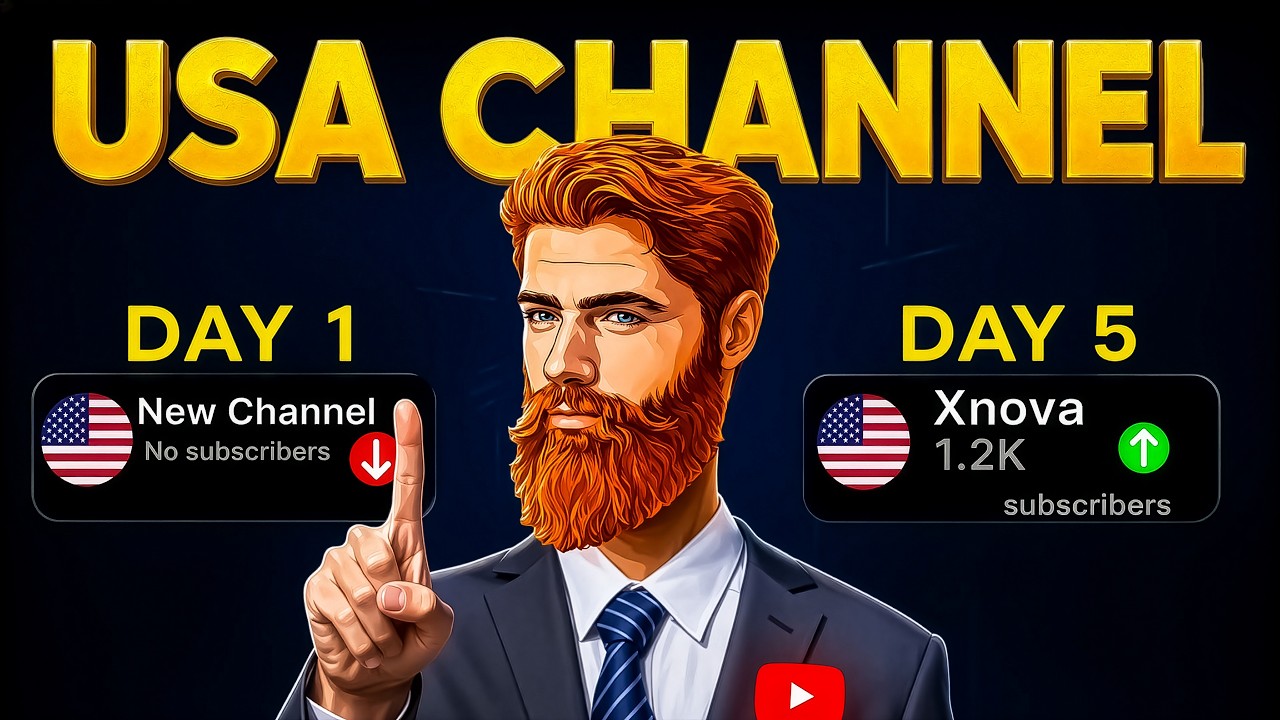
Just take a look at this channel. It gained more than 65,000 subscribers with only 45 videos, and that too in a very short period of time. This channel hasn't even been around for three full months yet, and its videos are already getting millions of views.
Speaker A
And today, we're going to see step by step exactly how this cloning process works, but with a tool that does it all in one place. That tool is Pippit AI.
Speaker A
Now, there's probably one question on your mind. Can channels like this actually get monetized? And the answer is yes, absolutely. Channels like this can definitely get monetized, but only when you know the right way to clone a channel.
Speaker A
Some people think channel cloning means creating a new channel, copying the entire video from the channel they want to clone, and uploading it to their own channel. And then they think, “There you go. The channel has been cloned.”
Speaker A
But bro, if you do that, the person whose video you copied only needs to send one email to YouTube. YouTube will hit your channel with a copyright strike and completely wipe it out.
Speaker A
To protect yourself from all of this, there is a proper way to clone a channel. And that's exactly what you're going to learn in this video, so your channel doesn't face any kind of problem and you can start earning from it as quickly as possible.
Speaker A
To clone any channel the right way, you used to need multiple tools: a script generator, an image generator, a video generator, and a voiceover tool.
Speaker A
But with Pippit AI, you don't need any of that. Pippit has a game-changing feature called Reference Video. It can decode the creative DNA of almost any video—its structure, motion, pacing, and visual style—and recreate a brand-new version with your own characters or products.
Speaker A
And the best part? It uses the latest Seedance 2.5 model, which delivers cinematic quality and maintains impressive visual and character consistency even in videos up to two minutes long.
Speaker A
So, we won't jump between multiple websites. From referencing and cloning to final editing, everything can be done right inside Pippit.
Speaker A
Forget about writing long scripts or generating prompts in external AIs. Pippit's Reference Video feature does the heavy lifting for you.
Speaker A
First, you find a viral video that you want to clone. It can be a dancing video, a cinematic trailer, or even an educational clip.
Speaker A
You can even specify the exact time range you want to reference. For example, from five seconds to twelve seconds of the uploaded video.
Speaker A
Pippit will analyze the action, camera movements, pacing, and visual style of that specific segment.
Speaker A
Then, with one click, it generates a new video that follows the same structure, but with your own changes, such as replacing the character, changing the background, or swapping the product.
Speaker A
No complex prompt engineering, no third-party AI tools, just a simple and powerful video cloning process.
Speaker A
Now, let me show you exactly how it works on screen. I'll open Pippit and go to the Reference Video tab. Next, I'll upload the downloaded file of a viral educational stickman video as the reference. You'll see the original on the left.
Speaker A
Now, I'll enter the exact time segment I want to clone in the prompt. I can also upload a new character image if I want to replace the original stickman character.
Speaker A
Then, I hit Generate. Look at this. Within seconds, Pippit produces a clip that has the exact same moves and rhythm, but with my character. The consistency is flawless.
Speaker A
But that's not all. You can also use the built-in Seedream 5.0 Pro image model to create custom scenes and then convert those images into videos with the Seedance 2.5 model, all without leaving the platform.
Speaker A
For example, if I want to create a new character for my stickman animation, I can paste the image prompt into Pippit's image generator. Then, for a long-form YouTube video, I'll select the 16:9 aspect ratio and click Generate.
Speaker A
Within moments, I get a sharp, cinematic image. Then, I just click Add to Chat, paste the video prompt, choose the Seedance 2.5 model, set the length to ten seconds, and generate.
Speaker A
The result is stunning. Realistic motion, perfect lighting, and no glitches. So, now I have all my video clips ready, either directly cloned from references or generated from prompts. And what does the final result look like? Take a look at this side-by-side comparison.
Speaker A
Imagine you haven't eaten in two days. You know exactly where the herd is. You tracked it yesterday. You found the prints. You mapped the route in your head. And now all you have to do is get there.
Speaker A
And then it starts raining. Not a light drizzle, a heavy, soaking, wind-driven rain that doesn't stop. It goes all day, then all night, then the next morning, and it's still going.
Speaker A
Somewhere in your home right now, there is a tiny sliver of metal with a hole punched through one end. But the hands that shaped it may not have been human at all.
Speaker A
You've threaded it. You've probably cursed at it. You've almost certainly stabbed your thumb with it at least once. It is one of the most forgettable objects you own. You keep it in a drawer, and you never once think about it.
Speaker A
It is also one of the oldest ideas your species ever had. Because a version of that exact tool—a thin shaft tapered to a point with a narrow hole drilled clean through the blunt end.
Speaker A
Left: original viral video. Right: my Pippit-cloned version. The structure, timing, and feel are almost identical, but it's my own original creation. No copyright issues at all.
Speaker A
And the best part is that as soon as you sign up for Pippit AI, you receive free credits to test everything, including the Reference Video feature.
Speaker A
That means you can visit the platform yourself and experience its power firsthand. I've placed Pippit's special tracking link right at the top of the description and in the comment section.
Speaker A
So, go there right now, check out Pippit AI, and clone your first viral video the right way. Try it for yourself.
Speaker A
And if you enjoyed this video, make sure to hit the Like button. I'll see you in the next video.
Speaker A
Okay. Bye.
Topics:YouTube channel cloningPippit AI tutorialSeedance 2.5viral video cloningAI video generationYouTube monetizationReference Video featureAI content creationvideo cloning toolSeedream 5.0 Pro