How To Get UNLIMITED Website Clients (LIVE Outreach) — Transcript

Learn a proven two-step system using GoHighLevel to get unlimited website clients via live outreach without paid ads or cold calling.

Key Takeaways

  • A targeted and cleaned lead list is crucial for successful outreach.
  • Using SMS combined with a power dialer increases contact efficiency and response rates.
  • Automation in follow-ups and lead management saves time and improves conversion.
  • Filtering for mobile numbers helps reach decision-makers directly.
  • Scaling outreach is feasible with multiple sub-accounts in GoHighLevel.

Summary

  • The video demonstrates a two-step outreach system to get website clients using GoHighLevel.
  • Step one involves creating and cleaning a lead list of local businesses with high response potential.
  • Step two uses SMS outreach combined with a power dialer to contact prospects efficiently.
  • Free and paid tools for lead scraping from Google Maps are explained, including a Chrome extension and tryoutscraper.com.
  • The importance of filtering for mobile phone numbers to bypass gatekeepers is emphasized.
  • The outreach workflow includes automated follow-ups and categorizing responses for optimized engagement.
  • HighLevel platform is used to import contacts, automate messaging, and manage pipelines.
  • The system achieves a 2-4% positive reply rate and automatically excludes uninterested leads.
  • Scaling is possible by creating multiple HighLevel sub-accounts to increase daily message volume.
  • The creator offers additional support, templates, and coaching to help users succeed.

Full Transcript — Download SRT & Markdown

00:00
Speaker A
These are replies from real local business owners. I sent these messages this week. No paid ads, no cold calling, just a two-step system inside of GoHighLevel. I'm going to show you exactly how it works. There are two parts to this system. The first thing I
00:13
Speaker A
do is find people we can actually reach out to. This is called a lead list.
00:18
Speaker A
Next, I clean that lead list and I try to only reach out to the people that have the highest chances of responding to me. Next, you can reach out at scale using SMS and also pairing it up with a
00:29
Speaker A
power dialer if you really want to get all the juice out of this list. And then at the end, I'll show you exactly what to do with this list and how to make sure you never leave money on the table.
00:38
Speaker A
First, we have to create our lead list and most people do this completely wrong. So, no matter what they do for outreach, it completely fails. The first tool I'll show you is free, second one is paid. You can decide. But first, let
00:50
Speaker A
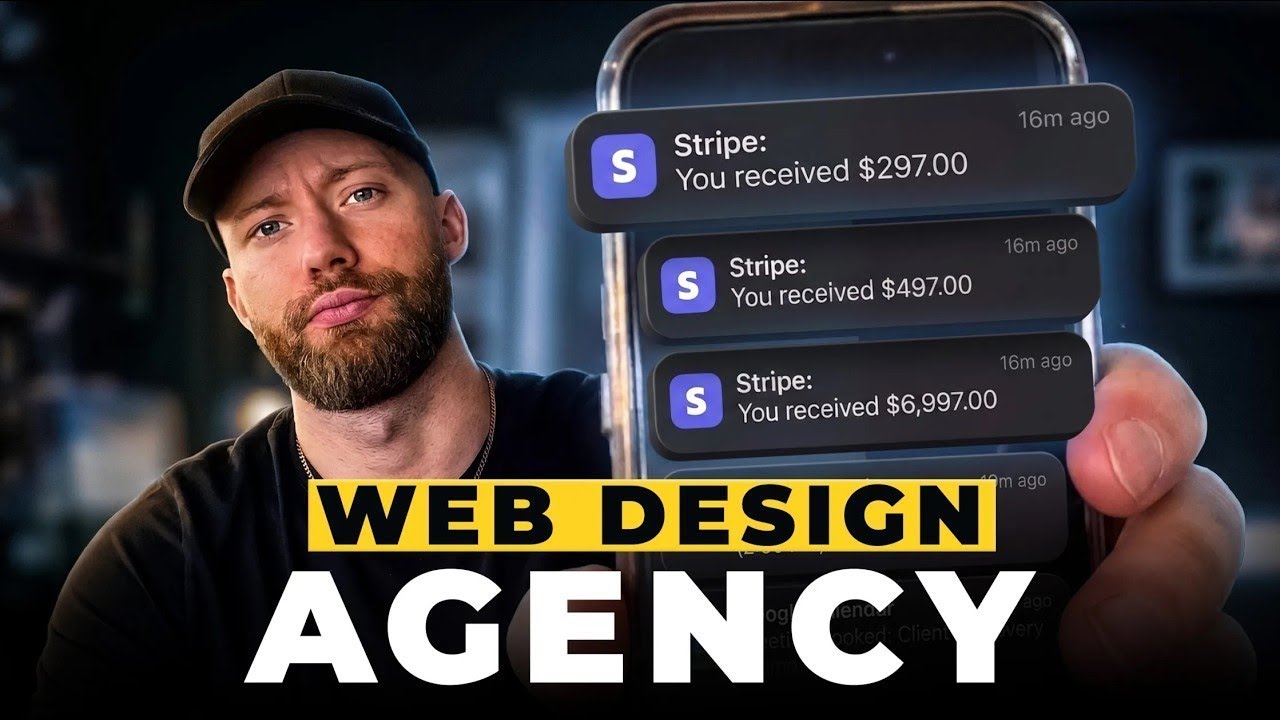
me get some proof out of the way. This is an agency inside my portfolio and as you can see today, we made over $6,000.
00:56
Speaker A
We had 10 successful payments. We had 22 successful payments yesterday. We got two new customers today, one new customer yesterday, which is a pretty slow day. However, if you look a few days ago on the 17th, we made $10,000 in
01:11
Speaker A
one day, $7,000 the day prior, and then we got three new customers on that day, and then six customers the day before that. And then I will refresh my screen so you can see this is live data. So,
01:23
Speaker A
for the first free tool that I'm going to give you, this is going to be a Chrome extension. And what you have to do is install it right here. You hit install free extension, and then it's going to look like this inside of your
01:36
Speaker A
Chrome. So, now you can head over to Google, type in landscapers, roofers, whatever, and then head over to where it says maps. And then once it shows up like this, you can hit extract business data, and now this will automatically
01:47
Speaker A
scroll through everybody and put them nicely for you in a spreadsheet. All right, so I found 123 companies.
01:54
Speaker A
Obviously, there's way more landscapers in Las Vegas than that. Google is just capping us. So, what you can do is take this list that you have. You can also categorize it, but just zoom in to a specific part in Vegas, and what you'll
02:06
Speaker A
see is new businesses start appearing. So, just take what you have so far, add it to a new list, and then you're going to run it again in this area, and then once you have all those businesses, you
02:15
Speaker A
can add it to that list that you created, and then if you just zoom in a few times, you can get a massive list of hundreds and hundreds and hundreds of people that you can reach out to. Paid
02:24
Speaker A
tool is going to be called tryoutscraper.com. And as you can see, you can head over to where it says services, Google Maps scraper, and you can do basically the same thing. Reach out to all these people, select the area you want to
02:36
Speaker A
target, then it'll show up like this. I would uncheck any boxes right here. You can also apply advanced parameters like people with a website, without a website, whatever it is that you want to sell, Google services with verified
02:49
Speaker A
profiles, good ratings, bad ratings, all of that can work. Then you hit get data.
02:53
Speaker A
So, I'll get about 4,000 businesses here, and it'll cost me around $12. Then you can hit confirm. Next, what we need to do is find out who has their cell phone linked because we don't want to just text anybody or cold call anybody.
03:07
Speaker A
We want freaking cell phones. And most of the time, if there's a cell phone linked, it's going to be the business owner's cell phone. This is how we sidestep the front desk. So, on this tool, they give you 100 free credits.
03:18
Speaker A
So, if you generated a list of 100 people, you can do that for free. This is how it's going to look on the back end. I've already done a bunch of lists, so I'm going to download one of mine and
03:27
Speaker A
show it to you. All right, now this is how it looks. We have all the businesses in here, and this is going to be the most crucial part. You want the valid phone numbers, and you want to categorize this. And as you can see,
03:37
Speaker A
some of these are mobile, some of these are fixed lines, some of these are landlines. And what we want to do is reach out to the mobile lines. So, hit sort by ascending, and literally just select all of the businesses that are
03:47
Speaker A
not mobile and just delete all of them. All right, now it's done, and as you can see, every phone number in here now is a mobile line. We have over 1,000 mobile lines. Part two is you're going to take
03:57
Speaker A
that and just import it into HighLevel. Go to where it says contacts, hit import right here, select contacts, hit next, and then you're just going to drag and drop that file right in here. This is the exact workflow that I have been
04:10
Speaker A
using. We send about 50 a day. We are going to work our way up to sending 100 a day. And then if you want to scale this, you can make multiple sub accounts, and then send 100 per day per
04:19
Speaker A
sub account. Again, each sub account is free to create in HighLevel, so you can get to 1,000 text messages freaking a day. Initial text, this is all that we're sending. Hey man, this is Pavel, looking you guys up on Google. This is
04:31
Speaker A
one of the best text messages that I have tested, and it works super well.
04:35
Speaker A
Now, from here, we have different follow-up messages. We move them in different stages of the pipeline. We get notified when there's a positive response, first follow-up, second follow-up. You can try to build this all yourself, or if you sign up to my
04:47
Speaker A
GoHighLevel link, you'll just automatically have this imported into your account. If you want everything imported into your account and just copy and paste everything that we've built with a click, you can now do that. It's working like crazy, not just for me, but
04:59
Speaker A
we've proven that this works for people with all kinds of experience levels and backgrounds. In fact, GoHighLevel themselves rated us the number one course because of the results that we get for people and the support that we give. I'm going to show you A to Z how
05:13
Speaker A
to get clients, deliver results, grow your business, and then even hire employees to run it all for you. I'll even talk to you on Zoom and answer questions to make sure that you succeed.
05:23
Speaker A
If you want all this for free, go to laptopceo.com or check the link in the description.
05:28
Speaker A
This text message thread shows you the power of follow-up because the person did not respond to my first text. We had to follow up three times, and he said, "Show me the website." Typically, we'll get anywhere from 2 to 4% positive reply
05:40
Speaker A
rate on these SMS messages, and I would consider that good. And as you can see, we are sending hundreds of these out now. Best part is, everyone that says not interested, our workflow automatically adds them to a do not
05:52
Speaker A
disturb category where they will never get another text again. And the people that respond and say they're interested basically raise their hand, I get a notification that says, "Hey, call these people as soon as humanly possible." So, you just log in every day to a dashboard
06:06
Speaker A
like this. Just call the people that said, "Yes, show me." Now, look, a big part of this is going to be dialing every single person. The best way to dial every single person is to automatically call one number after the
06:18
Speaker A
next so you are not manually typing that in. And here's the best way that I have found to do that. So, once you have your contacts imported like this, you can just select all of them. You can select
06:28
Speaker A
20, a few, doesn't matter. You're going to select trigger automation right here. And what you want to do is put them into the power dialer workflow that we already have created. You can name it anything you'd like, and then just hit
06:39
Speaker A
send all at once, and select add to automation right here, and then hit dismiss. Now, if you head over to where it says conversations, head over to manual actions, you will see all of the leads in here. And from there, you'll
06:52
Speaker A
see this button that says, "Let's start." When you select that, it a
07:03
Speaker A
hang up here so it doesn't keep calling, but as you can see, after the call is ended, you can automatically select no answer, voicemail, you know, redial, anything else you might want, or you can just select next, and it will call the
07:15
Speaker A
next person on your list and automatically pull up that GoHighLevel conversation right here. So, it's a super cool feature that allows you to call everyone one after another. Now, look, this power dialer workflow is definitely pretty advanced, so I'm not
07:29
Speaker A
going to go super in the weeds, but this is roughly how it looks. We create or update the opportunity, so we add them to a cold call campaign. Then we have to also attach a tag that says power
07:39
Speaker A
dialer, and then we even add qualifying questions in the notes tab for that contact. So, if you wanted to add these notes, you definitely can. Boom, then we do the manual call right there. That's what allows you to call them. And then
07:49
Speaker A
it adds a tag cold call so you know every single person that you cold called, and then it goes from did they book a call, yes, no, right? And then it asks you, "What is the outcome? Was it
07:59
Speaker A
interested, not interested, should we call them back?" And then it webs off into different workflows and automations and different pipeline stages. All in all, I don't want to get too in the weeds here because even if you just call
08:09
Speaker A
up the people that responded to the SMS, you will see a lot of success. Just remember the golden rule to call every single person. Do not sit there and have a full-on SMS conversation with any of these prospects. You shouldn't be
08:22
Speaker A
responding anything besides, "Hey, I just tried to call you." in case you did call them and they didn't pick up. Your entire goal is to call them, talk to them a little bit so they can see you are a normal human person, and then book
08:34
Speaker A
that demo call for tomorrow or even that same day. I've had people that were interested in the moment, and I said, "Hey, can you jump on Zoom or on Google Meets right now?" And they said yes, and then I showed them a template website.
08:45
Speaker A
And if you don't have any templates in their industry or snapshots, you can grab one of mine cuz I give these all out for free, or you can head over to Smart Cloner. This is a tool that we use
08:55
Speaker A
just to clone other websites in the market. We just put the client's logo up on there. It's a temporary solution, but it at least allows you to show them something. And then of course, once you build out their website, make it unique,
09:07
Speaker A
make it different than the one that you copied. Then it's pretty easy. On that Zoom call, you just show them their Google Business, and you just show them their competitors. They all have websites. Look at all their reviews, and
09:16
Speaker A
then you show them your website that you built that is completely templatized. Whether you put their logo on top of it or you didn't, they will still like it because it's better than nothing. You really don't need anything else to get
09:26
Speaker A
clients besides these tools. If you want to watch me clone 10 websites in less than 10 minutes, you can check out this video next.
Topics:website clientslive outreachGoHighLevellead generationSMS marketingpower dialerlocal business leadsGoogle Maps scraperclient acquisitionagency growth

Frequently Asked Questions

What tools are recommended for building a lead list?

The video recommends a free Chrome extension for extracting business data from Google Maps and a paid tool called tryoutscraper.com for more advanced filtering and larger lead lists.

How does the system ensure contacting the right person?

The system filters the lead list to only include mobile phone numbers, which are usually linked directly to the business owner, helping to bypass gatekeepers like front desk staff.

What is the typical response rate from the SMS outreach?

The typical positive reply rate from the SMS messages is between 2% to 4%, which is considered good for this type of outreach.

Get More with the Söz AI App

Transcribe recordings, audio files, and YouTube videos — with AI summaries, speaker detection, and unlimited transcriptions.

Or transcribe another YouTube video here →