Learn a four-pillar formula to create addictive video editing that keeps viewers engaged and maximizes watch time.
Key Takeaways
- Editing style should match the viewer’s desired experience, whether authenticity or high stimulation.
- Use a mix of A-roll, B-roll, and motion graphics to maintain attention and clarify content.
- Avoid excessive cuts or visual changes that can confuse or overwhelm viewers.
- Captions should be concise and used strategically to support understanding without clutter.
- Effective editing significantly impacts watch time, views, and subscriber growth.
What the video covers
- The video presents a four-pillar formula for editing videos that captivate viewers until the end.
- It contrasts different editing styles, such as minimal cuts versus rapid-fire cuts, explaining their impact on viewer experience.
- Editing is more than cutting dead space; it involves strategic use of A-roll, B-roll, motion graphics, and captions.
- The creator emphasizes tailoring editing choices to the audience’s desired experience, balancing authenticity and stimulation.
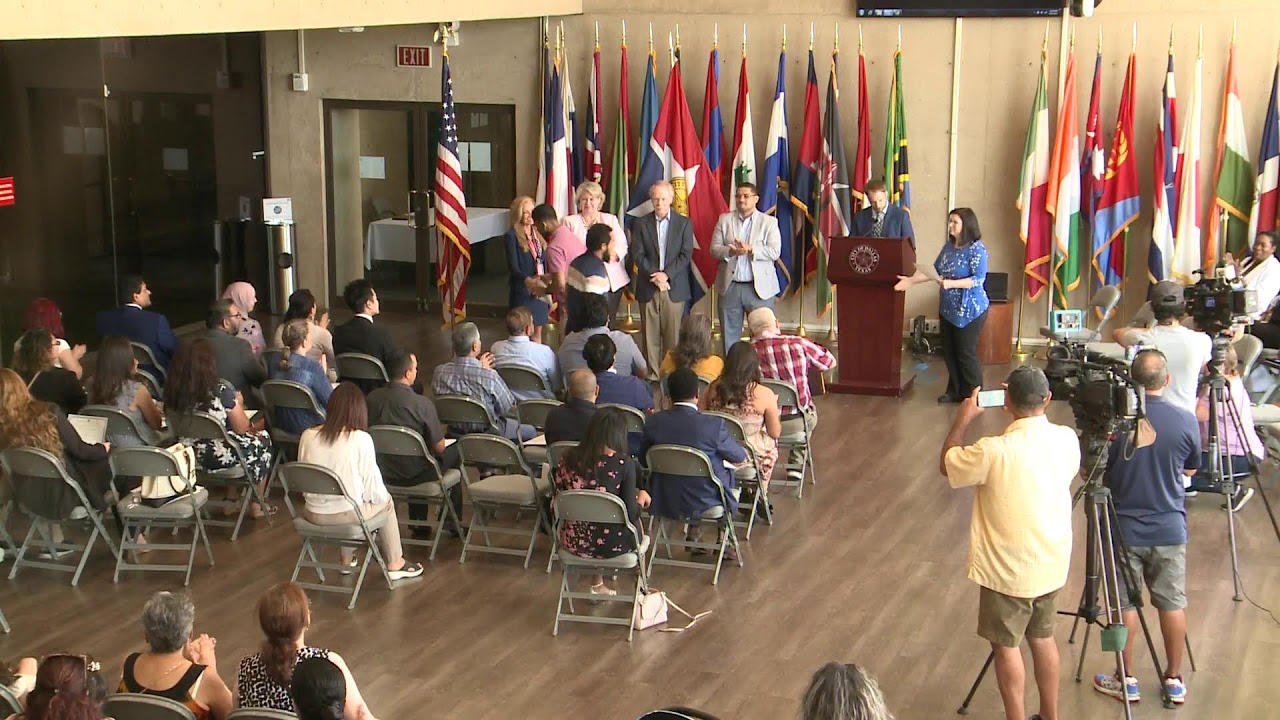
- Examples include Sam’s minimal editing style versus MrBeast’s fast-paced cuts to illustrate different viewer expectations.
- Effective editing uses visuals to maximize attention without overwhelming or confusing the viewer.
- Techniques like zooming in on important points, using motion in still clips, and limiting caption length improve engagement.
- The video serves as a foundational handbook for addictive editing, guiding creators on what tutorials to pursue next.
- The creator shares personal success metrics and invites serious creators to book calls for further guidance.
- Warnings are given about overusing visual variety, which can cause confusion and reduce viewer retention.
Chapters
- 00:00Introduction to Addictive Editing
- 01:06Case Study: Sam's Minimal Editing Style
- 02:00Understanding Viewer Expectations
- 02:59Balancing Authenticity and Entertainment
- 04:42Maximizing Visual Attention
- 05:42A-roll and B-roll Explained
- 07:25Avoiding Visual Overload
- 09:11Advanced Editing Techniques and Tips
- 10:28Using Captions and Engagement Tricks
- 11:36Conclusion and Creator Invitation
Full Transcript — Download SRT & Markdown
Speaker A
Imagine your editing is so good that your viewers can't resist watching until the end. I want that for you, so I've boiled down my years of editing experience into a four-pillar formula. By the way, you'll have to take notes today.
Speaker A
because we are going way deeper than basic things like cutting out Dead Space editing is so much more than that and let's be real your video deserves so much more than that a great editing style may get you
Speaker A
Because we are going way deeper than basic things like cutting out dead space. Editing is so much more than that, and let's be real, your video deserves so much more than that. A great editing style may get you
Speaker A
lasts 26 minutes but has just 17 cuts and no other form of editing how many views how many subscribers do you expect him to have so this means that editing is optional right wait slow down that's not what's going on here Sam did edit he cut
Speaker A
perfect watch time and millions of views, but it may also leave you with terrible view counts and broken dreams. To figure out why, let's start with this: it's just this guy Sam in his car talking and then working out. The video
Speaker A
and flashy animations would ruin that authentic experience that the viewer wanted and guess what A disruption of what the viewer came to the video for is the best way to make them stop watching and while Sam edits with an average of
Speaker A
lasts 26 minutes but has just 17 cuts and no other form of editing. How many views, how many subscribers do you expect him to have? So this means that editing is optional, right? Wait, slow down. That's not what's going on here. Sam did edit. He cut
Speaker A
feel like they're hanging out with someone Mr BEAST's rapid fire style shows that a ton of people go on YouTube for entertainment all your editing choices contribute to that experience for example cutting out all your pauses so that you're speaking constantly is is
Speaker A
out all the boring parts that the viewer didn't come to see, but he left it at that because his viewers aren't looking for a super stimulating experience. They just want to feel like they're spending time with someone. A bunch of quick cuts
Speaker A
videos based on what suits your audience the best this video is not a bunch of tutorials it's a handbook to addictive editing think of it as a foundational starting point to know what tutorials you should even watch in the first place
Speaker A
and flashy animations would ruin that authentic experience that the viewer wanted. And guess what? A disruption of what the viewer came to the video for is the best way to make them stop watching. And while Sam edits with an average of
Speaker A
Cuts removed pauses and these removed bad takes but in its current form this video is doomed to fall short of its potential the reason is this video isn't using its visuals to maximize attention think about this when you see a change
Speaker A
90 seconds between cuts, MrBeast does quite the opposite. So if both editing styles work, what should you do? Start with considering what experience your viewers want. Sam's editing tells us that millions of people come to YouTube to
Speaker A
between a roll b roll and other types of footage every few seconds it would keep attention much better however there is a drawback to changing what's on screen too much try to notice it as we go over how different types of footage should be
Speaker A
feel like they're hanging out with someone. MrBeast's rapid-fire style shows that a ton of people go on YouTube for entertainment. All your editing choices contribute to that experience. For example, cutting out all your pauses so that you're speaking constantly is
Speaker A
saying something important b-roll this is extra footage recorded separately from the audio it creates a visual depiction of your words letting the viewer see what you're talking about instead of just having to look at your face this lets you get things across
Speaker A
easily the most important thing for entertainment, but it takes away from authenticity. An effective editing style takes all these choices into account. So as I reveal the reasoning behind my editing for my first three uploads, take notes on what you should add to your own
Speaker A
how quickly a complicated thing was explained in this dude perfect video did you find something nope I found a suspicious looking math problem over by the pool table and it appears that I need to use the pool balls and the
Speaker A
videos based on what suits your audience the best. This video is not a bunch of tutorials; it's a handbook to addictive editing. Think of it as a foundational starting point to know what tutorials you should even watch in the first place.
Speaker A
would either be too slow slow or terribly confusing both of which would lose viewers but an animation explained it crystal clear and fast that's the sort of editing choice you need to make to create an addictive video if you've
Speaker A
I want you to look at this. There's a problem here. This is the timeline of a typically edited YouTube video. A couple cuts have removed the unnecessary bits. There was a tangent here that wasn't really relevant to the video's greater purpose. These
Speaker A
and they did great completely by themselves because of all the YouTube knowledge I've gotten over the years I got a channel last year that I got to like 60,000 subscribers and over 24 million views so naturally I've been
Speaker A
cuts removed pauses, and these removed bad takes. But in its current form, this video is doomed to fall short of its potential. The reason is this video isn't using its visuals to maximize attention. Think about this: when you see a change
Speaker A
learn how to grow your YouTube channel and by the way the spots are extremely Limited at the moment so don't miss out now you probably remember from earlier there's a drawback to cutting between different clips a ton all of this visual
Speaker A
in your vision, like something moving abruptly, it gets your attention. The same is true for watching a video. And here, there's only three different things to look at in the span of a minute. Kind of boring. But if the video were to switch
Speaker A
avoid that don't minimize shot duration just for the sake of minimizing shot duration it's okay to leave the same clip on screen for for 10 seconds if it's interesting for 10 seconds and often times adding some engagement spice
Speaker A
between A-roll, B-roll, and other types of footage every few seconds, it would keep attention much better. However, there is a drawback to changing what's on screen too much. Try to notice it as we go over how different types of footage should be
Speaker A
change or even better make things Fancy by changing their perspective you can also do more abrupt scale changes to draw attention to certain things for example when I say something important and an a-roll segment I'll zoom in close
Speaker A
used to maximize engagement. A-roll: this is when you can both see and hear the subject at the same time. It feels personal and holds attention really well. If you're speaking with confidence, use it for short periods of time when you're
Speaker A
way it looks but if you want to do it then go ahead next throw on a bunch of visuals on top of your footage many people make the mistake of adding captions just to jack up the visual variety but don't forget that
Speaker A
saying something important. B-roll: this is extra footage recorded separately from the audio. It creates a visual depiction of your words, letting the viewer see what you're talking about instead of just having to look at your face. This lets you get things across
Speaker A
closer attention to certain words but if there's really nothing else to put on screen captions are often still better than nothing also keep them the three words or less at a time because it makes them easier to read now let's say you're
Speaker A
much more clearly and faster too. It's more interesting than A-roll, so use it as much as possible. Some variants of B-roll are stock footage, which is just a lazy version, and motion graphics. These improve explanation times a ton. Look at
Speaker A
the image here are six ways that I do that which go beyond just scaling and positioning take notes cuz this is what gives you professional looking timelines like these animate the most important piece of text or area of the image being
Speaker A
how quickly a complicated thing was explained in this Dude Perfect video. Did you find something? Nope. I found a suspicious-looking math problem over by the pool table, and it appears that I need to use the pool balls and the
Speaker A
circles arrows and underlines also work oh and one extra make the subject glow another immersion hack is to just make the video look good this could be color grading adding a v yet or some subtle particle animations on the topic of
Speaker A
numbers on them to form some kind of solution. You really need to understand how crucial that editing choice was. That was an essential but boring moment in the video story. Any attempt to use A-roll or a normal B-roll in this moment
Speaker A
seamless feed of visuals then there's no rough edges no areas for distraction to build up there's no point where the viewer loses immersion the goal for this pillar is to make every moment blend into the next seamlessly the editing
Speaker A
would either be too slow or terribly confusing, both of which would lose viewers. But an animation explained it crystal clear and fast. That's the sort of editing choice you need to make to create an addictive video. If you've
Speaker A
also let something magically appear on screen but then explain how it got there using a sound effect I like to use the shutter sound effect but a pop sound or something like that also works now this is super important look I just made a
Speaker A
been following my channel, then you've probably noticed I've only uploaded three videos, and with that, I've gotten over 300,000 views and like 13,000 subscribers. What makes it crazier is that I haven't promoted these videos anywhere. I just uploaded them on YouTube,
Speaker A
frame of the second clip the viewer is now expected to look here that's a little jarring and it breaks some of the immersion that your editing should be providing imagine if every cut the viewer had to keep changing Focus from
Speaker A
and they did great completely by themselves because of all the YouTube knowledge I've gotten over the years. I got a channel last year that I got to like 60,000 subscribers and over 24 million views. So naturally, I've been
Speaker A
subtle style of them then I got something for you in the description and don't be afraid to break visual continuity every now and then cuz remember it jolts the viewer it'll get their attention look at this timeline we've been talking about all these ways
Speaker A
getting a ton of comments and emails of people asking me to help them out. So I want to let you know that I'm releasing my calendar below, but it's for serious creators only. If that sounds interesting to you, then you can book a call below to
Speaker A
viewer experience every cut transition animation and piece of footage through a second sense it's literally double the stimulation and it can be used to influence the mood that the viewer has which is an engagement superpower that we'll talk about more once we get to
Speaker A
learn how to grow your YouTube channel. And by the way, the spots are extremely limited at the moment, so don't miss out. Now, you probably remember from earlier there's a drawback to cutting between different clips a ton. All of this visual
Speaker A
description if you need more check out freesound.org or get epidemic sound next go through your video and basically just add sound effects wherever it makes sense when something moves you should add a whoosh sound and when something's highlighted a highlight sound now comes
Speaker A
variety can quickly become visual mush if you're doing it wrong. Let's say you want to be engaging, so you're trying to cut between different clips literally as much as possible. You risk making things confusing, which hurts engagement. To
Speaker A
happen but only use them if something important is actually going to happen or else they will lose their reputation and won't be effective next are hits these release tension and emphasize moments making them feel important you can use
Speaker A
avoid that, don't minimize shot duration just for the sake of minimizing shot duration. It's okay to leave the same clip on screen for 10 seconds if it's interesting for 10 seconds. And oftentimes, adding some engagement spice
Speaker A
underlying suspense these sound effects are so good because they kind of manipul ulate the viewer's emotions which is so powerful because the more emotionally invested the viewer is the more engaged they are and these sound effects are just the tip of the iceberg to achieve
Speaker A
to your video doesn't even require cutting to another clip. Instead, use some of these tricks to make things way more immersive. First, give some movement to any boring still clips you have. Make either the scale or position slowly
Speaker A
segment where I'm giving groundbreaking advice I use a song that gives an Innovative feeling which creates a ton of excitement over what I'm saying this is super straightforward to pull off separate your video based on subject changes and then decide the mood the
Speaker A
change, or even better, make things fancy by changing their perspective. You can also do more abrupt scale changes to draw attention to certain things. For example, when I say something important in an A-roll segment, I'll zoom in close
Speaker A
the occasional gem artist like let me know which offers free songs but to be honest subscribing to a licensed music platform is the best choice if you're going to take YouTube seriously I'm not sponsored but I saved like 4 hours with
Speaker A
to my face to subtly communicate to the viewer that they should listen up. You might also make wiggle keyframes. That's when you see images or text or maybe the whole video shaking around. You never see me doing this because I don't like the
Speaker A
happens if you pause the music abruptly the sudden change will jolt the viewer getting their attention also the lack of music brings attention to other parts of the video so for special moments try pausing the music to elev at that moment
Speaker A
way it looks, but if you want to do it, then go ahead. Next, throw on a bunch of visuals on top of your footage. Many people make the mistake of adding captions just to jack up the visual variety, but don't forget that
Speaker A
more advanced Beyond just making the mood of the song match the tone of the segment it's in upgrade your music by sinking the hits and dips of the song to the video for example in this segment I introduced the problem here and began
Speaker A
drawback that we talked about. Using captions to fill in dead space can quickly become obnoxious and ruin a great opportunity to use a more engaging visual. So I only use captions when I want the viewer to understand and pay
Speaker A
have four music tracks playing at the same time it's because I downloaded the separate elements of the song that's another feature of epidemic sound which is super helpful all right I hope that helped now there's a lot more to
Speaker A
closer attention to certain words. But if there's really nothing else to put on screen, captions are often still better than nothing. Also, keep them three words or less at a time because it makes them easier to read. Now let's say you're
Topics:video editingYouTube growthviewer engagementA-rollB-rollmotion graphicswatch timecontent creationediting techniquesaddictive videos