Skip to content
Get App

Best Local AI Models For Every VRAM Tier

Kai explains how to choose local AI models by GPU VRAM tier (4, 6, 8, 16 GB), covering runtimes like Ollama and LM Studio, quantization, and specific model picks for each tier.

Key Takeaways

  • Match the model size and quantization to your GPU's VRAM before anything else.
  • Prefer a small model at higher quantization over a large model at aggressive compression.
  • Set context length explicitly to avoid memory overflows and crashes.

What the video covers

  • VRAM amount is the key factor that determines which local AI model you can realistically run at home.
  • Ollama and LM Studio are the two main runtimes: Ollama is command-line based, LM Studio offers a GUI.
  • Quantization (e.g., Q4_K_M, Q8) compresses model weights so a 7B model drops from ~14 GB to ~4.5 GB, at some quality cost.
  • Smaller models at higher quantization (Q8) generally outperform large models squeezed to very low quantization (Q2).
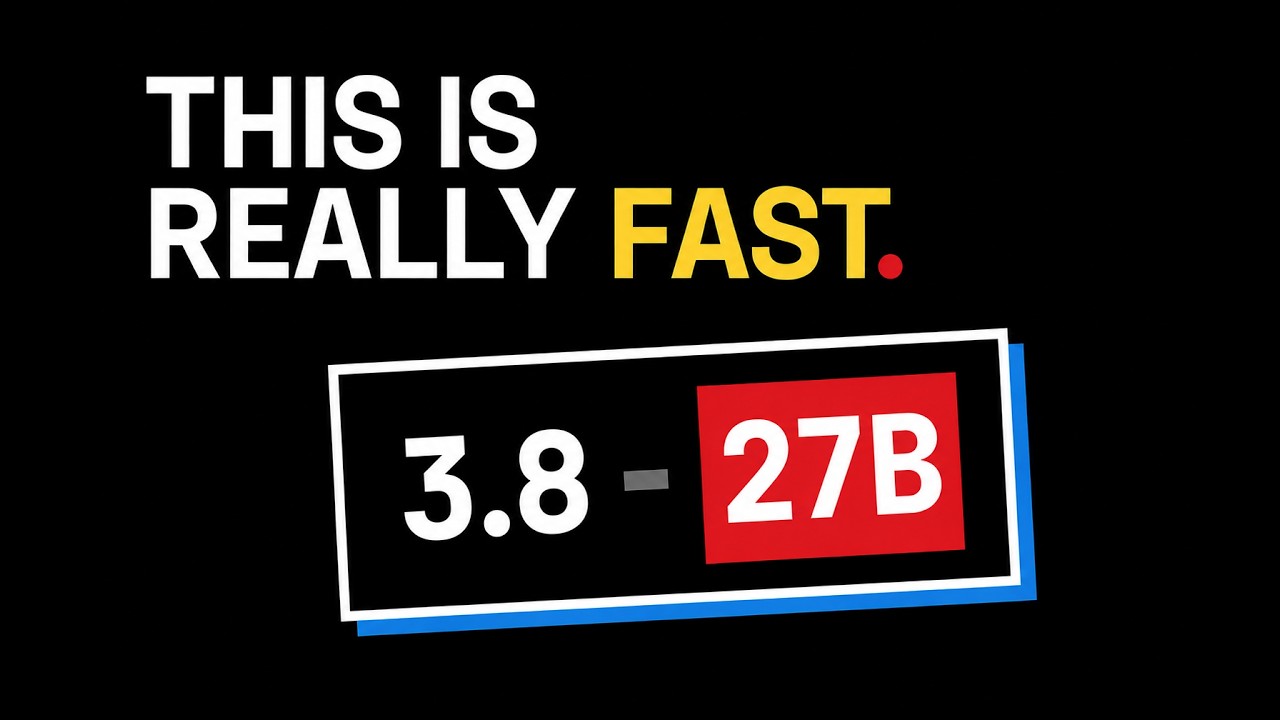
  • 4 GB tier: Phi-4 mini (3.8B) and Gemma 4 E2B suit summarization, simple Q&A and basic code help; larger models are too slow.
  • 6 GB tier: Phi-4 mini at Q5 is the safe pick; Mistral 7B (Q3) suits writing tasks and Qwen 2.5 7B suits coding, though small models can hallucinate outdated APIs.
  • At 6 GB, keep context windows around 8K, since larger contexts overflow into RAM or crash the runtime.
  • 8 GB tier: Qwen 3.5 9B at Q4_K_M is the top pick, with Llama 3.3 8B as a balanced, well-supported alternative and Mistral Small as the speed option.
  • 16 GB tier: Qwen 3.6 27B at Q4_K_M offers near-commercial reasoning, paired with Codestral for autocomplete.
  • Local models still trail the best closed frontier models on coding benchmarks, but the gap narrows with each hardware tier.

Answers

Questions about this video

Why does the video say VRAM matters more than which model is smartest?

The speaker argues that your graphics card's memory is the constraint that decides what you can run at home. A model that needs more memory than your card has will run poorly or fail, regardless of how capable it is.

What is quantization and why does it matter?

Quantization compresses model weights from 16-bit precision into smaller formats like 8-bit or 4-bit. For example, a 7B model drops from about 14 GB to about 4.5 GB at Q4, making it runnable on common hardware with some loss in quality.

Which model does Kai recommend for an 8 GB GPU?

Kai's top pick for 8 GB is Qwen 3.5 9B at Q4_K_M, which he found faster and higher-scoring than other models he tested on an RTX 3070. Llama 3.3 8B is recommended as a balanced alternative.

Full Transcript — Download SRT & Markdown

00:00
Speaker A
Forget which AI model is the smartest. The question that decides what you can actually run at home is simpler than that. How much memory does your graphics card have? That one number picks your model for you. Say you choose a 20 GB
00:12
Speaker A
model and you try to run it on your potato PC. You already know the result, it's going to choke. And the thing is, it's not even the model's fault. It's a machine problem. You're trying to squeeze the wrong model into the wrong
00:24
Speaker A
PC. So in this video, I'm going to fix that for you. We're going tier by tier, 4 gigs, 6 gigs, 8 gigs, and past that, and for each one, I'll tell you exactly what runs, what doesn't, and what I
00:36
Speaker A
actually tried that failed. But before we get into the models, there are two things you need to understand first, because you're not just going to run a model. A model is just a file sitting on your SSD. What actually matters is the
00:48
Speaker A
software layer that loads those numbers and serves them to your editor. That's what determines your entire experience.
00:55
Speaker A
Right now, the two most used runtimes among developers are Allama and LM Studio. Allama wraps the complex inference stuff into a dead simple command line. You do Allama pull model name and you're running. LM Studio gives you a GUI if you prefer clicking over
01:09
Speaker A
typing. Both work fine. Pick one. Now the second thing, RAM and quantization. Models are trained in 16-bit precision.
01:16
Speaker A
A 7 billion parameter model in 16-bit needs about 14 GB of RAM just to load.
01:21
Speaker A
Most machines can't do that. So quantization comes in. It compresses those weights into smaller formats, 8-bit, 4-bit integers. You'll see tags like Q4KM or Q8 on every model file you download. A 7B model that was demanding 14 gigs, its Q4 version runs at around
01:39
Speaker A
4.5 gigs. That's the version you actually want on most machines. Now quantization does come with a tradeoff.
01:46
Speaker A
As the size decreases, the model loses some of its quality, too. So if you're on a potato PC, run a smaller model at Q8 rather than squeezing a bigger model down to Q2. A sharp small model will beat a lobotomized big one every time.
02:01
Speaker A
Now, let's get into the tiers. First, tier 4 gigs. And I'm going to be up front with you here. You won't be running serious coding tasks or complex reasoning at this tier. But for summarization, simple Q&A, lightweight chat, explaining a function, writing a
02:14
Speaker A
docstring, models at 4GB are genuinely usable. People with 4GB cards act like local AI doesn't apply to them. That's wrong. Your main option here is 54 mini, a 3.8 billion parameter model by Microsoft. They trained it to be
02:28
Speaker A
efficient, and it shows. It scores around 68% on M Lou and 70% on Human Evil, which honestly is not bad at all for a 3.8B model. It handles basic code completion, explaining existing code, fixing small bugs. Don't expect it to
02:44
Speaker A
write a complex multi-file application from scratch. It's a surgical tool, not a bulldozer. The other name that comes up is Gemma 4E2B, Google's 2B parameter model from the Gemma 4 family, released around April 2026. This one is better at
02:58
Speaker A
text generation, summarization, analyzing documents, writing. Qwen 3.52B is better at coding. So, depending on what you actually need, pick one or the other. Now, what you should not do at 4GB. Don't try to squeeze larger models onto it, because I did, and here's what
03:16
Speaker A
I got. I tried running Mistral 7B Q3 on a 4GB card. It ran, but at four to five tokens per second. The model kept spilling out of VRAM into RAM and choking on anything beyond a one-line prompt. So, keep that in mind. Second
03:30
Speaker A
tier, 6 GB. More interesting than people give it credit for. At this tier, you can carefully fit some 7 billion parameter models. If you're careful with quantization and you don't go crazy with context length, because every extra token you add to your context window
03:44
Speaker A
eats into the headroom you need for the model weights themselves. The safe bet here is Phi 4 mini, same model from the 4GB tier. On 6GB, it's even more comfortable at Q5. You're looking at 15 to 30 tokens per second. This is the no
03:59
Speaker A
risk option. You pull it and it runs at good speed. If you just want something that works without thinking too much about it, start here. If you want to reach up, go with Mistral 7B at Q3KM.
04:10
Speaker A
Mistral shines at 6GB specifically for writing commit messages, readme files, documentation, drafting emails. The outputs at this size are clean and they follow instructions well. For that specific job, it's one of the better 6GB picks. But keep in mind, you're fitting
04:26
Speaker A
a full 7B model at a compressed quantization, so the quality loss going from Q4 down to Q3 is noticeable. Now, if you specifically want a coding model at 6 gigs, go with Qwen 2.5 7B at Q3KS.
04:40
Speaker A
Same size range as Mistral, but Qwen's coding benchmark scores are meaningfully higher at equivalent sizes. I used it for a few weeks for boilerplate and basic Python scripts and it was fine for that. But I'll tell you where it fell
04:51
Speaker A
apart. I was trying to debug a Flask app with SQL Alchemy and Qwen kept giving me suggestions for methods from an older version of SQL Alchemy. And after searching a lot, I found that it's a known failure mode for small models on
05:03
Speaker A
code tasks. They hallucinate outdated APIs and they don't know they're doing it, so keep that in mind. One more important thing at this tier. Keep your context window at 8K max. Try to push to 32K and you'll overflow to RAM or a
05:16
Speaker A
Llama will crash mid-session. I've had a Llama die more than once because the KV cache grew bigger than expected. The fix is setting the context length explicitly when you pull the model. Don't let a Llama pick a default. I'm mentioning
05:28
Speaker A
this because it took me several failed sessions to figure it out. Third tier, 8 gigs. This is where local AI actually gets good. With 8GB, you can load a proper 7 to 9 billion parameter model at Q4K meters quality with a real context
05:42
Speaker A
window at real speed. This is where the experience stops feeling like a compromise. My go to pick here is Qwen 3.59B.
05:50
Speaker A
After benchmarking five models on an RTX 3070, this is the answer for 8GB by significant margin. At Q4KM, it sits at 6.6 GB in a Llama that leaves actual headroom for context. It's faster than older 8B models, scores higher on every
06:06
Speaker A
benchmark I ran, and it's the only model I tested that stays fully in GPU memory even at 32K context on 8GB RAM. On the artificial Artificial Analysis Index, it scores 32.4, 38% higher than the runner-up at this tier. It supports up to a 200K context
06:24
Speaker A
window without major performance collapse. For daily coding, it's fast, accurate on functions and algorithms, and good at explaining its own output.
06:33
Speaker A
Genuinely usable as a daily coding assistant if your code base isn't massive. Second option at this tier is Llama 3.38B.
06:40
Speaker A
The most balanced choice here, M Lu of 73.0, human eval of 72.6 at Q4KM. The community around Llama is unmatched.
06:51
Speaker A
There are fine-tunes on Hugging Face for basically every niche. Legal code review, if you're doing something specific, there's probably a fine-tune for it. The one downside I found that it uses a bit more RAM than Qwen 3.59B at
07:03
Speaker A
comparable quality. Still fine at 8GB, but tighter. And if you want pure speed, go with Mistral Small 37B. Highest tokens per second among 7 to 9B models on mid-range hardware. MT-Bench score of 8.0 follows instructions well, produces clean outputs. If latency is the thing
07:20
Speaker A
that kills your focus more than anything else, this is your pick. Now, for those of you past 8 gigs, 16GB, and 24GB, I can share personal experience here because I run an RX 960 XT with 16GB of VRAM. At 16GB VRAM, you can comfortably
07:36
Speaker A
run Qwen 3.627B at Q4KM. It fits with room left for a decent context window. Near commercial reasoning capability, fast enough to feel natural. If you're building out a machine specifically for local AI development and you want one GPU to
07:51
Speaker A
handle serious work, 16GB gets you there. For autocomplete alongside your 27B chat model, run Codestral. Keep them separate 27B model in your sidebar, Codestral feeding tab completion. Set max prompt tokens to 1024 for autocomplete. If you try to use the 27B
08:09
Speaker A
model for autocomplete, your editor becomes slow enough to actually break your flow. If you have 24GB VRAM like RTX 4090 or RTX 4080, Qwen 3.6 27B fits easily with plenty of headroom. You can also start testing 30B MoE models. The
08:26
Speaker A
experience at this tier is genuinely close to a cloud coding assistant in most real-world scenarios. Not a marketing claim, just what it actually feels like day-to-day. And for those with a Mac Studio with 128GB unified memory or a multi- GPU rig, you can load
08:42
Speaker A
Qwen 3 Coder Next. 80 billion parameters MoE, but it only activates about 3 billion per token. You need roughly 45GB across RAM and GPU for the 4-bit version. In return, you get a 256K context window and 58.7% on SWE bench verified. Claude Sonnet 4.6
09:02
Speaker A
scores 62.4%. That gap is smaller than most people realize. That is the whole ladder, five brackets, five models, and every one of them ran on hardware you can sit on a desk. Now, the honest catch, because I'm not going to oversell it, none of these
09:18
Speaker A
are GPT 5.6 or Claude Fable. The closed frontier still sits around 90 on these coding tests, and local still trails it.
09:26
Speaker A
This is the best you can own, not the best that exists. So, how do you choose?
09:31
Speaker A
Simplest rule I can give you, find the biggest model that fits your memory with a little room left over for context, and run that one. When it fits, bigger still wins. It is almost that boring, but the real headline is not any single model on
09:44
Speaker A
this list. It is that the one that fits your box today is dramatically better than the one that fit it 6 months ago.
09:50
Speaker A
The floor is rising and it is rising fast. And if you have never done this, do not overthink it. All the links are in the description. Go check them out as you are about 10 minutes from a private
10:00
Speaker A
model, not a weekend, because every model here is a free download on Hugging Face. Pull the one for your bracket, load it up tonight, and go find out what your own hardware can actually do. I really think it is going to surprise
10:12
Speaker A
you. If this saved you a week of trial and error, subscribe. I break down the local AI stack here every week. I will see you on the next.
Topics:local AILLMVRAMquantizationOllamaLM StudioQwenLlamaMistralGPU memory

Get More with the SozAI App

Transcribe recordings, audio files, and YouTube videos — with AI summaries and speaker detection. 30 minutes free.

Or transcribe another YouTube video here →