
Key Takeaways
Your voicemail lives on the carrier’s system, not on your phone, and carriers delete messages on a schedule that’s often around thirty days and sometimes much shorter. Act today. On iPhone, Visual Voicemail has a share button that saves the file to Files, Notes or a message; deleted ones sit in a recovery list for a while. On Android there’s no single button, so the reliable fallback is playing the message on speaker and recording it with a second phone. An answering machine takes the same fallback, or a lead from its headphone socket into a recorder.
You didn’t write down the date the voicemail arrived, and now you’re wondering if it’s still there. It probably is, for now. The reason to deal with this today instead of next weekend isn’t procrastination guilt, it’s that the message isn’t sitting on your phone waiting patiently. It’s sitting on your carrier’s server, and carriers clean house on their own timetable.
What follows is what actually works on an iPhone, on an Android phone, and on the kind of answering machine that’s been in the hall for a decade. There’s also a section on what to do differently if this recording might end up in front of a court or an insurer, because saving the audio and preserving evidence aren’t quite the same job.
The carrier’s clock, not yours
A voicemail isn’t stored like a photo or a text message. It’s held on your carrier’s system and streamed to your phone when you play it. That’s convenient until you realize it also means the carrier decides when it disappears, and that schedule is often around thirty days, sometimes much less. Nobody sends you a warning first.
This is the whole reason to move now rather than later. If you’re reading this because someone mentioned a voicemail worth keeping, don’t finish this article before you at least open your phone and check whether the message is still there.
iPhone: Visual Voicemail and the share button
If your carrier supports Visual Voicemail, your Phone app shows a list of messages you can tap and play individually, rather than dialing into a voicemail line and listening in order. Each message in that list has a share button, and from there you can save the recording into Files, into Notes, or send it as a message to yourself or someone else. That’s the whole process — find it, tap share, choose where it goes.
Without Visual Voicemail, none of this applies. Some carriers don’t offer it, and if yours doesn’t, there’s no list to tap through and no share button to find. You’re in the same position as an Android user with no export option, which the next section covers.
If you already deleted it
Deleted voicemails on iPhone don’t vanish immediately. They sit in a Deleted Messages list for a while, and you can go in and recover one from there. Worth checking before you assume it’s gone for good — this is the one genuine rescue in the whole process.
Android: no single answer
Android doesn’t have one voicemail system the way iPhone has Visual Voicemail built into the Phone app. Visual voicemail on Android comes from a carrier’s own app, and plenty of those apps deliberately don’t include an export or save option. That’s not a bug you can fix by digging through settings — it’s a choice the carrier made.
When there’s no export button, the fallback that always works is blunt but reliable: play the voicemail on speaker and record it with a second phone. The audio quality will be mediocre — you’re recording a recording through open air — but it captures the message, and that’s usually what matters more than fidelity.
- Put the phone with the voicemail on speaker, in a quiet room.
- Hold a second phone close and record using its voice memo or camera app.
- Play the message once through fully before stopping, in case you need to redo it.
The answering machine in the hall
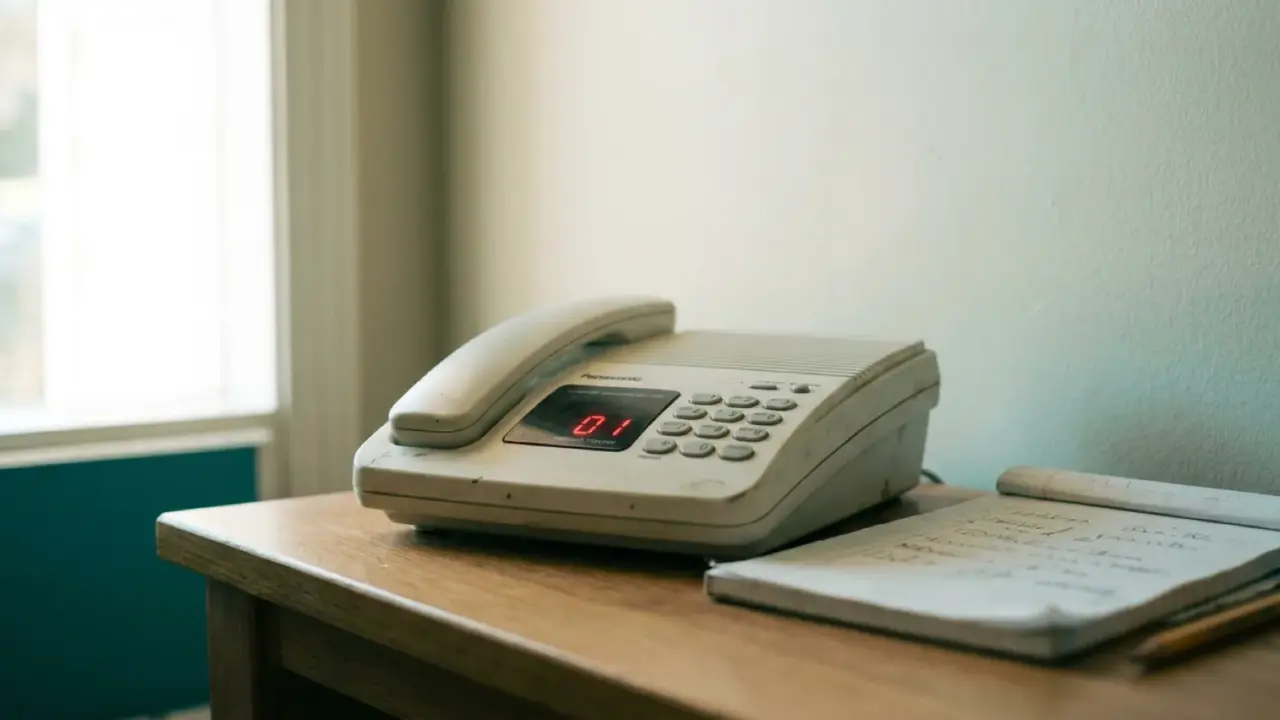
A digital answering machine has the same fundamental problem as Android, just in a different box. There’s no software export waiting for you. The two options are the same as above: play the message and record the room with a phone or recorder, or, if the machine has a headphone socket, run a lead from that socket into a recorder for a cleaner signal than an open-air recording gives you.
The headphone-socket route is worth the extra minute of hunting for a cable. It skips the room noise and the speaker’s own distortion, and the difference in the final recording is noticeable.
When a voicemail is evidence
If you’re saving this for a court case or an insurer, the audio alone isn’t the whole job. What matters as much as the recording is the metadata around it: when it arrived, what number it came from, and an unedited original file kept untouched somewhere safe, separate from any copy you clean up or trim for convenience. Tidy the copy, never the original.
Laws on recording calls vary by country and by state, and a voicemail someone left for you is generally treated differently from a call you actively recorded — but check what applies where you are rather than assume. This is one of those areas where a general rule can be wrong for your specific situation, so a few minutes confirming the local rule is worth more than confidence borrowed from somewhere else.
Turning it into text you can quote
Once the voicemail is saved, a transcript makes it usable in ways the audio file alone isn’t. You can quote it in a letter or a claim without asking anyone to listen to a phone speaker held up to a recorder. This matters more than it sounds — a written line is something a reader can skim, search and copy, where an audio file just sits there waiting to be played.
SozAI is one option for this step: it’s a transcription app for iOS, Android and macOS that turns audio and video files into text with speaker labels, and it’s one of several tools you could reach for once the voicemail itself is safely saved. If you want to try converting a saved file, the audio-to-text tool is a reasonable place to start, and the broader transcription app page covers what it does across longer recordings. The app itself is available from the download page if you decide it’s worth having on hand for the next one.
What doesn’t survive the process
Be honest with yourself about what you’re actually getting. A voicemail recorded off a speaker with a second phone will sound noticeably worse than the original — tinnier, sometimes with room echo, occasionally hard to make out a word or two. That’s the cost of the fallback method, and there’s no way around it without carrier-level export.
Visual Voicemail depends entirely on your carrier offering it, and no amount of settings-menu searching will produce it if your carrier doesn’t. The Deleted Messages recovery on iPhone is real but temporary — it’s not a permanent backup, just a short grace period. And any recording made outside the rules for your jurisdiction won’t help you in the way you hoped, no matter how clear the audio is. Save the message, but save it the right way for what you actually need it for.

