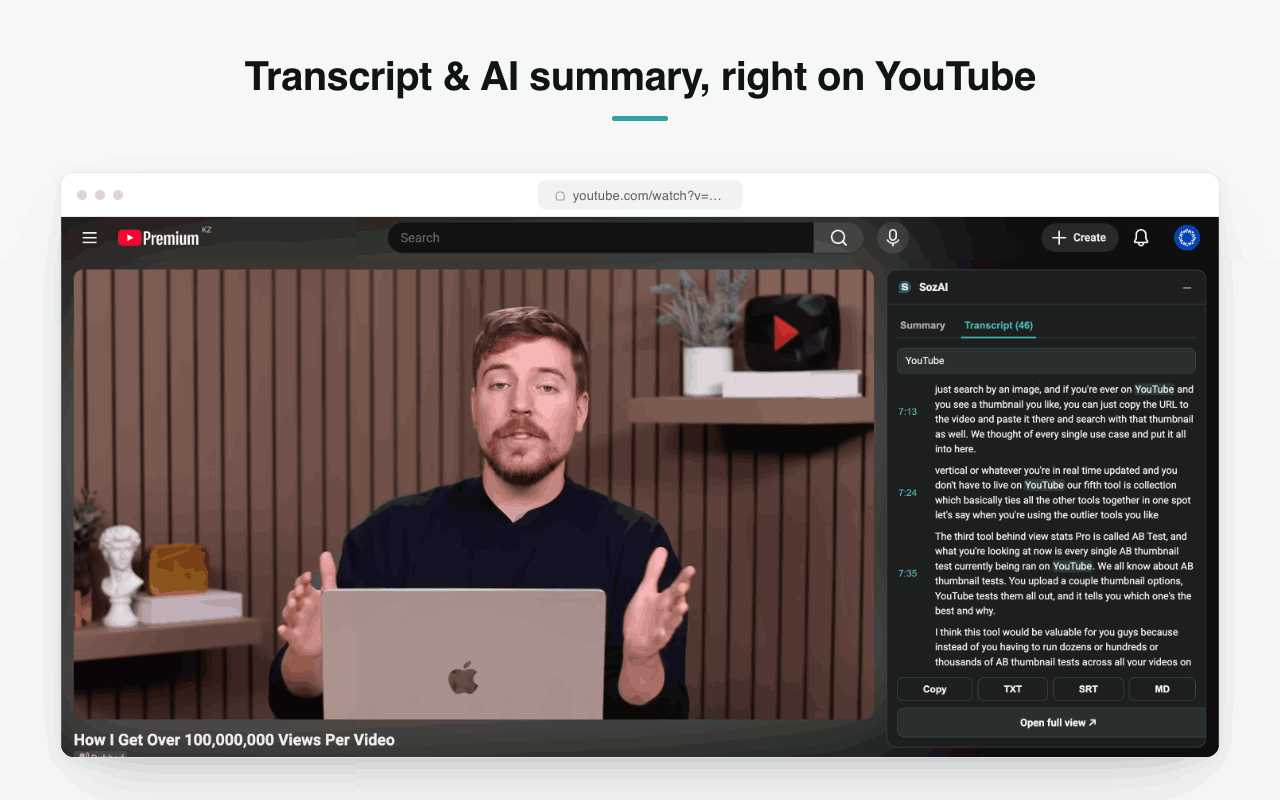
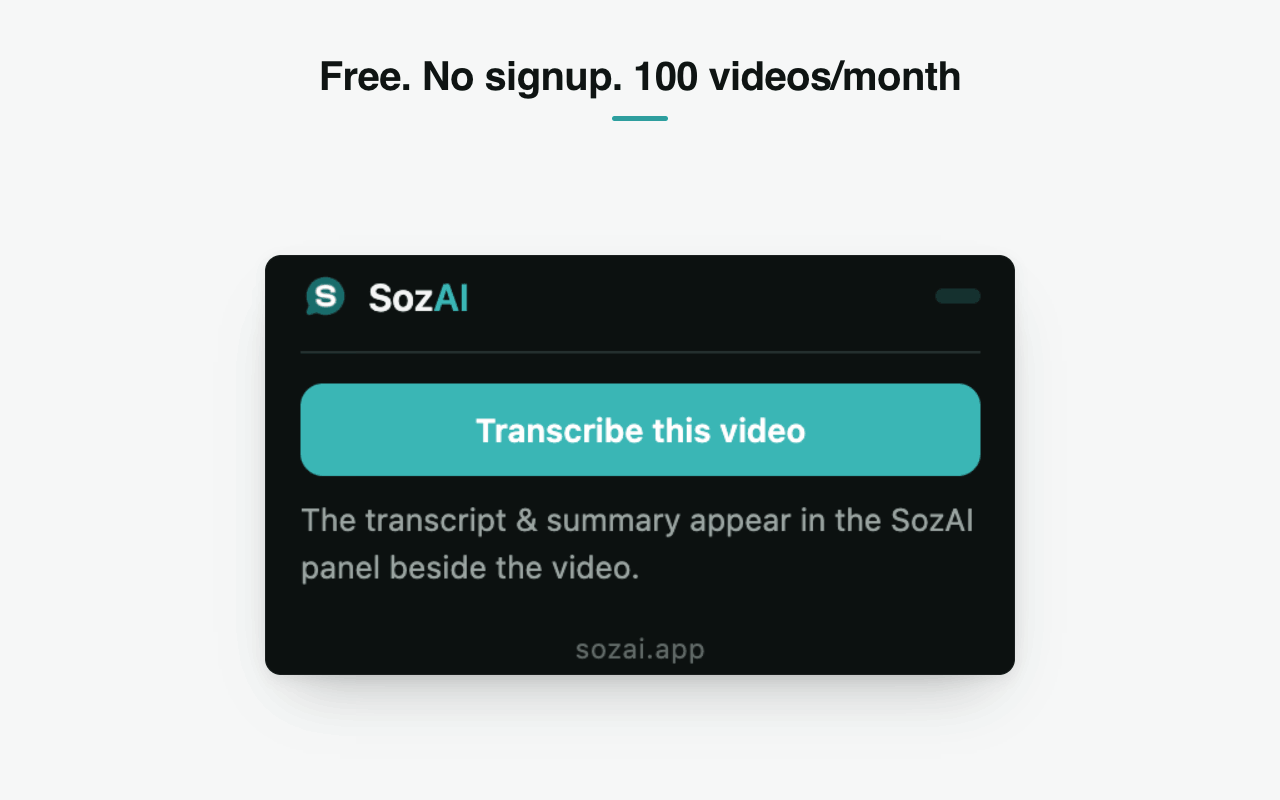
A panel opens beside the video with the full transcript and an AI summary. Search it, click a timestamp to jump, copy it or export TXT, SRT or Markdown. Free, no account, 100 videos a month.
Free. No account. 100 videos a month.
The panel docks to the right of the player with two tabs, Summary and Transcript. The transcript is broken into timestamped blocks, so you read it the way the video is structured rather than as one wall of text.
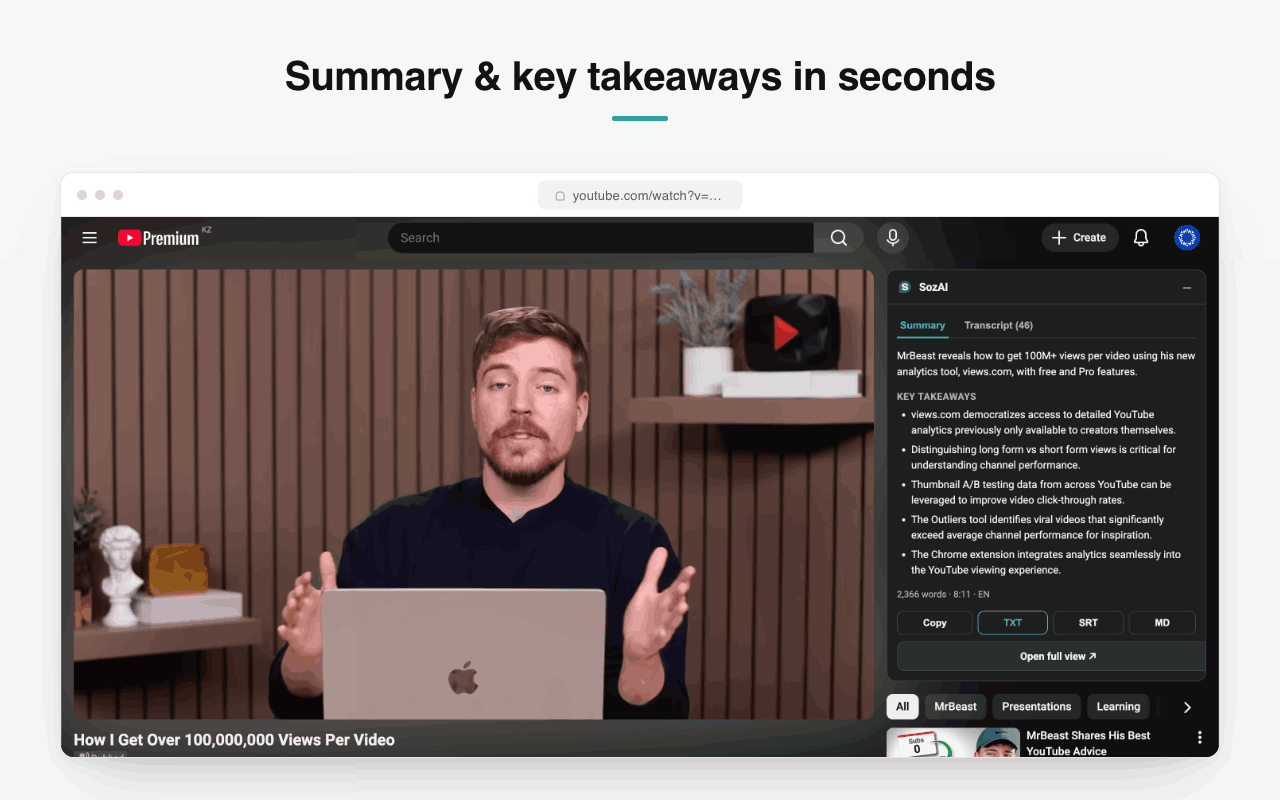
The Summary tab gives a short description of what the video covers and a bulleted set of takeaways, with the word count and runtime underneath so you know what you are committing to before you read.
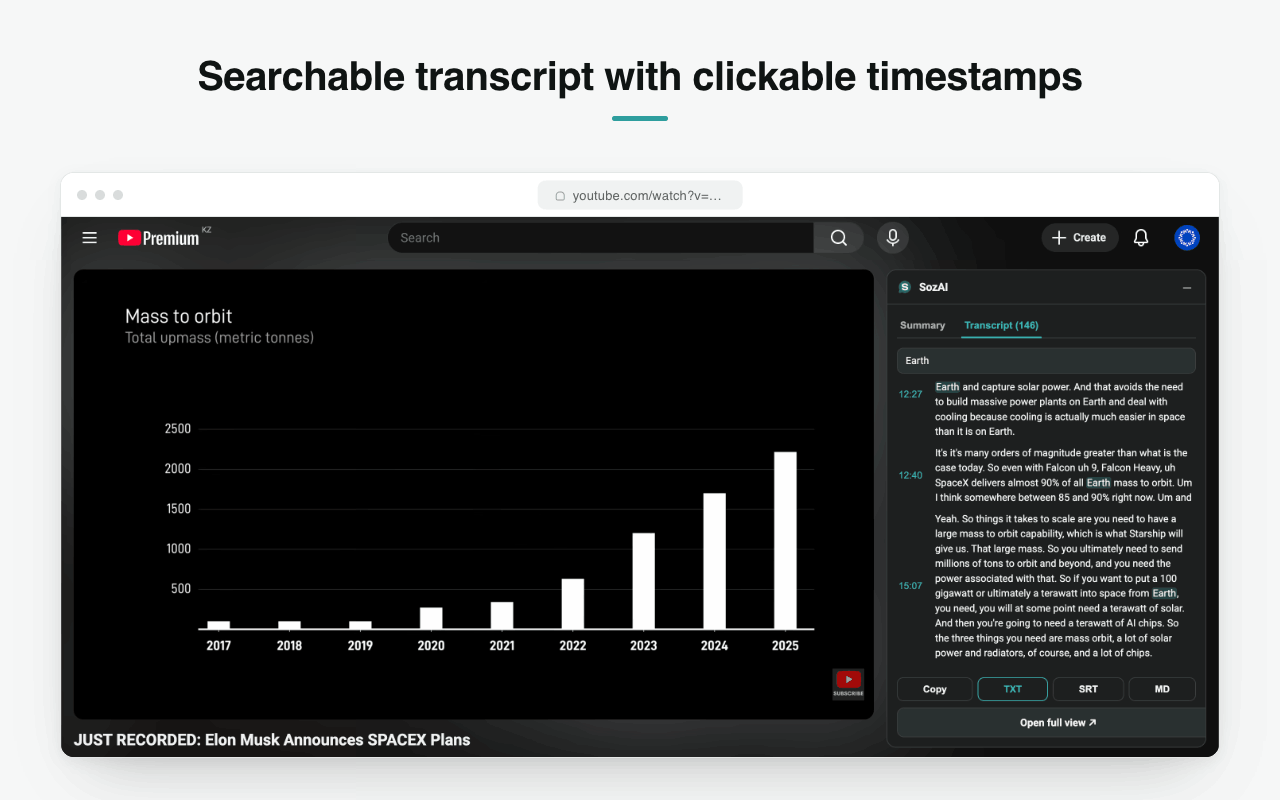
Type a word and the panel filters to the blocks that contain it, with every match highlighted. Each block keeps its timestamp, so the search result is also a way back into the video.
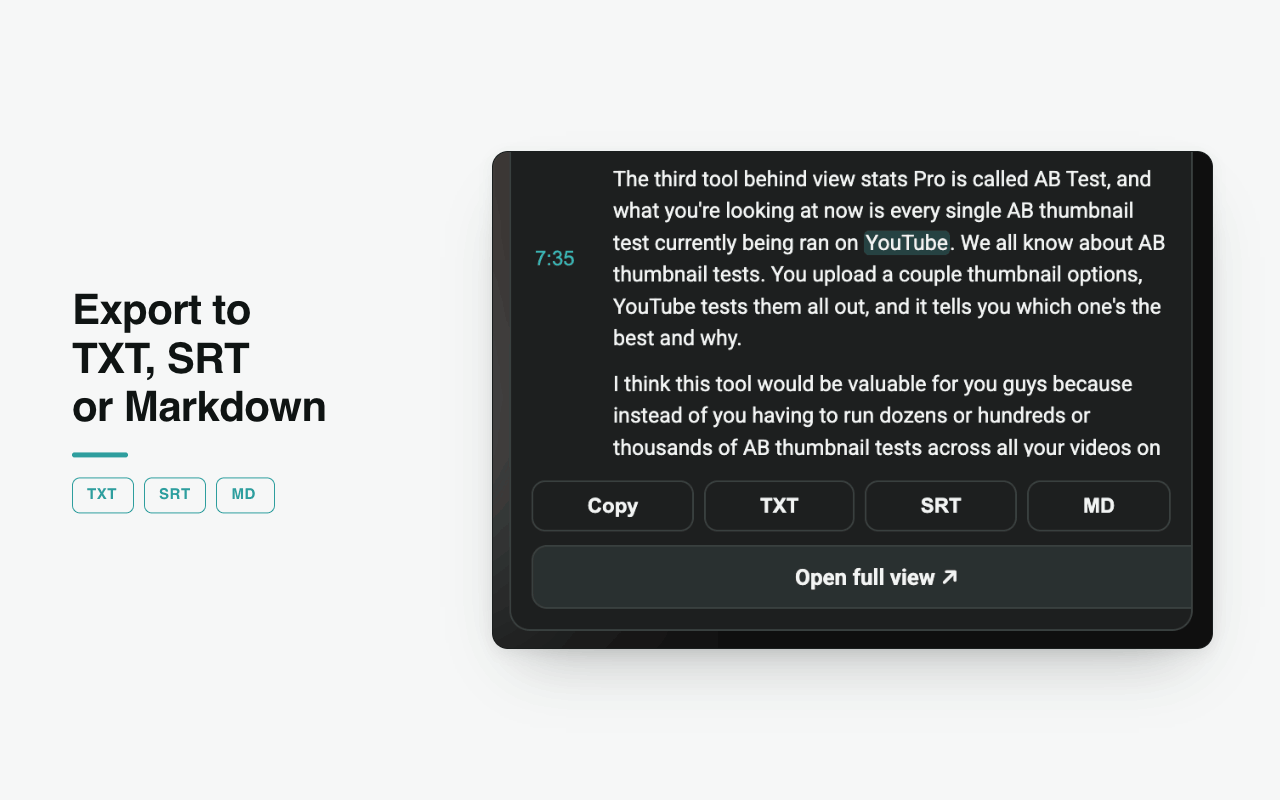
Four buttons sit under the transcript. Copy puts it on the clipboard, TXT gives plain running text, SRT gives a subtitle file with the timings intact, and MD gives Markdown ready to paste into notes.
Install it, open a video, press Transcribe. There is no signup, no key to paste and nothing to configure. The free allowance is a hundred videos a month per device.
Install the extension from the Chrome Web Store.
Open any YouTube video.
Press Transcribe in the SozAI panel beside the player.
Read the summary, search the transcript, then copy or export it.
Two tabs beside the player: a written summary with key takeaways, and the full timestamped transcript.
Filter the transcript to the blocks containing a word, with matches highlighted and timestamps preserved.
Every block carries the position it came from, so a line of text is also a way back to that moment.
Plain text for notes, SubRip for subtitles with the timings intact, Markdown for pasting into documents.
No account, no API key, nothing to configure. A device identifier is all it uses.
The free allowance is per device and resets monthly. Nothing is charged and no card is asked for.
Answers
No. There is no signup, no login and no API key to paste. The extension identifies your browser with a generated device id so it can count the free monthly allowance, and that is the whole of it.
A hundred a month per device. The counter resets at the start of each month. There is no card, no trial and no paid tier inside the extension.
TXT gives you the words as running text, which is what you want for notes or a document. SRT is a SubRip subtitle file: the same words split into numbered cues with their timings, which is what a video player or editor expects.
It relies on the captions a video carries. Where a video genuinely has none in any language, there is nothing for the extension to read, and it will say so rather than invent a transcript.
The panel gives you the transcript in the language the video’s captions are in. For translation, and for audio you have as a file rather than a YouTube link, the SozAI app covers more ground than the extension does.
It runs on YouTube pages and talks to sozai.app to produce the transcript. It has no reason to touch any other site and does not.
Free, no account. Installs in one click from the Chrome Web Store.
Free. No account. 100 videos a month.