Skip to content
Get App

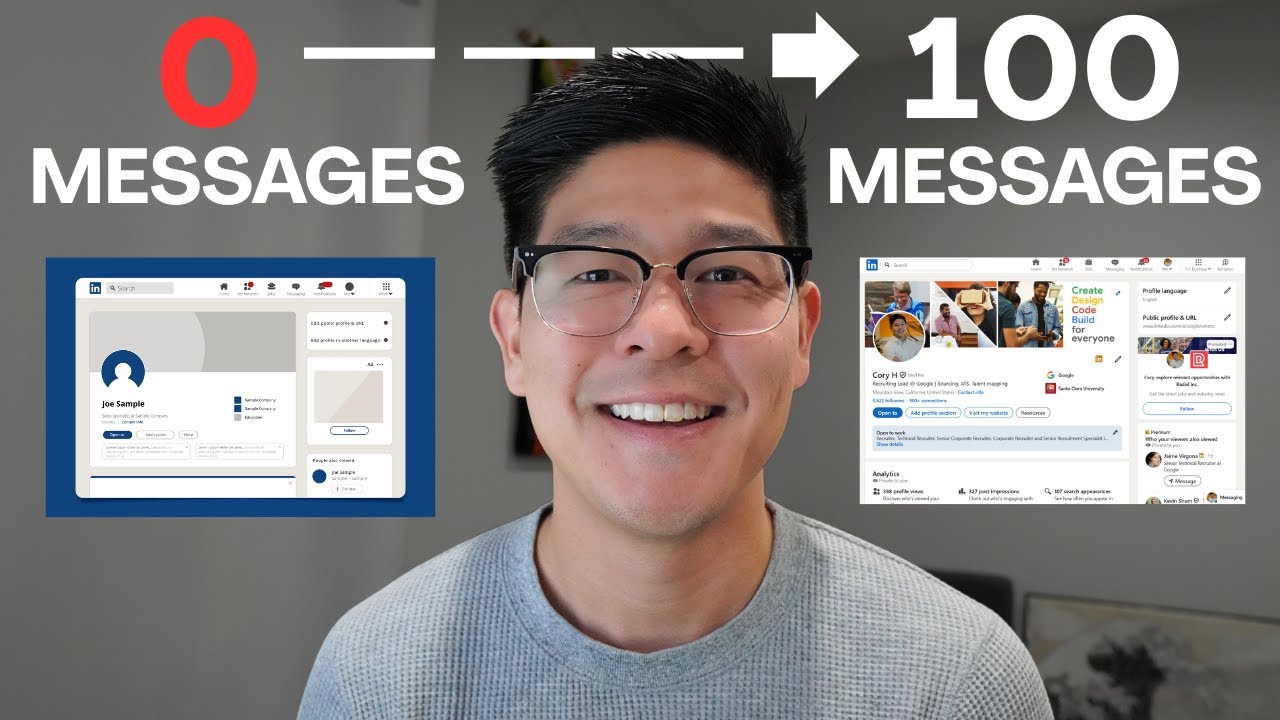
How to Make a Great Linkedin Profile - TIPS + EXAMPLES

Learn how to create a professional LinkedIn profile with tips on profile pictures, headlines, and summaries to boost your business presence.

Key Takeaways

  • A professional profile picture is crucial for LinkedIn success.
  • Optimizing your headline with keywords and a unique element increases profile views.
  • A well-crafted summary with social proof and media links strengthens your profile.
  • Using tools like Photofeeler.com can objectively improve your profile picture.
  • Updating your background image helps create a more professional and attractive profile.

What the video covers

  • LinkedIn is the largest B2B social network and essential for professional success.
  • A good LinkedIn profile depends on three key factors: profile picture, headline, and summary.
  • Profile pictures should be close-up, professional, with a neutral background, and no accessories like sunglasses or headwear.
  • Use Photofeeler.com to get feedback on your profile picture based on likability, influence, and competence.
  • Update your LinkedIn background picture to enhance your professional look.
  • Your headline should act as an ad, combining job title, company name, relevant keywords, and a 'zing factor' to attract attention.
  • Incorporate important keywords in your headline to improve search visibility on LinkedIn.
  • Write a strong summary explaining your skills, strengths, and how you help others, including social proof and links to external media.
  • Adding external media like websites, blogs, SlideShares, or YouTube videos to your summary is easy and enhances your profile.
  • The video offers a bonus: viewers can leave their LinkedIn profile links for personalized feedback.

Answers

Questions about this video

What makes a good LinkedIn profile picture?

A good LinkedIn profile picture should be a close-up with a neutral background, where you look into the camera, smile, and dress professionally without accessories like sunglasses or headwear.

How can I improve my LinkedIn headline?

Enhance your headline by including your job function, company name, important keywords relevant to your skills, and a 'zing factor' that makes your profile stand out and attracts attention.

Can I add videos or links to my LinkedIn summary?

Yes, you can easily add links to websites, blogs, SlideShares, or YouTube videos in your LinkedIn summary to provide social proof and make your profile more engaging.

Full Transcript — Download SRT & Markdown

00:01
Speaker A
Forget about Twitter, Instagram, and Facebook. LinkedIn is where the money is. LinkedIn is the biggest business-to-business social network in the world.
00:18
Speaker A
So if you want to be there and you want to be successful on LinkedIn, then it's important that you have a good LinkedIn profile.
00:26
Speaker A
In order to have a good profile, we want to review three key factors. The first thing is your profile picture.
00:33
Speaker A
Your profile picture is very important because, on the basis of your profile picture, people will want to connect to you or offer you business proposals or maybe offer you a job.
00:44
Speaker A
Now, if you don't have a profile picture or if it's outdated, then you really have to work on that.
00:51
Speaker A
What do you need to have a good profile picture? Well, the first thing is that it has to be close up.
00:57
Speaker A
Look into the camera, smile, have a neutral background, and dress appropriately, wearing minimal jewelry and accessories and certainly no headwear or no sunglasses.
01:12
Speaker A
These are things to avoid in your profile picture. Like shades. This picture could work on Instagram, but it's not really suitable for LinkedIn.
01:22
Speaker A
Okay, this one. No explanation needed, I think. No alcohol ever. These are actually existing profile pictures that I found on LinkedIn.
01:33
Speaker A
Okay, this one taken in a car, not looking in the camera, bad lighting. The guy with the big cigar.
01:41
Speaker A
And this lady probably somewhere on holiday. Now, these pictures could work on Instagram, but they are not really suitable for LinkedIn because you need a professional look on LinkedIn.
01:54
Speaker A
So how do you know that your profile picture is good? You could ask colleagues or maybe friends, but there's another thing that you can do, and that's to use Photofeeler.com. Now, Photofeeler.com is an application, it's a free one. It's online, and what it does is that professionals
02:13
Speaker A
like you and me, they review your picture on the basis of three criteria: likability, influence, and competence.
02:23
Speaker A
Now let me give you an example, so here it is. I logged in my existing LinkedIn profile, and you can see people rate my picture as very competent and influential, but as you can see, I'm not considered very likable.
02:39
Speaker A
So what I did, I uploaded another picture where you see me smiling more. And as you can see, likability has improved but not dramatically, but my competence and influence have dropped.
02:59
Speaker A
So I decided to stick to my original picture because, to me, on LinkedIn, having an image of being competent and influential is far more important than being likable.
03:12
Speaker A
So Photofeeler.com, try it, use it, and update your picture. Now, another thing that you can do is to also update your background picture on LinkedIn because few people do that.
03:26
Speaker A
And standard, by default, you have like this blueish background image which is a little bit boring. So you can update that.
03:34
Speaker A
And it's really easy, and it really helps you to get an even more professional look on LinkedIn.
03:41
Speaker A
So let me give you an example of a background picture. For instance, here's an example of Tara Hunt.
03:48
Speaker A
She's a market researcher and strategist, and she communicates that perfectly in this great background picture.
03:57
Speaker A
So make it work for you. The second thing you want to do is to have a look at your headline.
04:04
Speaker A
Your headline is the piece of text that comes below your name. And your headline, you have to see that as an ad, as the title of an ad.
04:16
Speaker A
It has to, you know, draw the people into your profile and make them want to read more about you.
04:23
Speaker A
Now, per default, LinkedIn uses your job title there. There's nothing wrong with that, but sometimes that can be a little bit boring.
04:32
Speaker A
Like marketing assistant or sales manager or whatever. So there's a simple rule that you can use to enhance, to make your title better on LinkedIn.
04:45
Speaker A
And that's to use your job function and company name plus most important keywords plus zing factor.
04:55
Speaker A
Now let me explain that. Of course, you have your job title and then your company name, but it's also very important to add the important keywords.
05:05
Speaker A
Now why is that? Because when people go on LinkedIn, they often try to find certain profiles.
05:12
Speaker A
They use the search option to find certain profiles. Now think of the keywords that people would use to find you and incorporate those in your title.
05:23
Speaker A
For instance, if you are a marketing manager or a marketing professional and you have experience with SEO or email marketing, then it's important to use those words SEO and email marketing in your title.
05:38
Speaker A
And then the zing factor. That's something that surprises people, that could be a conversation starter, that explains a little bit more what you stand for.
05:51
Speaker A
It's something to get attention with. Let's have a look at an example. This is the headline in my profile: Communication trainer, coach, and partner at Expert Academy.
06:01
Speaker A
I included the most important keywords: like trainer and coach and communication and also my company Expert Academy.
06:09
Speaker A
And then the zing is: Helping people in their professional growth. Here's another great headline from Tim Queen.
06:18
Speaker A
He managed to get all the important keywords in the headline and make it attractive and teasing.
06:24
Speaker A
Marketing and Branding Strategist, Keynote Speaker, YouTuber, and Founder. Now the third thing you want to do is to write a strong summary.
06:35
Speaker A
The summary is the piece of text that you can find below your title. In your summary, you can explain what your skills are, what your strengths are.
06:45
Speaker A
For instance, if you are a sales manager, then you can explain in your summary how you can help other people, how you can help businesses to grow or what solutions you can offer to them.
06:58
Speaker A
Also, in your summary, you can add social proof. Now that is very, very strong.
07:03
Speaker A
You can add links to your website, to a blog, a SlideShare, and you can even add YouTube videos there.
07:11
Speaker A
And it's very easy to do, it's super easy. Let me show you how it works.
07:15
Speaker A
Here is my summary, and as you can see, I have a link to my web page here and a link to a YouTube video.
07:22
Speaker A
So when you click here, people can watch the YouTube video inside the LinkedIn application.
07:28
Speaker A
Adding external media is super easy. Just click the pencil here to edit your profile.
07:33
Speaker A
Scroll down to the summary section, and there you have the upload buttons for files and links.
07:39
Speaker A
So let's say we want to link to a YouTube video, just paste the link here, and as you can see, you get the preview, and you can change the title and the description if you want.
07:51
Speaker A
Okay, so here's an extra bonus. If you want, you can leave the link to your LinkedIn profile in the comments here below, and then I'll be happy to review it and have a look at your profile and to give you some
08:07
Speaker A
feedback and some tips on how to improve it. Just leave the link to your LinkedIn profile here below.
08:14
Speaker A
If you like this video, just click the like button, and you can also follow us and subscribe to our channel to stay updated on future videos.
Topics:LinkedIn profileprofessional profile pictureLinkedIn headlineLinkedIn summaryPhotofeelerLinkedIn tipsbusiness networkingsocial proofprofile optimizationcareer growth

Get More with the SozAI App

Transcribe recordings, audio files, and YouTube videos — with AI summaries and speaker detection. 30 minutes free.

Or transcribe another YouTube video here →