Skip to content
Get App

FITUR BARU PIP 2026! Cara Pengajuan Usulan Siswa Penerima PIP Melalui Aplikasi Terbaru

Learn how schools can submit PIP proposals for students via the new pip.go.id portal with priority on deciles 1-4, using the updated application.

Key Takeaways

  • Schools now submit PIP proposals via pip.go.id, not Dapodik.
  • Priority is given to students in deciles 1-4 for PIP funding.
  • Submission quotas are assigned per school and must be respected.
  • Student data validity is crucial and must be maintained by Dapodik operators.
  • The system is still in trial, so features and processes may evolve.

What the video covers

  • The video explains the new feature on the PIP portal for submitting student proposals through pip.go.id.
  • Previously, submissions via Dapodik were removed; now only educational units or school Dapodik operators can submit.
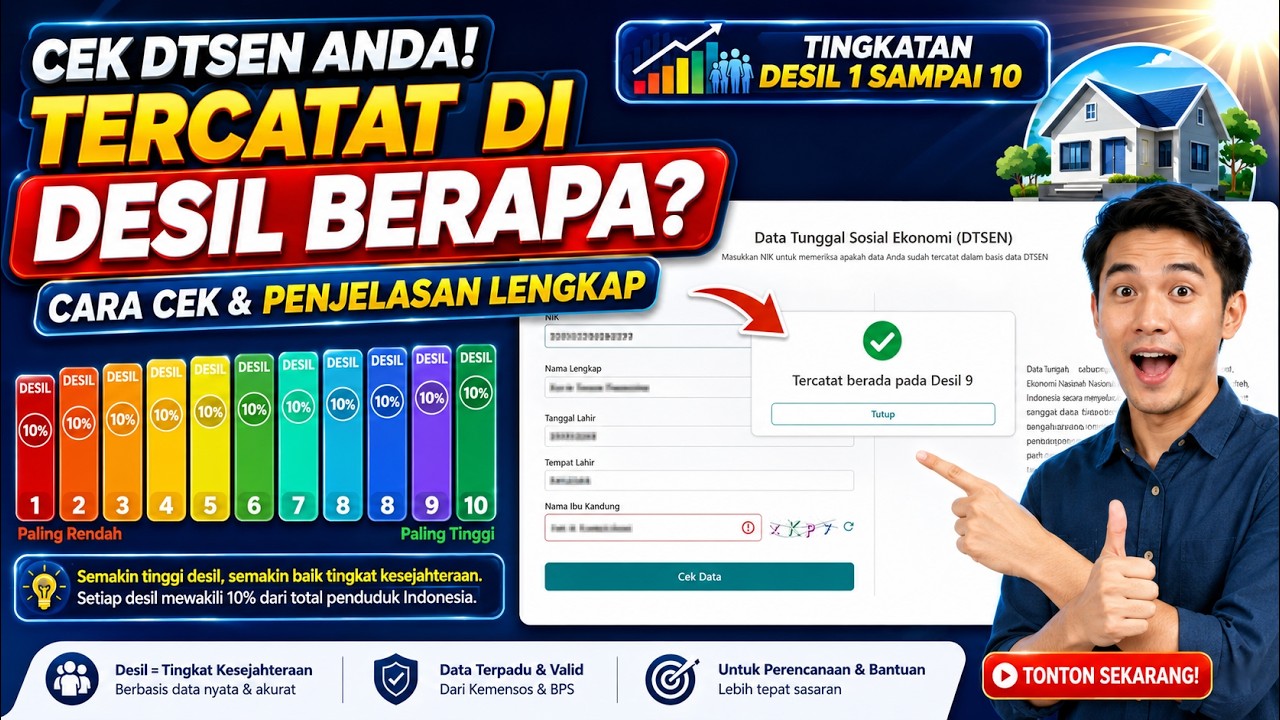
  • Priority for PIP submissions is given to students in deciles 1 through 4, though decile 5 can still apply.
  • The new application is still in the trial phase and allows schools to propose students based on a quota system.
  • The interface shows valid and invalid student data, with color codes indicating proposal status and validity.
  • Invalid data must be corrected in Perpal PD by the school's Dapodik operator before submission.
  • Schools select students, choose reasons for proposals (e.g., orphan status), and submit within their quota limits.
  • Decile data is automatically synchronized and detected by the system, requiring no manual input.
  • Once proposed, the status changes color to indicate if the proposal is pending, approved, or already in decree (SK).
  • The application is under development and users are advised that it is still in the testing phase.

Answers

Questions about this video

How can schools submit PIP proposals for students?

Schools can submit PIP proposals through the pip.go.id portal by logging in as the educational unit or Dapodik operator and selecting eligible students within their quota.

What determines the priority for PIP submissions?

Priority is given to students in deciles 1 through 4, though students in decile 5 can still be proposed but are not prioritized.

What should schools do if student data is invalid?

Invalid student data must be corrected in the Perpal PD system by the school's Dapodik operator before the student can be proposed for PIP.

Full Transcript — Download SRT & Markdown

00:09
Speaker A
Okay, peace be upon you, and Allah's mercy and blessings. Welcome back to the IM Koman Pikan channel.
00:25
Speaker A
Okay, ladies and gentlemen, in this video, we will share information regarding a new menu or feature on this PIP portal.
00:48
Speaker A
Previously, submissions for PIP via Dapodik were not possible or have been removed. Now, submissions are made through the pip.go.id portal. These are submitted by the educational unit, and those who can log in are the educational units or school Dapodik
01:12
Speaker A
operators. So, essentially, schools can now submit for this PIP for students who have not yet received it, but there are certain conditions or requirements that apply, of course. Now, the latest requirement currently is the decile. So, the priority is for deciles 1 through
01:32
Speaker A
4 for PIP submissions. It doesn't mean that decile 5 cannot apply; it is still possible. However, the priority is deciles 1 through 4, as the data is now synchronized. So, the student's data will show which decile they belong to.
01:48
Speaker A
Okay, let's try logging in to see this feature on pip.go.id. We will log in as a school. We use the alternative login.
02:03
Speaker A
This feature or menu was released recently and is still in the trial phase, ladies and gentlemen. Please note that it is just a trial. We can see the school proposal menu here. So, schools can nominate their students to
02:26
Speaker A
receive PIP. Now, let's try entering the school proposal menu. There is the menu. Okay, this is how it looks. This application is separate and stands alone, with an interface like this. A statement where the account user declares that the proposed students are
02:47
Speaker A
from poor or vulnerable families. There is a warning or statement already in place. Okay. So, this is how it looks for the PIP proposal where the school can make submissions. Okay, let's take a look starting from the first one. The
03:00
Speaker A
target is the maximum number of students that can be proposed by the educational unit. That is it. Then "used" is the target that has already been utilized by the educational unit.
03:14
Speaker A
"Remaining" is the target that has not yet been used by the educational unit. This target for the school test phase is still in the trial stage, ladies and gentlemen. Here, for this target, there are two types: current classes and
03:35
Speaker A
entry-level classes. It just so happens that this is still empty, ladies and gentlemen. Okay. Later, this will be filled with the target number and how many students you have already submitted. For example, if you have 100 students, your school will get a target
03:44
Speaker A
or quota that can be submitted. The names that can be proposed are already on this page, ladies and gentlemen.
04:01
Speaker A
Okay, let's see, it is still loading, ladies and gentlemen. Okay. Now, then, how much will be used later? So, what is the remainder. So, the submission must be based on this target, it cannot exceed the target, as the quota for the
04:18
Speaker A
school has already been determined. Okay, so it is like that, ladies and gentlemen. This is the menu. Now, it is still loading. Okay, it is written here. Then. Now, it is still loading, ladies and gentlemen. It will have
04:33
Speaker A
content later. Let's wait for the data to appear first. Okay, it seems it has appeared, ladies and gentlemen, let's try to scroll. Here it is. Okay. Let's discuss this one, ladies and gentlemen.
04:47
Speaker A
Okay, it shows the number of students here. Invalid students, valid students. So, what is the total number of students and how many are invalid. If you click this, it will show below, ladies and gentlemen, the total amount.
05:13
Speaker A
Now, these invalid ones could be because the student has already received PIP, has a PIP account, has already received it, or the data is a residue. Residue data cannot receive PIP, ladies and gentlemen. So it must be corrected first. If it is valid, it
05:23
Speaker A
means these are the ones that can be proposed, the names that can be submitted. Yes, so these are the valid data. Now, there is also valid decile.
05:45
Speaker A
Because the priority, ladies and gentlemen, is for deciles 1 to 4. Meanwhile, for deciles above 4, they can be proposed but are not recommended or are not a priority, ladies and gentlemen. The priority is this valid data, ladies and gentlemen, valid 1 to
06:00
Speaker A
4. This means this is the amount that can be proposed later. So, this number is proposed based on the quota here, ladies and gentlemen. If the quota is not reached here, just submit according to the target provided here, ladies and
06:17
Speaker A
gentlemen, in the current class, the early class. Okay. Now, it is like that, sir. There is an explanation here. A white row color indicates that it can be proposed. A red row color indicates that it is invalid and cannot be
06:31
Speaker A
proposed. Yellow color indicates that it is currently being proposed. A purple row color indicates that it is currently being proposed by another user. A green row color indicates that it has been determined in the decree.
06:37
Speaker A
This means if it is green, ladies and gentlemen, it has been set in the decree and cannot be proposed again.
06:46
Speaker A
For the validation and business process shower, press the line. Now, look here, ladies and gentlemen. Below, you will see the child's name. Click this, ladies and gentlemen, and select it. If you select this one, it is invalid. Now,
06:57
Speaker A
for example, this will appear later. Now, for example, it is green. This means they already have an SK or have received it before. Now, this one is for the red one, ladies and gentlemen.
07:11
Speaker A
Okay. For this data, I have blurred the side, ladies and gentlemen. My apologies. If it is red like this, there will be notifications. This is why the student data is red. Now, here it is. This goes into the residue,
07:24
Speaker A
meaning there is an issue with the student data that must be fixed in Perpal PD by the school's Dapodik operator. Okay. So, for the valid ones, we click this; for example, the valid decile ones, let's start with this. Now,
07:35
Speaker A
this is it. You can propose this, sir. Just like this. This is the valid one, not the decile one. Now, this is decile 5, ladies and gentlemen. This can be proposed. If you click it, the
07:46
Speaker A
range appears. These are the requirements. But it is not prioritized, ladies and gentlemen. The priority is for those with valid deciles 1 to 4.
08:04
Speaker A
There are 765 students who are valid and can be proposed. You just need to click this, ladies and gentlemen. Just select it. There are many choices for the reason for the proposal. For example, an orphan or fatherless/motherless. These are the options,
08:22
Speaker A
please check them. You can choose more than one reason for the proposal. Then propose it. It is visible, ladies and gentlemen. This decile is automatically synchronized with the database; it is detected directly. So the school does not input this decile. It is
08:37
Speaker A
automatically detected because it is synced or integrated. So, ladies and gentlemen operators, you just need to propose it. If you want to add more, perhaps for the application, adding documents depends on the school again.
08:45
Speaker A
In the system, you just need to click, ladies and gentlemen. Click propose. Select the reason and click propose, just like that, ladies and gentlemen.
09:04
Speaker A
Continue this until everything is in accordance with the new quota provided. Do not propose everyone at once; follow the quota your school received and the target number. After that, just wait; the important thing is that it is proposed. Once it is proposed, it will
09:20
Speaker A
have a color here. This is currently being proposed. If it is green, it means it is approved or already in an SK. For the SK, check the PIP portal from earlier, ladies and gentlemen, go back there. You only propose here. Okay,
09:34
Speaker A
it's like that, ladies and gentlemen. Alright, I think that covers the information for now regarding the new PIP application proposals. And this application is still under further development, ladies and gentlemen, still in the testing phase. So, please
Topics:PIP 2026pip.go.idstudent proposaleducational unitDapodik operatordecile priorityschool quotastudent data validationPIP applicationtrial phase

Get More with the SozAI App

Transcribe recordings, audio files, and YouTube videos — with AI summaries and speaker detection. 30 minutes free.

Or transcribe another YouTube video here →