Soz AI for Chrome
Transform your browser into a powerful AI transcription tool. Transcribe YouTube videos, podcasts, and more directly from Chrome.
Coming Soon
Transform your browser into a powerful AI transcription tool. Transcribe YouTube videos, podcasts, and more directly from Chrome.
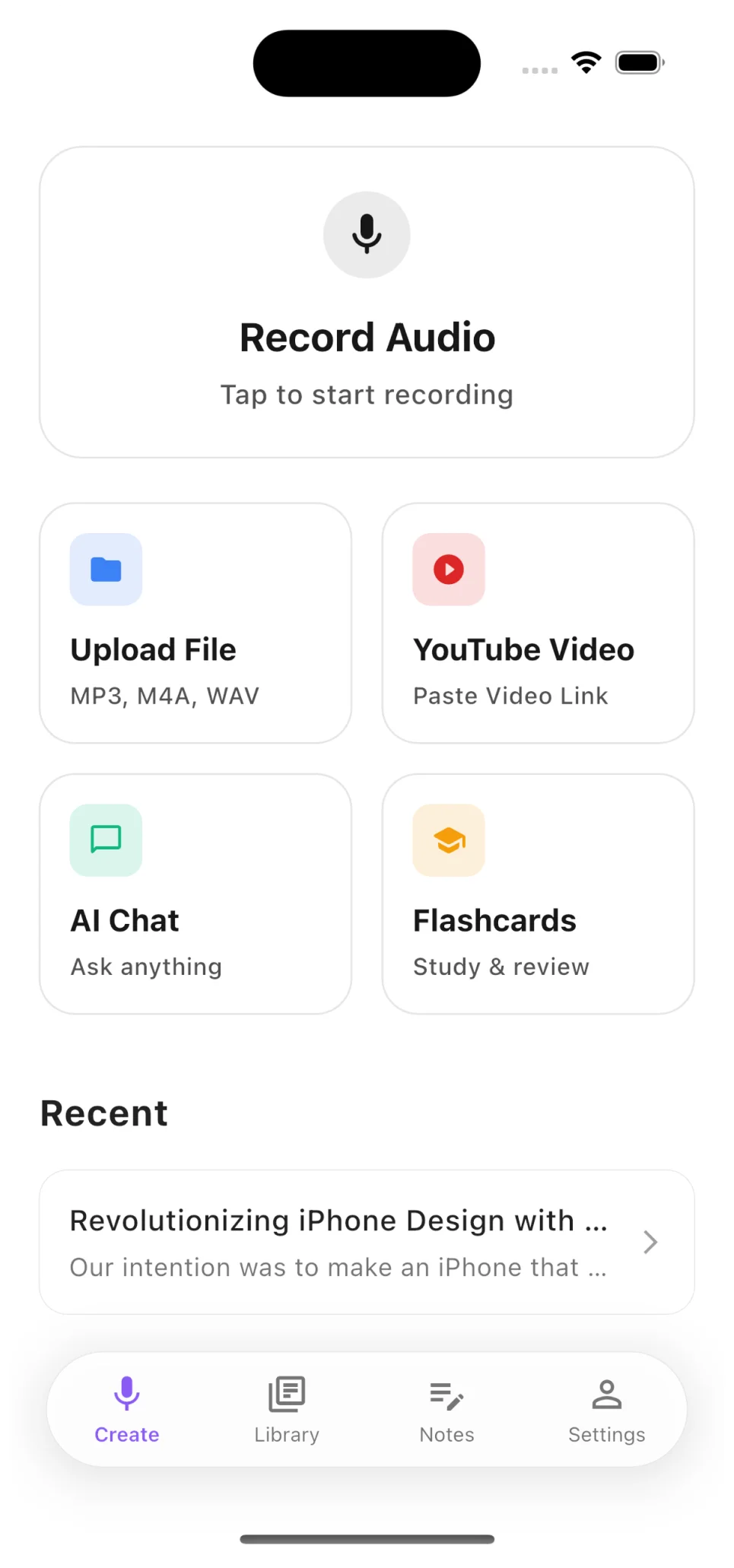
Start transcribing in seconds. Record audio directly, upload files from your device, or paste any YouTube video URL — the app handles the rest.
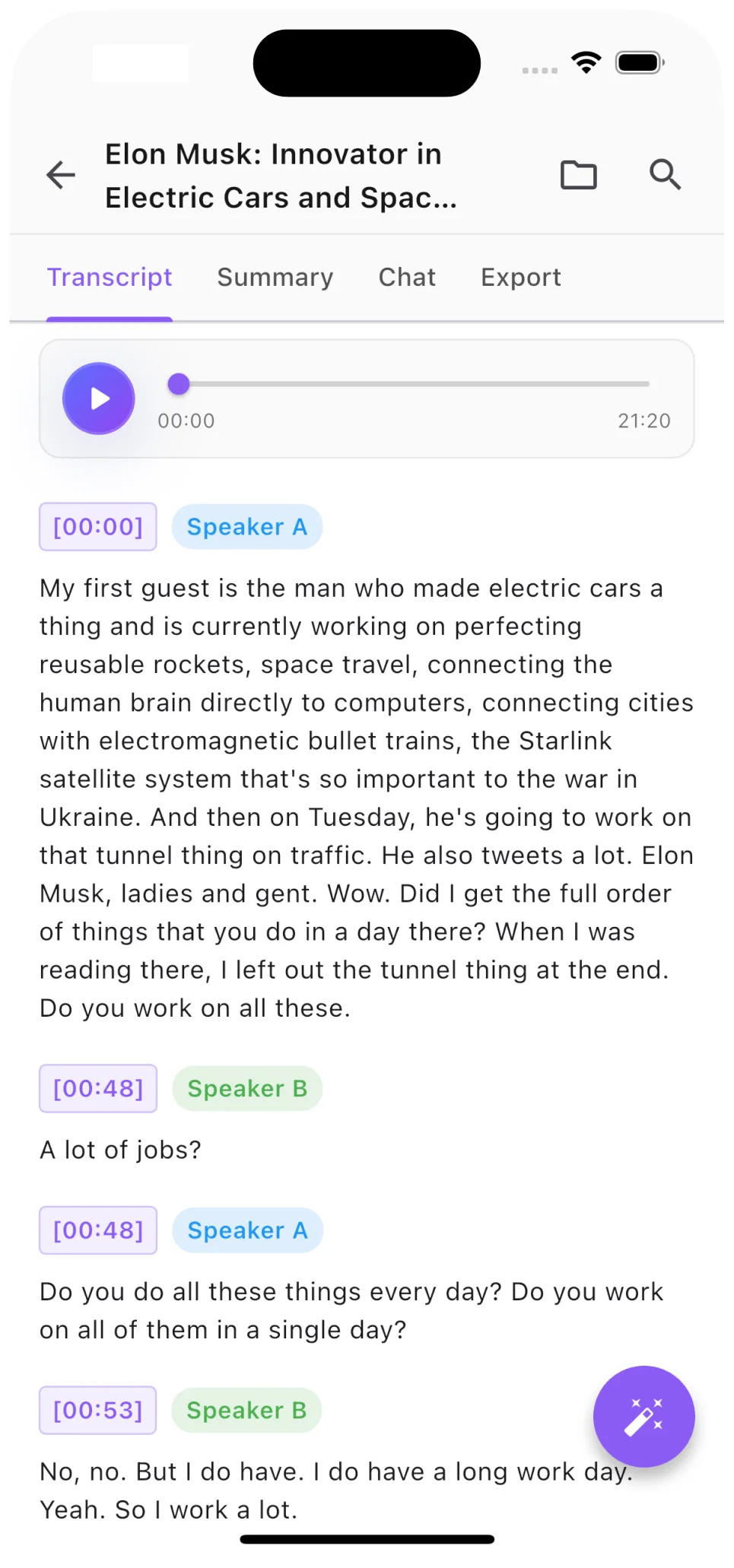
Every transcript includes automatic speaker diarization. See exactly who said what, jump to any moment with precision timestamps.
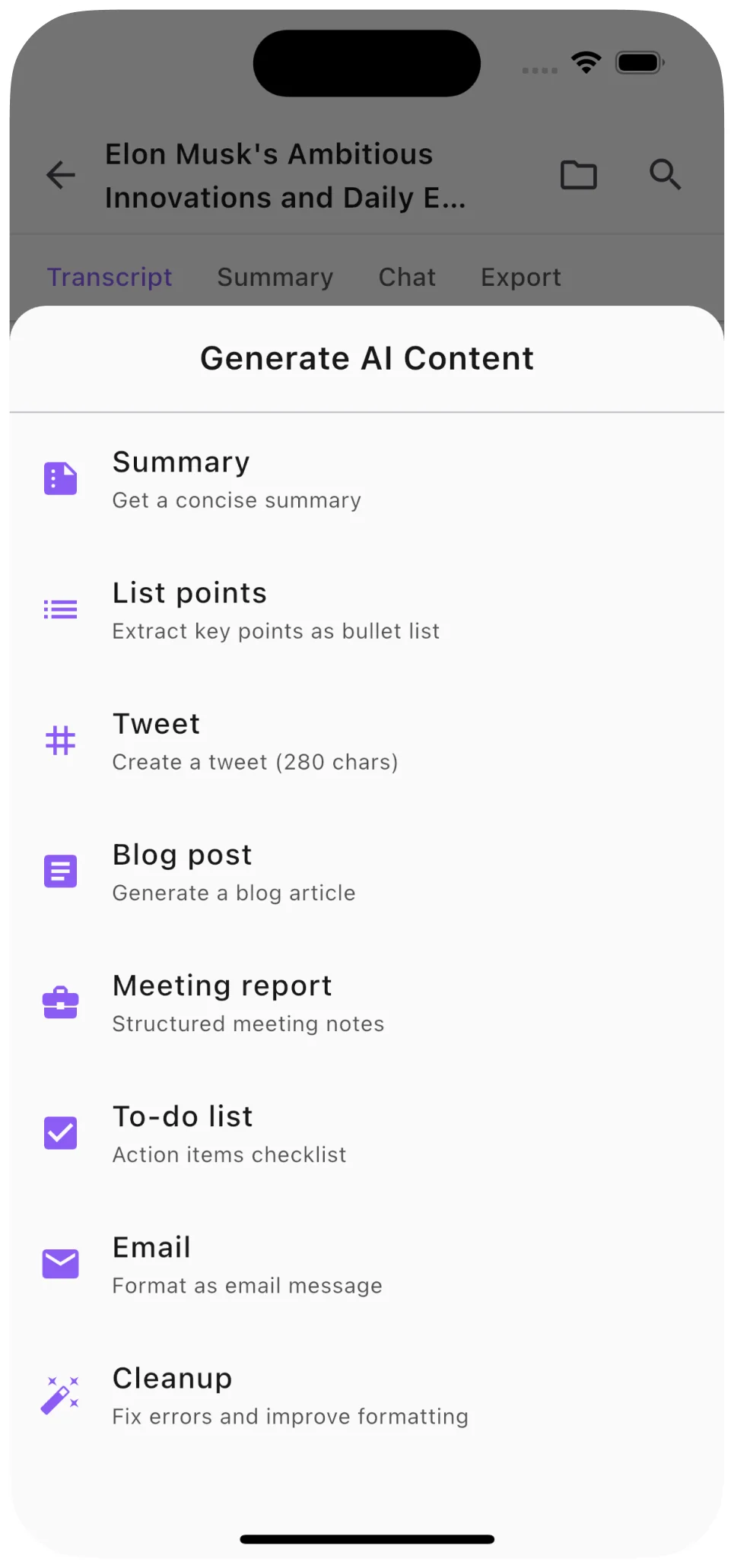
Go beyond raw transcription. Generate concise summaries, structured notes, blog posts, and social media content from any audio or video.
Transcribe YouTube videos with one click directly from your browser
Record audio from any browser tab with high quality
Transcribe in any major language with high accuracy
Automatically identify and label different speakers
Export as PDF, DOCX, TXT, or SRT subtitle files
Access your transcriptions from anywhere
Be the first to know when Soz AI Chrome extension is available
View All Platforms