Soz AI のために Chrome
ブラウザを強力なAIトランスクリプションツールに変えましょう。YouTube動画、ポッドキャストなどをChromeから直接トランスcribeします。
近日公開
ブラウザを強力なAIトランスクリプションツールに変えましょう。YouTube動画、ポッドキャストなどをChromeから直接トランスcribeします。
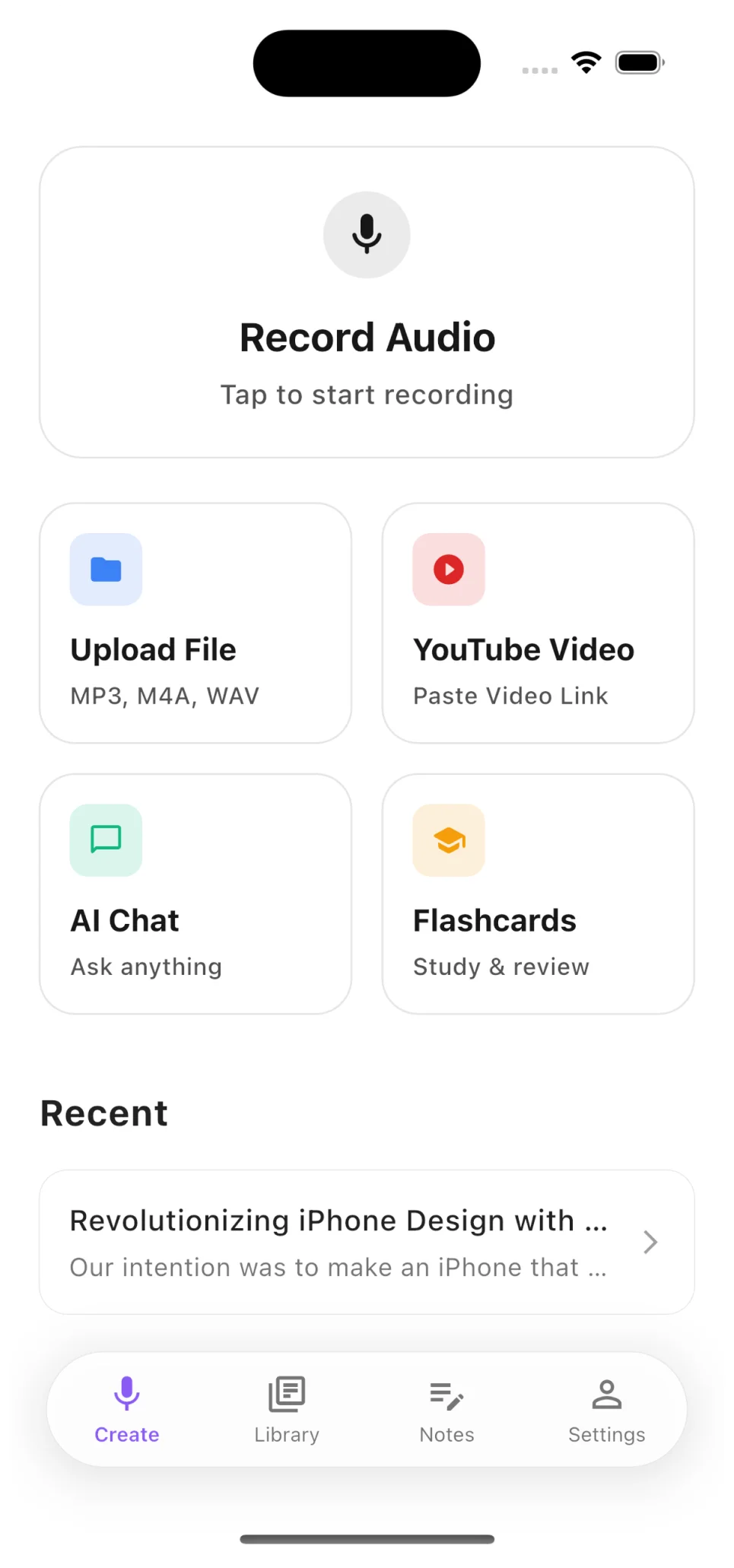
Start transcribing in seconds. Record audio directly, upload files from your device, or paste any YouTube video URL — the app handles the rest.
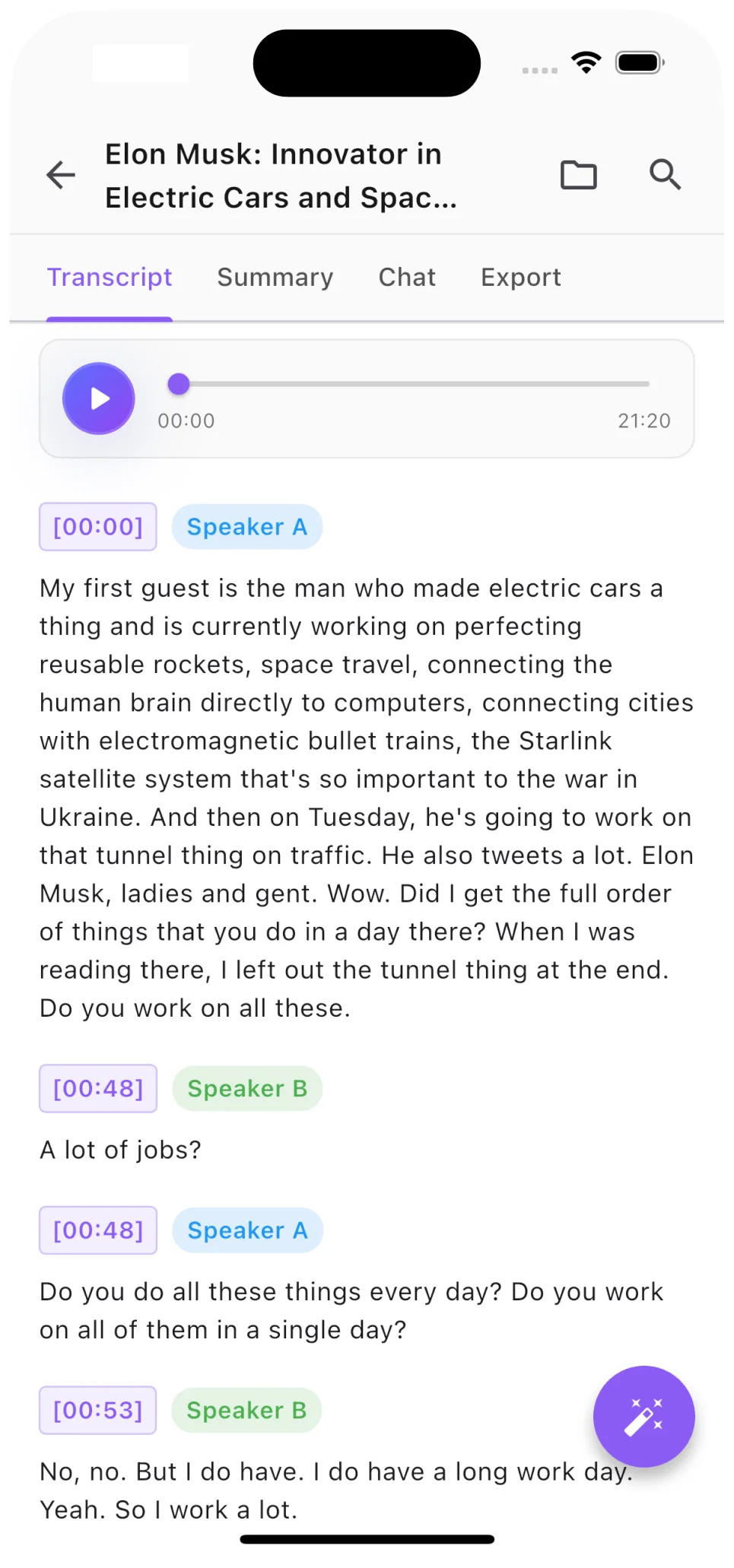
Every transcript includes automatic speaker diarization. See exactly who said what, jump to any moment with precision timestamps.
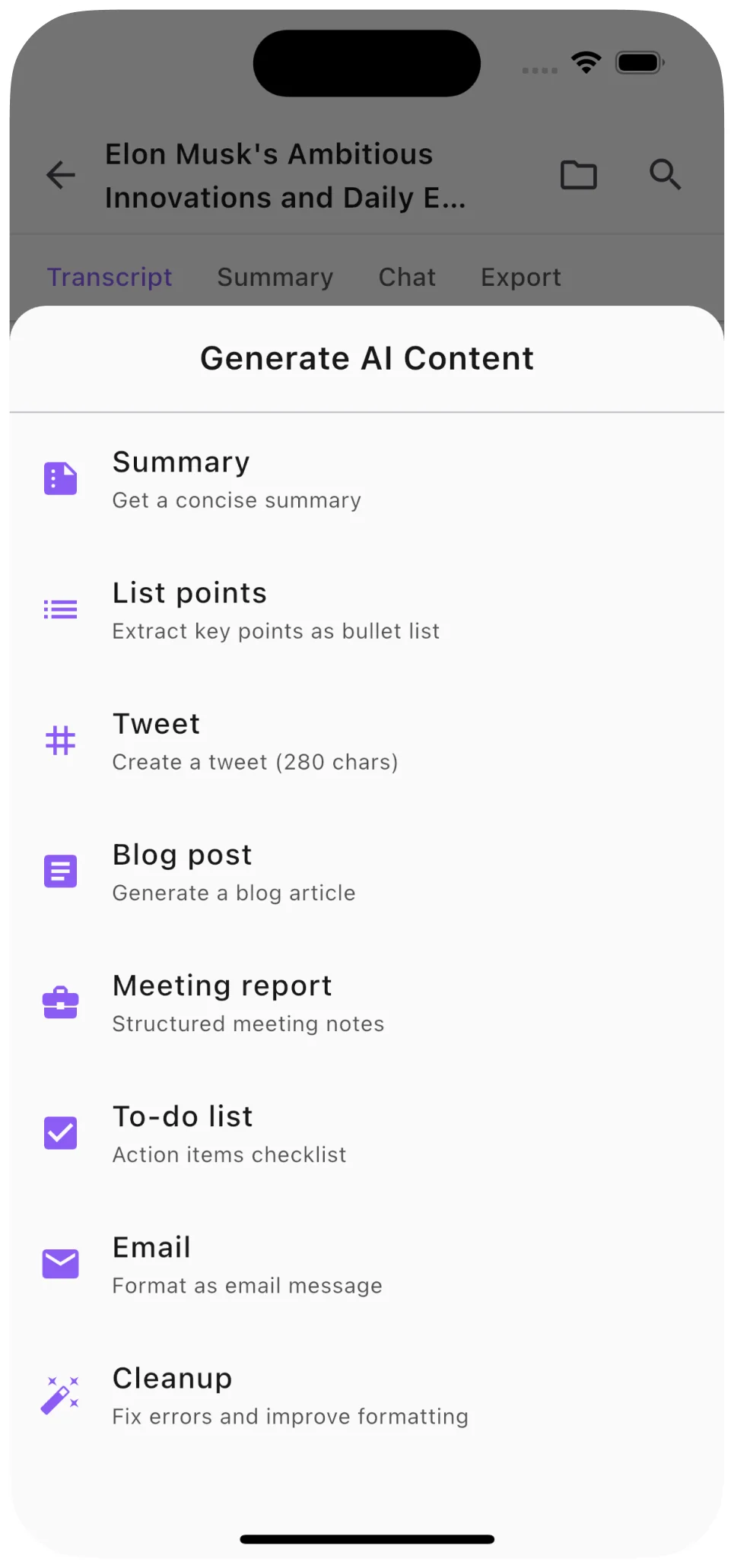
Go beyond raw transcription. Generate concise summaries, structured notes, blog posts, and social media content from any audio or video.
ブラウザからワンクリックでYouTube動画を文字起こしします。
どのブラウザタブからでも高品質で音声を録音できます。
主要な言語で高精度の文字起こしを行います。
異なる話者を自動的に識別し、ラベル付けします
PDF、DOCX、TXT、またはSRT字幕ファイルとしてエクスポート
どこからでもトランスクリプションにアクセスできます