TRAP Kick Mixing (FL Studio Tutorial) — Transcript

Learn 3 essential techniques in FL Studio to make your trap kicks hit harder: sidechaining, EQ analysis, and pitch shifting.

Key Takeaways

  • Sidechaining helps the kick cut through by ducking the bass volume when the kick hits.
  • Frequency overlap between kick and bass reduces kick impact; use EQ to analyze and fix this.
  • Pitch shifting kicks can reposition their frequency to improve mix clarity.
  • Selecting the right kick sound initially is more effective than heavy post-processing.
  • Using multiple complementary techniques yields the best results for harder hitting kicks.

Summary

  • Sidechaining uses the kick to control the bass volume, creating dips that help the kick cut through the mix.
  • In FL Studio, sidechaining is done by routing kick and bass to separate mixer channels and using Fruity Limiter on the bass channel.
  • Threshold and ratio knobs in the limiter control when and how aggressively sidechaining occurs.
  • Analyzing the frequency ranges of kicks and bass with an EQ helps identify overlapping frequencies that reduce kick impact.
  • Choosing kicks with frequency ranges different from the bass allows the kick to stand out more in the mix.
  • Pitch shifting kicks up or down can move them into a better frequency range to improve their presence.
  • Boosting specific frequencies with EQ can further enhance the kick’s impact.
  • EQ analysis is the most powerful technique as it encourages selecting the right sounds before mixing adjustments.
  • Additional techniques like soft clipping and compression can also help kicks hit harder.
  • Free drum kit download and frequency range chart are provided in the video description.

Full Transcript — Download SRT & Markdown

00:00
Speaker A
In this video, I'm going to be showing you guys three techniques that you guys can use to get your kicks to hit a lot harder in your mix.
00:05
Speaker A
One is sidechaining, two is EQ analysis, and three is shifting.
00:10
Speaker A
So what sidechaining is, is using one sound to control the volume of another.
00:13
Speaker A
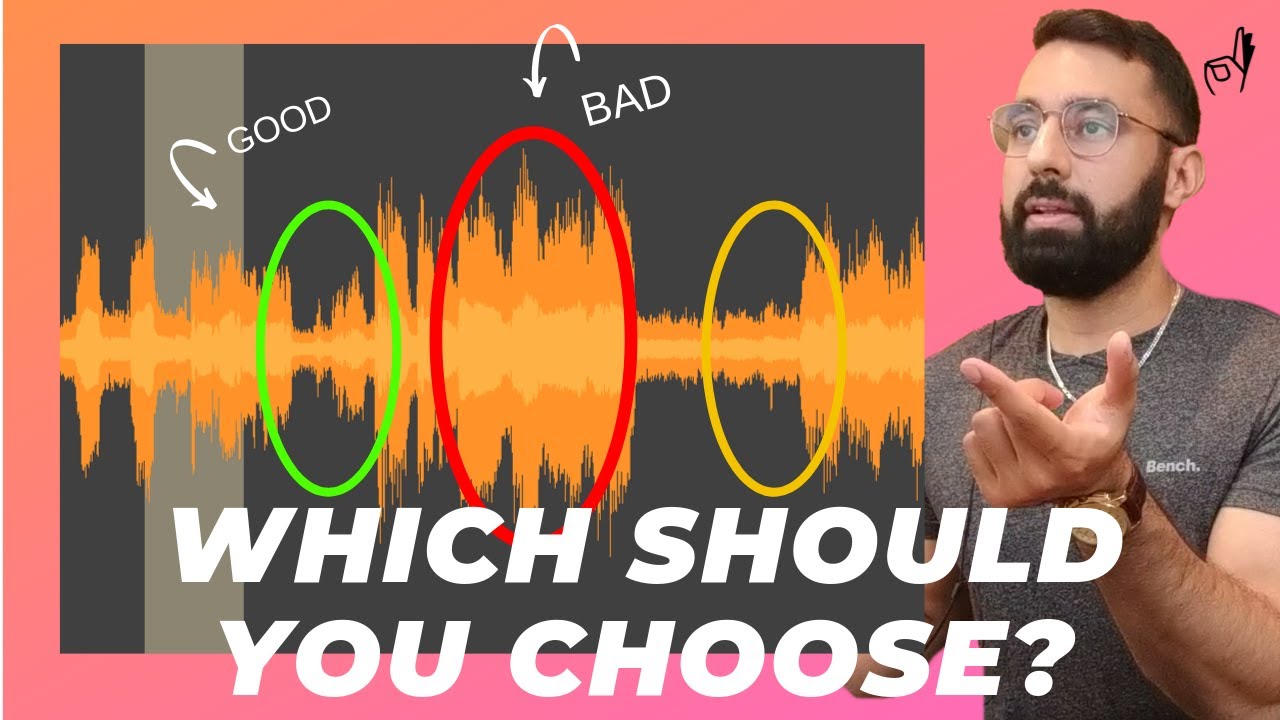
For example, here's how a bass waveform looks before sidechaining, and here's how it looks after sidechaining.
00:19
Speaker A
As you can see, there are dips in the volume throughout after we sidechain, what I did was I used the kick to control the volume of the bass, so every time a kick hit, this reduced the volume of the bass.
00:29
Speaker A
What this is going to do is help your kick cut through in the mix.
00:32
Speaker A
So the way to do this in FL is to send your kicks to one channel and your bass to another, so for example here, we have the kicks going to three, the bass going to seven.
00:41
Speaker A
Now we open up the mixer and add the Fruity Limiter onto the bass channel.
00:46
Speaker A
We'll select the kick channel and send it to the bass channel by clicking this button here when we have the kick channel highlighted, you want to make sure the input dial here is set to zero.
00:59
Speaker A
It's going to default to 100%, let's bring it all the way down to zero.
01:06
Speaker A
Now we go into the Limiter and select the compression tab.
01:10
Speaker A
And under sidechain, we're going to select kicks.
01:15
Speaker A
This should be the only available option.
01:17
Speaker A
So when we're sidechaining, the threshold knob and the ratio knob are going to be the two most important ones that we have to control here.
01:23
Speaker A
What the threshold does is it controls when the sidechaining will begin and the ratio will control how strong the sidechaining will be.
01:32
Speaker A
So I'd recommend starting the threshold at around the average bass peak level.
01:39
Speaker A
And setting the ratio to about two to one.
01:42
Speaker A
At this point, you can adjust to how aggressive you want the sidechaining to be.
01:46
Speaker A
So if I turn up the ratio knob, you can see the sidechaining becomes a little bit more aggressive.
01:53
Speaker A
Same thing with the threshold knob here.
01:55
Speaker A
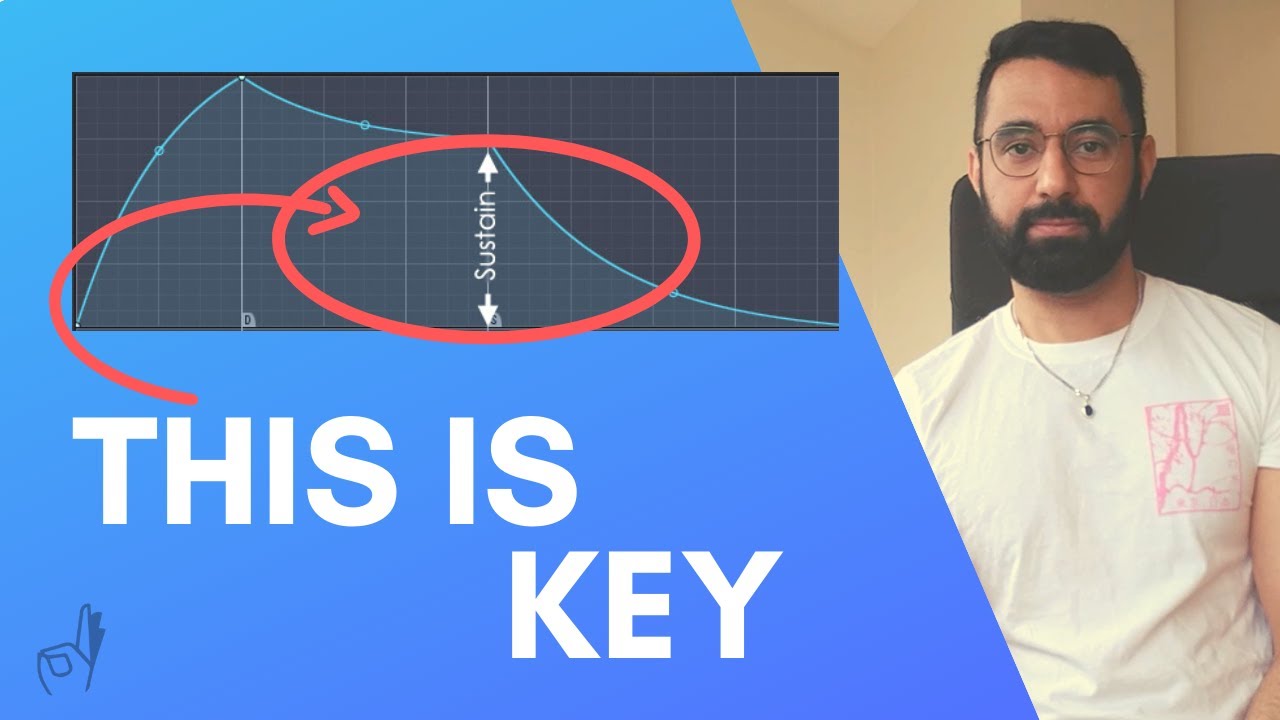
The attack, release, and sustain are useful, but a little bit less important.
02:01
Speaker A
They help you control the overall shape of the ducking.
02:04
Speaker A
I recommend setting a pretty low attack and a medium to low release time.
02:11
Speaker A
And from here, you can adjust.
02:13
Speaker A
As you can see, if I were to turn up the release completely, it's just going to completely change the shape of the ducking as well.
02:20
Speaker A
So this is a useful technique in order to get your kicks to hit a lot harder in the mix.
02:27
Speaker A
Analyzing the frequency of your kicks can really help you figure out why your kicks aren't hitting hard.
02:32
Speaker A
So in this example, I have three kicks layered on top of each other, but it's still not hitting hard no matter how much I play around with the volume.
02:40
Speaker A
So let's open up an EQ here and do a quick analysis on what's happening.
02:44
Speaker A
So you can see the kick is mainly residing around the 80 Hz range.
02:50
Speaker A
And when I take a look at the bass, it also resides around the same area.
02:56
Speaker A
Around the 60 to 80 Hz range.
02:58
Speaker A
So it's no wonder the kicks aren't hitting hard if the bass and the kicks reside in the same frequency range.
03:05
Speaker A
There's no way the kick is going to outpower the bass.
03:08
Speaker A
So if we add another kick like this one, which resides around the 100 to 110k range.
03:14
Speaker A
It's just going to cut through a lot more.
03:16
Speaker A
Picking the right kick that has a different frequency range compared to your bass is just going to help your kick stand out a lot more and hit a lot harder.
03:23
Speaker A
Here's a quick chart showing you the different frequency ranges of kicks.
03:28
Speaker A
I think this is a little bit of a helpful tool for you guys.
03:30
Speaker A
I'll link it in the description box below.
03:32
Speaker A
As well, a free download link for the drums from this track are also available in the description box below for those who are interested.
03:40
Speaker A
So if you have a kick that isn't hitting in the right frequency range, shifting is another way to get it into the right frequency range.
03:46
Speaker A
For example, if I take the kicks that originally resided in the 80 Hz range and I shifted them up a semitone, you can see now it's closer to the 110 Hz range.
03:54
Speaker A
Pitching up eight semitones is a little bit of an extreme example, but using the kicks that you have that don't fit in the right frequency range and just shifting them up a little bit.
04:04
Speaker A
It's going to help get your kicks into the right range that you want them to be and will help your kicks hit a little bit harder.
04:10
Speaker A
Additionally, you can just go in and boost the frequencies that we want using an EQ as well.
04:15
Speaker A
That's just a bonus tip for you.
04:17
Speaker A
Out of all these techniques, I would say the second is the most powerful tool, the EQ analysis.
04:22
Speaker A
It's just a much smarter choice to use the right sound for what you need, rather than going in afterwards and trying to do all these adjustments to fix the problem.
04:30
Speaker A
So there you go, three techniques to help your kicks hit harder in your mix.
04:36
Speaker A
If you guys have any that you'd like to share, please leave them in the comments below.
04:40
Speaker A
I'd love to hear from you guys.
04:42
Speaker A
I know some people like soft clipping and compression, those are also great techniques to use.
04:47
Speaker A
Again, the download link for the free drum kit from this beat is available in the description box below.
04:53
Speaker A
Please like and subscribe, and I'll see you guys next Tuesday.
Topics:trap kick mixingFL Studio tutorialsidechainingkick EQ analysispitch shifting kicksmusic productiontrap beatsmixing techniqueskick drum processingbass and kick separation

Frequently Asked Questions

What is sidechaining and how does it help kicks hit harder?

Sidechaining uses one sound, like a kick, to control the volume of another, such as the bass. This creates volume dips in the bass when the kick hits, allowing the kick to cut through the mix more effectively.

How can I analyze if my kick and bass are clashing in the mix?

You can use an EQ to analyze the frequency ranges of your kick and bass. If they occupy the same frequency range, such as around 60-80 Hz, they will clash and reduce the kick's impact.

Can pitch shifting help improve the presence of my kicks?

Yes, shifting the pitch of your kicks up or down can move them into a different frequency range, helping them stand out better in the mix and hit harder.

Get More with the Söz AI App

Transcribe recordings, audio files, and YouTube videos — with AI summaries, speaker detection, and unlimited transcriptions.

Or transcribe another YouTube video here →