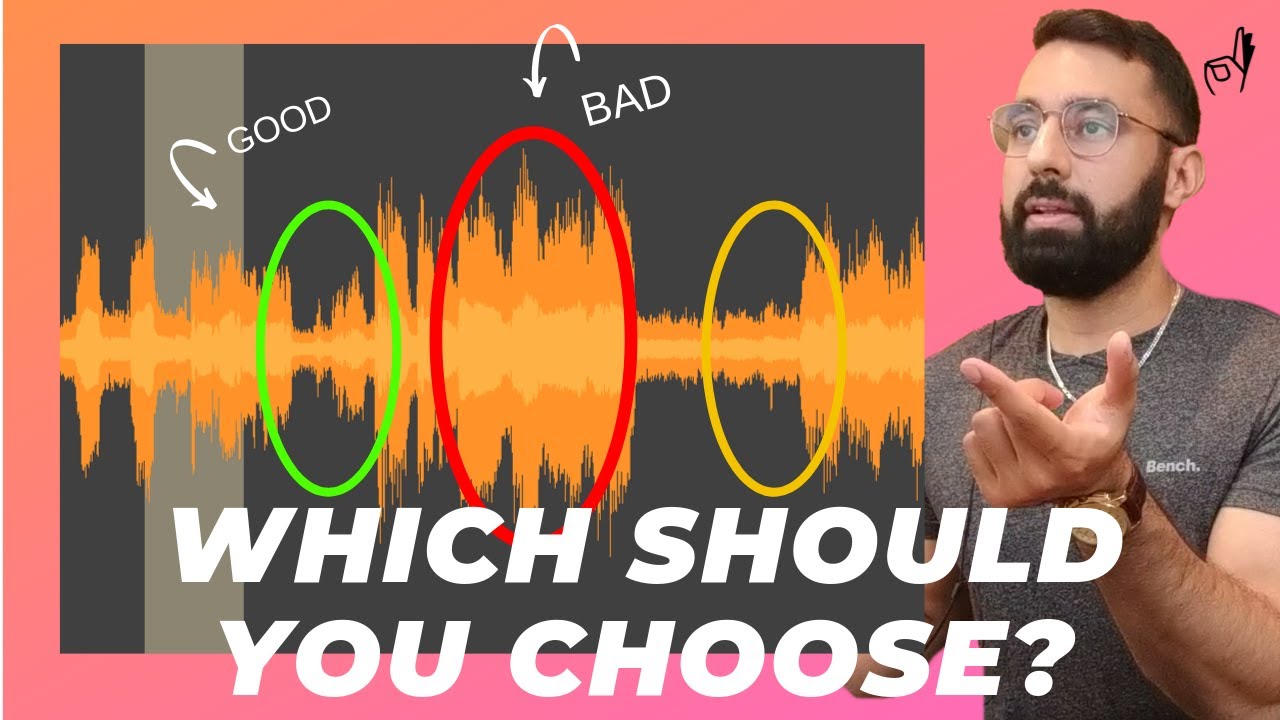
Learn a 4-step technique to sample a single bass note and create better low-fi beats with isolation, adjustment, shaping, and playing.
Key Takeaways
- Stacking multiple filters and EQs is more effective than using a single filter for isolating bass frequencies.
- Re-pitching sampled bass notes to a standard key simplifies playing and sequencing.
- Envelope shaping can simulate different bass instruments, adding variety to beats.
- Clearing bass frequencies from the original sample prevents frequency clashes and improves mix clarity.
- Sampling a single bass note can be creatively manipulated to produce complex basslines.
Summary
- The video demonstrates a four-step technique to sample one bass note and create an entire bassline.
- Steps include isolation of bass frequencies, adjustment of pitch, shaping with envelope controls, and playing the bassline.
- Isolation involves stacking multiple filters and EQs to cleanly separate bass frequencies from the sample.
- Adjustment includes identifying the note played and re-pitching it to a more playable key, such as C.
- Shaping uses envelope settings to create different bass types, such as sub bass and upright bass sounds.
- The sub bass has a boxy envelope with immediate attack and release, while the upright bass has a plucky tail.
- Playing involves recreating the bassline by ear, matching the original sample’s progression with the newly shaped bass notes.
- The technique helps produce cleaner, more fitting basslines that enhance low-fi beats.
- The tutorial emphasizes practical application with examples and visual EQ demonstrations.
- The method allows for creative flexibility by clearing bass frequencies from the original sample and adding custom basslines.