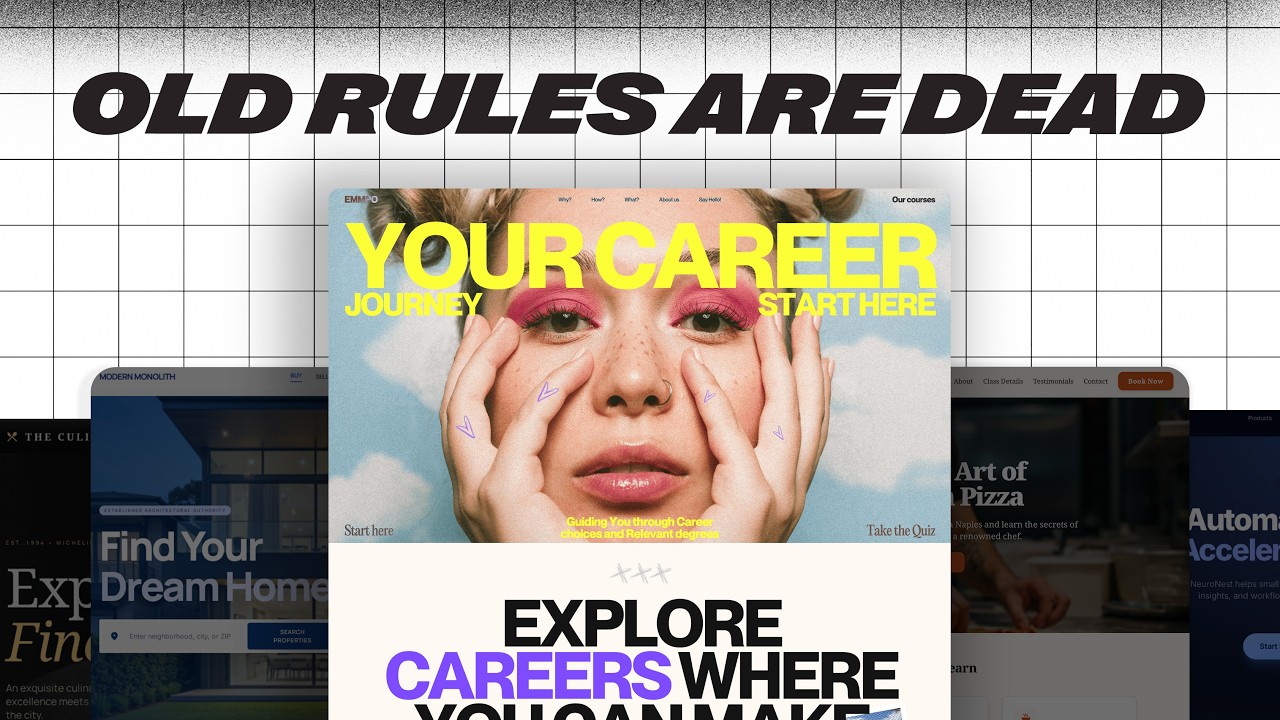
The Formula Behind Truly Captivating UI Sections — Transcript

Explore the formula behind captivating UI design, focusing on structure, rhythm, and purposeful motion to enhance user experience.

Key Takeaways

  • Captivating UI is about intentional structure and rhythm, not visual chaos.
  • Motion should enhance clarity and guide user attention, not distract.
  • Simplicity and restraint in layout improve user comprehension and flow.
  • Unexpected but well-executed interactions increase engagement.
  • UI design principles apply broadly across web and mobile platforms.

Summary

  • Great UI combines structure, rhythm, and surprise to create a captivating experience, unlike chaotic designs that compete for attention.
  • Effective UI guides the user intentionally through the layout, using clear grids and ample spacing as seen in examples like Link Kit.
  • Complex layouts with too many elements, like Fiddle Digital, can feel crammed and harder to follow compared to simpler, clearer designs.
  • Motion in UI should support clarity and guide attention, not just add complexity or look cool without purpose.
  • Examples like Micro demonstrate how reorganizing text and images can better communicate the product identity.
  • Well-designed animations, such as scroll-triggered transitions or hover effects, can enhance engagement without overwhelming the user.
  • Breaking layout patterns with unexpected but well-crafted interactions can increase user interest and engagement.
  • The principles of captivating UI apply across platforms including landing pages, web apps, and mobile applications.
  • Mobile onboarding experiences benefit from clear structure, purposeful animations, and surprises that help situate the user.
  • The ultimate goal is to make every user interaction feel intuitive and meaningful, enhancing the overall experience.

Full Transcript — Download SRT & Markdown

00:00
Speaker A
Good UI looks nice, but great UI feels right.
00:03
Speaker A
And that's no accident, it's structure, rhythm, and just the right surprise.
00:07
Speaker A
To deliver a captivating experience every single time.
00:11
Speaker A
There's a difference between captivating and chaotic though.
00:14
Speaker A
Captivating designs pull you in and guide your eye intentionally.
00:17
Speaker A
Chaotic ones compete for attention and most of the time, they lose.
00:21
Speaker A
Take Fiddle Digital.
00:22
Speaker A
This layout is working too hard.
00:25
Speaker A
It has far too many components.
00:27
Speaker A
The layout feels crammed, not crafted.
00:29
Speaker A
Contrast that with Link Kit, a perfect example of restraint in structure.
00:34
Speaker A
Nothing flashy, but a clear grid-driven layout.
00:38
Speaker A
And notice just how much space is given to the text and surrounding elements.
00:42
Speaker A
The difference between the two comes down to which one guides the user through the page.
00:46
Speaker A
But perhaps Link Kit has a simpler product, easier to display.
00:49
Speaker A
And to that, I say check out this website.
00:52
Speaker A
Similar to Fiddle Digital in their offering, but different in the clarity of their website.
00:57
Speaker A
Even removing the content and wireframing everything, you can tell which one would be easier to follow.
01:02
Speaker A
Fiddle splits text into separate elements, has multiple pop-ups, small ornamentation, and complex shapes.
01:07
Speaker A
Whereas this has blocks of text, simple illustrations, and bold numbers.
01:12
Speaker A
Ask yourself this, if you had five seconds to scroll through the website, is it structured in such a way that you could understand the idea?
01:20
Speaker A
Let me show you something.
01:21
Speaker A
This is Micro, a project management application.
01:24
Speaker A
You might not know that though, since it's tucked in the corner at a 12-pixel font size.
01:28
Speaker A
But if you reorganize the text like this, faded the image out and grabbed an image of their dashboard, it would seem more like a software company.
01:35
Speaker A
And less like a wellness retreat ad.
01:38
Speaker A
But you might be thinking we've taken a unique design and successfully sucked the personality right out of it.
01:43
Speaker A
But that's exactly where motion comes into play.
01:46
Speaker A
But first, a quick word from our sponsor, Final Round AI.
01:49
Speaker A
If you're in a job interview thinking, this isn't going well, we've all been there.
01:53
Speaker A
Final Round's interview co-pilot helps you figure out what to actually say when you're put on the spot.
02:00
Speaker A
So your interview skills match your design skills, perfect if you're trying to get hired at Apple and delete that pesky liquid glass from the inside.
02:06
Speaker A
If you're curious, it'll be the first link in the description.
02:10
Speaker A
Back to the video.
02:11
Speaker A
Take a look at this design.
02:13
Speaker A
While structured, yes, exciting, not particularly.
02:15
Speaker A
Until you start scrolling and the boring image on the side begins morphing and transition smoothly into the next section.
02:22
Speaker A
But look closely.
02:24
Speaker A
It wasn't motion for the sake of motion, it deliberately draws our attention to the product and gives us a great first glance at it.
02:30
Speaker A
Contrast that with Micro's current animations.
02:33
Speaker A
Which are there to look cool, despite not introducing the product until even further down the page.
02:39
Speaker A
Integrating that idea into our own redesign, let's slide up the dashboard image and fade it out.
02:44
Speaker A
Then, as we scroll down, we fade out the text and fade in the dashboard, this way we add a well-structured animation that immediately draws attention to our product.
02:53
Speaker A
But you don't need complex scroll animations for a captivating animation.
02:58
Speaker A
Intercom does an excellent job in this with a single section landing page with a well-built hover animation that demonstrates their product.
03:04
Speaker A
Contrast that with a site like Capsules, which has complex animations just for the sake of having complex animations, they make navigation more difficult and add very little to the site.
03:15
Speaker A
The idea is that motion should support clarity, not distract from it.
03:19
Speaker A
A typical layout from here would be to scroll past the dashboard and then start talking about the features.
03:24
Speaker A
But once in a while, it's important to break the pattern.
03:27
Speaker A
Take Tars, a fairly standard landing page.
03:30
Speaker A
The layout isn't mind-blowing, but when we hover on this object, we get a great mouse animation and a funky screen-like effect on the background.
03:39
Speaker A
Things that are unexpected are engaging if they are built well.
03:42
Speaker A
Another example built around the unexpected is Iceberg Doc with beautiful loading and scroll animations.
03:46
Speaker A
But the unexpected part is when we click explore the project and an entire page unfolds before our eyes.
03:54
Speaker A
Continuing with our Micro example, the user might just expect our animation to end here and scroll away.
04:00
Speaker A
Instead, we're going to seize the moment to introduce some broad features of our tool by fading out the rest of UI and moving in some simple text, this animation is a good choice because it doesn't introduce excessive movement, but isn't as boring as putting an image on the left and text on the right.
04:14
Speaker A
This far, we've been pretty focused on landing pages, but this also applies to web apps and mobile applications.
04:17
Speaker A
Take this menu in Linear for example.
04:20
Speaker A
The structure tells us everything we need to know.
04:22
Speaker A
The alignment and typography differences show us what is clickable and what's not and what is a keyboard shortcut.
04:28
Speaker A
And when we click on it, we get good motion and a small surprise in the form of an expanding modal.
04:33
Speaker A
It rewards the user for viewing this part of the UI.
04:36
Speaker A
When it comes to mobile apps, the best time to be captivated is during the onboarding and Craft, a note-taking tool, nails it.
04:43
Speaker A
First, structure.
04:44
Speaker A
Notice how clean and focused the UI is.
04:47
Speaker A
Then animation in the form of a swipe and a surprise with the editing tools sliding up from the bottom.
04:53
Speaker A
Those animations also serve to situate the user.
04:55
Speaker A
Sliding up from the bottom signifies a temporary action and the screen sliding up from the left shows progress in the onboarding flow.
05:01
Speaker A
At the end of the day, the goal of a captivating UI is to make users feel like every scroll, click, and hover makes perfect sense.
05:10
Speaker A
If you want access to all of the design files in this video, it'll be the Figma link in the description down below, thanks for watching and I'll see you in the next one.
Topics:UI designuser experiencemotion designweb designmobile UIlanding pageinteraction designanimationstructurevisual hierarchy

Frequently Asked Questions

What makes a UI design captivating rather than chaotic?

A captivating UI uses intentional structure, rhythm, and surprise to guide the user's eye and create a clear, engaging experience, while chaotic designs compete for attention and confuse users.

How should motion be used in UI design?

Motion should support clarity by drawing attention to key elements and enhancing understanding, rather than being used solely for decorative or complex effects that distract users.

Can these UI design principles be applied to mobile apps?

Yes, the principles of clear structure, purposeful animation, and engaging surprises are effective in mobile apps, especially during onboarding to help users understand and navigate the app.

Get More with the Söz AI App

Transcribe recordings, audio files, and YouTube videos — with AI summaries, speaker detection, and unlimited transcriptions.

Or transcribe another YouTube video here →