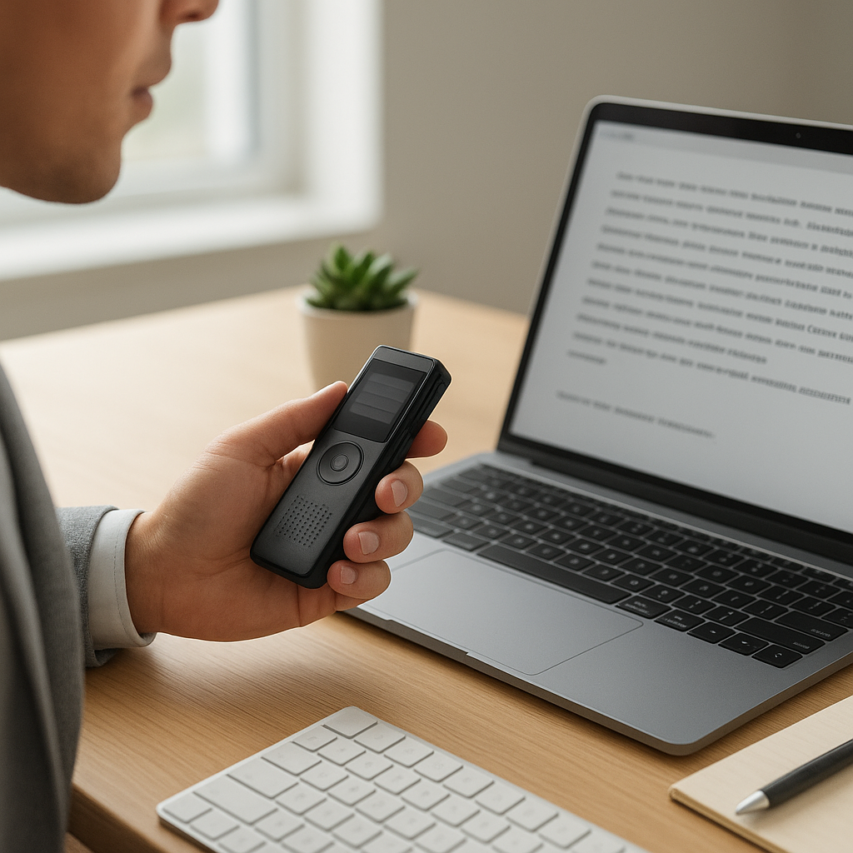
Voice recording and transcription have revolutionized how professionals, students, and content creators capture and process spoken information. What once required hours of manual typing can now be accomplished in minutes through advanced voice recorder with text capabilities, transforming audio content into searchable, editable documents. From boardroom meetings and academic lectures to creative brainstorming sessions, the ability to seamlessly convert speech to written form has become an indispensable productivity tool across industries.
Modern voice activated recorder technologies have evolved far beyond simple dictation devices, offering sophisticated features like real-time transcription, speaker identification, and intelligent formatting. Whether you’re documenting interviews, creating content, or maintaining detailed meeting records, understanding the fundamentals of voice recorder voice to text solutions can dramatically streamline your workflow and ensure no critical information is lost.
This comprehensive guide explores every aspect of voice recording and transcription, from selecting the right equipment and optimizing recording environments to leveraging cutting-edge AI transcription tools and ensuring data security. You’ll discover practical techniques for achieving professional-quality results, explore diverse applications across different fields, and learn how to refine transcription accuracy for maximum effectiveness in your specific use case.
Understanding Voice Recording and Transcription Fundamentals
What is Voice Recording and Transcription
Voice recording and transcription represents the process of capturing spoken words in audio format and converting them into written text. This technology has evolved from basic tape recordings requiring manual typing to sophisticated AI-powered systems that can instantly transform speech into accurate written documents.
At its core, voice recording involves capturing sound waves through microphones and storing them as digital audio files. The transcription component then processes these audio recordings to identify speech patterns, words, and phrases, ultimately producing a text-based version of the original spoken content. Modern voice recorder with text capabilities can perform both functions simultaneously, creating real-time transcriptions as you speak.
The technology relies on automatic speech recognition (ASR) algorithms that analyze audio frequencies, identify phonemes, and match them to corresponding words in their databases. Advanced systems incorporate natural language processing to understand context, punctuation, and speaker intent, resulting in more coherent and readable transcripts.
Key Benefits for Personal and Professional Use
The advantages of implementing voice recorder voice to text solutions span across numerous personal and professional scenarios. Students can capture lecture content without missing critical information while taking notes, ensuring comprehensive study materials. Journalists benefit from accurate interview transcriptions that preserve exact quotes and eliminate misinterpretation risks.
Professional meetings become more productive when participants can focus on discussion rather than note-taking. A voice activated recorder can capture entire conversations, allowing teams to review decisions, action items, and important details later. This approach typically saves 3-4 hours per week for professionals who regularly attend meetings.
Content creators and podcasters find tremendous value in automated transcription for producing show notes, blog posts, and social media content from their audio recordings. Medical professionals use these tools for patient documentation, reducing administrative time by up to 60% compared to traditional typing methods.
The accessibility benefits cannot be overlooked either. Voice recording and transcription technology assists individuals with hearing impairments by providing real-time captions, while those with mobility challenges can create written documents through speech rather than typing.
Manual vs Automated Transcription Methods
Manual transcription involves human transcribers listening to audio recordings and typing out the spoken content word-for-word. This method typically achieves accuracy rates between 95-99% but requires significant time investment, usually taking 4-6 hours to transcribe one hour of clear audio. Professional transcription services charge between $1-3 per audio minute, making this approach expensive for regular use.
Automated transcription leverages artificial intelligence to process audio files and generate text output within minutes rather than hours. Modern AI-powered systems achieve accuracy rates of 85-95% for clear audio with minimal background noise. The speed advantage is substantial—most automated systems can transcribe one hour of audio in 5-10 minutes.
| Method | Accuracy Rate | Processing Time | Cost per Hour | Best Use Cases |
|---|---|---|---|---|
| Manual Transcription | 95-99% | 4-6 hours | $60-180 | Legal documents, medical records, research interviews |
| Automated Transcription | 85-95% | 5-10 minutes | $5-15 | Meetings, lectures, content creation, personal notes |
The choice between methods depends on your specific requirements for accuracy, speed, and budget. Legal proceedings and medical documentation often require manual transcription for maximum precision, while business meetings and educational content work well with automated solutions. Many professionals use a hybrid approach, employing automated transcription for initial drafts and manual review for final accuracy.
For users seeking reliable automated transcription, tools like Sozai provide AI-powered voice recording and transcription capabilities across multiple devices, making it easier to capture and convert speech to text in various professional and personal contexts.
Essential Voice Recording Equipment and Setup
The quality of your voice recording directly impacts transcription accuracy, making equipment selection and setup crucial for successful voice recording and transcription workflows. Whether you’re capturing meeting notes, conducting interviews, or creating content, the right tools and environment can dramatically improve your results.
Choosing the Right Recording Device
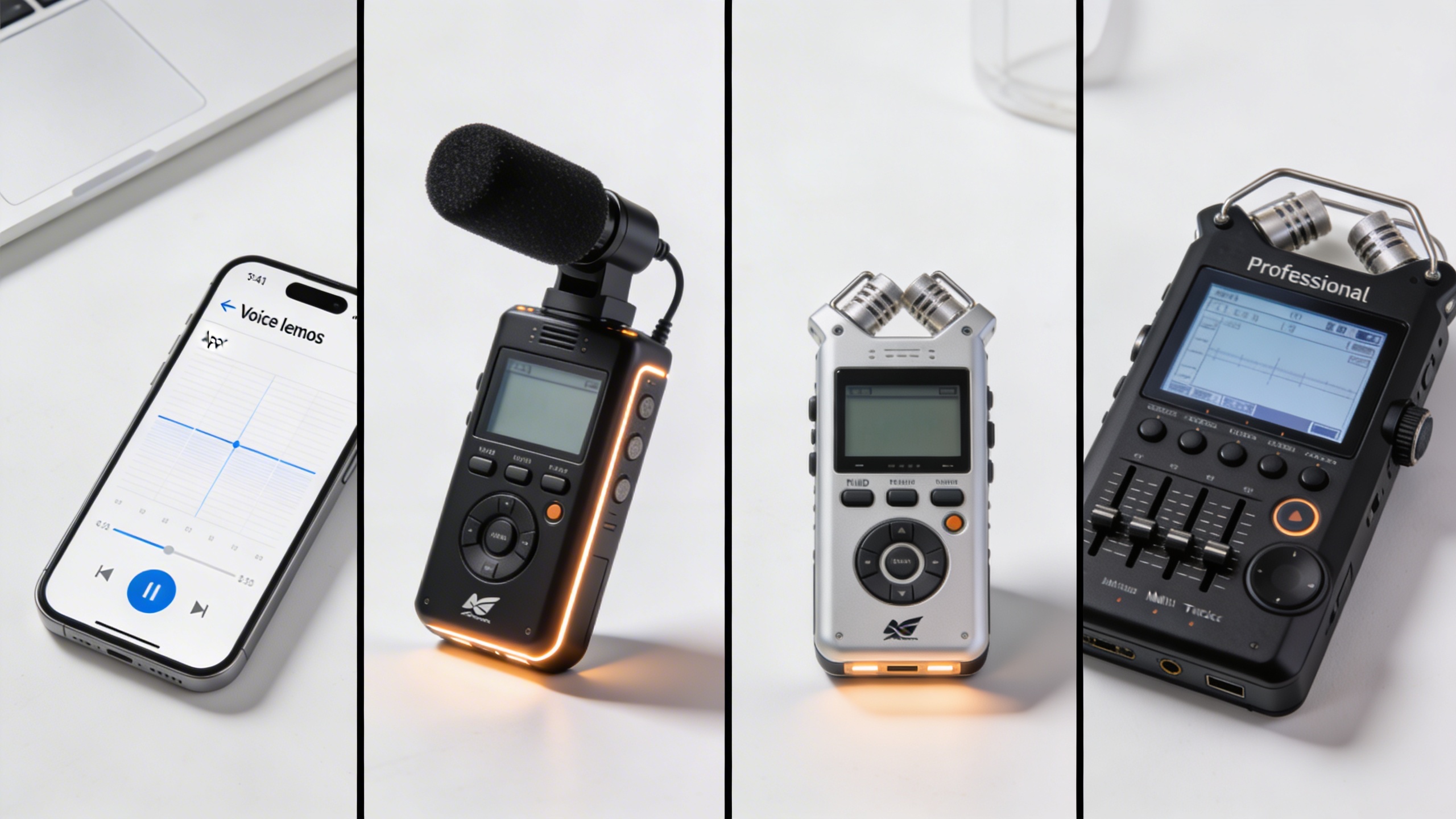
Modern voice recording options span from smartphones to professional equipment, each suited for different scenarios and budgets. For basic needs, smartphones with built-in recording apps provide adequate quality for personal note-taking and casual transcription. However, dedicated voice activated recorder devices offer superior audio capture and longer battery life for extended sessions.
Mid-range digital voice recorders typically feature noise reduction, multiple recording formats, and enhanced microphone sensitivity. These devices excel in business meetings and interviews where clear audio is essential. Professional-grade recorders include advanced features like directional microphones, external microphone inputs, and high-resolution audio formats that significantly improve transcription accuracy.
For users seeking integrated solutions, a voice recorder with text capabilities can streamline workflows by providing real-time transcription alongside audio capture. These devices eliminate the need for separate transcription steps, making them ideal for professionals who require immediate text output.
Microphone Types and Audio Quality Factors
Microphone selection fundamentally determines recording quality and subsequent transcription success. Dynamic microphones handle loud environments well and resist background noise, making them suitable for interviews in busy locations. Condenser microphones offer superior sensitivity and frequency response, capturing subtle vocal nuances that improve voice recorder voice to text accuracy.
Lavalier microphones provide hands-free operation and consistent audio levels when properly positioned, while shotgun microphones excel at isolating specific speakers in group settings. USB microphones offer plug-and-play convenience for computer-based recording, delivering professional quality without complex audio interfaces.
| Microphone Type | Best Use Case | Price Range | Transcription Quality |
|---|---|---|---|
| Built-in Device Mic | Quick notes, personal use | $0 (included) | Fair |
| Lavalier/Lapel | Presentations, interviews | $20-200 | Good |
| USB Condenser | Podcasts, dictation | $50-300 | Excellent |
| Professional XLR | Studio recording | $100-1000+ | Outstanding |
Audio quality factors extend beyond microphone choice. Recording format selection impacts file size and transcription compatibility, with uncompressed formats like WAV providing optimal quality while compressed formats like MP3 offer storage efficiency. Sample rates of 44.1kHz or higher ensure adequate frequency capture for voice recording applications.
Optimal Recording Environment Setup
Environmental factors significantly influence voice recording quality and transcription accuracy. Acoustic treatment reduces echo and reverberation that can confuse transcription algorithms. Soft furnishings, carpets, and curtains naturally absorb sound reflections, while dedicated acoustic panels provide professional-level control.
Background noise represents the primary challenge for accurate transcription. Air conditioning systems, computer fans, and external traffic create consistent noise floors that mask speech details. Positioning recording devices away from noise sources and using directional microphones helps isolate target audio.
Room size affects recording characteristics, with smaller spaces typically offering better control over acoustics. However, overly small rooms can create claustrophobic audio with excessive reflections. The ideal recording space balances size with acoustic treatment to minimize unwanted sound while maintaining natural vocal characteristics.
For users requiring reliable voice recording and transcription capabilities, tools like Sozai combine professional-grade audio processing with intelligent transcription algorithms, adapting to various recording environments and equipment setups to deliver consistent results.
Voice Recording Best Practices and Techniques
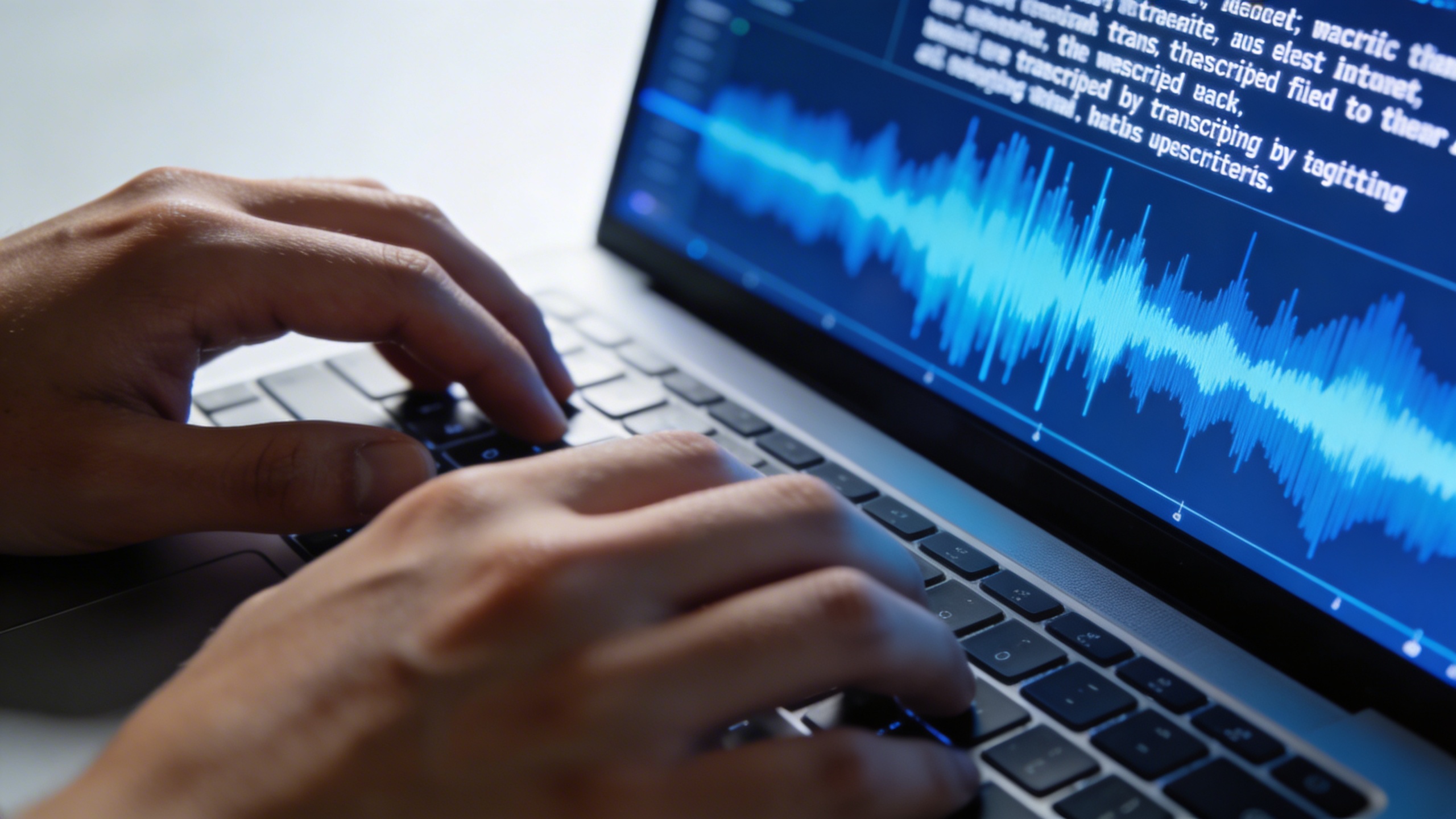
Mastering voice recording techniques is essential for achieving high-quality transcription results. Whether you’re using a voice recorder with text capabilities or planning to transcribe audio later, the quality of your initial recording directly impacts the accuracy of the final text output. These proven techniques will help you capture crystal-clear audio that transcribes effortlessly.
Speaking Techniques for Clear Audio
The foundation of excellent voice recording lies in how you speak. Maintain a consistent distance of 6-8 inches from your microphone to ensure optimal audio levels without distortion. Speak at a moderate pace—approximately 150-160 words per minute—which gives voice recorder voice to text systems time to process each word accurately.
Articulate each word clearly, paying special attention to consonants and word endings that often get lost in poor recordings. Avoid mumbling, speaking too quickly, or trailing off at the end of sentences. When using voice recording and transcription workflows, these small adjustments in speaking technique can dramatically improve your text accuracy rates.
Practice proper breathing techniques by taking natural pauses between thoughts rather than rushing through content. This creates cleaner audio segments and gives transcription software clear boundaries between ideas. If you’re recording long sessions, schedule brief breaks every 15-20 minutes to maintain vocal clarity and prevent fatigue.
Recording Settings and File Formats
Configure your voice recorder settings for optimal transcription performance. Set your sample rate to 44.1 kHz or higher, with a bit depth of at least 16-bit for professional results. These settings capture sufficient audio detail for accurate voice to text conversion while maintaining manageable file sizes.
Choose uncompressed formats like WAV or AIFF for the highest quality, especially for important recordings. If file size is a concern, use high-quality MP3 encoding at 320 kbps or AAC format. Avoid heavily compressed formats that can introduce artifacts and reduce transcription accuracy.
Enable automatic gain control sparingly—while it prevents clipping, it can also amplify background noise during quiet moments. Instead, manually set your input levels so your voice peaks around -12dB to -6dB, leaving headroom for louder moments without distortion.
Managing Background Noise and Interruptions
Create a controlled recording environment by choosing quiet locations away from air conditioning units, traffic, and electronic devices. Close windows and doors to minimize external noise that can interfere with voice activated recorder systems and transcription accuracy.
Use soft furnishings like curtains, carpets, or acoustic panels to reduce echo and reverberation. Hard surfaces create reflections that muddy your audio and confuse transcription algorithms. Even recording in a closet full of clothes can significantly improve audio quality compared to empty rooms.
When interruptions occur during voice recording sessions, pause your recorder rather than talking over the disturbance. This prevents contaminated audio segments that require manual editing later. If you’re using a voice recorder with text features, clean pauses help the software identify natural speech boundaries more accurately.
Plan your recording sessions during naturally quiet times of day, and inform others about your recording schedule to minimize interruptions. Keep a glass of water nearby to maintain vocal clarity, and consider using a pop filter or windscreen to eliminate plosive sounds that can distort your audio.
Modern Transcription Technologies and AI Solutions
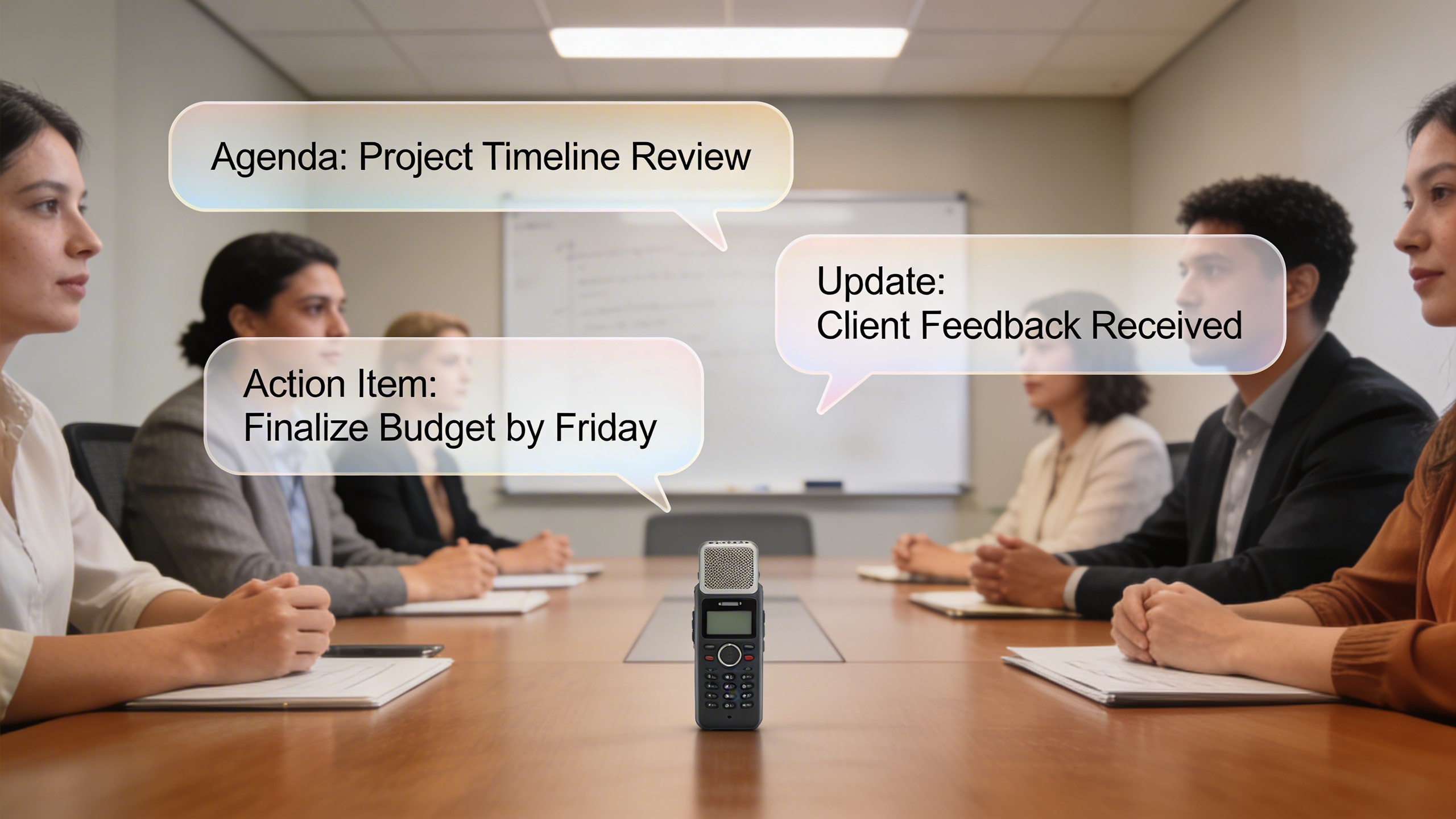
The landscape of voice recording and transcription has been revolutionized by artificial intelligence, transforming how we capture and convert spoken words into text. Modern AI-powered solutions have achieved remarkable accuracy rates, often exceeding 95% for clear audio recordings in optimal conditions. These advancements have made professional-grade transcription accessible to everyone, from journalists conducting interviews to students taking lecture notes.
Machine learning algorithms now process audio data through sophisticated neural networks that understand context, grammar, and even speaker intent. Unlike traditional voice recording systems that relied on basic pattern matching, today’s AI transcription engines continuously learn from vast datasets, improving their performance with each interaction. This evolution has enabled real-time processing capabilities that were unimaginable just a few years ago.
AI-Powered Real-Time Transcription
Real-time transcription represents the pinnacle of voice recording and transcription technology, delivering instant text conversion as you speak. Modern voice recorder with text capabilities can process audio streams with latency as low as 200-300 milliseconds, making conversations feel natural and uninterrupted. This technology proves invaluable for live meetings, interviews, and accessibility applications where immediate text output is essential.
The underlying technology combines automatic speech recognition (ASR) with natural language processing (NLP) to understand not just individual words, but entire phrases and sentences in context. Advanced voice recorder voice to text systems can distinguish between homophones based on surrounding words, correctly transcribing “there,” “their,” and “they’re” depending on grammatical context. These systems also handle punctuation intelligently, adding periods, commas, and question marks based on speech patterns and intonation.
For professionals seeking reliable real-time transcription, platforms like Sozai offer AI-powered solutions that work seamlessly across devices, providing accurate voice-to-text conversion for meetings, interviews, and note-taking scenarios.
Speech Recognition Accuracy and Limitations
While modern voice activated recorder technology has achieved impressive accuracy rates, several factors significantly impact transcription quality. Audio clarity remains the most critical factor, with background noise, poor microphone quality, and acoustic environments directly affecting results. Clear speech at normal pace typically yields 90-98% accuracy, while mumbled or rapid speech can reduce accuracy to 70-80%.
Speaker-specific factors also influence transcription performance. Consistent speaking volume, clear pronunciation, and avoiding filler words like “um” and “uh” improve results dramatically. Technical terminology, proper nouns, and industry-specific jargon present ongoing challenges, though many modern systems allow custom vocabulary training to address specialized language needs.
Environmental considerations play a crucial role in voice recording quality. Rooms with hard surfaces create echo and reverberation that confuse AI algorithms, while soft furnishings and acoustic treatment enhance transcription accuracy. Distance from the microphone matters significantly – optimal results occur when speakers maintain 6-12 inches from the recording device.
Language Support and Dialect Recognition
Contemporary AI transcription systems support dozens of languages and hundreds of regional dialects, though performance varies significantly across different linguistic groups. Major languages like English, Spanish, French, German, and Mandarin typically receive the most development attention, resulting in superior accuracy rates compared to less common languages.
Dialect recognition has improved substantially, with systems now distinguishing between American, British, Australian, and other English variants. However, strong regional accents still pose challenges, particularly for speakers from areas underrepresented in training data. Many voice recording and transcription platforms now offer accent adaptation features that learn individual speech patterns over time.
Code-switching, where speakers alternate between languages within conversations, represents an emerging frontier in transcription technology. Advanced systems can detect language changes mid-sentence and apply appropriate recognition models, though this capability remains limited to major language pairs.
The future of voice recording technology points toward even more sophisticated AI models that understand context, emotion, and speaker intent. These developments promise to eliminate current limitations while expanding accessibility across diverse linguistic communities worldwide.
Popular Use Cases and Applications
Voice recording and transcription technology has revolutionized how professionals, students, and creators capture and process audio content. From boardroom meetings to creative brainstorming sessions, the ability to convert spoken words into searchable text has become indispensable across numerous industries and applications.
Meeting and Interview Transcription
Business professionals rely heavily on voice recording for capturing critical discussions and decisions. Sales teams use voice activated recorder functionality to document client calls, ensuring no important details are missed during follow-up activities. HR departments benefit from accurate interview transcriptions that help maintain consistent evaluation processes while reducing bias in candidate assessments.
Remote work has amplified the need for reliable meeting documentation. Teams distributed across time zones depend on voice recorder with text capabilities to create accessible records of virtual meetings. Legal professionals particularly value precise transcription for depositions, client consultations, and court proceedings where accuracy is paramount.
Executive assistants and project managers find voice recorder voice to text solutions invaluable for transforming lengthy strategy sessions into actionable meeting minutes. This technology eliminates the time-consuming task of manual note-taking while ensuring comprehensive documentation of key decisions and assigned responsibilities.
Content Creation and Journalism
The media industry has embraced voice recording and transcription as essential workflow tools. Journalists conducting field interviews can focus entirely on asking compelling questions rather than frantically scribbling notes. Podcast creators use transcription services to generate show notes, improve accessibility, and create searchable content archives that boost discoverability.
Video content creators leverage voice to text technology for generating accurate captions and subtitles, expanding their audience reach while meeting accessibility requirements. Authors and screenwriters often prefer dictating their ideas using voice recording, allowing creative thoughts to flow naturally without the interruption of typing.
Marketing teams utilize transcribed interviews and focus groups to extract key insights and quotable content for campaigns. The ability to quickly search through hours of recorded customer feedback helps identify trends and pain points that inform product development and messaging strategies.
Academic Research and Note-Taking
Students and researchers have transformed their study habits through strategic use of voice recording technology. Lecture recordings with automatic transcription create comprehensive study materials that students can review and search efficiently. This approach is particularly beneficial for visual learners who can highlight key concepts in written form while referencing the original audio for context.
Graduate students conducting qualitative research rely on voice recorder with text functionality to analyze interview data systematically. The ability to quickly locate specific quotes or themes within lengthy recordings accelerates the research process and improves analytical accuracy.
Language learners use voice recording to practice pronunciation while simultaneously reviewing transcribed text to identify areas for improvement. This dual-modal approach reinforces learning through both auditory and visual channels.
Professional development has also benefited significantly from these technologies. Conference attendees can capture keynote presentations and breakout sessions, creating personal knowledge bases that support ongoing learning initiatives. Sozai offers comprehensive voice recording and transcription features that seamlessly integrate into these diverse professional and educational workflows, making it easier to transform spoken content into actionable text across any industry or application.
Editing and Improving Transcription Accuracy
Even the most advanced voice recording and transcription systems require careful editing to achieve professional-grade accuracy. Raw transcripts typically contain errors ranging from simple spelling mistakes to complex contextual misinterpretations that can significantly impact the final document’s quality and usability.
Post-Processing and Quality Control
Effective post-processing begins with a systematic review workflow that addresses both technical accuracy and content clarity. Start by listening to the original voice recording while reading the transcript simultaneously, marking sections where the text doesn’t match the audio. This dual-channel approach helps identify errors that might be missed during text-only reviews.
Professional transcriptionists recommend breaking the editing process into multiple passes. The first pass focuses on obvious errors like incorrect words or missing punctuation, while subsequent passes address speaker identification, technical terminology, and overall flow. For voice recorder with text applications, this structured approach typically improves accuracy from the initial 85-90% to over 95%.
Quality control measures should include timestamp verification for important sections, especially in legal or medical contexts where precise timing matters. Document any unclear audio segments with appropriate notation, such as “[inaudible]” or “[unclear],” rather than guessing at the content.
Common Transcription Errors and Fixes
Voice recorder voice to text systems frequently struggle with specific types of content that require targeted correction strategies. Homophones represent the most common error category, where words like “their,” “there,” and “they’re” are confused based on pronunciation alone. Context analysis during editing helps resolve these ambiguities effectively.
Technical jargon and proper nouns pose another significant challenge for automated systems. Create a custom dictionary of frequently used terms, names, and industry-specific vocabulary before beginning transcription projects. This preparation dramatically reduces editing time and improves consistency across multiple voice recording sessions.
Speaker overlap and background noise can cause fragmented sentences or missing words. When encountering these issues, adjust audio levels or apply noise reduction filters to the original recording, then re-transcribe problematic sections. Voice activated recorder features can help minimize these problems in future recordings by automatically adjusting sensitivity levels.
Formatting and Structuring Transcribed Text
Professional transcript formatting follows established conventions that enhance readability and usability. Standard formatting includes clear speaker identification, consistent paragraph breaks at topic changes, and appropriate use of punctuation to reflect natural speech patterns. Time codes should be inserted at regular intervals, typically every 30-60 seconds for reference purposes.
Different use cases require specific formatting approaches. Academic interviews benefit from detailed speaker attribution and verbatim accuracy, while business meeting transcripts often require cleaned-up language with filler words removed. Legal depositions demand exact word-for-word accuracy with specific notation systems for interruptions and clarifications.
Modern voice recording and transcription workflows increasingly incorporate collaborative editing features, allowing multiple team members to review and refine transcripts simultaneously. This distributed approach improves accuracy while reducing individual workload, particularly valuable for lengthy recordings or time-sensitive projects.
Consider implementing version control systems for important transcripts, maintaining both raw and edited versions. This practice provides accountability and allows for quality audits while preserving the original automated output for reference purposes.
Security, Privacy, and Legal Considerations
When implementing voice recording and transcription workflows, protecting sensitive information and maintaining compliance becomes paramount. Whether you’re recording business meetings, conducting interviews, or capturing personal notes, understanding the security landscape ensures your voice recorder with text capabilities serve you safely and legally.
Data Protection and Confidentiality
Modern voice recording solutions handle vast amounts of sensitive audio data, making robust security measures essential. Look for transcription services that employ end-to-end encryption during both transmission and storage phases. Your voice recorder voice to text platform should encrypt files locally before uploading, ensuring that even service providers cannot access raw audio content.
Implement strict access controls within your organization. Establish clear protocols for who can record, transcribe, and access sensitive conversations. Many voice activated recorder systems now offer user authentication features, including biometric locks and multi-factor authentication, preventing unauthorized access to confidential recordings.
Consider data retention policies carefully. Automatically delete recordings and transcripts after predetermined periods unless legal requirements mandate longer storage. This practice minimizes exposure risks while maintaining operational efficiency.
Legal Requirements for Recorded Content
Recording laws vary significantly across jurisdictions, making compliance research crucial before implementing any voice recording and transcription system. Most regions follow either one-party or two-party consent requirements. One-party consent allows recording when you’re a participant in the conversation, while two-party consent requires explicit permission from all participants.
Document consent procedures meticulously. Many organizations use verbal disclaimers at meeting beginnings or written agreements for interview sessions. Some voice activated recorder applications include built-in consent management features, automatically prompting for permissions before starting recordings.
Industry-specific regulations add complexity. Healthcare organizations must comply with HIPAA requirements, while financial institutions face additional SEC and FINRA obligations. Educational institutions recording lectures or student interactions must consider FERPA guidelines when choosing transcription technologies.
Choosing Secure Transcription Services
Evaluate potential voice recorder with text providers using comprehensive security checklists. Prioritize services offering SOC 2 Type II compliance, demonstrating rigorous security controls and regular third-party audits. Look for platforms that process data within specific geographic regions, ensuring compliance with local data sovereignty requirements.
Examine data processing practices thoroughly. On-device processing eliminates cloud transmission risks entirely, while hybrid approaches balance security with advanced AI capabilities. Some platforms offer zero-knowledge architectures, where providers cannot decrypt user content even with administrative access.
Review service agreements carefully, particularly regarding data ownership, sharing policies, and breach notification procedures. Establish clear data processing agreements that define responsibilities and liability boundaries between your organization and transcription service providers.

