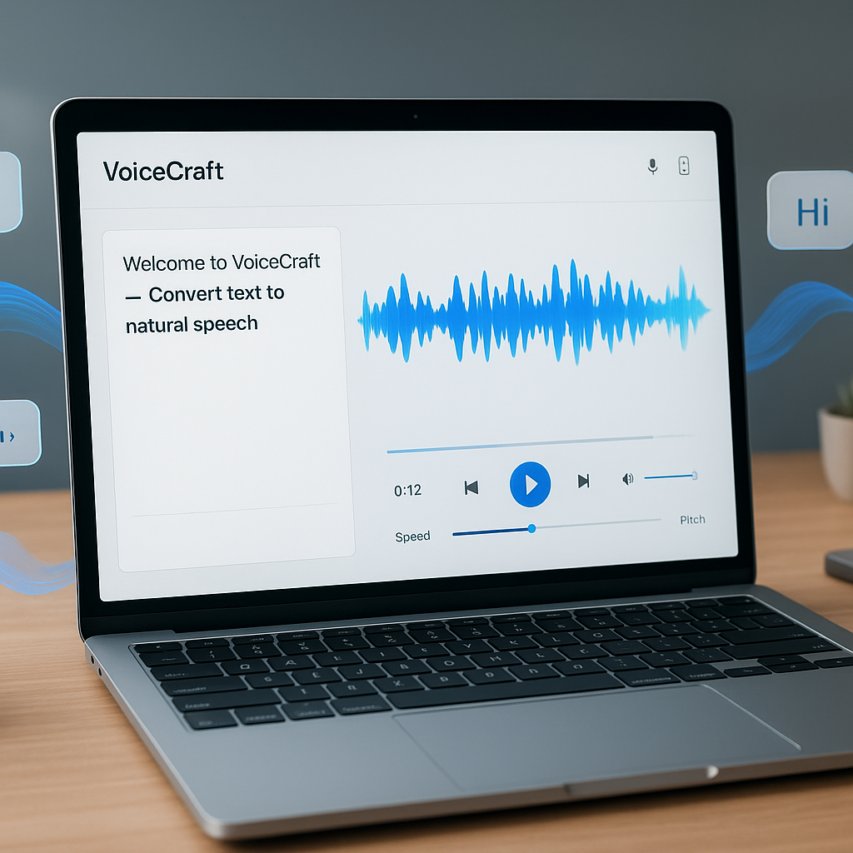
The digital landscape has transformed how we consume and create content, making text to voice converter online tools essential for accessibility, productivity, and multimedia creation. Whether you’re a content creator looking to add voiceovers to videos, a student who learns better through audio, or someone making content more accessible for visually impaired users, converting written text into natural-sounding speech has never been more important. Modern online text to speech converter technology has evolved dramatically, offering realistic AI voices that rival human narration without requiring any software downloads or technical expertise.
Today’s free text to audio online platforms leverage advanced artificial intelligence to deliver remarkably human-like speech synthesis, complete with proper pronunciation, natural intonation, and emotional expression. These web-based solutions have democratized voice technology, allowing anyone to transform written content into professional-quality audio within minutes. From blog posts and educational materials to marketing content and personal projects, text to voice online converter tools are reshaping how we interact with written information.
In this comprehensive guide, you’ll discover the top free online text to speech platforms, learn essential features to evaluate, explore practical use cases, and master advanced techniques for creating compelling audio content that engages your audience.
What Are Online Text to Voice Converters and How They Work
Online text to voice converters represent a revolutionary leap in digital accessibility, transforming written content into natural-sounding speech through sophisticated artificial intelligence. These browser-based tools eliminate the need for software downloads while delivering professional-quality audio output that rivals traditional desktop applications. Understanding how these systems operate reveals why they’ve become essential tools for content creators, educators, and accessibility advocates worldwide.
Understanding Text-to-Speech Technology
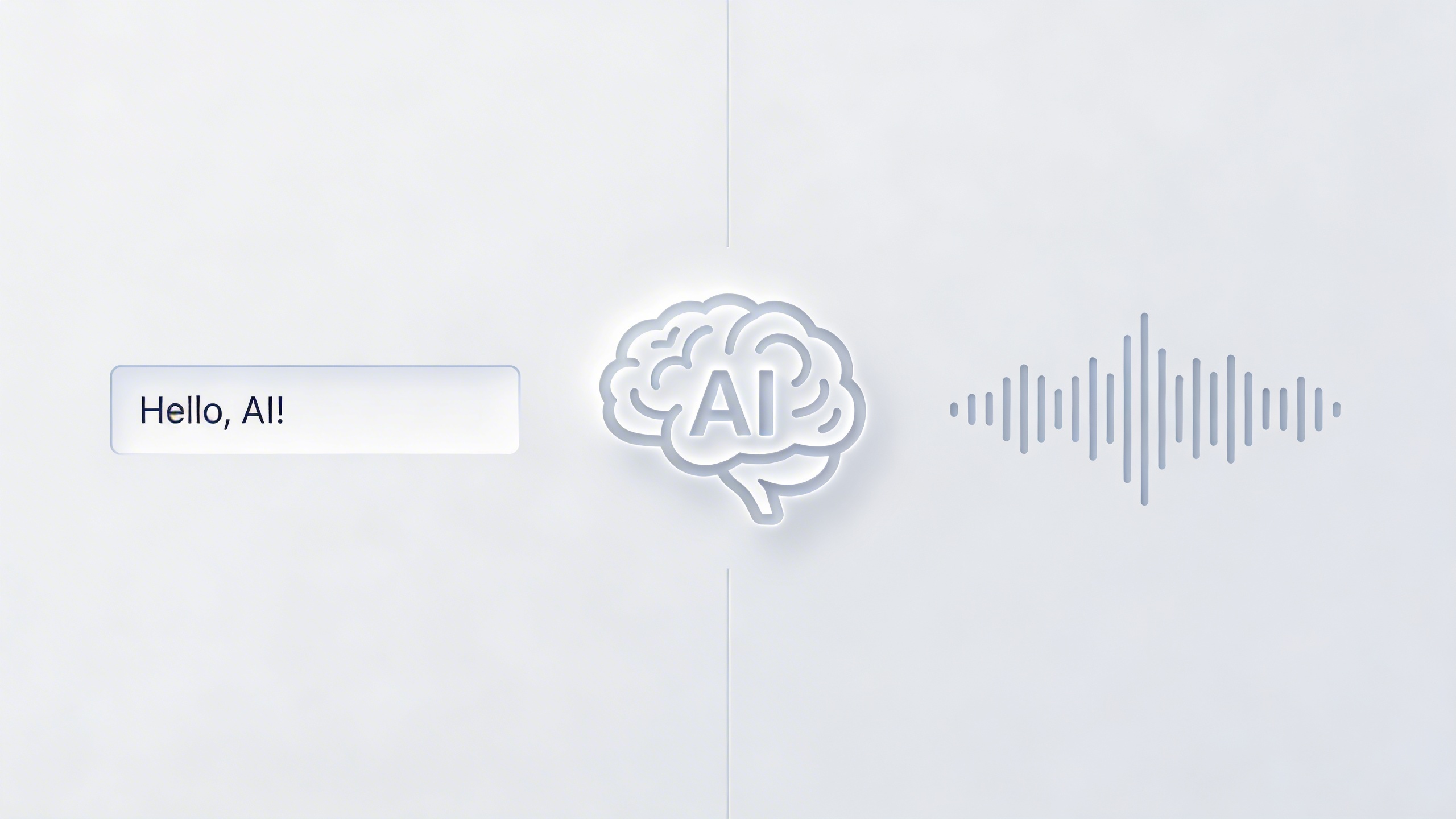
Modern text to speech online converter systems rely on advanced neural networks that analyze written text at multiple linguistic levels. Unlike earlier robotic-sounding synthesizers, today’s AI-powered engines process phonetic patterns, grammatical structures, and contextual meaning to generate remarkably human-like speech. These systems break down text into phonemes—the smallest units of sound—then reconstruct them using deep learning models trained on thousands of hours of human speech data.
The transformation process begins with text normalization, where abbreviations, numbers, and symbols are converted into speakable formats. Neural voice synthesis algorithms then apply prosodic features like intonation, stress patterns, and natural pauses that make the output sound conversational rather than mechanical. This sophisticated processing happens in real-time, allowing users to hear results within seconds of inputting their text.
Contemporary free text to audio online platforms leverage cloud computing resources to perform these complex calculations, meaning users can access enterprise-level speech synthesis capabilities through any standard web browser. The technology continuously improves as AI models learn from user interactions and feedback, creating increasingly natural vocal expressions across multiple languages and accents.
Benefits of Browser-Based Voice Conversion
Browser-based text to voice online converter solutions offer unparalleled convenience and accessibility compared to traditional software installations. Users can access these tools from any device with an internet connection, whether working on a Windows laptop, Mac desktop, or mobile device. This cross-platform compatibility ensures consistent functionality regardless of operating system limitations or hardware specifications.
The instant availability of online text to speech converter tools eliminates common barriers that prevent people from utilizing voice technology. Students can quickly convert study materials into audio format for better retention, while professionals can transform lengthy documents into portable audio content for multitasking scenarios. Content creators benefit from rapid prototyping capabilities, testing different voice styles and speeds before committing to final audio production.
Privacy and security considerations also favor browser-based solutions, as reputable platforms process text securely without storing personal content on external servers. Users maintain complete control over their input materials while benefiting from enterprise-grade voice synthesis technology that would otherwise require expensive software licenses.
Key Components of Modern TTS Systems
Contemporary online text to voice converter platforms integrate several sophisticated components that work seamlessly together. The linguistic analysis engine serves as the foundation, parsing grammar, syntax, and semantic meaning to determine appropriate vocal emphasis and pacing. This component distinguishes between different text types—whether reading a formal document, casual email, or creative narrative—and adjusts speech patterns accordingly.
Voice synthesis algorithms represent the core technology that generates actual audio output. These systems utilize neural vocoders and generative adversarial networks to create smooth, natural-sounding speech that captures subtle human vocal characteristics. Advanced platforms offer multiple voice personalities, each trained on distinct speech patterns to provide users with diverse options for different content types and audiences.
Real-time processing capabilities ensure that text to voice online converter tools deliver immediate results without frustrating delays. Modern systems can process several paragraphs of text within milliseconds, making them practical for live presentations, accessibility applications, and interactive educational content. The integration of adaptive streaming technology allows for seamless playback even with varying internet connection speeds.
Quality control mechanisms continuously monitor output accuracy, automatically detecting and correcting common pronunciation errors while maintaining consistent audio levels throughout longer passages. These systems represent a convergence of artificial intelligence, cloud computing, and user experience design that makes professional voice synthesis accessible to anyone with a web browser.
Top Free Online Text to Voice Converters Compared
Choosing the right text to voice converter online requires understanding the distinct advantages and limitations of different platforms. The market offers three primary categories of solutions, each designed to meet specific user needs and technical requirements.
Premium Free Platforms with Advanced Features
Several established platforms provide robust free tiers that rival paid alternatives in quality and functionality. Google Text-to-Speech leads this category with exceptional voice naturalness and support for over 40 languages. The platform integrates seamlessly with other Google services and offers both standard and WaveNet voices, with the latter providing remarkably human-like speech patterns.
Amazon Polly’s free tier delivers professional-grade audio synthesis with 5 million characters monthly. The platform excels in customization options, allowing users to adjust speech rate, pitch, and volume while supporting Speech Synthesis Markup Language (SSML) for precise pronunciation control. Microsoft Azure Cognitive Services rounds out this category with neural voice technology that produces highly natural speech, particularly effective for business presentations and educational content.
| Platform | Monthly Character Limit | Voice Quality | Language Support | Key Advantage |
|---|---|---|---|---|
| Google Text-to-Speech | 1 million | Excellent | 40+ languages | WaveNet neural voices |
| Amazon Polly | 5 million | Very Good | 29 languages | SSML customization |
| Microsoft Azure | 500,000 | Excellent | 45+ languages | Neural voice technology |
Simple Browser-Based Converters
Browser-based text to speech online converter tools prioritize ease of use over advanced features. NaturalReader offers immediate access without registration, supporting documents up to 20,000 characters with decent voice quality across multiple languages. The platform handles various input formats including PDF and Word documents, making it ideal for quick conversions.
TTSReader provides a clean, distraction-free interface that works entirely within the browser. Users can paste text directly or upload files, with the service automatically detecting language and selecting appropriate voices. The platform supports unlimited usage for texts under 1,000 words, making it perfect for short articles and social media posts.
ResponsiveVoice stands out for its extensive accent variety within each language. The free text to audio online service offers over 50 voices across 30 languages, with particular strength in English accent variations including Australian, British, and American options. The platform integrates easily into websites and applications through its JavaScript API.
These browser-based solutions excel in scenarios where users need immediate results without complex setup procedures. Content creators frequently use these tools for quick audio previews of written material, while students leverage them for accessibility support during research and study sessions.
Specialized Tools for Different Use Cases
Certain online text to speech converter platforms focus on specific applications and user groups. Balabolka offers extensive customization for Windows users, with support for multiple audio formats and batch processing capabilities. The software excels at handling large documents and provides detailed pronunciation control through phonetic spelling corrections.
For content creators and podcasters, Murf provides studio-quality voices with emotional tone adjustments. The platform’s free tier includes access to professional voice actors and allows users to fine-tune delivery speed and emphasis. This makes it particularly valuable for creating engaging audio content from written scripts.
Educational platforms like Immersive Reader integrate text to voice online converter functionality with reading comprehension tools. These specialized solutions often include features like syllable highlighting, translation support, and adjustable reading speeds designed specifically for learning environments.
Voice note applications represent another specialized category, with tools like Sozai offering AI-powered transcription alongside text-to-speech capabilities. These platforms excel at converting meeting notes and dictated content into both written text and natural-sounding audio files.
When selecting among these specialized tools, consider your primary use case and required output quality. Content creators typically benefit from platforms offering multiple voice personalities and emotional range, while students and accessibility users often prioritize clear pronunciation and reading speed control. Business users frequently require batch processing capabilities and integration with existing workflow tools to maximize productivity and maintain consistent audio branding across their content.

Essential Features to Look for in Text to Speech Converters
When selecting an online text to speech converter, understanding the key features that separate basic tools from professional-grade solutions can make the difference between synthetic-sounding audio and content that truly engages your audience. The best text to voice converter online platforms combine advanced technology with user-friendly interfaces to deliver exceptional results.
Voice Quality and Natural Sound
The foundation of any effective text to speech online converter lies in its voice quality. Modern neural voice technology has revolutionized how synthetic speech sounds, moving far beyond the robotic tones of earlier systems. Neural voices use deep learning algorithms to analyze speech patterns, intonation, and emotional nuances from human speakers.
Look for platforms that offer neural voices rather than concatenative synthesis. Neural technology produces more natural pauses, appropriate emphasis on important words, and smoother transitions between sentences. The best converters allow you to preview different voice options before committing to a full conversion, helping you find the perfect match for your content’s tone and purpose.
Pay attention to pronunciation accuracy, especially for technical terms, proper nouns, and industry-specific vocabulary. Quality platforms include pronunciation editors that let you customize how specific words are spoken, ensuring your final audio maintains professionalism and clarity.
Language Support and Accent Options
A versatile free text to audio online tool should support multiple languages and regional accents to serve diverse audiences effectively. Leading platforms typically offer dozens of languages, from widely spoken options like English, Spanish, and Mandarin to specialized regional dialects.
Regional accent variations matter significantly for audience connection. An online text to speech converter targeting American audiences should offer distinct options for different regional accents, while international content creators need access to British, Australian, or Canadian English variants. Similarly, Spanish content might require Mexican, Argentinian, or European Spanish options.
Consider the quality consistency across different languages. Some platforms excel in English but offer limited voice quality in other languages. Test your target languages thoroughly, especially if you plan to create multilingual content regularly.
Export Formats and Integration Capabilities
Professional text to voice online converter platforms provide multiple audio export formats to match your specific workflow requirements. Standard formats include MP3 for general use, WAV for high-quality applications, and OGG for web-based implementations. Some specialized platforms also offer FLAC for lossless audio quality.
Integration capabilities extend the usefulness of any online text to speech converter beyond simple file downloads. API access allows developers to incorporate voice generation directly into applications, websites, or automated workflows. This feature proves invaluable for content management systems, e-learning platforms, or customer service applications.
Look for platforms offering webhook support, batch processing capabilities, and cloud storage integration. These features streamline large-scale content production and enable automated voice generation workflows. Some advanced tools provide real-time streaming options, allowing immediate audio playback without file downloads.
Additional integration features might include direct connections to popular content management systems, social media platforms, or podcast hosting services. The most comprehensive solutions offer SSML (Speech Synthesis Markup Language) support, enabling fine-tuned control over speech characteristics like speed, pitch, and emphasis through simple markup tags.
Consider whether the platform provides analytics or usage tracking, especially important for commercial applications where monitoring conversion volumes and costs becomes essential for budget planning and performance optimization.
Best Use Cases for Online Voice Conversion Tools
Online text to voice converters have revolutionized how we create, consume, and share content across multiple industries. These versatile tools transform written material into engaging audio experiences, opening up new possibilities for content creators, educators, and businesses alike.
Content Creation and Marketing
Content creators are increasingly turning to text to voice converter online tools to expand their reach and diversify their content formats. Podcast creators use these platforms to generate intro segments, advertisements, or even entire episodes from written scripts, significantly reducing production time and costs. The ability to convert blog posts into audio versions allows content marketers to reach audiences who prefer consuming information while commuting, exercising, or multitasking.
Video creators leverage free text to audio online services to produce professional narration for explainer videos, product demonstrations, and social media content. This approach eliminates the need for expensive voice talent while maintaining consistent quality across all productions. Marketing teams can quickly transform written sales scripts into compelling audio advertisements for radio, podcasts, or digital campaigns.
Accessibility and Learning Support
Educational institutions and content publishers rely heavily on text to speech online converter technology to make their materials accessible to students with visual impairments, dyslexia, or other learning differences. Universities convert textbooks, research papers, and lecture notes into audio formats, ensuring equal access to educational resources for all students.
Language learning platforms integrate online text to speech converter tools to help students improve pronunciation and listening comprehension. These systems provide consistent, clear pronunciation models that learners can access repeatedly, making them invaluable for self-paced study programs. Teachers use these tools to create audio versions of reading assignments, allowing students to follow along with text while hearing proper pronunciation and intonation.
Website accessibility compliance has become increasingly important, with many organizations using text to voice online converter solutions to make their digital content accessible to users with disabilities. This technology helps businesses meet Web Content Accessibility Guidelines while expanding their potential audience.
Business and Professional Applications
Corporate training departments utilize these tools to convert employee handbooks, safety protocols, and training materials into audio formats. This approach accommodates different learning styles while allowing employees to consume training content during commutes or breaks. Sales teams transform product information and pitch decks into audio presentations, enabling them to review key points hands-free before important meetings.
Professional presenters and public speakers use text to voice converter online services to practice their delivery by listening to their scripts. This technique helps identify awkward phrasing, timing issues, and areas that need improvement before live presentations. International businesses leverage these tools to create multilingual content, ensuring consistent messaging across different markets and languages.
Customer service departments convert frequently asked questions and support documentation into audio guides, providing customers with alternative ways to access help information. This approach reduces support ticket volume while improving customer satisfaction through multiple content delivery options.
How to Choose the Right Text to Voice Converter for Your Needs
Selecting the ideal text to voice converter online requires careful consideration of several factors that directly impact your user experience and output quality. The right choice depends on your specific requirements, technical environment, and long-term usage plans.
Evaluating Voice Quality and Naturalness
Voice quality serves as the foundation of any effective text to speech online converter. Listen to sample outputs across different voice options, paying attention to pronunciation accuracy, emotional expression, and natural speech patterns. High-quality converters produce speech that flows smoothly without robotic inflections or awkward pauses between words.
Test the converter with various content types, including technical terms, proper names, and punctuation-heavy text. The best online text to speech converter should handle abbreviations correctly and maintain consistent pacing throughout longer passages. Consider whether the available voices match your target audience and content style.
Considering Usage Limits and Pricing
Most free text to audio online services impose character or usage limits that may restrict your workflow. Evaluate these limitations against your typical content volume to determine if free tiers meet your needs or if premium features justify the investment.
Premium subscriptions typically offer expanded voice libraries, higher audio quality, commercial usage rights, and increased character limits. Compare pricing structures carefully, as some services charge per character while others offer unlimited monthly access. For occasional users, free services often provide sufficient functionality, while content creators and businesses may benefit from paid plans.
Technical Requirements and Compatibility
Browser compatibility affects your ability to access text to voice online converter services consistently. Verify that your preferred service works reliably across different browsers and operating systems. Some converters require specific browser versions or plugins that may limit accessibility on older devices.
Mobile compatibility becomes crucial if you plan to use the online text to speech converter on smartphones or tablets. Responsive design and touch-friendly interfaces enhance the mobile experience, while offline capabilities can prove valuable when internet connectivity is limited.
Privacy considerations deserve special attention when handling sensitive content. Review the service’s data retention policies and encryption standards. Some platforms store uploaded text temporarily for processing, while others delete content immediately after conversion. For confidential documents, choose services that explicitly guarantee data privacy and offer secure processing environments.
Integration capabilities with existing workflows can streamline your content creation process. Look for converters that support direct file uploads, offer API access for developers, or provide easy export options in multiple audio formats. These features become particularly valuable when incorporating voice conversion into larger content production pipelines.
Advanced Tips for Optimizing Text to Speech Output
Getting the most out of your text to voice converter online requires more than simply pasting text and hitting play. Professional-quality speech synthesis depends on careful preparation and strategic optimization of both your content and converter settings.
Formatting Text for Better Speech Synthesis
Proper text formatting dramatically improves how any online text to speech converter processes your content. Start by breaking long paragraphs into shorter chunks of 2-3 sentences, as this allows the AI to better understand natural pause points and breathing patterns.
Remove unnecessary formatting like excessive punctuation, ALL CAPS text, and special characters that might confuse the speech engine. Replace abbreviations with their full forms—write “Doctor” instead of “Dr.” and “United States” instead of “USA.” Numbers should be written out for amounts under twenty, while larger figures work better in numerical format with clear context.
Add strategic punctuation to control pacing. Commas create brief pauses, periods provide longer breaks, and ellipses (…) can indicate extended pauses for dramatic effect. When using dialogue, clearly separate speakers with line breaks to help the text to speech online converter maintain consistent voice characteristics.
Customizing Voice Settings and Parameters
Most free text to audio online tools offer adjustable parameters that significantly impact output quality. Speech rate typically works best between 150-180 words per minute for general content, though educational material may benefit from slower speeds around 130-150 WPM.
Pitch adjustments should remain subtle—extreme changes sound robotic and distract listeners. For professional presentations, slightly lower pitch conveys authority, while educational content often benefits from moderate pitch variation to maintain engagement.
Volume normalization ensures consistent audio levels throughout longer documents. Many online text to speech converter platforms include automatic gain control, but manual adjustment may be necessary for optimal results across different playback devices.
Troubleshooting Common Issues
When your text to voice online converter produces unclear pronunciation, the issue often stems from ambiguous text rather than the AI itself. Technical terms, proper nouns, and foreign words frequently require phonetic spelling—write “Beethoven” as “BAY-toe-ven” if the default pronunciation sounds incorrect.
Audio cutting out or stuttering typically indicates processing limitations. Break extremely long documents into smaller sections, remove complex formatting, and ensure stable internet connectivity. If certain words consistently mispronounce, create a personal dictionary of phonetic replacements for future use.
For persistent quality issues, try different voice models within the same platform, as some excel at specific content types or speaking styles.
Future of Online Text to Voice Technology
The landscape of online text to voice technology is evolving rapidly, driven by breakthrough advances in artificial intelligence and changing user expectations for natural, human-like speech synthesis.
Emerging AI Voice Technologies
Neural voice synthesis represents the next frontier for text to speech online converter platforms. Advanced models now generate speech that captures emotional nuance, breathing patterns, and conversational flow that earlier systems couldn’t replicate. These improvements make free text to audio online tools increasingly viable for professional applications like audiobook production, corporate training, and customer service automation.
Real-time voice cloning capabilities are emerging, allowing users to create custom voice profiles from minimal audio samples. This technology will transform how content creators approach personalization, enabling brands to maintain consistent vocal identity across all digital touchpoints.
Integration with Content Creation Workflows
Modern online text to speech converter tools are becoming deeply integrated with content management systems, video editing platforms, and collaborative workspaces. API-first architectures enable seamless automation where written content automatically generates corresponding audio versions for multi-format publishing.
Cloud-based processing power allows text to voice converter online platforms to handle batch conversions of entire document libraries, making large-scale content transformation feasible for organizations of any size. Integration with project management tools streamlines the entire content production pipeline from initial draft to final audio delivery.
Accessibility and Global Impact
The democratization of voice technology through free online text to speech converter platforms is breaking down barriers for individuals with visual impairments, dyslexia, and reading difficulties. Enhanced multilingual support now covers regional dialects and pronunciation variations, making content accessible to diverse global audiences.
Educational institutions increasingly rely on text to voice online converter technology to support different learning styles and accommodate students with varying abilities. This trend extends to corporate training programs, where audio content supplements traditional text-based materials for improved comprehension and retention.
As processing costs decrease and quality improves, these tools will become standard features in content creation workflows, fundamentally changing how we consume and interact with written information across all digital platforms.

