In today’s fast-paced business environment, capturing and organizing meeting discussions has become essential for productivity and collaboration. Otter.ai has emerged as one of the most popular AI-powered transcription services, transforming how professionals handle voice recordings, meeting notes, and real-time conversations. This innovative platform uses advanced speech recognition technology to automatically convert spoken words into searchable, shareable text, making it invaluable for remote teams, students, journalists, and business professionals who need accurate documentation of their conversations.
Whether you’re exploring the otter ai free tier to test basic functionality or considering premium otter ai plans for advanced features, understanding what this platform offers is crucial for making the right choice. This comprehensive review examines every aspect of the otter ai app, from its core transcription capabilities and collaboration tools to detailed otter ai price comparisons across different subscription tiers. We’ll also analyze accuracy performance, user experience, and explore the best alternatives available, giving you all the information needed to determine if Otter.ai aligns with your transcription needs and budget requirements.
What is Otter.ai and How Does It Work?
Otter.ai is an AI-powered transcription service that transforms spoken conversations into searchable, shareable text documents. The platform leverages advanced machine learning algorithms to capture and process audio in real-time, making it a popular choice for professionals who need accurate meeting notes, interview transcripts, and lecture recordings. Understanding how otterai functions helps users maximize its potential for their specific workflow needs.
The service operates through multiple access points, including a web-based dashboard, mobile applications for iOS and Android, and direct integrations with popular video conferencing platforms. Users can either upload pre-recorded audio files or connect Otter.ai directly to live meetings for instant transcription. The platform’s appeal lies in its combination of accessibility and sophisticated AI technology that continues improving through machine learning.
Core Transcription Technology
Otter.ai’s transcription engine uses proprietary natural language processing models trained on millions of hours of conversational audio. The system achieves transcription accuracy rates of approximately 85-95% under optimal conditions, with performance varying based on audio quality, speaker clarity, and background noise levels. The AI distinguishes between different speakers automatically, assigning unique labels to help users follow multi-person conversations.
The technology adapts to various accents, speaking speeds, and industry-specific terminology through continuous learning. Users can train the system by correcting transcription errors, which helps improve accuracy for future recordings. The otter ai app processes audio using cloud-based servers, ensuring consistent performance across devices while maintaining security through encrypted data transmission.
Advanced features include punctuation prediction, capitalization detection, and the ability to identify technical terms or proper nouns. The system also handles common speech patterns like filler words, interruptions, and overlapping conversations, though complex scenarios with multiple simultaneous speakers may reduce accuracy.
Real-Time Meeting Integration
One of Otter.ai’s standout capabilities is seamless integration with major video conferencing platforms including Zoom, Microsoft Teams, Google Meet, and Webex. Users can invite Otter.ai as a participant to automatically join scheduled meetings and begin transcribing immediately. This feature eliminates the need for manual recording setup and ensures no important discussions are missed.
The real-time processing displays live captions during meetings, allowing participants to follow along even in noisy environments or when dealing with poor audio quality. Attendees can add comments, highlights, and action items directly within the transcript as the meeting progresses, creating a collaborative note-taking environment.
Meeting summaries are generated automatically, extracting key discussion points, decisions made, and assigned tasks. The system can identify when specific topics are discussed and create timestamped sections for easy navigation. Integration extends beyond basic transcription to include calendar synchronization, automatic meeting detection, and post-meeting summary distribution to all participants.
AI-Powered Note Organization
Otter.ai transforms raw transcripts into structured, actionable documents through intelligent content organization. The platform automatically identifies speakers, creates topic-based sections, and generates searchable keywords from conversation content. Users can quickly locate specific discussions using the search function, which indexes both spoken words and manually added notes.
The system creates shareable summaries that highlight key decisions, action items, and important quotes from meetings. Custom folders and tags help organize transcripts by project, team, or subject matter, making it easy to build a searchable knowledge base over time. The otter ai free tier provides basic organization features, while paid otter ai plans unlock advanced categorization and team collaboration tools.
Smart editing features allow users to refine transcripts by removing filler words, adjusting speaker labels, and adding contextual notes. The platform maintains version history, so teams can track changes and revert to previous transcript versions when needed. Export options include PDF, Word documents, and plain text formats, ensuring compatibility with existing workflow tools and documentation systems.
Otter.ai Features and Capabilities
Otter.ai has established itself as a comprehensive transcription platform that goes far beyond basic voice-to-text conversion. The service combines real-time transcription with intelligent meeting analysis, making it a powerful tool for professionals who need accurate documentation of conversations, lectures, and business meetings.
Live Transcription and Recording
The core strength of the otter ai app lies in its real-time transcription capabilities. The platform can accurately transcribe spoken words as they’re being said, with typical accuracy rates reaching 85-95% for clear audio in quiet environments. The system automatically identifies different speakers in conversations, assigning each participant a distinct label and color coding their contributions throughout the transcript.
Speaker identification works particularly well in meetings with up to 10 participants, though performance may vary depending on audio quality and speaking patterns. The platform learns to recognize frequent speakers over time, improving accuracy for recurring team members or colleagues. Users can manually correct speaker labels during or after recording sessions, and these corrections help train the system for future interactions.
Keyword highlighting represents another valuable feature that helps users quickly locate important information within lengthy transcripts. The system automatically identifies and emphasizes key terms, phrases, and topics mentioned during conversations. Users can also create custom keyword alerts to ensure critical topics are never missed, making it easier to extract actionable insights from long meetings or presentations.
The recording quality remains consistent across different devices and environments, though optimal results require clear audio input. The platform works effectively with built-in microphones, external recording devices, and phone calls, adapting to various recording scenarios that professionals encounter daily.
Meeting Summaries and Action Items
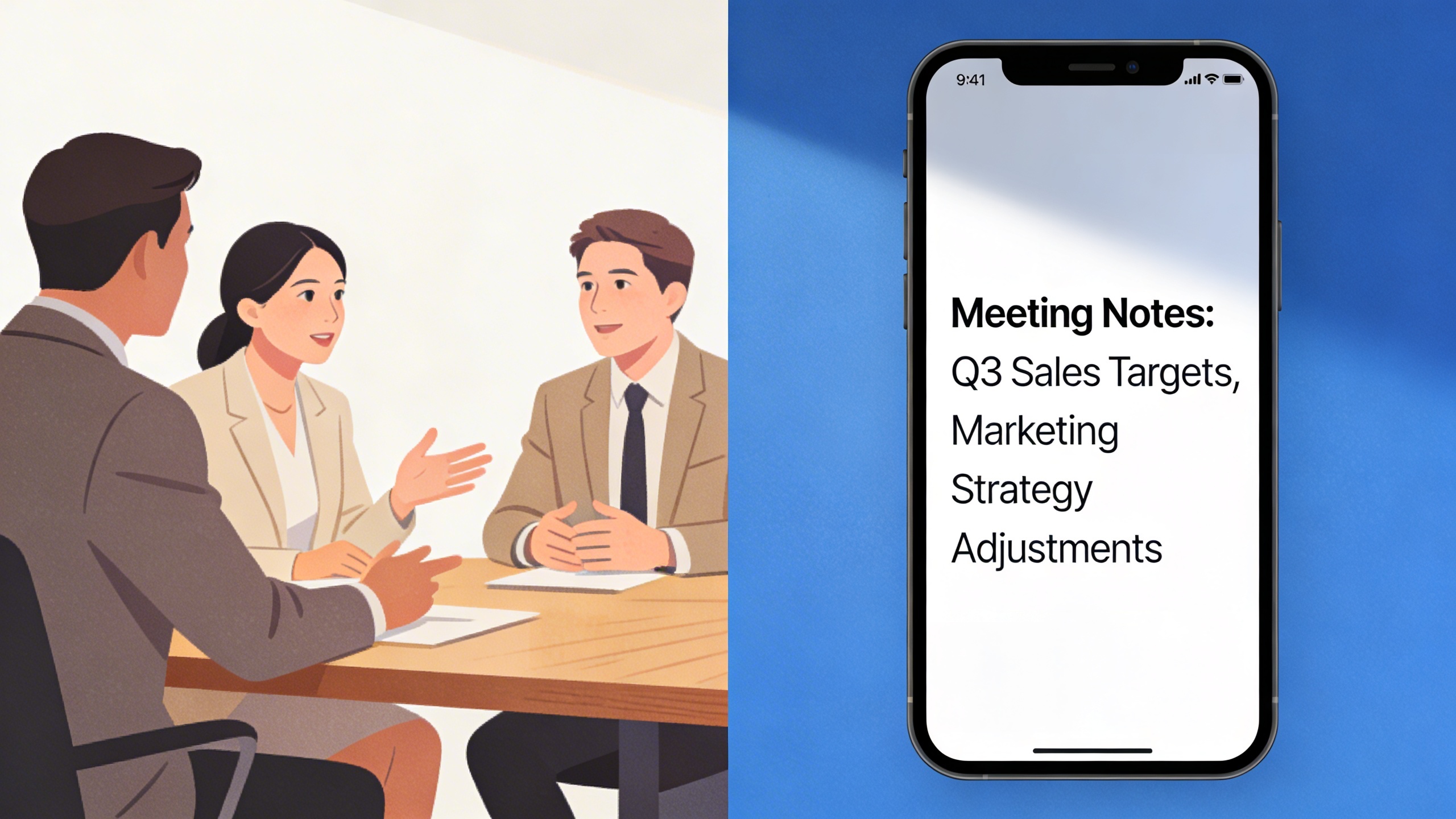
Beyond transcription, Otter.ai automatically generates structured meeting summaries that highlight key discussion points, decisions made, and next steps identified during conversations. The AI analyzes conversation flow and context to extract meaningful insights without requiring manual intervention from users.
The automated summary feature identifies action items mentioned during meetings, creating a organized list of tasks and responsibilities. These summaries include timestamps linking back to specific moments in the original recording, allowing team members to quickly review context around particular decisions or assignments. This functionality proves especially valuable for project managers and team leaders who need to track commitments and follow up on deliverables.
Meeting outcomes are presented in a clean, scannable format that can be easily shared with stakeholders who weren’t present for the original discussion. The platform’s ability to distinguish between casual conversation and actionable items helps ensure important commitments don’t get lost in lengthy meeting transcripts.
Custom vocabulary training allows teams to improve accuracy for industry-specific terminology, acronyms, and proper nouns commonly used in their organization. This feature becomes increasingly valuable for specialized fields like healthcare, legal, or technical industries where precise terminology is critical.
Collaboration and Sharing Tools
Otter.ai transforms individual transcripts into collaborative documents that multiple team members can access, edit, and annotate simultaneously. Team members can add comments, highlight important sections, and assign action items directly within the transcript interface. These collaborative features work seamlessly across the web platform and mobile applications.
The sharing capabilities extend beyond simple transcript distribution. Users can share live transcription sessions with remote participants, allowing them to follow along in real-time even when they cannot attend meetings in person. This feature has become particularly valuable for hybrid work environments where team members join meetings from different locations.
Integration options include popular productivity platforms like Slack, Microsoft Teams, Google Calendar, and Zoom. These connections allow automatic meeting scheduling, transcript sharing, and workflow automation that fits naturally into existing business processes. The platform can automatically join scheduled video calls and begin transcribing without manual intervention.
Export functionality supports multiple formats including plain text, PDF, SRT subtitle files, and structured data formats. This flexibility ensures transcripts can be incorporated into various documentation systems, content management platforms, or analysis tools that organizations already use.
Permission controls allow administrators to manage access levels for different team members, ensuring sensitive information remains secure while enabling appropriate collaboration. Teams can create shared workspaces where relevant transcripts are automatically organized and accessible to authorized personnel.
The mobile app maintains full feature parity with the web platform, enabling users to record, transcribe, and collaborate from any location. This mobility ensures important conversations can be captured and processed regardless of where business takes place.
Otter.ai Pricing Plans and Free Options
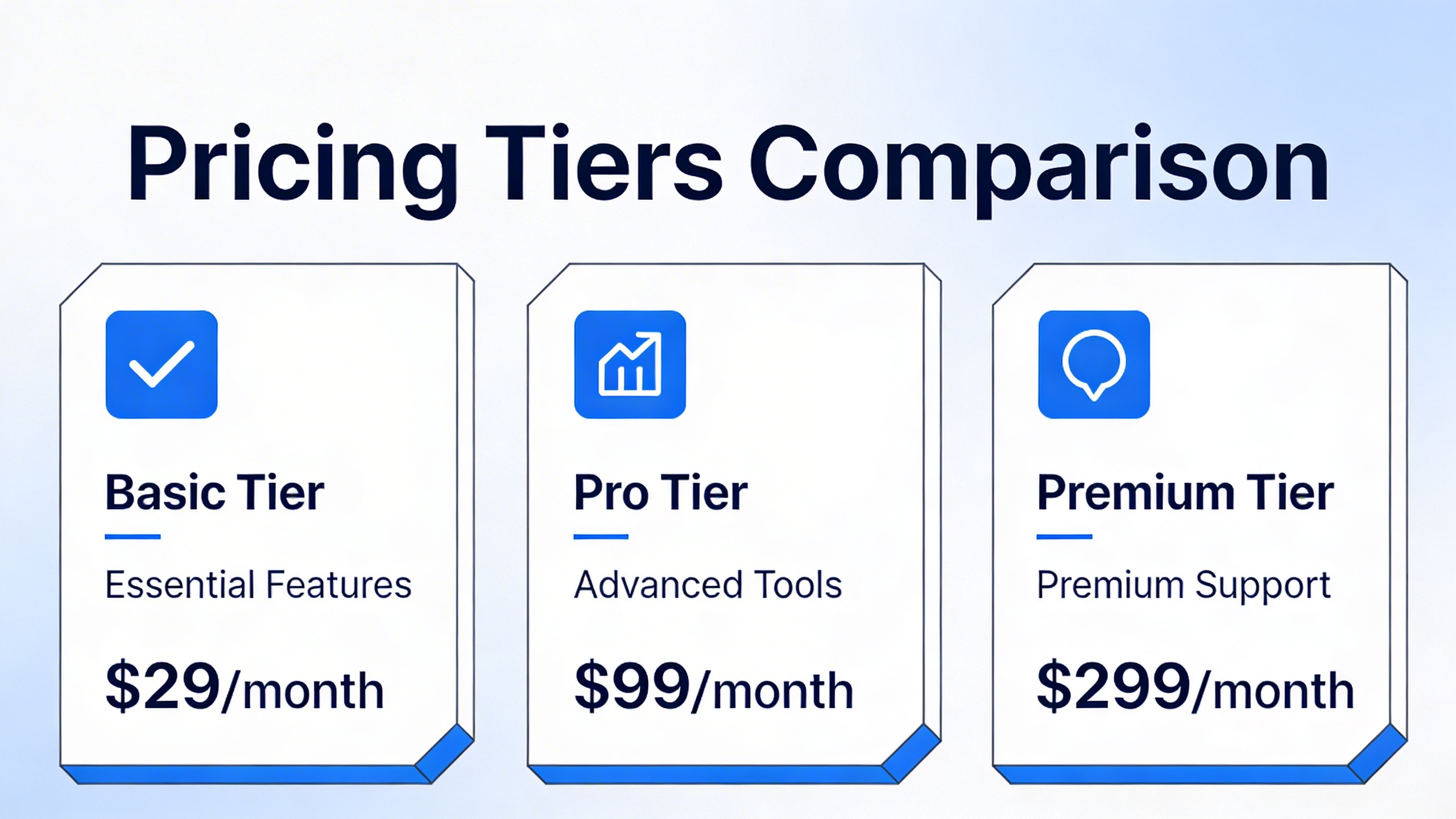
Understanding Otter.ai’s pricing structure helps you choose the right plan for your transcription needs. The platform offers four distinct tiers, from a generous free option to enterprise-grade solutions with advanced collaboration features.
Free Plan Limitations and Benefits
The otter ai free plan provides substantial value for casual users and those testing the platform’s capabilities. Free users receive 300 minutes of transcription time monthly, which resets at the beginning of each billing cycle. This allocation typically covers 5-7 hours of meetings or interviews, making it suitable for students, freelancers, or professionals with light transcription needs.
Free plan users can transcribe audio files up to 30 minutes in length and import three files per month. The plan includes basic editing tools, keyword search functionality, and the ability to share transcripts with others. However, free users cannot access advanced features like custom vocabulary, speaker identification for large groups, or real-time collaboration tools.
The free tier serves as an excellent introduction to the otter ai app’s core functionality. Users can experience the accuracy of the AI transcription engine and determine whether upgrading to a paid plan aligns with their workflow requirements.
Paid Plan Features and Value
Otter.ai offers two primary paid subscriptions: Pro and Business plans. The Pro plan, priced at $8.33 per month when billed annually, increases monthly transcription time to 1,200 minutes and extends maximum import file length to 90 minutes. Pro users gain access to advanced search capabilities, custom vocabulary for industry-specific terminology, and the ability to skip silence in recordings for faster playback.
The Business plan costs $20 per user monthly with annual billing and targets teams requiring collaboration features. This tier provides 6,000 minutes of transcription time per user each month, supports files up to four hours long, and includes unlimited imports. Business subscribers benefit from user management tools, priority customer support, and advanced security features including single sign-on (SSO) integration.
When evaluating otter ai price points, consider your monthly transcription volume and collaboration needs. The Pro plan offers excellent value for individual professionals who exceed free tier limits, while the Business plan becomes cost-effective for teams that rely heavily on meeting transcription and shared note-taking.
| Feature | Free | Pro | Business |
|---|---|---|---|
| Monthly Minutes | 300 | 1,200 | 6,000 |
| Max File Length | 30 minutes | 90 minutes | 4 hours |
| Monthly Imports | 3 | 10 | Unlimited |
| Custom Vocabulary | No | Yes | Yes |
Enterprise Solutions
Large organizations with specific security, compliance, or integration requirements can explore Otter.ai’s Enterprise solutions. These custom packages include features like advanced admin controls, dedicated customer success management, and enhanced data security protocols that meet enterprise-grade standards.
Enterprise pricing varies based on user count, required integrations, and specific feature sets. Organizations typically negotiate annual contracts that include volume discounts, priority support, and custom onboarding assistance. Enterprise clients often require integration with existing productivity tools, custom branding options, and detailed usage analytics.
The Enterprise tier addresses concerns around data governance, user permissions, and compliance requirements that larger organizations face when implementing transcription tools across multiple departments or locations.
For teams evaluating comprehensive otter ai plans, consider starting with the Business tier to test collaboration features before committing to enterprise-level investments. This approach allows organizations to measure adoption rates and identify specific customization needs before scaling to larger deployments.
Otter.ai App Performance and User Experience
Otter.ai delivers a consistent transcription experience across multiple platforms, with each interface optimized for its specific environment. The service maintains strong performance standards whether you’re using the mobile app during a conference call or accessing the web dashboard for detailed editing sessions.
Mobile App Functionality
The otter ai app excels in real-time transcription scenarios, making it particularly valuable for on-the-go professionals. Available on both iOS and Android, the mobile application provides live transcription with speaker identification and the ability to highlight key moments during recording. Users can start transcriptions with a single tap, and the app continues running in the background while you use other applications.
The mobile interface prioritizes simplicity without sacrificing functionality. Voice recordings sync automatically across devices, and you can edit transcripts directly on your phone using intuitive swipe gestures and tap-to-edit features. The app also supports offline playback of previously recorded sessions, though live transcription requires an internet connection.
Desktop and Web Interface
Otter.ai’s web platform offers the most comprehensive feature set, with advanced editing tools and detailed analytics. The desktop interface displays transcripts in a clean, readable format with timestamps, speaker labels, and confidence scores for each segment. Users can easily search through conversations, export transcripts in multiple formats, and collaborate with team members through shared folders.
The web dashboard provides detailed usage statistics for all otter ai plans, helping users track their monthly transcription minutes and understand their consumption patterns. The interface loads quickly and handles long transcriptions efficiently, with smooth scrolling through hours of content without performance degradation.
Integration Ecosystem
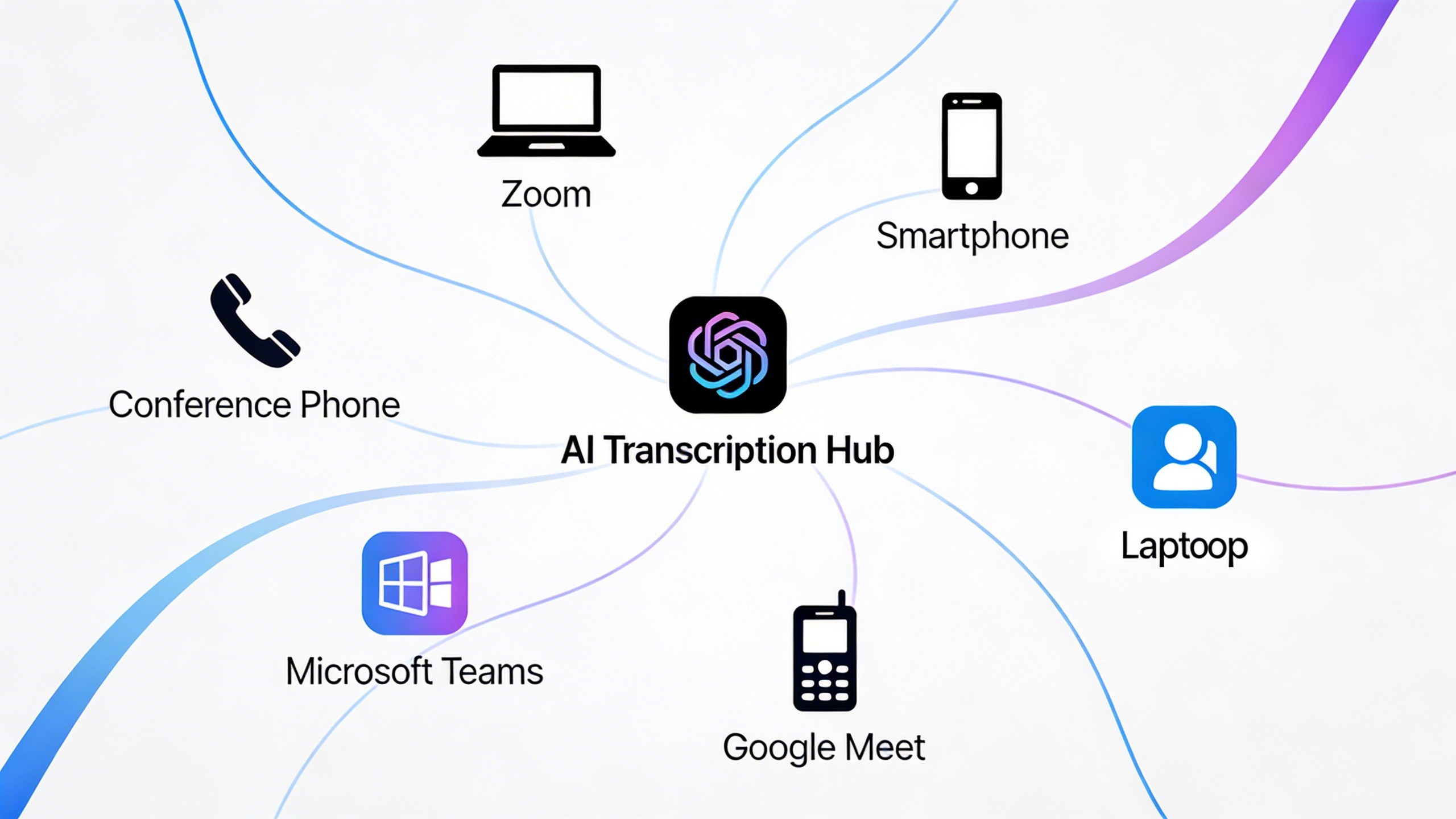
Otter.ai connects seamlessly with popular business tools, enhancing workflow efficiency across different platforms. The service integrates directly with Zoom, Microsoft Teams, and Google Meet, automatically joining scheduled meetings and providing real-time transcription to participants. These integrations work with both otter ai free accounts and premium plans, though advanced features like custom vocabulary require paid subscriptions.
Calendar integration allows otterai to automatically detect upcoming meetings and prepare transcription sessions in advance. The platform also connects with Slack for easy sharing of meeting summaries and supports Zapier workflows for custom automation. Users can export transcripts directly to Google Docs, Notion, or Salesforce, streamlining the process of converting conversations into actionable documentation.
The API access available in higher-tier plans enables custom integrations for enterprise users who need to incorporate transcription capabilities into their existing software systems. This flexibility makes Otter.ai particularly attractive for organizations with specific workflow requirements.
Performance remains consistent across all platforms, with transcription accuracy maintained whether you’re using the mobile app or web interface. The synchronization between devices happens in real-time, ensuring that edits made on one platform immediately appear on others. This cross-platform reliability makes Otter.ai a dependable choice for professionals who switch between devices throughout their workday.
Accuracy and Performance Analysis
Understanding the real-world performance of Otter.ai requires examining its transcription accuracy across various scenarios and conditions. While the platform has made significant strides in speech recognition technology, its effectiveness varies considerably depending on audio quality, speaker characteristics, and environmental factors.
Transcription Quality Assessment
Otter.ai delivers approximately 85-90% accuracy under optimal conditions, which includes clear audio, single speakers, and minimal background noise. This performance places it among the competitive tier of AI transcription services, though it falls short of professional human transcription standards. The accuracy rate drops notably in challenging scenarios such as group conversations, technical discussions with industry jargon, or recordings with overlapping speech.
The platform excels at transcribing structured content like presentations, interviews, and formal meetings where speakers maintain clear diction and reasonable pacing. However, casual conversations with frequent interruptions, colloquialisms, or rapid speech patterns can result in accuracy rates dropping to 70-75%. Users should expect to spend time editing transcripts for important documents, particularly when precise terminology matters.
Performance varies significantly between the otter ai free version and paid plans. Premium subscribers benefit from enhanced processing algorithms and priority server access, which can improve both speed and accuracy. The otter ai app processes audio locally for basic functions while leveraging cloud computing for complex transcription tasks.
Language and Accent Support
Currently, Otter.ai focuses primarily on English transcription, with robust support for American, British, Australian, and Canadian accents. The system handles standard regional variations reasonably well, though users with heavy accents or non-native English pronunciation may experience reduced accuracy rates.
The platform struggles with code-switching between languages within the same conversation and lacks comprehensive multilingual support found in some competing services. International users should test the service thoroughly with their specific accent and speaking patterns before committing to paid otterai plans.
Speaker recognition capabilities work effectively for up to 10 participants in meetings, automatically identifying and labeling different voices. This feature proves particularly valuable for team meetings and interviews, though accuracy decreases when speakers have similar vocal characteristics or when audio quality is compromised.
Audio Quality Requirements
Optimal performance requires clear audio recordings with minimal background noise and consistent volume levels. The service performs best with recordings captured using quality microphones in controlled environments. Phone recordings, distant speakers, or audio with significant echo can substantially impact transcription quality.
Background noise handling represents one of Otter.ai’s weaker areas compared to specialized noise reduction tools. Coffee shop conversations, outdoor recordings, or meetings in busy offices often result in incomplete or inaccurate transcripts. The otter ai price tiers don’t significantly improve noise filtering capabilities, as this limitation stems from the core processing algorithms rather than subscription features.
For users requiring consistent high-quality transcription in challenging audio environments, alternatives like Sozai offer enhanced noise reduction and multi-language support that may better suit demanding professional workflows.
Real-time transcription during live meetings typically lags 3-5 seconds behind actual speech, which is acceptable for note-taking purposes but may feel delayed for real-time captioning needs. Upload processing for recorded audio generally completes within 2-3 minutes for hour-long files, making it suitable for post-meeting documentation workflows.
Best Otter.ai Alternatives and Competitors
While Otter.ai has established itself as a popular transcription solution, several alternatives offer unique advantages depending on your specific needs. Understanding these options helps you make an informed decision about which platform best serves your transcription requirements and budget constraints.
Premium Transcription Services
Rev.com stands out as the most direct competitor to Otter.ai, offering both automated and human transcription services. Unlike the otter ai app’s purely AI-driven approach, Rev provides human transcriptionists for projects requiring 99% accuracy. Their automated service costs $0.25 per minute compared to otter ai plans, making it competitive for occasional users who need professional-grade results.
Trint delivers advanced editing capabilities with its interactive transcript editor, allowing users to correct mistakes directly within the audio waveform. This feature proves particularly valuable for content creators and journalists who need precise control over their transcripts. The platform integrates seamlessly with popular editing software, streamlining post-production workflows.
Descript combines transcription with powerful audio and video editing tools, creating an all-in-one content creation platform. Users can edit audio by simply editing text, making it invaluable for podcasters and video creators. While more expensive than basic otter ai price points, Descript’s comprehensive feature set justifies the investment for professional content producers.
Free Alternative Solutions
Google Meet’s built-in transcription feature provides a solid alternative for users primarily conducting video conferences. The service automatically generates captions during meetings and saves transcripts to Google Drive. While not as feature-rich as dedicated otter ai free options, it integrates perfectly within Google’s ecosystem without additional cost.
Microsoft Teams offers real-time transcription during meetings with automatic speaker identification. The platform stores transcripts alongside meeting recordings, making them easily searchable within the Teams interface. For organizations already using Microsoft 365, this represents significant value compared to standalone transcription services.
Sozai provides an excellent balance between functionality and simplicity, offering AI-powered transcription across iOS, Android, and macOS devices. The app excels at meeting notes and voice memos with intuitive editing tools and export options that rival more expensive alternatives.
Windows Speech Recognition and macOS Dictation serve users who primarily need real-time voice-to-text functionality. While these built-in tools lack advanced features like speaker identification or cloud storage, they provide reliable dictation for document creation and note-taking without subscription fees.
Specialized Industry Tools
Medical professionals require transcription solutions that understand complex terminology and maintain HIPAA compliance. Dragon Medical One leads this space with specialized vocabulary training and secure cloud infrastructure designed for healthcare environments. The platform integrates directly with electronic health record systems, streamlining clinical documentation workflows.
Legal practitioners benefit from specialized tools like BigHand Digital Dictation, which offers advanced security features and integration with case management systems. These platforms understand legal terminology and provide audit trails required for court proceedings, features that general-purpose tools like otterai cannot match.
Academic researchers often prefer MAXQDA or NVivo for transcription needs, as these platforms combine transcription with qualitative data analysis tools. They support multiple file formats and offer coding capabilities that help researchers identify patterns and themes within their transcribed content.
| Service | Best For | Starting Price | Key Advantage |
|---|---|---|---|
| Rev.com | Professional accuracy | $0.25/minute | Human transcription option |
| Google Meet | Video conferences | Free | Native integration |
| Descript | Content creation | $12/month | Audio/video editing |
| Dragon Medical | Healthcare | Custom pricing | HIPAA compliance |
Choosing the right alternative depends on your specific workflow requirements, accuracy needs, and integration preferences. Consider factors like team collaboration features, export options, and industry-specific compliance requirements when evaluating these otterai alternatives for your organization.
Pros, Cons, and Final Verdict
Key Advantages and Strengths
Otter.ai excels in several key areas that make it a standout choice for transcription and meeting management. The platform’s real-time transcription accuracy consistently delivers reliable results across various speaking styles and accents, making it particularly valuable for professional environments. The seamless integration with popular video conferencing platforms like Zoom, Microsoft Teams, and Google Meet eliminates the friction of manual recording setup.
The collaborative features represent another major strength, allowing team members to highlight, comment, and share transcripts effortlessly. This transforms static meeting notes into dynamic, searchable documents that enhance team productivity. The otter ai free tier provides substantial value with 600 minutes monthly, giving users extensive testing opportunities without financial commitment.
Speaker identification technology works remarkably well in most scenarios, automatically distinguishing between different voices and maintaining conversation flow clarity. The mobile app delivers consistent performance across iOS and Android devices, ensuring accessibility regardless of your preferred platform.
Limitations and Drawbacks
Despite its strengths, Otter.ai faces several notable limitations that may impact certain user scenarios. The transcription accuracy can decline significantly in noisy environments or when multiple speakers talk simultaneously. Technical jargon, industry-specific terminology, and heavy accents occasionally produce less reliable results that require manual correction.
The otter ai price structure may feel restrictive for heavy users, as the free plan’s 600-minute limit can be consumed quickly in active meeting environments. Advanced features like custom vocabulary and extended storage require upgrading to paid otter ai plans, which may not justify the cost for casual users.
File format support remains somewhat limited compared to specialized transcription services, and the lack of advanced editing tools means users often need additional software for comprehensive document preparation. The dependency on internet connectivity also restricts usage in offline scenarios where transcription might be needed most.
Best Use Cases and Recommendations
Otter.ai performs exceptionally well for remote teams conducting regular video conferences, educational institutions managing lectures and seminars, and professionals who need reliable meeting documentation. The platform suits content creators developing podcasts or interviews, as well as journalists conducting interviews in controlled environments.
For teams prioritizing collaboration and searchable meeting archives, the otterai platform offers compelling value through its sharing and organizational features. Small to medium businesses benefit most from the balance of functionality and affordability, particularly when team members frequently join meetings from different locations.
However, users requiring offline transcription, handling highly technical content, or working in consistently noisy environments should consider alternatives. Legal professionals, medical practitioners, and researchers dealing with specialized terminology may find more value in industry-specific solutions.
The recommendation framework centers on your primary use case: choose Otter.ai for collaborative meeting transcription and team productivity, but explore specialized alternatives for technical accuracy, offline functionality, or advanced editing capabilities. Start with the free tier to evaluate performance against your specific requirements before committing to paid plans.

