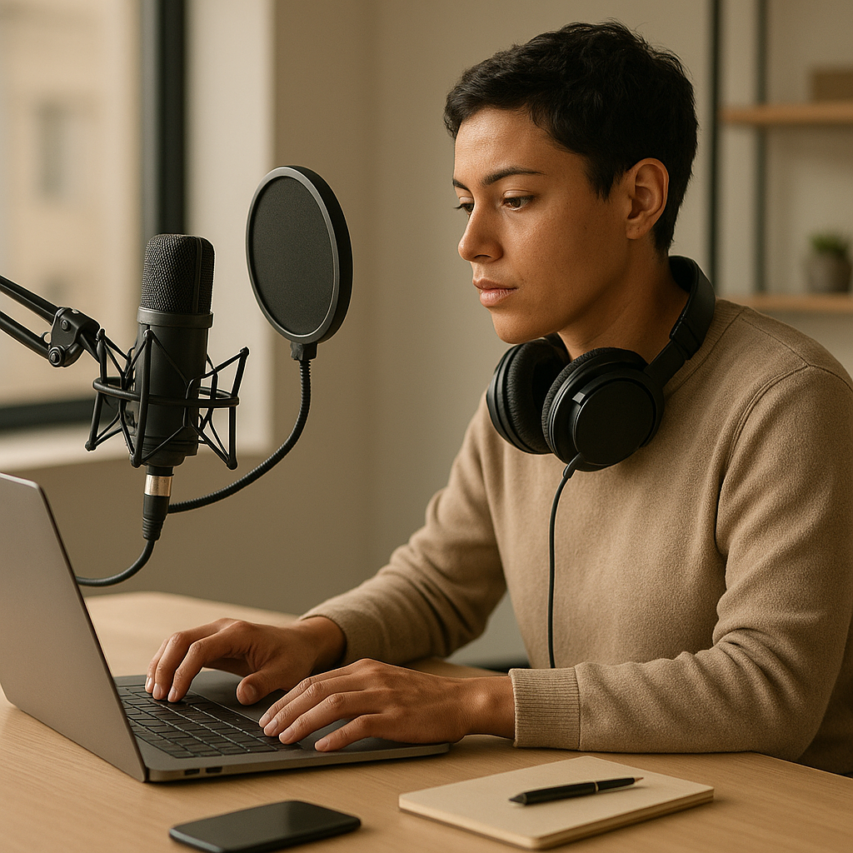
The digital workplace has transformed how we capture, share, and collaborate with audio content, making reliable voice recording solutions more essential than ever. Whether you’re conducting remote interviews, creating podcast content, documenting meeting notes, or building educational materials, an effective online voice recorder can streamline your workflow without requiring expensive hardware or complex software installations. Modern browser audio recording technology has reached a sophistication level that rivals traditional desktop applications, offering professional-grade features like real-time transcription, cloud storage integration, and multi-format export options directly through your web browser.
Today’s audio recorder online platforms have evolved far beyond simple recording functionality, incorporating advanced features such as noise reduction, automatic gain control, and collaborative editing tools that make them suitable for both casual users and professional content creators. These digital voice recorder solutions eliminate the traditional barriers of software compatibility and device limitations, allowing you to capture high-quality audio from virtually any device with an internet connection.
This comprehensive guide will explore the leading voice recording solutions available today, examining their core features, technical capabilities, and practical applications. You’ll discover how to evaluate platforms based on your specific needs, understand the technical requirements for optimal performance, and learn best practices that ensure professional-quality recordings every time.
Understanding Online Voice Recording Technology
Modern online voice recorder technology has transformed how we capture and process audio, making professional-quality recording accessible through any web browser. Unlike traditional desktop software that requires installation, browser-based recording solutions leverage sophisticated web technologies to deliver seamless audio capture experiences across all devices and platforms.
How Browser-Based Audio Recording Works
The foundation of any effective audio recorder online lies in the Web Audio API, a powerful JavaScript interface that provides direct access to your device’s microphone and audio processing capabilities. When you initiate recording on a web-based platform, your browser requests microphone permissions and establishes a direct connection to your audio input device.
The Web Audio API creates an audio context that captures raw audio data in real-time, processing it through a series of audio nodes that handle tasks like noise reduction, gain control, and format conversion. This technology enables voice recording solutions to achieve studio-quality results without requiring specialized hardware or software installations.
Most sophisticated online voice recorder platforms implement advanced buffering techniques that prevent audio dropouts and ensure consistent recording quality, even when network conditions fluctuate. The captured audio data is temporarily stored in your browser’s memory before being processed and saved in your chosen format.
Quality Standards and Audio Formats
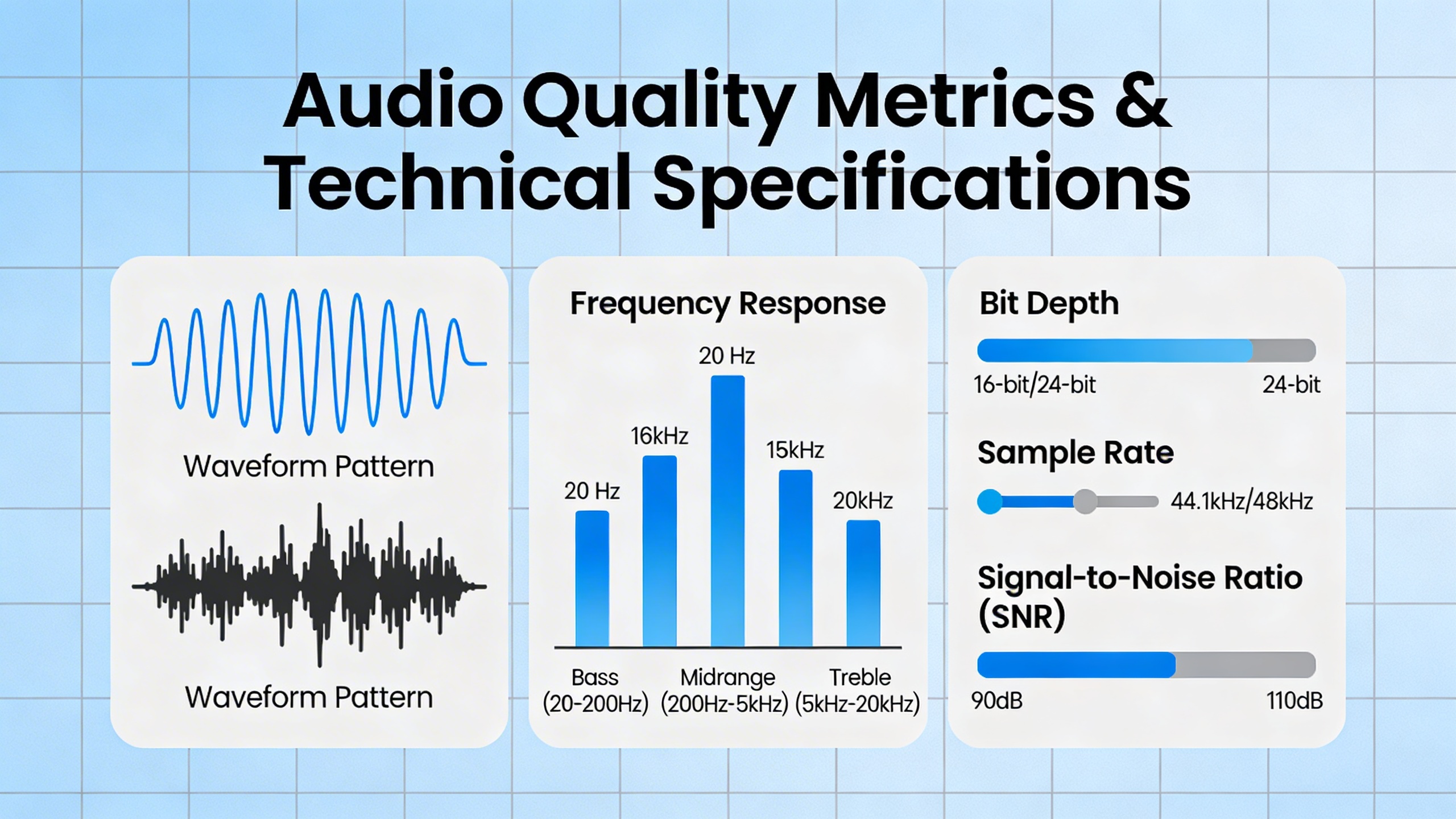
Understanding audio quality metrics helps you select the right digital voice recorder for your specific needs. Sample rate and bit depth are the primary factors determining recording fidelity:
| Quality Level | Sample Rate | Bit Depth | File Size | Best Use Cases |
|---|---|---|---|---|
| Phone Quality | 8 kHz | 8-bit | Small | Voice calls, basic dictation |
| Standard Voice | 16 kHz | 16-bit | Medium | Podcasts, interviews, meetings |
| High Fidelity | 44.1 kHz | 24-bit | Large | Music production, professional content |
Modern browser audio recording systems typically support multiple output formats including MP3, WAV, and WebM. MP3 offers excellent compression for voice content while maintaining acceptable quality, making it ideal for most voice recording applications. WAV provides uncompressed audio with perfect fidelity but creates significantly larger files.
Advanced online voice recorder platforms often implement adaptive bitrate encoding, automatically adjusting quality based on your content type and available bandwidth. This ensures optimal file sizes without sacrificing clarity for speech-based recordings.
Privacy and Security Considerations
When selecting voice recording solutions, understanding data handling practices is crucial for protecting sensitive information. Reputable platforms implement end-to-end encryption during both transmission and storage phases, ensuring your recordings remain private throughout the entire process.
Client-side processing represents the gold standard for privacy protection. The most secure digital voice recorder platforms process audio directly within your browser, eliminating the need to transmit raw audio data to external servers. This approach ensures that sensitive conversations, personal notes, and confidential meetings never leave your device unencrypted.
Cross-platform compatibility extends beyond mere functionality to include consistent security standards across different operating systems and browsers. Leading online voice recorder services maintain identical encryption protocols whether you’re recording on Windows, macOS, iOS, or Android devices.
For users handling sensitive content like legal depositions, medical notes, or business meetings, choosing platforms that offer zero-knowledge architecture provides additional peace of mind. These systems ensure that even the service provider cannot access your recording content, as decryption keys remain exclusively under your control.
Always verify that your chosen audio recorder online provides clear data retention policies, automatic deletion options, and compliance with relevant privacy regulations like GDPR or HIPAA when applicable to your use case.
Essential Features to Look for in Voice Recorders
Selecting the right online voice recorder requires careful consideration of technical capabilities and user experience features. Modern voice recording solutions offer varying levels of functionality, and understanding which features matter most for your specific needs will help you make an informed decision.
Audio Quality and Recording Formats
The foundation of any effective audio recorder online lies in its ability to capture clear, professional-quality sound. When evaluating voice recording solutions, prioritize platforms that offer adjustable bitrates ranging from 128 kbps for basic speech recording to 320 kbps for high-fidelity audio capture. Sample rates of 44.1 kHz or higher ensure your recordings maintain broadcast-quality standards.
File format compatibility directly impacts your workflow efficiency. Look for recorders that support multiple output formats including MP3 for universal compatibility, WAV for uncompressed quality, and M4A for optimized file sizes. Advanced digital voice recorder platforms often provide automatic format conversion, eliminating the need for separate audio processing software.
Consider recorders with real-time audio processing capabilities that reduce background noise and enhance voice clarity during capture. This feature proves invaluable for remote interviews, virtual meetings, or recording in less-than-ideal acoustic environments.
User Interface and Accessibility
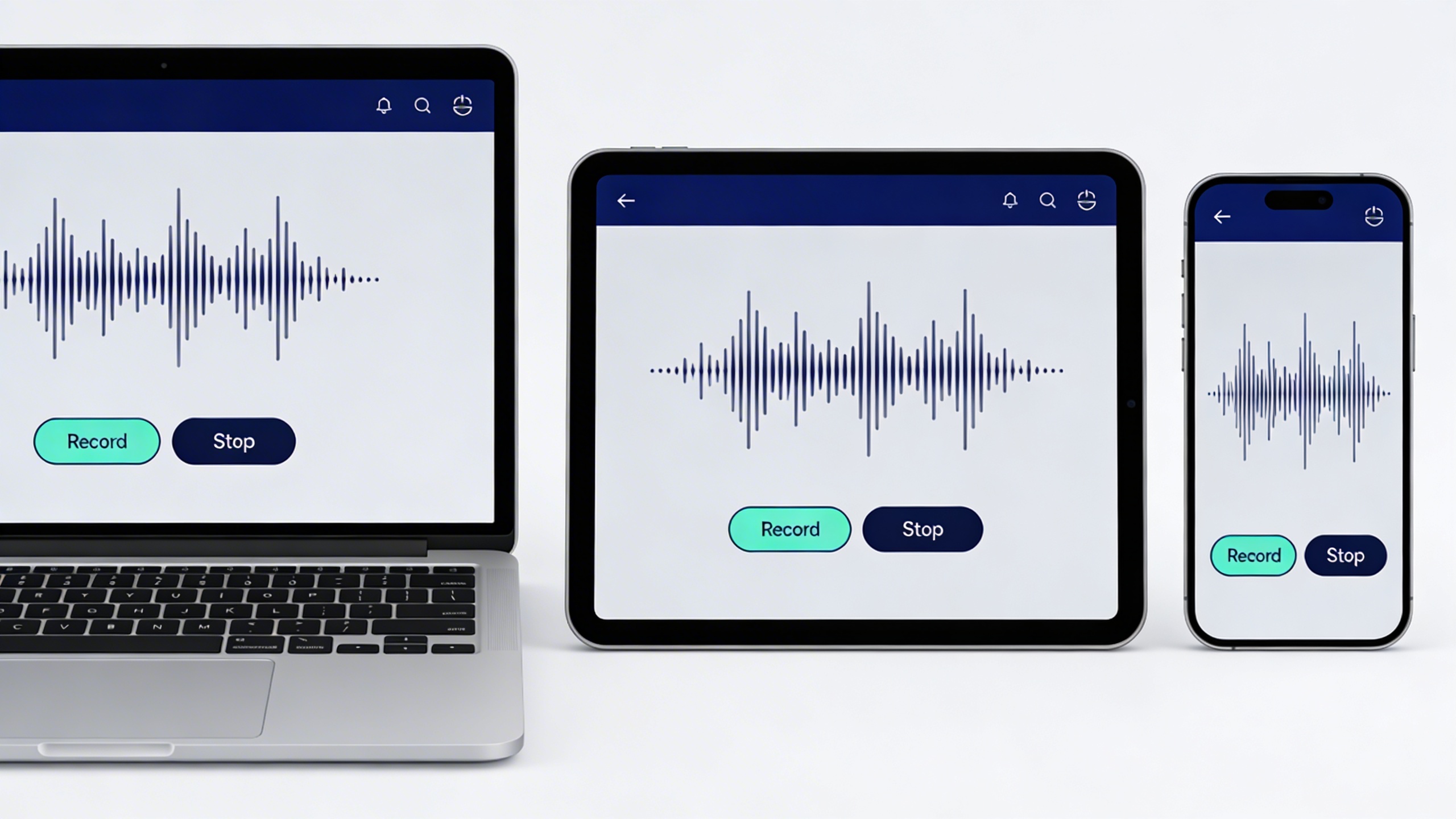
An intuitive interface separates exceptional browser audio recording tools from mediocre alternatives. The best platforms feature one-click recording initiation, clearly visible recording indicators, and accessible pause and stop controls. Visual waveform displays help users monitor recording levels and identify potential audio issues in real-time.
Cross-platform accessibility ensures your chosen online voice recorder functions seamlessly across different devices and operating systems. Modern solutions should work equally well on desktop browsers, tablets, and smartphones without requiring additional software installations or plugins.
Keyboard shortcuts and voice commands enhance productivity for frequent users. Look for recorders that support spacebar recording controls, customizable hotkeys, and hands-free operation options that streamline repetitive recording tasks.
Integration and Export Options
Robust integration capabilities transform standalone voice recording solutions into comprehensive productivity tools. Priority features include direct cloud storage synchronization with Google Drive, Dropbox, and OneDrive, enabling automatic backup and cross-device access to your recordings.
Export flexibility determines how easily you can incorporate recordings into existing workflows. Premium platforms offer batch export functionality, automatic file naming conventions, and direct sharing links that eliminate manual file management steps.
Collaboration features have become increasingly important for team-based projects. Seek recorders that provide shareable recording links, comment systems, and permission controls that facilitate seamless collaboration without compromising security.
For users focused on transcription and documentation workflows, consider platforms that integrate AI-powered transcription services. Sozai exemplifies this approach by combining high-quality voice recording with intelligent transcription capabilities, streamlining the process from audio capture to written documentation.
API access and webhook support enable advanced users to integrate recording functionality into custom applications or automated workflows. These features prove particularly valuable for businesses requiring scalable voice recording solutions across multiple departments or use cases.
When evaluating integration options, verify that your chosen platform maintains consistent functionality across all supported export destinations and third-party services to avoid workflow disruptions.
Top Online Voice Recording Platforms Compared
The landscape of online voice recorder platforms has evolved dramatically, offering solutions that range from simple browser audio recording tools to sophisticated enterprise-grade systems. Understanding the strengths and limitations of each category helps you select the most appropriate voice recording solutions for your specific needs.
Professional-Grade Solutions
Professional audio recorder online platforms prioritize reliability, advanced features, and enterprise integration capabilities. These solutions typically offer unlimited recording time, high-quality audio processing, and robust collaboration tools.
| Platform | Key Strengths | Pricing Model | Best For |
|---|---|---|---|
| Rev Voice Recorder | Professional transcription integration, cloud storage | $22/month per user | Business meetings, interviews |
| Otter.ai | Real-time transcription, speaker identification | $8.33-$20/month per user | Team collaboration, note-taking |
| Zoom Audio | Video conference integration, automatic recording | $14.99-$19.99/month per license | Remote meetings, webinars |
Professional platforms excel in environments where audio quality consistency and reliable performance are non-negotiable. These digital voice recorder solutions often include advanced noise cancellation, multi-track recording capabilities, and seamless integration with productivity suites. The investment in professional-grade tools pays dividends through improved workflow efficiency and reduced technical complications during critical recording sessions.
Free and Freemium Options
Free online voice recorder platforms provide excellent entry points for individuals and small teams exploring digital audio recording. While feature sets may be limited compared to premium alternatives, many offer surprisingly robust functionality for basic recording needs.
Popular free browser audio recording solutions include Online Voice Recorder, which operates entirely within web browsers without requiring software downloads. These platforms typically impose time limitations ranging from 5 to 30 minutes per recording session, making them suitable for short voice memos, quick interviews, or educational content creation.
Freemium models bridge the gap between free tools and professional solutions. Platforms like Sozai offer comprehensive voice recording and transcription capabilities across mobile and desktop platforms, combining ease of use with powerful AI-driven features for converting speech to text automatically.
The limitations of free platforms often include restricted file formats, limited cloud storage, and basic editing capabilities. However, for users primarily focused on simple voice capture and basic playback functionality, these constraints rarely impact the core recording experience.
Specialized Use Case Tools
Specialized voice recording solutions target specific industries and use cases, offering tailored features that generic platforms cannot match. These audio recorder online tools optimize their interfaces and functionality for particular workflows.
Educational platforms like Flipgrid focus on classroom environments, providing student-friendly interfaces and teacher management tools. Healthcare-specific solutions incorporate HIPAA compliance features and medical terminology recognition. Legal recording platforms emphasize timestamp accuracy, chain of custody documentation, and courtroom-ready audio quality standards.
Podcast creation tools represent another specialized category, offering multi-track recording, automatic level adjustment, and direct publishing integration. These platforms understand that podcast creators need more than basic recording functionality—they require comprehensive audio production workflows within browser-based environments.
Content creators benefit from platforms that combine voice recording with video capture, enabling simultaneous screen recording and audio narration. These hybrid solutions eliminate the need for separate recording tools and complex synchronization processes.
Performance benchmarks across specialized platforms vary significantly based on their target optimization. Educational tools prioritize simplicity and reliability over advanced features, while creative platforms emphasize audio quality and post-processing capabilities. Understanding these trade-offs ensures you select voice recording solutions aligned with your primary objectives rather than being swayed by feature lists that may not enhance your specific workflow.
The key to successful platform selection lies in matching your recording frequency, quality requirements, and collaboration needs with the appropriate tier of online voice recorder functionality. Whether you need basic browser audio recording for occasional use or comprehensive digital voice recorder capabilities for professional applications, the current market offers viable solutions across every price point and feature requirement.
Use Cases and Applications
Online voice recorder technology has transformed how professionals, educators, and creators capture and process audio content. Understanding the specific applications for browser audio recording helps users select the right voice recording solutions for their unique workflows and requirements.
Business and Professional Recording
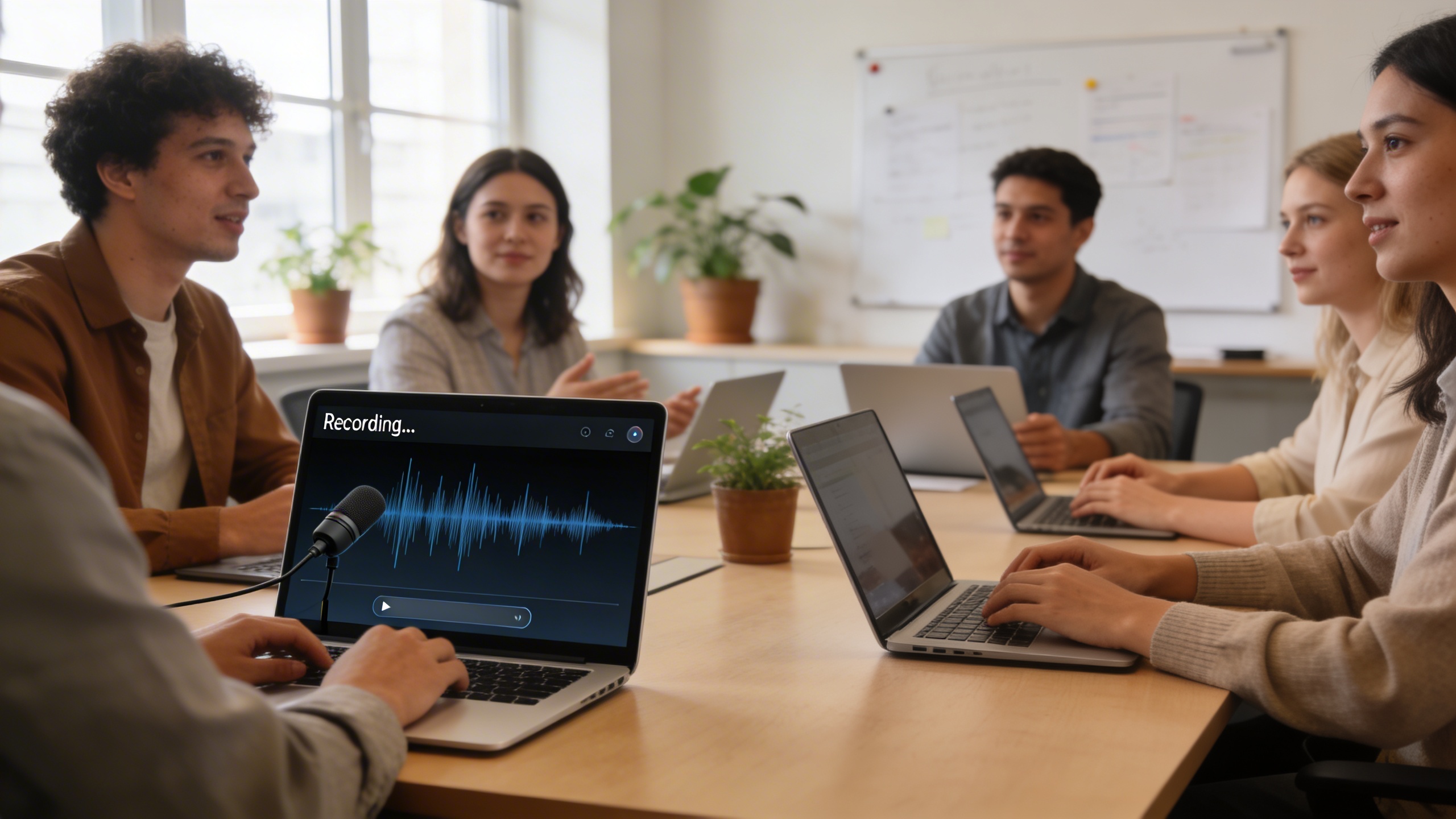
Modern workplaces rely heavily on digital voice recorder capabilities for documentation and collaboration. Meeting transcription workflows have become essential as remote and hybrid work arrangements increase. Teams use online voice recorder platforms to capture client calls, strategy sessions, and project discussions, enabling participants to focus on conversation rather than note-taking.
Professional interview documentation benefits significantly from browser audio recording technology. HR departments conduct candidate interviews while simultaneously generating searchable transcripts, streamlining the hiring process. Sales teams record client consultations to review key requirements and ensure accurate proposal development. Legal professionals use audio recorder online tools to document depositions and client meetings, maintaining detailed records for case preparation.
For professionals seeking reliable transcription alongside recording capabilities, Sozai offers AI-powered voice-to-text conversion that integrates seamlessly with meeting workflows, supporting multiple languages and providing accurate transcriptions for business documentation.
Educational and Training Content
Educational institutions have embraced voice recording solutions to enhance learning experiences and accessibility. Lecture capture best practices now include real-time recording with automatic transcription, allowing students to review content at their own pace. Professors use online voice recorder tools to create supplementary materials, record feedback on student submissions, and develop accessible content for hearing-impaired learners.
Training departments in corporations leverage browser audio recording to create consistent onboarding materials and compliance training modules. Subject matter experts can quickly record explanations, procedures, and best practices without requiring expensive studio equipment. These recordings become valuable knowledge repositories that new employees can access repeatedly during their learning process.
Language learning applications benefit tremendously from digital voice recorder technology. Students practice pronunciation by recording themselves and comparing their speech to native speakers. Instructors provide personalized feedback through voice messages, creating more engaging and effective learning experiences than traditional text-based corrections.
Creative and Media Production
Content creators have revolutionized their production workflows using audio recorder online platforms. Podcast production has become more accessible as creators can record high-quality episodes directly through web browsers without investing in expensive recording software. Independent podcasters conduct remote interviews with guests worldwide, capturing professional-grade audio that rivals traditional studio recordings.
Musicians and audio producers use voice recording solutions for songwriting sessions, capturing melody ideas and lyrical concepts during creative bursts. Voice actors leverage browser audio recording for auditions and client work, delivering professional recordings without maintaining dedicated home studios.
Content marketing teams create audio versions of blog posts, social media content, and promotional materials using online voice recorder technology. This approach expands content reach while accommodating different learning preferences and consumption habits. Video creators record voiceovers and narration tracks, streamlining their production timelines and reducing technical barriers to content creation.
Technical Requirements and Compatibility
Understanding the technical requirements for online voice recorder platforms ensures smooth operation across all your devices and environments. Modern voice recording solutions must balance functionality with accessibility, supporting diverse hardware configurations while maintaining consistent performance.
Browser Support and System Requirements
Browser audio recording relies on WebRTC technology, which has varying levels of support across different platforms. Most contemporary audio recorder online services require browsers that support the MediaRecorder API and getUserMedia functions.
| Browser | Desktop Support | Mobile Support | Special Notes |
|---|---|---|---|
| Chrome | Full support (v47+) | Android only | Best overall compatibility |
| Firefox | Full support (v29+) | Limited mobile | Strong privacy features |
| Safari | Partial support (v14+) | iOS limitations | Requires HTTPS |
| Edge | Full support (v79+) | Limited mobile | Chromium-based versions |
Most voice recording solutions require HTTPS connections for microphone access, minimum 4GB RAM for smooth operation, and updated browser versions released within the past two years. Legacy browsers may experience reduced functionality or complete incompatibility with modern digital voice recorder interfaces.
Mobile Device Considerations
Mobile browser limitations often necessitate dedicated applications for optimal recording quality. iOS Safari restricts background recording and has limited WebRTC support, making native apps preferable for consistent performance. Android devices generally offer better browser audio recording compatibility, though dedicated applications still provide superior audio quality and feature sets.
Cross-platform solutions like Sozai address these limitations by offering native apps alongside web interfaces, ensuring reliable voice recording capabilities across iOS, Android, and desktop environments. Native applications typically provide better microphone access, background recording support, and offline functionality compared to browser-based alternatives.
Network and Bandwidth Needs
Online voice recorder platforms require stable internet connections for real-time processing and cloud storage synchronization. Minimum bandwidth requirements typically range from 64 kbps for basic recording to 256 kbps for high-quality audio with real-time transcription features.
Many voice recording solutions now offer offline recording modes that cache audio locally before uploading when connectivity returns. This hybrid approach ensures recording continuity during network interruptions while maintaining the benefits of cloud-based processing and storage.
Bandwidth optimization techniques include adaptive bitrate encoding, which automatically adjusts quality based on connection speed, and progressive upload systems that transmit audio in segments rather than waiting for complete recordings. These features make digital voice recorder platforms more reliable in varied network conditions.
Best Practices for Voice Recording
Achieving professional-quality recordings with any online voice recorder requires more than just clicking the record button. Whether you’re using a browser audio recording platform for podcasts, interviews, or personal notes, following established best practices will dramatically improve your audio quality and workflow efficiency.
Audio Setup and Environment Optimization
Your recording environment plays a crucial role in the final audio quality, regardless of which voice recording solutions you choose. Start by selecting a quiet room with minimal echo—smaller spaces with soft furnishings like curtains, carpets, or upholstered furniture naturally absorb sound reflections. Avoid rooms with hard surfaces like tile floors or bare walls that create unwanted reverb.
Microphone selection significantly impacts your recording quality. While most audio recorder online platforms work with built-in laptop microphones, investing in a dedicated USB microphone will produce noticeably cleaner results. Position your microphone 6-8 inches from your mouth and slightly off to the side to minimize breath sounds. For consistent volume levels, maintain the same distance throughout your recording session.
Control background noise by turning off air conditioning, closing windows, and silencing notifications on nearby devices. If you’re recording during busy hours, consider using a digital voice recorder with noise suppression features or schedule sessions during quieter times of day.
Recording Techniques and Tips
Proper vocal technique enhances any online voice recorder’s performance. Speak at a consistent volume and pace, avoiding sudden volume spikes that can cause distortion. Take regular breaks to prevent vocal fatigue, especially during longer recording sessions. Keep water nearby to stay hydrated, but avoid drinks that might cause mouth sounds.
Before starting your main recording, conduct a brief test to check audio levels and identify any technical issues. Most browser audio recording tools provide real-time level meters—aim for levels that peak around -12dB to -6dB, leaving headroom for unexpected volume increases.
When recording interviews or conversations, establish clear speaking protocols. Avoid talking over each other, as this creates difficulties during editing. Use verbal cues like “mm-hmm” sparingly, as these can interfere with the primary speaker’s audio track.
For content creators who frequently record voice notes or dictation, tools like Sozai offer AI-powered transcription alongside recording capabilities, streamlining the process from audio capture to text output.
Post-Recording Processing
Effective file organization prevents confusion and saves time during editing. Develop a consistent naming convention that includes the date, project name, and recording number. Create separate folders for raw recordings, edited versions, and final exports.
Most voice recording solutions offer basic editing features, but understanding fundamental audio processing improves your results. Apply gentle noise reduction to eliminate background hum, but avoid over-processing that makes voices sound artificial. Normalize audio levels across multiple recordings to ensure consistent playback volume.
Consider applying a high-pass filter to remove low-frequency rumble and a subtle compressor to even out volume variations. Many digital voice recorder platforms include these features, though the specific controls and terminology may vary between services.
Export your final recordings in appropriate formats for their intended use. MP3 files work well for sharing and web distribution, while WAV files preserve maximum quality for further editing or archival purposes. Always keep backup copies of your original recordings before applying any processing.
Making the Right Choice for Your Needs
Selecting the optimal online voice recorder requires a systematic evaluation of your specific requirements, budget constraints, and long-term objectives. The abundance of voice recording solutions available today makes this decision both critical and complex, demanding careful consideration of multiple factors that will impact your recording workflow.
Evaluating Your Recording Requirements
Begin your assessment by examining your core recording needs through a comprehensive checklist. Consider the frequency of your recording sessions—whether you need daily dictation capabilities or occasional meeting documentation will significantly influence your platform choice. Audio quality requirements vary dramatically between casual note-taking and professional content creation, with some users prioritizing crystal-clear fidelity while others focus on quick capture and transcription accuracy.
Evaluate your collaboration needs carefully. Teams requiring shared access to recordings will benefit from cloud-based audio recorder online platforms that offer seamless file sharing and collaborative editing features. Individual users might prioritize privacy controls and local storage options instead. Consider integration requirements with existing tools—your chosen digital voice recorder should complement your current productivity ecosystem rather than creating additional silos.
Cost-Benefit Analysis Framework
Calculate the total cost of ownership beyond initial subscription fees. Factor in training time, potential productivity gains, and reduced transcription costs when evaluating browser audio recording solutions. Many organizations discover that investing in premium voice recording solutions pays dividends through improved meeting efficiency and reduced administrative overhead.
Quantify time savings by measuring current manual processes against automated alternatives. If your team spends significant hours on manual note-taking or external transcription services, switching to an integrated platform like Sozai can deliver measurable ROI through enhanced productivity and accuracy.
Consider scalability costs as your needs evolve. Platforms offering flexible pricing tiers allow organic growth without forcing expensive migrations later. Evaluate storage costs, user licensing models, and feature availability across different subscription levels to ensure long-term viability.
Implementation and Migration Strategies
Successful adoption requires strategic planning and gradual implementation. Start with pilot programs involving key stakeholders who can champion the new voice recording solutions within your organization. This approach allows you to identify potential issues and refine workflows before company-wide deployment.
Develop comprehensive training materials addressing common use cases and troubleshooting scenarios. Users adapt more quickly when they understand practical applications relevant to their daily responsibilities. Create standardized naming conventions and folder structures to maintain organization across team recordings.
Plan data migration carefully, especially when transitioning from existing recording systems. Ensure your chosen online voice recorder supports common audio formats and provides reliable import capabilities. Test migration processes with sample data before committing to full-scale transfers, and maintain backup systems during the transition period to prevent data loss.

