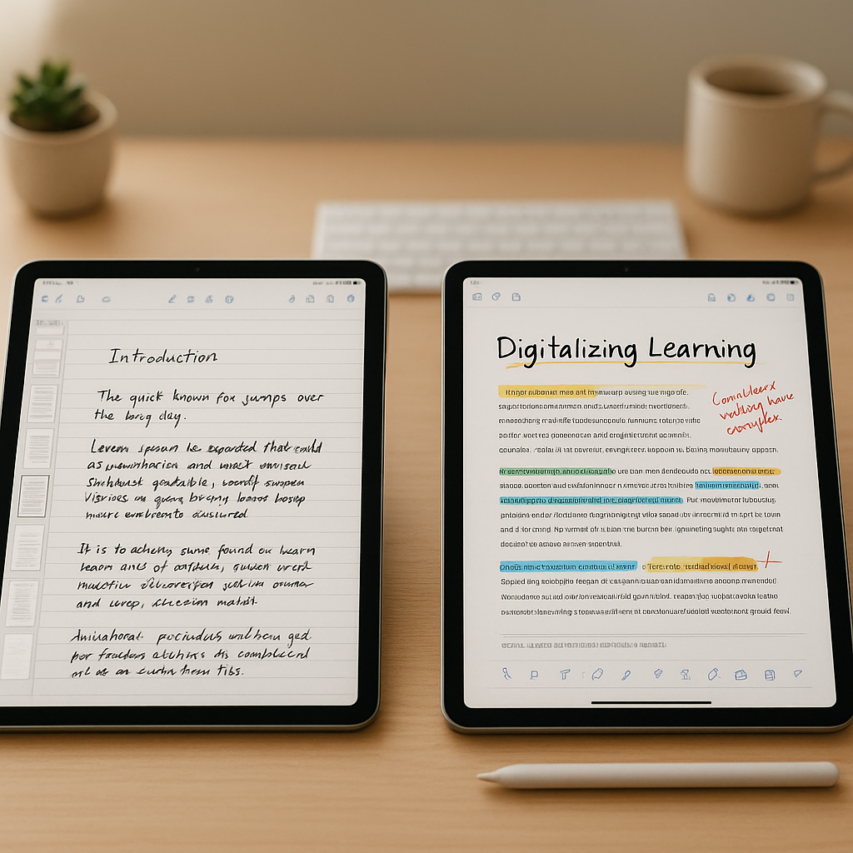
The digital note-taking revolution has transformed how students and professionals capture, organize, and review information, with two apps consistently dominating the conversation: GoodNotes and Notability. This goodnotes vs notability debate has sparked passionate discussions across classrooms, boardrooms, and online forums, as users weigh the merits of each platform’s unique approach to digital productivity. Both applications have earned devoted followings by offering sophisticated handwriting recognition, seamless stylus integration, and powerful organizational tools that make traditional paper notebooks feel antiquated.
While GoodNotes excels in document management and precise note organization, Notability has built its reputation on superior audio transcription capabilities and real-time collaboration features. The choice between these digital note taking apps often comes down to individual workflow preferences, device ecosystems, and specific feature priorities. Understanding how each platform handles cross platform sync, handwriting recognition accuracy, and multimedia integration becomes crucial when investing time in building a comprehensive digital note-taking system.
This comprehensive comparison examines every aspect of both applications, from core functionality and user interface design to pricing models and real-world use cases, helping you make an informed decision that aligns with your productivity goals.
Core Features and Functionality Comparison
When evaluating goodnotes vs notability, the core features define how effectively each app serves your digital note taking needs. Both applications excel in different areas, making the choice dependent on your specific workflow requirements and note-taking style.
Writing and Drawing Tools
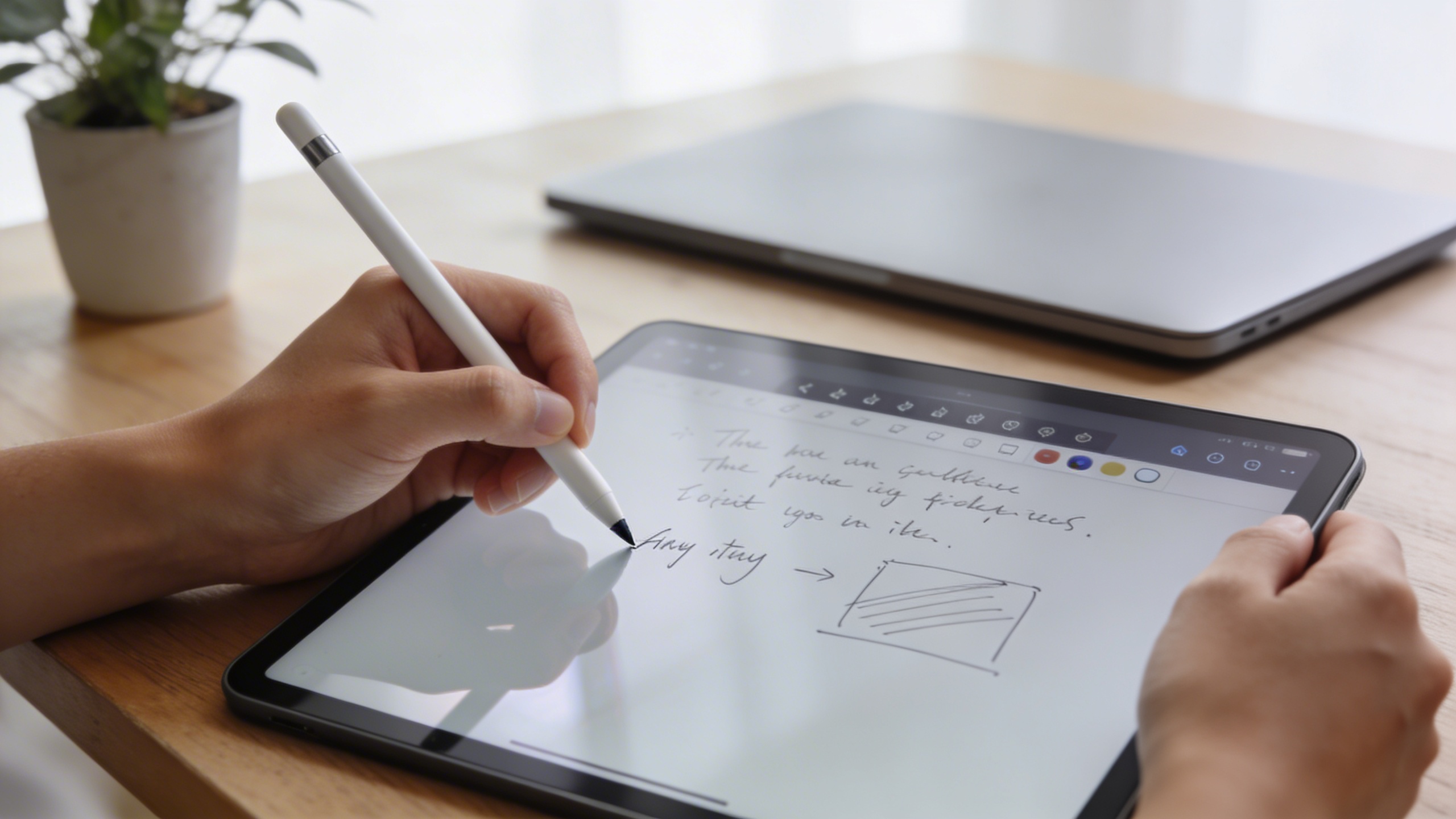
GoodNotes provides a comprehensive pen toolkit with three primary writing instruments: the fountain pen, ballpoint pen, and brush pen. Each tool offers pressure sensitivity adjustments and color customization, allowing users to create varied line weights and artistic effects. The app’s handwriting recognition technology converts your natural writing into searchable text, making it easier to locate specific information within your notes.
Notability takes a different approach with its ink engine, offering smoother writing performance and more natural pen feel across different devices. The app includes highlighters, pens, and pencils with extensive customization options for thickness and opacity. Notability’s handwriting recognition capabilities integrate seamlessly with its search function, though some users find GoodNotes slightly more accurate for complex handwriting styles.
Both apps support Apple Pencil features like double-tap tool switching and tilt sensitivity, but Notability often feels more responsive during rapid note-taking sessions. For users who frequently switch between handwriting and typed text, Notability’s typing integration flows more naturally within handwritten documents.
Organization and Structure
The organizational philosophy differs significantly between these digital note taking apps. GoodNotes employs a traditional folder-based system where users create notebooks within folders, similar to physical binders. This hierarchical structure works well for academic subjects or project-based organization, allowing unlimited nesting of folders and clear categorization.
Notability uses a two-tier system with subjects and notes, which some find more streamlined for quick access. The app automatically organizes content chronologically within subjects, reducing the need for manual filing. However, this simplified structure can become limiting for users managing complex projects or multiple courses simultaneously.
Cross platform sync capabilities vary between the apps. GoodNotes relies on iCloud for synchronization across iOS and macOS devices, ensuring consistent access to your notebooks. Notability offers broader sync options, including Google Drive integration, making it more accessible for users working across different operating systems.
Search and Navigation
Search functionality represents a critical differentiator in the goodnotes vs notability comparison. GoodNotes excels with its powerful search engine that indexes both handwritten and typed content across all notebooks. The app can locate specific words within drawings, diagrams, and even recognize text in imported images, making it invaluable for research-heavy workflows.
Notability’s search function covers handwritten notes and typed text effectively, though it occasionally struggles with cursive handwriting or mathematical notation. However, the app compensates with superior audio transcription capabilities, allowing users to record lectures or meetings while taking notes. The synchronized playback feature links audio recordings to specific sections of your notes, creating a powerful review tool for students and professionals.
Navigation within documents differs notably between the apps. GoodNotes provides thumbnail views and outline navigation for lengthy documents, making it easier to jump between sections. Notability focuses on linear scrolling with bookmark functionality, which works well for continuous note-taking but can be limiting when reviewing extensive documents.
For users who frequently work with recorded content, tools like Sozai can complement either app by providing accurate transcription of audio files, which can then be imported as text into your digital notebooks.
Both applications continue evolving their core features, with regular updates improving handwriting recognition accuracy and expanding organizational capabilities. The choice between them often comes down to whether you prioritize GoodNotes’ robust search and organizational depth or Notability’s streamlined interface and integrated audio features.
User Interface and Design Philosophy
The visual design and overall user experience represent fundamental differences between these two leading digital note taking apps. While both GoodNotes and Notability prioritize clean, intuitive interfaces, their design philosophies reflect distinct approaches to digital note-taking workflows.
Visual Design and Layout
GoodNotes embraces a minimalist aesthetic that closely mimics traditional paper notebooks. The interface features subtle textures and realistic paper backgrounds that create an authentic writing experience. The app’s design language emphasizes clarity and focus, with tools and menus that fade into the background when not needed. This approach particularly benefits users who prefer distraction-free environments for extended writing sessions.
Notability takes a more modern, digital-first approach to interface design. The app features bold colors, contemporary icons, and a streamlined layout that feels distinctly digital rather than attempting to replicate physical materials. The interface provides immediate visual feedback through dynamic elements and smooth animations, creating an engaging user experience that appeals to tech-savvy students and professionals.
Ease of Use and Learning Curve
When comparing goodnotes vs notability for new users, the learning curve differs significantly between platforms. GoodNotes offers an intuitive experience that requires minimal onboarding. New users can immediately start writing, drawing, or typing without extensive tutorial sessions. The app’s familiar notebook metaphor makes navigation feel natural, particularly for users transitioning from physical notebooks.
Notability provides more powerful features out of the box, but this complexity can initially overwhelm beginners. However, the app compensates with comprehensive tutorial resources and guided tours that help users discover advanced capabilities like audio transcription integration and synchronized recording features. Once users master the initial learning curve, Notability’s feature-rich environment becomes highly productive.
Both apps excel at handwriting recognition, though they present this functionality differently. GoodNotes integrates handwriting search seamlessly into the background, while Notability makes text conversion more prominent in the user interface, encouraging active use of this powerful feature.
Customization Options
Personalization capabilities showcase another key distinction in the goodnotes vs notability comparison. GoodNotes offers extensive customization through paper templates, cover designs, and organizational structures. Users can create personalized notebook collections that reflect their individual workflow preferences. The app provides numerous paper styles, from lined and grid patterns to specialized templates for music notation or architectural drawings.
Notability focuses on functional customization rather than aesthetic personalization. Users can extensively modify toolbar layouts, create custom tool palettes, and configure workspace arrangements to optimize productivity. The app’s strength lies in adapting to different use cases, whether for mathematical equations, artistic sketches, or business presentations.
Both applications support cross platform sync, ensuring customized settings and preferences transfer seamlessly between devices. This synchronization extends beyond basic note content to include personalized templates, color schemes, and workspace configurations, maintaining consistency across the entire digital ecosystem.
The choice between these design philosophies ultimately depends on individual preferences and workflow requirements. Users who value simplicity and paper-like authenticity often gravitate toward GoodNotes, while those seeking advanced digital features and modern interface elements typically prefer Notability’s approach to digital note-taking innovation.
Cross-Platform Compatibility and Sync
When evaluating goodnotes vs notability for your digital note taking workflow, cross-platform compatibility often becomes the deciding factor for students and professionals who work across multiple devices. Both apps have evolved their platform strategies significantly, though with notably different approaches to device support and synchronization.
Device Support and Availability
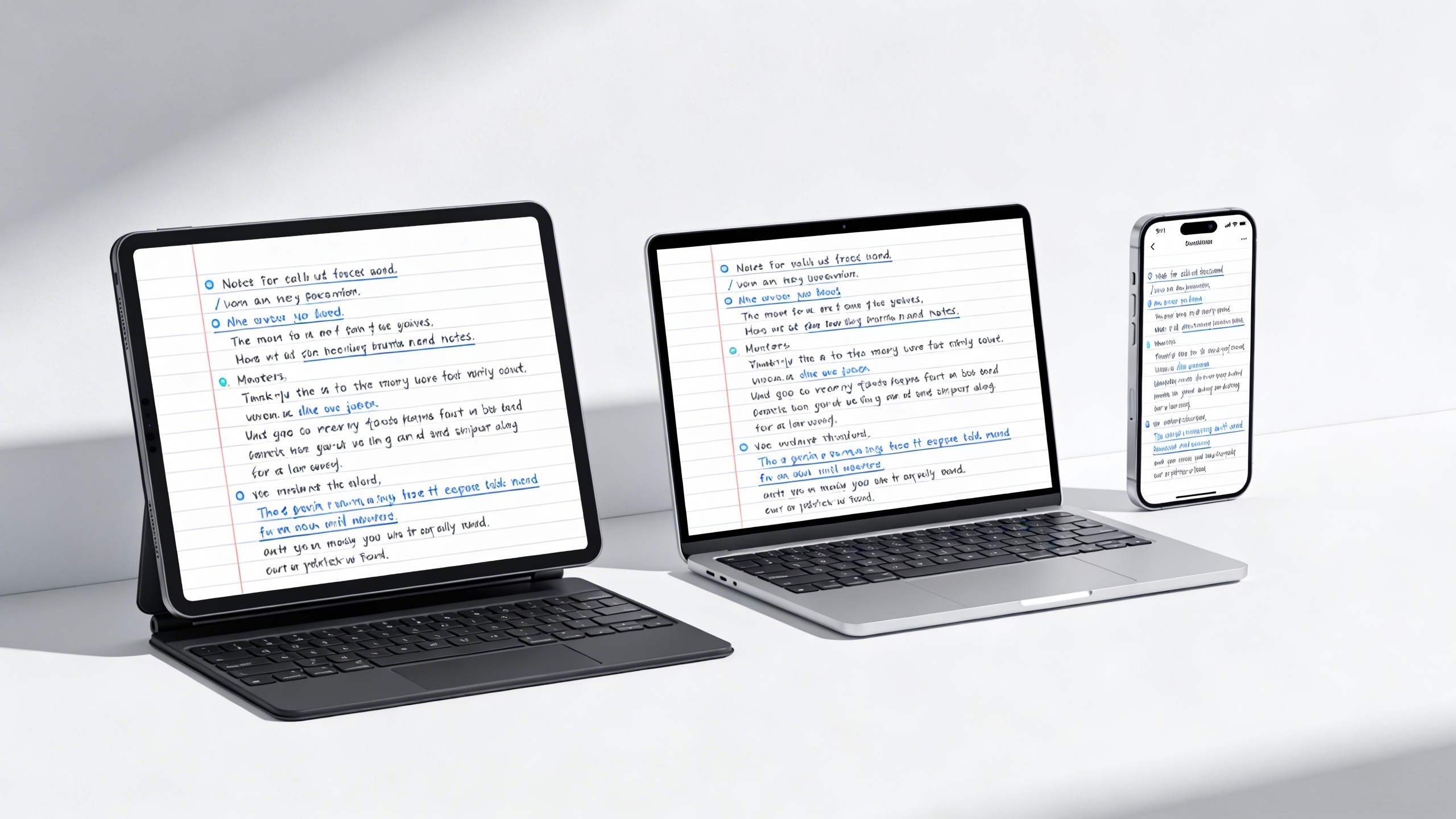
GoodNotes maintains a more selective approach to platform availability, focusing primarily on Apple’s ecosystem. The app delivers native experiences on iPad, iPhone, and Mac, with each version optimized for the specific device’s capabilities. This tight integration allows GoodNotes to leverage Apple Pencil functionality seamlessly and maintain consistent performance across all supported devices.
Notability takes a broader cross-platform approach, extending beyond Apple devices to include Windows support through their web-based interface. This expanded availability makes Notability more accessible for mixed-device environments, particularly in educational institutions where students might use Windows laptops alongside iPads. The app also offers Android compatibility through select partnerships, though the experience varies compared to the native iOS version.
For users requiring Windows integration, Notability’s web platform provides essential functionality including handwriting recognition and basic editing capabilities. However, advanced features like audio transcription and real-time collaboration work best on native mobile and desktop applications.
Cloud Synchronization Features
Both digital note taking apps excel in real-time synchronization, though they implement different technical approaches. GoodNotes utilizes iCloud as its primary sync mechanism, ensuring seamless updates across Apple devices within seconds. The app also supports alternative cloud services including Google Drive, Dropbox, and OneDrive for broader accessibility.
Notability employs a dual-sync strategy, combining iCloud integration with its proprietary cloud service. This approach enables more robust cross platform sync capabilities, particularly when accessing notes through the web interface. The app automatically backs up all content, including audio recordings and handwritten annotations, maintaining version history for collaborative projects.
Real-time collaboration represents a significant differentiator between these platforms. Notability offers live sharing features that allow multiple users to edit documents simultaneously, with changes appearing instantly across all connected devices. GoodNotes focuses more on sharing completed documents rather than real-time collaborative editing.
File Import and Export Options
PDF integration capabilities showcase where both apps demonstrate substantial strength. GoodNotes provides comprehensive PDF annotation tools, allowing users to import documents directly from email, cloud storage, or web browsers. The app maintains original formatting while enabling extensive markup options including highlighting, text insertion, and shape recognition.
Notability excels in PDF conversion workflows, automatically transforming imported documents into editable note formats. This feature proves particularly valuable for academic research and professional document review processes. The app supports batch import operations and maintains searchable text within converted PDFs.
| Feature | GoodNotes | Notability |
|---|---|---|
| PDF Import | Native support with annotations | Conversion to editable format |
| Export Formats | PDF, PNG, PowerPoint | PDF, RTF, Note format |
| Cloud Integration | iCloud, Google Drive, Dropbox | iCloud, proprietary sync |
| Collaboration | Share completed documents | Real-time collaborative editing |
Export flexibility varies between platforms, with GoodNotes offering PowerPoint integration for presentation workflows and Notability providing RTF export for word processing compatibility. Both apps maintain formatting integrity during export processes, ensuring professional document sharing across different software environments.
Audio Recording and Transcription Capabilities
When comparing goodnotes vs notability for audio features, the differences become particularly pronounced. Both digital note taking apps approach voice recording and transcription with distinct philosophies that cater to different user needs and workflows.
Built-in Audio Recording
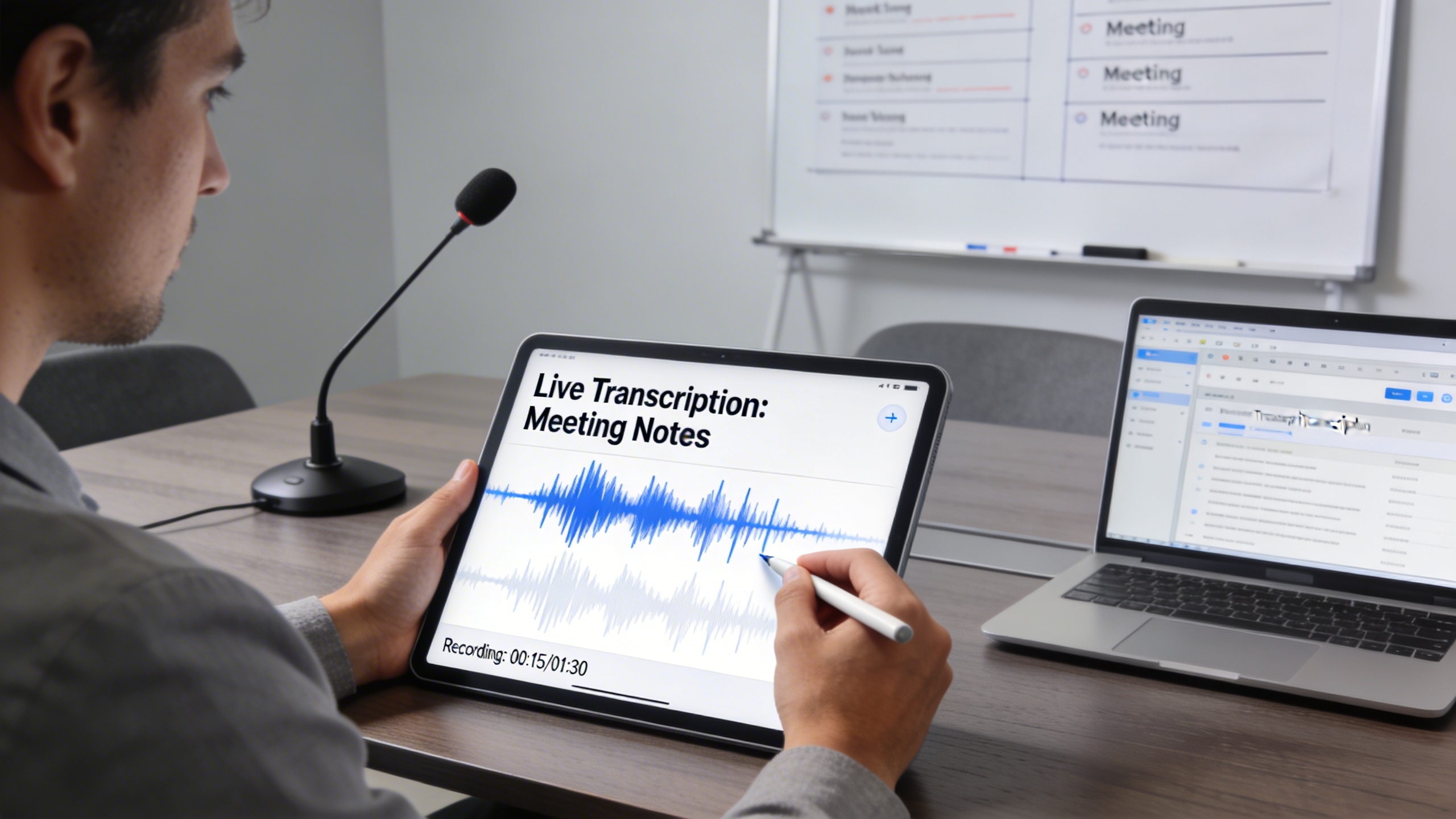
Notability takes the lead in audio recording functionality, offering seamless integration between voice capture and note-taking. The app records audio directly within your notebooks, automatically syncing timestamps with your handwritten content. This creates a powerful connection between what you hear and what you write, making it invaluable for lecture capture and meeting documentation.
GoodNotes, while excellent for handwriting recognition and document annotation, provides more limited audio recording capabilities. The app focuses primarily on visual note-taking, with audio features taking a secondary role in the overall user experience. Users seeking robust voice recording may find GoodNotes less comprehensive for audio-heavy workflows.
Transcription Accuracy and Features
The transcription landscape reveals significant differences between these platforms. Notability offers basic audio transcription features, though the accuracy can vary depending on recording quality and speaker clarity. The app processes voice recordings through built-in algorithms, providing reasonable results for clear speech in quiet environments.
GoodNotes currently offers minimal transcription capabilities, focusing instead on its strengths in handwriting recognition and document management. For users requiring professional-grade audio transcription, dedicated solutions like Sozai provide superior accuracy and advanced features specifically designed for voice-to-text conversion across multiple languages and accents.
Integration with Voice Notes
Notability excels in voice note integration, allowing users to tap anywhere in their handwritten notes to jump to the corresponding audio timestamp. This synchronized playback feature proves invaluable when reviewing lecture materials or meeting notes, as you can instantly access the audio context for any written point.
The app also supports audio search functionality, enabling users to locate specific spoken content within their recordings. This feature significantly enhances the utility of voice notes for research and reference purposes.
GoodNotes approaches voice integration differently, treating audio as supplementary content rather than a core feature. While you can attach audio files to notebooks, the synchronization between handwritten notes and voice recordings lacks the seamless integration found in Notability.
For users prioritizing cross platform sync with audio capabilities, Notability maintains consistency across iOS, macOS, and web platforms. The audio features sync reliably, ensuring your voice notes remain accessible regardless of device. GoodNotes also provides solid synchronization for its audio features, though the more limited functionality means fewer elements to sync between devices.
Both apps handle basic audio playback controls effectively, including speed adjustment and simple editing tools. However, for professional transcription needs or advanced audio processing, users often supplement these apps with specialized tools that offer superior accuracy and feature sets tailored specifically for voice-to-text workflows.
Performance and Technical Specifications
When choosing between digital note taking apps for daily use, performance metrics can significantly impact your productivity and user experience. Both GoodNotes and Notability excel in different technical areas, making the goodnotes vs notability performance comparison crucial for students managing large lecture files and professionals handling extensive project documentation.
Speed and Responsiveness
GoodNotes demonstrates superior performance when handling documents with thousands of pages or complex vector graphics. The app’s optimized rendering engine maintains smooth scrolling and quick page transitions even with files exceeding 500MB. Users report minimal lag when switching between documents or applying handwriting recognition to lengthy notes.
Notability performs exceptionally well during active note-taking sessions, with near-instantaneous ink rendering that closely mimics natural writing. However, the app occasionally experiences slowdowns when working with documents containing extensive audio recordings or when performing cross platform sync operations with large file sets. The real-time audio transcription feature, while powerful, can impact overall responsiveness on older devices.
Storage and File Management
File compression algorithms differ significantly between these digital note taking apps. GoodNotes utilizes advanced vector compression that reduces file sizes by up to 70% compared to traditional PDF annotations, making it ideal for users with limited device storage. The app’s hierarchical folder system efficiently organizes thousands of documents without performance degradation.
Notability takes a different approach, prioritizing audio quality preservation over file size optimization. Documents with embedded audio recordings typically consume 3-5 times more storage space than equivalent GoodNotes files. However, this trade-off ensures superior audio transcription accuracy and seamless playback synchronization with handwritten notes.
| Feature | GoodNotes | Notability |
|---|---|---|
| Average file size (10-page document) | 2-4 MB | 8-12 MB (with audio) |
| Maximum document pages | Unlimited | 50,000+ pages |
| Handwriting recognition speed | 0.5-1 second | 1-2 seconds |
Battery Usage and Optimization
Extended note-taking sessions reveal distinct power consumption patterns. GoodNotes demonstrates excellent battery efficiency during standard writing and reading tasks, typically consuming 8-12% battery per hour of active use. The app’s background processing remains minimal, preserving battery life during standby periods.
Notability’s continuous audio monitoring and real-time transcription features increase power consumption to approximately 15-20% per hour during recording sessions. However, the app includes intelligent power management that automatically adjusts audio quality and processing intensity based on remaining battery levels, ensuring critical notes aren’t lost during low-power situations.
Pricing Models and Value Proposition
The pricing strategies between GoodNotes and Notability reflect fundamentally different approaches to monetizing digital note taking apps, with each offering distinct advantages depending on your usage patterns and budget preferences.
Subscription vs One-Time Purchase
GoodNotes maintains a traditional one-time purchase model at $7.99 across all platforms, providing lifetime access to core features including handwriting recognition and cross platform sync. This approach appeals to users who prefer owning their software without ongoing commitments. Notability shifted to a freemium subscription model in 2021, offering basic note-taking functionality for free while premium features like unlimited editing history and enhanced audio transcription require a $9.99 annual subscription.
The subscription model allows Notability to continuously fund feature development and cloud infrastructure, while GoodNotes relies on new version sales and in-app purchases for additional features like advanced shape recognition tools.
Feature Tiers and Limitations
Free Notability users can create unlimited notes but face restrictions on editing previously created notes after a brief grace period. Premium subscribers unlock unlimited editing, enhanced search capabilities, and advanced audio features that integrate seamlessly with handwritten content.
GoodNotes provides full functionality immediately after purchase, though some advanced features like additional paper templates and conversion tools require separate purchases. The app’s robust handwriting recognition and PDF annotation capabilities are included in the base price, making it particularly attractive for students and professionals who need comprehensive functionality without ongoing costs.
Educational Discounts and Enterprise Options
Both platforms offer educational pricing, though implementation differs significantly. Notability provides student discounts through verification services, reducing the annual subscription to approximately $6.99. Educational institutions can negotiate volume licensing for campus-wide deployment.
GoodNotes offers educational volume discounts for schools purchasing multiple licenses, making it cost-effective for institutions that prefer one-time investments over recurring subscriptions. The app’s offline capabilities and privacy-focused design appeal to educational environments with strict data governance requirements.
When evaluating long-term value in the goodnotes vs notability comparison, consider your usage timeline. Heavy users who plan to use the app for several years may find GoodNotes more economical, while users who prefer access to the latest features and cloud-based audio transcription might justify Notability’s subscription cost. Both platforms deliver exceptional value for serious digital note-taking, with the optimal choice depending on your specific workflow requirements and budget preferences.
Use Case Scenarios and Recommendations
Choosing between GoodNotes and Notability ultimately depends on your specific workflow needs and how you plan to integrate digital note taking apps into your daily routine. Both applications excel in different scenarios, making the goodnotes vs notability decision highly personal to your use case.
Best for Students and Academic Work
For students prioritizing comprehensive study workflows, GoodNotes emerges as the stronger choice for traditional academic note-taking. Its superior handwriting recognition capabilities make searching through lecture notes effortless, while the flexible page organization system accommodates everything from detailed chemistry diagrams to extensive history outlines. Students who frequently annotate PDFs and textbooks will appreciate GoodNotes’ robust document management features.
Notability shines for students who rely heavily on audio transcription during lectures and study sessions. The seamless integration between audio recordings and handwritten notes creates a powerful review system where students can tap on any written word to hear the corresponding audio from that moment. This feature proves invaluable for language learners, medical students memorizing complex terminology, or anyone who benefits from multi-modal learning approaches.
Professional and Business Applications
Business professionals who attend frequent meetings will find Notability’s real-time audio recording and note synchronization particularly valuable. The ability to capture both spoken discussions and visual diagrams simultaneously creates comprehensive meeting records that can be easily shared with team members. For professionals using cross platform sync across multiple devices, Notability’s streamlined approach often proves more reliable in corporate environments.
GoodNotes excels for professionals who work extensively with documents, contracts, and detailed project planning. The application’s advanced search functionality and organizational structure make it ideal for consultants, lawyers, and project managers who need to quickly locate specific information across hundreds of pages of notes. The precise handwriting tools also benefit professionals who create detailed technical drawings or architectural sketches.
Creative and Artistic Projects
Creative professionals face a clear distinction in the goodnotes vs notability comparison. GoodNotes offers more sophisticated drawing tools and paper templates, making it the preferred choice for artists, designers, and architects who require precise control over their digital sketches. The application’s vector-based approach ensures that artistic work remains crisp at any zoom level, while the variety of pen styles accommodates different creative techniques.
Notability serves creative professionals who work in collaborative environments or need to incorporate audio elements into their creative process. Musicians composing pieces while recording audio notes, or designers conducting client interviews while sketching concepts, will find Notability’s integrated approach more conducive to their workflow.
For users whose primary need involves converting spoken content into searchable text, dedicated transcription tools like Sozai may complement either note-taking application by providing more accurate audio transcription capabilities for important recordings that require professional-grade accuracy.
The choice between these digital note taking apps ultimately comes down to whether you prioritize organizational depth and handwriting precision (GoodNotes) or seamless audio integration and real-time collaboration (Notability).

