
Text-to-speech technology has transformed from a niche accessibility tool into an essential resource for millions of users worldwide. Whether you’re a content creator producing audio versions of your articles, a student looking to absorb information more effectively, or a professional who needs to multitask while consuming written content, free TTS solutions offer powerful capabilities without the cost barrier. The best free tts tools available today deliver surprisingly natural-sounding voices that can handle everything from casual reading to professional presentations.
The landscape of tts online options has expanded dramatically, with browser-based solutions, desktop software, and mobile apps each offering unique advantages. Some excel at voice quality, others provide extensive language support, and many include specialized features for specific use cases. Understanding which tool fits your particular needs can save countless hours and dramatically improve your productivity.
This comprehensive guide examines the top free tts online platforms across every category, comparing voice quality, language options, and practical applications. You’ll discover which browser-based tools work best for quick tasks, which desktop software offers the most advanced features, and how to choose the perfect tts software for your specific workflow and requirements.
Understanding Text-to-Speech Technology and Its Applications
Text-to-speech technology has evolved dramatically from the robotic, mechanical voices of early computer systems to sophisticated AI-powered solutions that can produce remarkably human-like speech. Today’s free TTS tools leverage advanced neural networks to transform written text into natural-sounding audio, opening up countless possibilities for accessibility, productivity, and creative applications.
How Modern TTS Technology Works
Contemporary TTS software operates through a complex multi-stage process that begins with text analysis and ends with audio synthesis. The system first processes the input text to understand context, pronunciation rules, and grammatical structure. Advanced free TTS online platforms then apply neural network models trained on vast datasets of human speech patterns to generate audio that captures not just the words, but the natural rhythm, intonation, and emotional nuance of human conversation.
The most sophisticated systems use deep learning architectures that can analyze phonetic patterns, stress placement, and even contextual meaning to produce speech that sounds increasingly natural. Unlike older concatenative synthesis methods that stitched together pre-recorded speech segments, modern neural synthesis generates audio waveforms in real-time, allowing for more fluid and expressive speech output.
Key Use Cases for TTS Tools
The applications for TTS technology span numerous industries and personal use cases. Accessibility remains one of the most critical applications, enabling individuals with visual impairments, dyslexia, or reading difficulties to access written content through audio. Many users rely on free TTS tools to convert documents, web articles, and educational materials into spoken format, creating an inclusive digital environment.
Content creators increasingly turn to TTS online solutions for producing podcasts, audiobooks, and video narration without the need for professional voice actors. Marketing teams use these tools to create multilingual content efficiently, while educators employ TTS software to develop interactive learning materials and provide audio support for students with diverse learning needs.
Professional environments benefit from TTS integration in customer service systems, automated announcements, and hands-free workflows. Writers and editors often use text-to-speech functionality to proofread their work by listening to it, catching errors and awkward phrasing that might be missed during visual review.
Voice Quality and Natural Speech Synthesis
The quality of synthesized speech has become a crucial differentiator among TTS platforms. The best free TTS solutions now offer multiple voice options with distinct characteristics, including different accents, speaking speeds, and emotional tones. High-quality synthesis considers factors such as breath patterns, natural pauses, and pronunciation variations that occur in authentic human speech.
Modern neural synthesis can handle complex linguistic challenges including homographs (words spelled the same but pronounced differently based on context), proper nouns, and technical terminology. Advanced systems also incorporate prosodic features like emphasis, questioning intonation, and emotional expression, making the synthesized speech more engaging and easier to comprehend.
Voice customization options in contemporary free TTS online platforms allow users to adjust speaking rate, pitch, and volume to match their preferences or specific use cases. Some systems even offer the ability to fine-tune pronunciation of specific words or phrases, ensuring accuracy for specialized content or brand names.
The continuous improvement in voice quality has made TTS technology increasingly viable for professional applications where audio quality directly impacts user experience. As neural networks become more sophisticated and training datasets expand, the gap between synthetic and human speech continues to narrow, making high-quality TTS software accessible to users across all skill levels and budget constraints.
Top Browser-Based Free TTS Tools
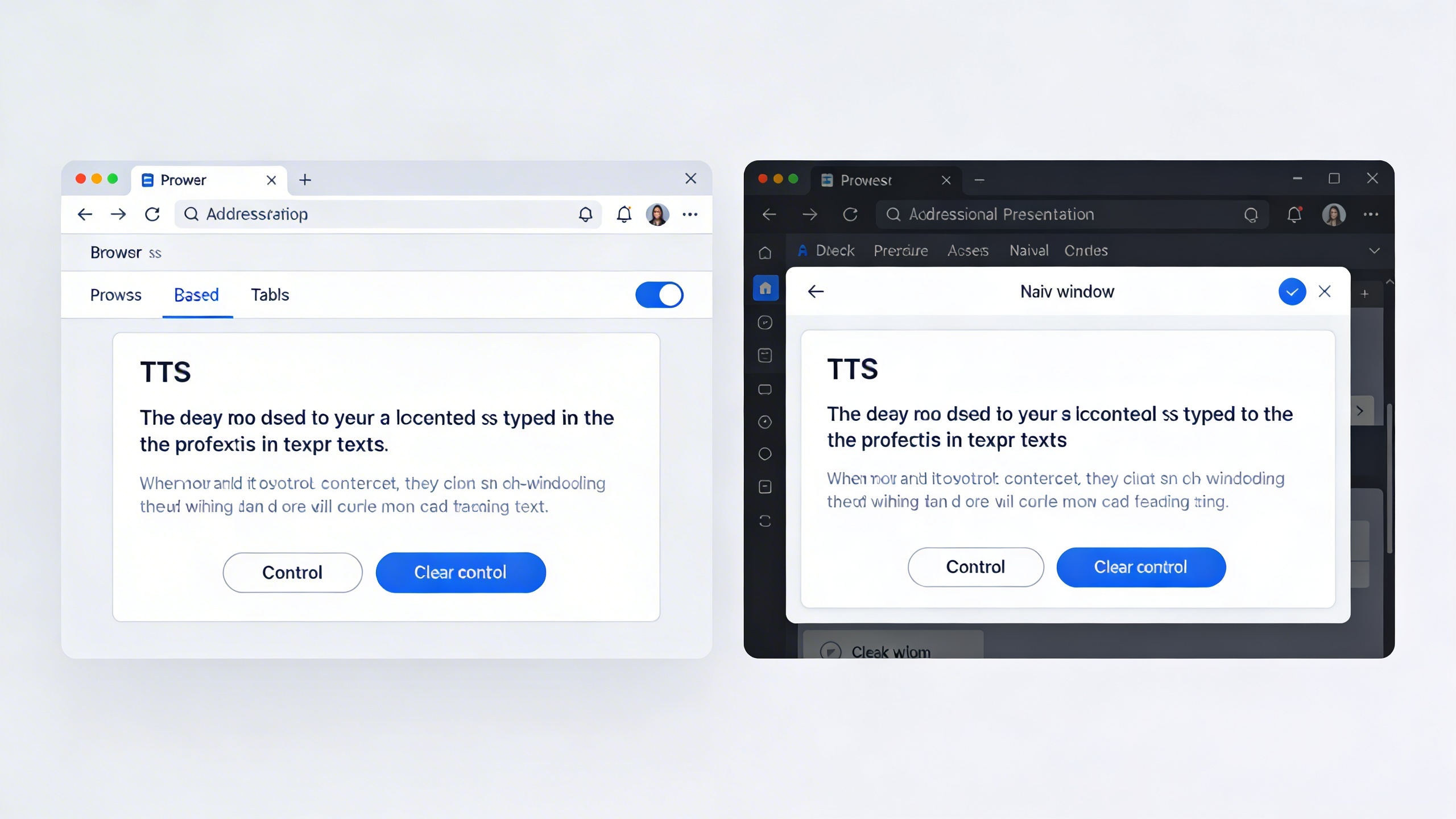
Browser-based text to speech solutions offer unmatched convenience for users who need instant voice generation without the hassle of software installation. These web-based platforms work seamlessly across different operating systems and devices, making them ideal for quick conversions, testing voice outputs, or integrating speech capabilities into existing workflows.
Web-Based TTS Platforms
Modern web-based TTS platforms have evolved to deliver high-quality voice synthesis that rivals desktop applications. These tools leverage cloud computing power to process text and generate natural-sounding speech directly in your browser.
Natural Reader Online stands out as one of the most comprehensive free tts online platforms available. The service supports multiple languages and offers various voice options, from standard synthetic voices to more natural-sounding premium alternatives. Users can paste text directly into the interface, upload documents, or even convert web pages to speech. The platform handles documents up to 20,000 characters in the free tier and provides download options for generated audio files.
Google Text-to-Speech through Google Translate represents another powerful option for free tts needs. While primarily designed for translation, the platform’s speech synthesis capabilities are remarkably robust. Users can input text in over 100 languages and instantly hear the pronunciation. The tool excels at handling multilingual content and provides consistent voice quality across different languages.
Microsoft’s Azure Cognitive Services offers a generous free tier through their online demo portal. This platform showcases some of the most advanced neural voice technology available, producing speech that closely mimics human intonation and emotion. The service supports SSML (Speech Synthesis Markup Language) for fine-tuning pronunciation, pace, and emphasis.
Online Voice Generators
Specialized online voice generators focus specifically on creating high-quality speech output with advanced customization options. These platforms often provide more sophisticated controls than general-purpose tts software.
Speechify Online offers a streamlined interface designed for content consumption and productivity. The platform can handle various text formats and provides speed controls ranging from 0.5x to 4x normal speaking pace. Users can highlight text as it’s being read, making it particularly useful for studying or following along with lengthy documents.
Balabolka Online delivers a no-frills approach to text conversion with support for multiple output formats including WAV, MP3, and OGG. The platform allows users to adjust voice parameters such as rate, pitch, and volume directly from the web interface. This best free tts option particularly excels at batch processing multiple text files simultaneously.
IBM Watson Text to Speech provides enterprise-grade voice synthesis through their online demonstration interface. The platform offers multiple voice personalities and supports custom pronunciation dictionaries. Users can experiment with different speaking styles, from news broadcaster to conversational tones, making it suitable for various content types.
| Platform | Character Limit | Voice Options | Download Formats | Special Features |
|---|---|---|---|---|
| Natural Reader Online | 20,000 | 50+ | MP3, WAV | Document upload, webpage conversion |
| Google Translate TTS | 5,000 | 100+ languages | MP3 | Multilingual support, instant playback |
| Azure Cognitive Services | 10,000 | 200+ | WAV, MP3 | Neural voices, SSML support |
Browser Extension Solutions
Browser extensions provide the ultimate convenience by integrating tts online functionality directly into your web browsing experience. These tools can read any text on any webpage without requiring navigation to separate platforms.
Read Aloud extension works across Chrome, Firefox, and Edge browsers, offering seamless text-to-speech conversion for any selected text or entire web pages. The extension supports over 40 languages and provides customizable voice settings. Users can control playback speed, choose from multiple voice engines, and even save audio files for offline listening.
SpeakIt! extension focuses on simplicity and speed, allowing users to highlight any text and instantly hear it spoken aloud. The tool integrates with Google’s speech synthesis engine and provides basic controls for rate and pitch adjustment. This extension particularly excels at reading social media posts, news articles, and email content.
Voice Dream Reader extension offers advanced features including synchronized highlighting, custom pronunciation dictionaries, and integration with cloud storage services. The extension can handle complex document formats and maintains reading position across sessions, making it ideal for consuming long-form content like research papers or ebooks.
These browser-based solutions eliminate compatibility concerns while providing instant access to powerful speech synthesis capabilities. Whether you need quick text conversion for accessibility purposes or want to integrate voice generation into your daily workflow, these free tts tools deliver professional results without requiring any software installation.
Best Free Desktop TTS Software
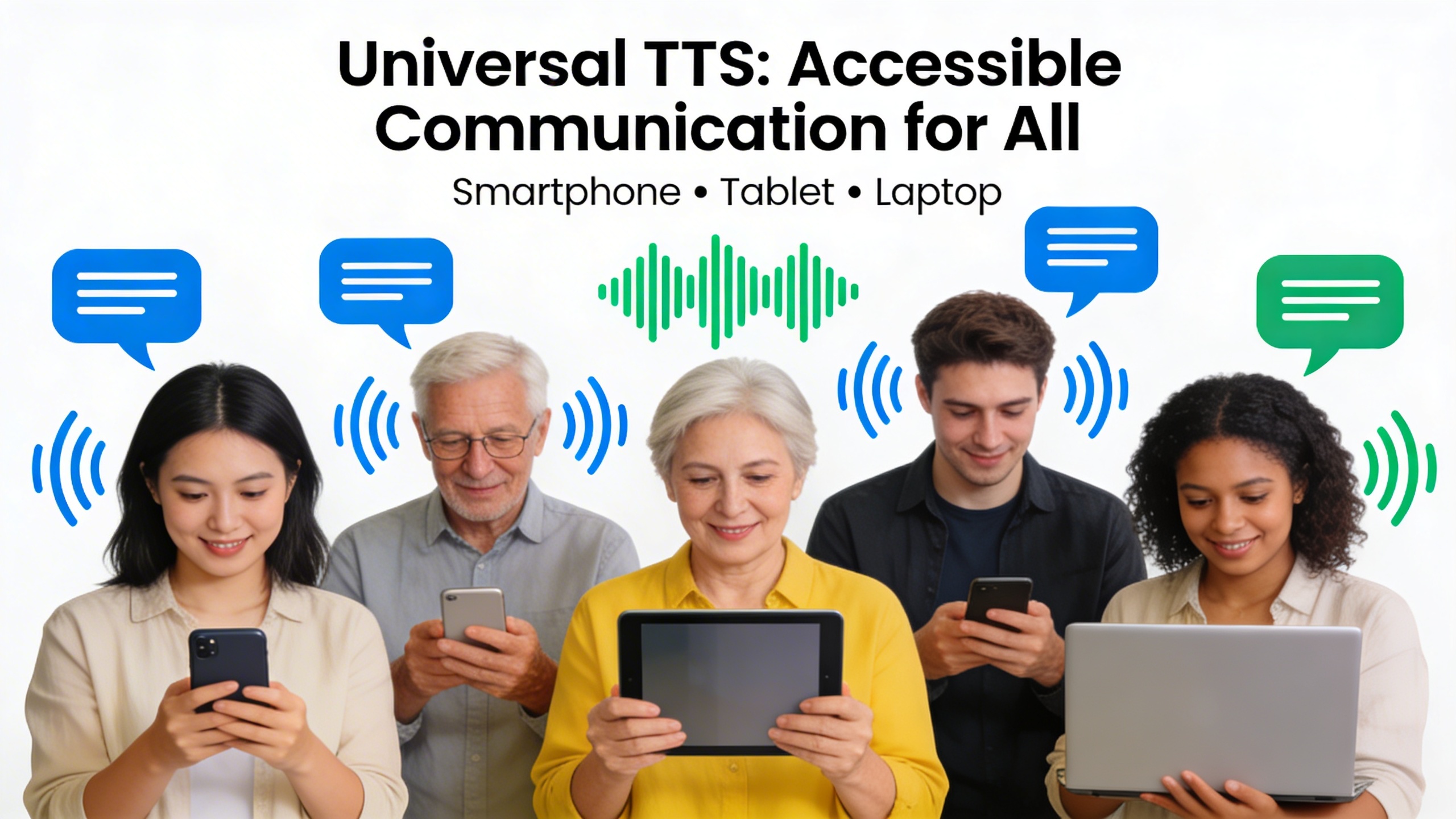
Desktop text-to-speech software offers distinct advantages over browser-based solutions, particularly when you need offline functionality and deeper system integration. These applications provide enhanced customization options, support for multiple file formats, and the ability to work without an internet connection—making them ideal for users who require reliable TTS capabilities regardless of their connectivity status.
Windows TTS Applications
Windows users have access to several powerful free TTS solutions that leverage the operating system’s built-in speech synthesis capabilities while offering enhanced features and user-friendly interfaces.
Balabolka stands out as one of the most comprehensive free TTS applications for Windows. This versatile software supports over 30 file formats, including DOC, PDF, HTML, and RTF, making it an excellent choice for users who work with diverse document types. The application offers extensive voice customization options, allowing you to adjust speech rate, pitch, and volume with precision. Balabolka also includes batch processing capabilities, enabling you to convert multiple documents simultaneously—a feature that saves considerable time for users handling large volumes of text.
The built-in Windows Speech Platform provides another reliable option for free TTS functionality. While it may lack the advanced features of third-party applications, it integrates seamlessly with the operating system and supports SSML (Speech Synthesis Markup Language) for fine-tuned speech control. This native solution works particularly well for users who need basic TTS capabilities without installing additional software.
Natural Reader offers a free desktop version that bridges the gap between simplicity and functionality. The software supports multiple voice options and provides reading speed adjustments, making it suitable for both casual users and those with specific accessibility needs. Its clean interface makes it particularly appealing to users who prefer straightforward, no-nonsense TTS software.
Mac and Linux Solutions
macOS includes a robust built-in TTS system that many users overlook. The system voices, accessible through System Preferences, offer surprisingly natural speech quality and can be integrated into various applications through the operating system’s accessibility features. The say command in Terminal provides command-line access to these voices, making it valuable for power users and automation scripts.
For Linux users, eSpeak represents the gold standard for open-source TTS software. While its synthetic voices may sound more robotic compared to commercial alternatives, eSpeak excels in language support, offering TTS capabilities for over 40 languages. The software is highly customizable through command-line parameters and configuration files, allowing advanced users to fine-tune speech characteristics to their preferences.
Festival, another Linux-compatible option, provides a complete speech synthesis system with support for multiple languages and voice types. Its modular architecture makes it particularly suitable for developers and researchers who need to integrate TTS capabilities into larger applications or systems.
Cross-Platform Desktop Tools
Several desktop applications work seamlessly across multiple operating systems, providing consistent TTS functionality regardless of your platform preference.
NVDA (NonVisual Desktop Access), while primarily designed as a screen reader for visually impaired users, includes powerful TTS capabilities that benefit any user seeking high-quality speech synthesis. This open-source application supports multiple speech synthesizers and offers extensive customization options for voice characteristics and reading behavior.
For users who frequently work with documents and need reliable offline TTS capabilities, dedicated reading applications often provide the best balance of features and usability. These tools typically support batch processing, bookmark functionality, and export options for audio files—features that make them valuable for creating audio versions of written content.
When selecting the best free TTS desktop software for your needs, consider factors such as supported file formats, voice quality requirements, and integration with your existing workflow. Users who work with sensitive documents may particularly value offline functionality, as it ensures privacy and eliminates concerns about internet connectivity. The combination of local processing power and dedicated software often delivers superior performance compared to free TTS online alternatives, especially for lengthy documents or frequent use.
Desktop TTS applications also excel in scenarios where consistent performance is crucial, such as creating audio content for presentations or generating speech for accessibility purposes. Their ability to maintain settings and preferences across sessions makes them ideal for users who have established specific voice and speed preferences for their regular TTS tasks.
Mobile TTS Apps and Built-in Solutions
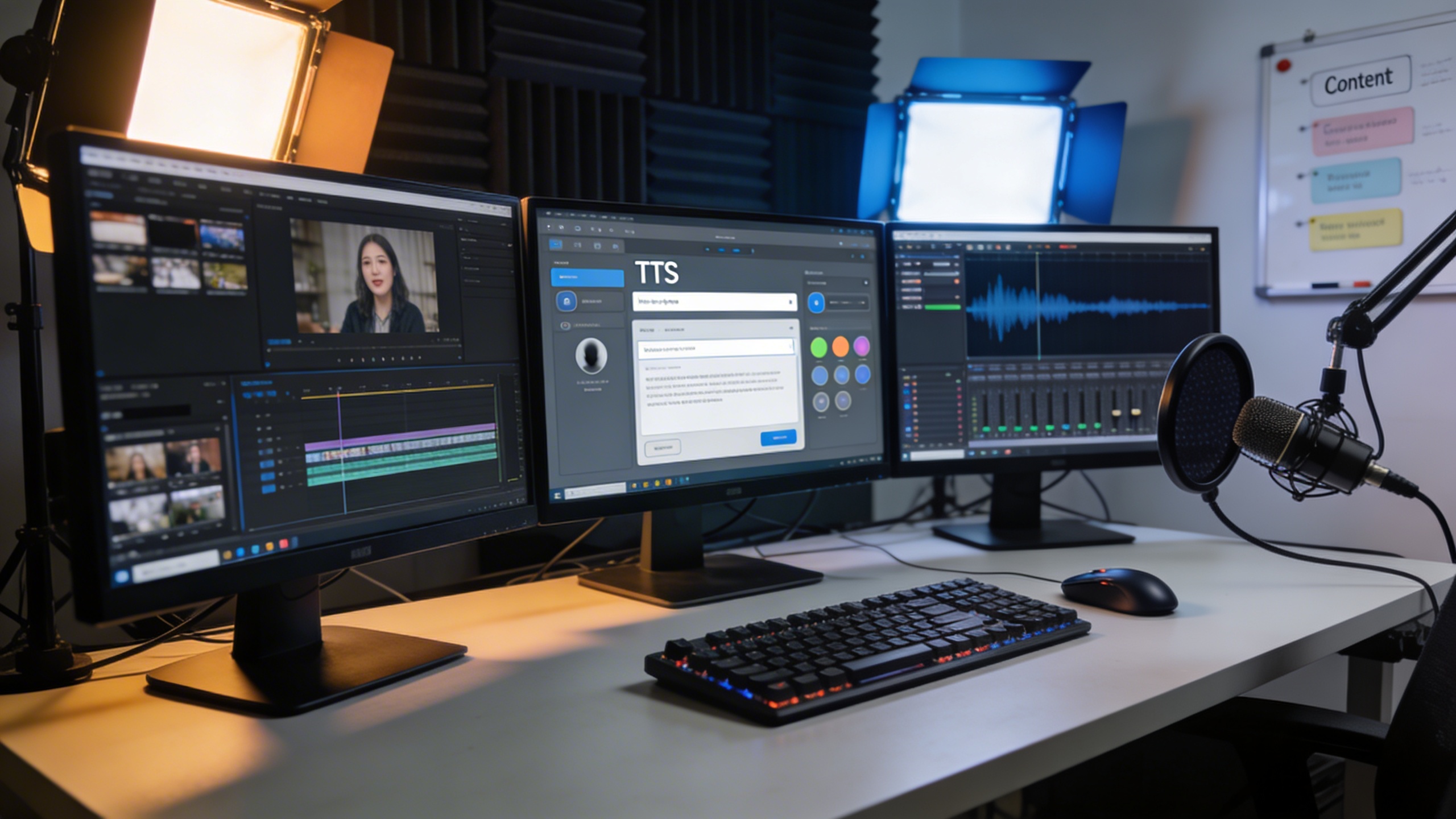
Mobile devices have transformed text-to-speech accessibility, putting powerful voice synthesis capabilities directly in your pocket. Modern smartphones offer sophisticated free TTS solutions that work seamlessly across apps and operating systems, making content accessible whether you’re commuting, exercising, or simply prefer audio consumption over reading.
The convenience of mobile TTS extends beyond basic reading assistance. These tools excel in scenarios where visual attention isn’t possible—like following recipes while cooking, reviewing documents during walks, or consuming educational content during workouts. Many mobile solutions also function offline, ensuring accessibility regardless of internet connectivity.
iOS Text-to-Speech Options
iOS devices come equipped with robust built-in TTS capabilities through the Speak Screen and Speak Selection features. Users can activate these functions in Settings > Accessibility > Spoken Content, enabling system-wide text reading with natural-sounding voices. The platform supports over 35 languages and dialects, with enhanced voice quality available through downloadable voice packs.
Third-party iOS apps expand these capabilities significantly. Voice Dream Reader stands out as a comprehensive free TTS solution, supporting multiple document formats including PDFs, web articles, and ebooks. The app integrates with cloud storage services and offers customizable reading speeds and voice options. NaturalReader also provides a solid iOS experience, functioning as both a standalone app and Safari extension for web content.
Siri integration adds another layer of convenience, allowing voice commands to trigger text reading across various apps. This hands-free approach proves particularly valuable for users with motor disabilities or those in situations requiring visual attention elsewhere.
Android TTS Applications
Android’s flexibility shines in its TTS ecosystem, offering both powerful built-in features and extensive third-party options. The Google Text-to-Speech engine serves as the foundation, providing high-quality voices that work across the entire system. Users access these features through Settings > Accessibility > Select to Speak or TalkBack for comprehensive screen reading.
The platform’s open architecture enables sophisticated free TTS online integration. Apps like ReadAloud can process web pages, documents, and even clipboard content with impressive accuracy. T2S (Text to Voice) offers another excellent option, featuring customizable speech rates, pitch control, and the ability to save audio files for later playback.
Android’s advantage lies in its TTS software flexibility—users can install alternative TTS engines like eSpeak or SVOX Classic, each offering unique voice characteristics and language support. This modularity allows for personalized audio experiences tailored to specific needs or preferences.
Native Mobile Accessibility Features
Both iOS and Android prioritize accessibility through comprehensive built-in TTS features. These native solutions often outperform standalone apps in system integration and battery efficiency. Screen readers like VoiceOver (iOS) and TalkBack (Android) provide complete device navigation through speech, transforming smartphones into fully accessible tools for visually impaired users.
Live Text recognition on iOS and similar features on Android enable real-time text extraction from images, which can then be processed through the best free TTS engines. This capability proves invaluable for reading printed materials, signs, or handwritten notes when traditional text input isn’t available.
The integration between mobile TTS and voice assistants creates seamless workflows. Users can dictate text messages, emails, or notes, then have the same content read back for verification—creating a complete voice-driven communication cycle that enhances productivity and accessibility across diverse use cases.
Specialized TTS Tools for Content Creation
Content creators require TTS solutions that go beyond basic text conversion, demanding professional-grade voice quality, flexible export options, and clear licensing for commercial use. The best free TTS tools for content creation offer specialized features that streamline production workflows while maintaining the audio quality standards expected by modern audiences.
Unlike general-purpose TTS software, content creation tools prioritize natural-sounding voices, customizable speech parameters, and seamless integration with popular editing platforms. These specialized solutions often include advanced features like SSML support for pronunciation control, multiple file format exports, and batch processing capabilities that save creators significant time during production.
Podcast and Video Production
Podcast and video creators benefit from free TTS online services that deliver broadcast-quality audio output. Google Cloud Text-to-Speech offers exceptional voice clarity through its WaveNet technology, providing creators with natural-sounding narration that rivals professional voice actors. The platform supports over 40 languages and includes specialized voices optimized for different content types.
Amazon Polly’s free tier delivers up to 5 million characters monthly, making it ideal for regular podcast production. Its Neural TTS voices produce remarkably human-like speech patterns, while the Speech Synthesis Markup Language (SSML) support allows precise control over pronunciation, pauses, and emphasis. Content creators can export audio in multiple formats, including MP3 and OGG, ensuring compatibility with all major editing software.
For video production workflows, Microsoft Azure Cognitive Services Speech provides real-time synthesis capabilities that integrate directly with streaming applications. The platform’s custom voice feature allows creators to develop unique audio identities for their content, though this advanced functionality requires moving beyond the free tier for extensive use.
E-learning and Educational Content
Educational content creators require TTS solutions that support diverse learning styles and accessibility needs. The best free tts tools for e-learning prioritize clear articulation, adjustable speaking rates, and multi-language support to accommodate global audiences.
Natural Reader’s educational features include specialized voices trained for instructional content, with enhanced clarity for technical terms and complex concepts. The platform supports document imports from various formats, allowing educators to convert existing materials into audio content efficiently. Its pronunciation dictionary feature ensures consistent delivery of specialized terminology across lessons.
Balabolka excels in educational environments through its extensive customization options and batch processing capabilities. Educators can create entire course audio libraries by processing multiple documents simultaneously, while the software’s bookmark and highlighting features help students navigate complex material. The tool supports SAPI voices and includes timing controls that allow learners to adjust playback speed based on their comprehension needs.
IBM Watson Text to Speech provides educators with advanced phonetic controls and emotional tone adjustments, creating more engaging learning experiences. The platform’s expressiveness features help convey enthusiasm and emphasis, crucial elements for maintaining student attention during longer educational sessions.
Marketing and Social Media Applications
Marketing professionals leverage tts online tools to create compelling audio content for advertisements, social media posts, and promotional materials. These applications demand voices that convey brand personality while maintaining professional credibility across diverse marketing channels.
Murf AI’s free tier offers marketing-specific voice profiles designed for different brand personalities, from authoritative corporate tones to friendly conversational styles. The platform includes preset templates for common marketing scenarios, streamlining the creation of product demonstrations, testimonials, and promotional announcements. Its emotion controls allow marketers to fine-tune delivery based on campaign objectives and target audience preferences.
For social media content, Speechify’s mobile integration enables creators to generate audio content directly within their workflow. The platform’s quick export features support popular social media formats, while its voice cloning technology helps maintain consistent brand voice across multiple content pieces.
Marketing teams using free tts software must carefully review licensing terms to ensure commercial usage compliance. Most enterprise-grade platforms clearly distinguish between personal and commercial use, with many offering generous free tiers that accommodate small business marketing needs while providing upgrade paths for larger campaigns.
Comparing Voice Quality and Language Support
When selecting the ideal free tts solution for your needs, voice quality and language capabilities often determine the difference between a tool you’ll use daily and one you’ll quickly abandon. Understanding these factors helps you make an informed decision that aligns with your specific requirements and audience.
Natural vs Robotic Voice Quality
The evolution of tts online technology has dramatically improved voice naturalness over the past few years. Modern neural text-to-speech engines produce voices that closely mimic human speech patterns, while older systems often sound mechanical and stilted. When evaluating voice quality, listen for several key indicators: natural breathing patterns, appropriate emotional inflection, and smooth transitions between words.
Premium free tts online platforms typically offer multiple voice quality tiers. Basic voices may sound robotic but work well for simple announcements or accessibility features. Neural voices represent the current gold standard, incorporating advanced AI to deliver human-like prosody and intonation. These voices handle complex sentences, questions, and emotional content more effectively than their traditional counterparts.
Testing voice quality requires more than a simple sentence evaluation. Try inputting various text types: technical documentation, conversational dialogue, numbers, and punctuation-heavy content. The best free tts tools maintain consistency across different content types while adapting their delivery appropriately.
Multilingual TTS Capabilities
Language support varies dramatically across free tts software options. While most platforms cover major languages like English, Spanish, French, and German, comprehensive multilingual support becomes crucial for international projects or diverse audiences. Leading platforms now support 40+ languages, including less common options like Hindi, Arabic, and various African languages.
Beyond basic language availability, consider dialect variations within languages. Spanish TTS might offer Mexican, Argentinian, or Peninsular Spanish variants, each with distinct pronunciation patterns and vocabulary preferences. Similarly, English options often include American, British, Australian, and Indian variants.
Language switching capabilities matter for multilingual content. Some tts online tools automatically detect language changes within text, while others require manual language selection for each segment. This becomes particularly important for educational content, international business communications, or multilingual website accessibility.
Accent and Pronunciation Options
Regional accent support adds another layer of customization to your TTS experience. The best free tts platforms recognize that accent preferences often depend on your target audience’s geographical location and cultural context. A customer service application targeting Southern US customers might benefit from a Southern American accent, while educational content for UK audiences would favor British pronunciation.
Pronunciation accuracy becomes critical when dealing with specialized terminology, proper names, or technical jargon. Advanced TTS software allows custom pronunciation dictionaries where you can specify how specific words should be pronounced. This feature proves invaluable for brand names, medical terms, or industry-specific vocabulary that standard pronunciation engines might mishandle.
Some platforms offer pronunciation coaching features that help you fine-tune difficult words before generating final audio. Others provide phonetic spelling options, allowing you to write words as they should sound rather than as they’re spelled. These capabilities ensure your final audio output maintains professional quality regardless of content complexity.
When comparing options, test each platform with content that includes your most challenging pronunciation requirements to identify which free tts solution handles your specific needs most effectively.
Choosing the Right TTS Tool for Your Needs
Selecting the optimal text-to-speech solution requires careful evaluation of your specific requirements, technical constraints, and long-term goals. The abundance of free tts options available today means you need a systematic approach to identify the tool that best aligns with your workflow and objectives.
Feature Comparison Framework
Start by creating a prioritized list of essential features for your use case. Voice quality should be your primary consideration—test multiple tools with your typical content to assess naturalness, pronunciation accuracy, and emotional expressiveness. Language support becomes critical for multilingual projects, while customization options like speech speed, pitch control, and pause insertion can significantly impact user experience.
Consider the output formats each tool supports. Some free tts online platforms only provide streaming audio, while others offer downloadable MP3 or WAV files. If you’re creating content for multiple platforms, ensure your chosen tool generates files in the formats your workflow requires.
Free vs Premium Considerations
Many best free tts tools impose usage limitations that may affect your productivity. Character limits per session, daily usage caps, and watermarks on generated audio are common restrictions. Evaluate whether these constraints align with your content volume and frequency.
| Factor | Free Tools | Premium Tools |
|---|---|---|
| Character Limits | 500-5,000 per session | Unlimited or high limits |
| Voice Selection | Basic voices | Premium neural voices |
| Commercial Use | Often restricted | Full commercial rights |
| API Access | Limited or unavailable | Full API integration |
Free solutions work excellently for personal projects, educational content, and small-scale applications. However, commercial projects or high-volume content creation may justify premium investments for enhanced voice quality and expanded usage rights.
Integration and Workflow Requirements
Assess how tts software will integrate into your existing content creation pipeline. Browser-based tts online tools offer universal accessibility but may lack advanced features. Desktop applications provide more control and offline functionality, while mobile apps enable on-the-go content creation.
For content creators managing multiple projects, consider tools that offer batch processing, project organization, and export capabilities. If you’re working with team members, collaborative features and shared libraries become valuable assets.
Technical compatibility matters significantly for long-term adoption. Ensure your chosen solution works reliably across your devices and operating systems. Cloud-based platforms offer consistency across devices, while local solutions provide privacy and offline functionality but may have platform-specific limitations.
Finally, consider scalability factors. Your current needs may be modest, but growing content demands could quickly outpace basic free tts limitations. Choose tools that offer clear upgrade paths and maintain compatibility as your requirements evolve.

