
Text to speech technology has evolved from a specialized accessibility tool into an essential component of modern digital workflows. Whether you’re creating podcast content, assisting students with learning disabilities, or simply need to consume written content while multitasking, text to speech free solutions now offer professional-grade voice synthesis that rivals premium services. The demand for these tools has skyrocketed as remote work, content creation, and digital accessibility requirements continue to expand across industries.
This comprehensive guide examines the most effective free text to speech platforms available today, from browser-based solutions that require no downloads to sophisticated AI-powered systems that deliver natural-sounding voices. You’ll discover how different text to audio free tools excel in specific scenarios, whether you need quick voice generation for presentations, batch processing for large documents, or real-time narration for educational content. We’ll analyze performance, voice quality, language support, and practical limitations to help you identify the perfect free tts software for your particular use case and technical requirements.
Understanding Free Text to Speech Technology
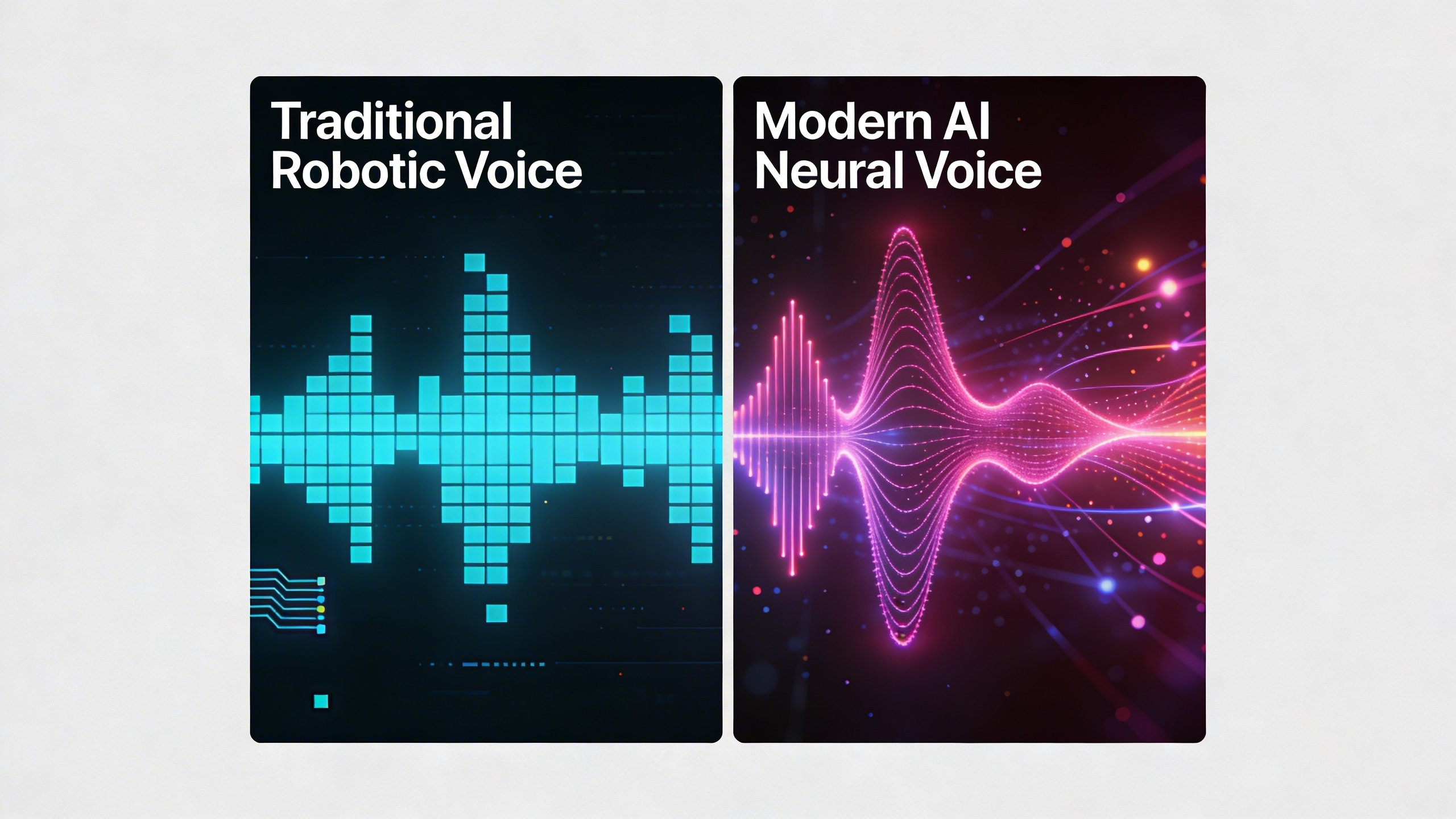
Text to speech free technology has evolved dramatically over the past decade, transforming from robotic-sounding voices into remarkably natural audio experiences. Modern free text to speech solutions leverage sophisticated artificial intelligence to convert written content into human-like speech, making information more accessible to millions of users worldwide.
How Modern TTS Systems Work
Today’s ai text to speech free platforms operate through advanced neural networks that analyze text patterns, pronunciation rules, and linguistic context. These systems break down the conversion process into several key stages: text analysis, phonetic mapping, prosody generation, and audio synthesis.
The text analysis phase examines punctuation, abbreviations, and formatting to understand how content should be spoken. Neural networks then map words to phonetic representations, determining correct pronunciations based on context and language rules. Prosody generation adds natural speech patterns including rhythm, stress, and intonation, while the final synthesis stage produces the actual audio output.
Machine learning algorithms continuously improve voice quality by training on vast datasets of human speech. This enables free tts software to handle complex sentences, foreign words, and even emotional context with increasing accuracy.
Key Features to Look For
When evaluating text to audio free solutions, several critical features distinguish exceptional tools from basic converters. Voice quality remains the primary consideration, with the best platforms offering multiple voice options across different languages, accents, and speaking styles.
Speed control functionality allows users to adjust playback rates for optimal comprehension, particularly valuable for educational content or accessibility purposes. Format support determines which file types the software can process, with versatile tools accepting documents, web pages, and plain text inputs.
Additional features worth prioritizing include:
- Batch processing capabilities for converting multiple files simultaneously
- Audio export options in various formats (MP3, WAV, OGG)
- Pronunciation customization for technical terms or proper names
- Integration with browsers, document editors, and mobile devices
- Offline functionality for use without internet connectivity
Advanced platforms may offer SSML (Speech Synthesis Markup Language) support, enabling fine-tuned control over speech parameters like emphasis, pauses, and pronunciation variations.
Limitations of Free vs Premium Solutions
While free text to speech technology has become remarkably capable, understanding its limitations helps set realistic expectations. Most free platforms impose usage restrictions, limiting daily character counts, audio length, or the number of conversions allowed per month.
Voice selection typically represents the most significant difference between free and premium offerings. Free versions usually provide basic voice options with standard quality, while premium solutions feature high-definition voices, celebrity voices, or specialized options for different industries and use cases.
Commercial usage restrictions often apply to free tools, preventing businesses from using generated audio for marketing, training materials, or customer-facing applications without upgrading to paid plans. Additionally, free solutions may include watermarks, advertisements, or branding in exported audio files.
| Feature | Free Solutions | Premium Solutions |
|---|---|---|
| Voice Quality | Standard neural voices | HD voices, custom options |
| Usage Limits | Daily/monthly restrictions | Unlimited or high limits |
| Commercial Use | Often restricted | Full commercial rights |
| Export Formats | Limited options | Multiple high-quality formats |
Despite these limitations, free text to speech tools provide tremendous value for personal use, accessibility needs, and educational applications. They enable students with reading difficulties to consume textbooks audibly, help language learners improve pronunciation, and assist individuals with visual impairments in accessing written content independently.
The accessibility benefits alone make these tools invaluable community resources, democratizing access to information and supporting inclusive digital experiences across diverse user populations.
Top Browser-Based Free TTS Tools
Web-Based Solutions Overview
Browser-based text to speech free solutions offer immediate access without installation requirements, making them ideal for quick conversions and users who prefer lightweight tools. These platforms leverage cloud processing power to deliver high-quality voice synthesis directly through your web browser, eliminating storage concerns and compatibility issues across different operating systems.
The most prominent web-based free text to speech platforms include Natural Reader Online, TTSReader, and ResponsiveVoice. Natural Reader provides a clean interface with multiple voice options and supports documents up to 20,000 characters in their free tier. TTSReader stands out for its simplicity and direct paste-and-play functionality, while ResponsiveVoice offers developers an API alongside their consumer-facing tool.
Google Translate’s text-to-speech feature deserves special mention as an accessible option that supports over 100 languages. While primarily designed for translation, its voice synthesis capabilities make it valuable for basic text to audio free conversion needs. The tool excels in pronunciation accuracy for foreign languages and provides a quick solution for multilingual content.
Microsoft’s Immersive Reader, embedded in various Microsoft products and available as a standalone web tool, combines text to speech with reading comprehension features. This platform particularly benefits users with learning differences or those seeking enhanced focus while consuming written content.
Performance and Quality Comparison
Voice quality varies significantly among browser-based ai text to speech free tools, with neural network-powered platforms delivering more natural-sounding results. Natural Reader’s premium voices demonstrate superior intonation and emotional expression compared to basic robotic alternatives, though their free tier limits access to standard voices that still maintain clarity and intelligibility.
| Platform | Voice Quality | Speed Control | Character Limit | Language Support |
|---|---|---|---|---|
| Natural Reader | High (Premium voices) | Yes | 20,000 | 50+ |
| TTSReader | Medium | Yes | Unlimited | 40+ |
| ResponsiveVoice | Medium-High | Yes | Varies | 50+ |
| Google Translate | Medium | No | 5,000 | 100+ |
Processing speed represents another crucial performance factor, with most web-based free tts software delivering real-time conversion for standard text lengths. However, longer documents may experience delays depending on server load and internet connection quality. TTSReader consistently provides the fastest processing times, while Natural Reader occasionally experiences slower response during peak usage periods.
Audio output quality depends heavily on the underlying text-to-speech engines. Platforms utilizing Google’s WaveNet or Amazon Polly technologies generally produce more natural speech patterns with appropriate pauses and emphasis. The difference becomes particularly noticeable when processing complex sentences with punctuation, technical terminology, or emotional context.
Cross-Platform Compatibility
Modern browser-based text to speech free solutions work seamlessly across Windows, macOS, Linux, iOS, and Android devices through standard web browsers. Chrome, Firefox, Safari, and Edge all support the Web Speech API, ensuring consistent functionality regardless of your preferred browser or operating system.
Mobile compatibility deserves special attention, as smartphone and tablet users increasingly rely on text to audio free conversion for multitasking scenarios. Most web-based platforms automatically adjust their interfaces for touch screens, though some advanced features may be limited on smaller devices. Safari on iOS occasionally restricts autoplay functionality, requiring manual activation for speech synthesis.
Responsive design implementation varies among platforms, with TTSReader and ResponsiveVoice offering particularly well-optimized mobile experiences. These tools maintain full functionality on smartphones while adapting their layouts for comfortable touch interaction. Natural Reader’s mobile interface, while functional, sometimes requires zooming for optimal button accessibility.
Internet dependency represents the primary limitation of browser-based ai text to speech free tools. Offline functionality remains unavailable, making these solutions unsuitable for environments with unreliable connectivity. However, some platforms cache recently used voices temporarily, providing limited offline playback for previously processed content.
Browser security settings can impact functionality, particularly regarding microphone access for pronunciation features and file upload capabilities for document processing. Users should ensure their browsers allow necessary permissions while maintaining appropriate security standards for their specific use cases.
Best Free Desktop TTS Software
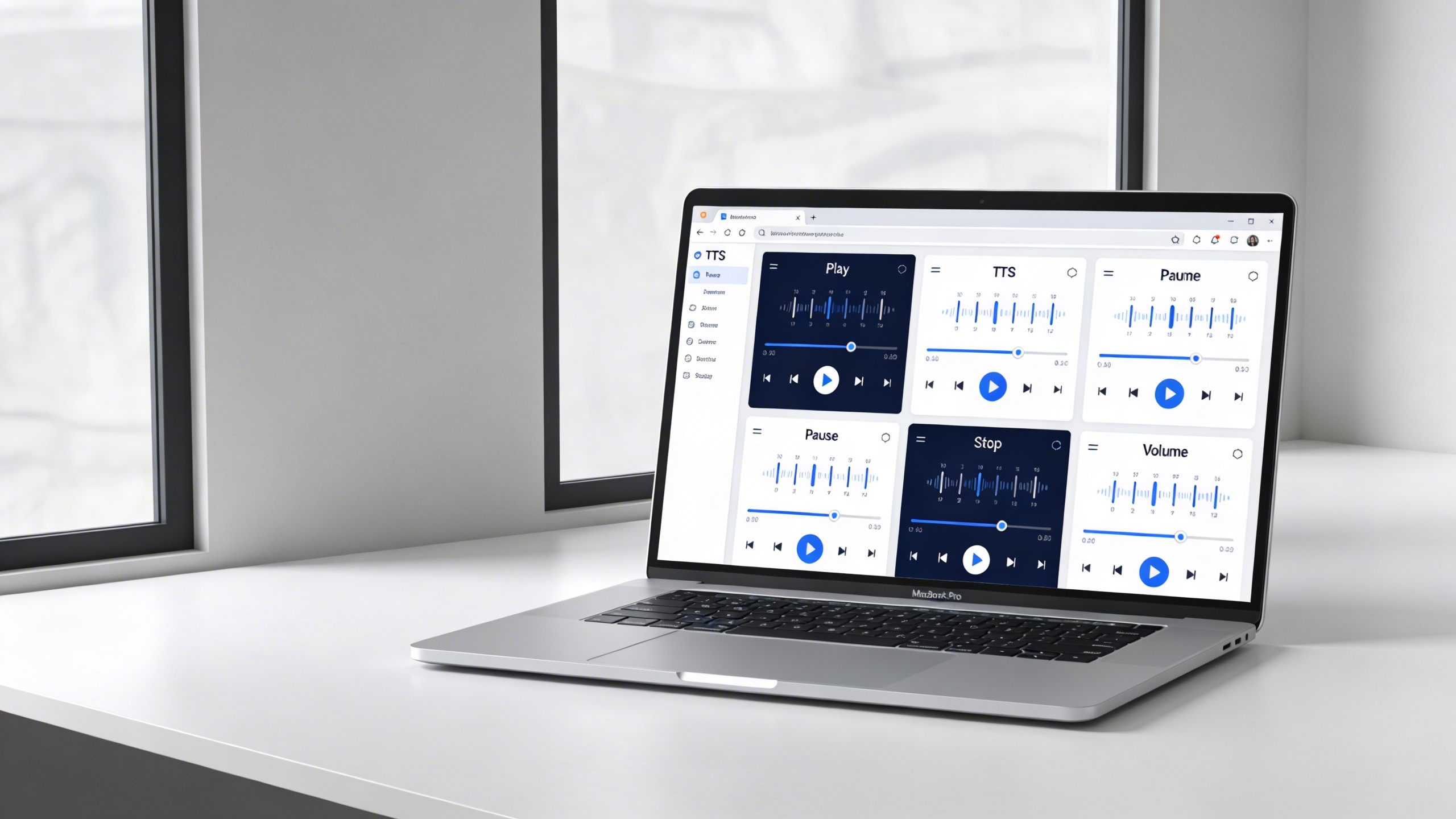
Desktop text to speech free solutions offer superior performance and offline capabilities compared to browser-based tools. These applications provide deeper system integration, better voice quality, and the ability to work without an internet connection. Whether you’re using Windows, Mac, or Linux, several excellent free TTS software options can transform your text into natural-sounding audio.
Windows Native Solutions
Windows users have access to robust built-in text to speech capabilities through the Speech Platform. The native Windows Speech API supports multiple voices and integrates seamlessly with system applications. To access these features, navigate to Settings > Ease of Access > Narrator, where you can configure voice speed, pitch, and volume settings.
For more advanced functionality, Balabolka stands out as a comprehensive free text to speech application. This software supports over 30 file formats, including DOC, PDF, and EPUB, making it ideal for converting documents to audio files. Users can adjust pronunciation through custom dictionaries and save output in various audio formats like MP3, WAV, and OGG.
Natural Reader offers another excellent Windows solution with both online and offline modes. The free version includes high-quality voices and supports batch processing for multiple documents. The software integrates with Microsoft Office applications, allowing users to listen to Word documents and PowerPoint presentations directly within the familiar interface.
Mac and Linux Options
macOS includes sophisticated text to audio free capabilities through the built-in Speech feature. Users can access this functionality by going to System Preferences > Accessibility > Speech. The system supports multiple languages and voice personalities, with options to adjust speaking rate and voice characteristics. The “Say” command in Terminal provides additional scripting capabilities for power users.
For enhanced functionality on Mac, eSpeak offers cross-platform compatibility and extensive language support. This open-source solution provides over 40 language variants and allows fine-tuning of voice parameters including speed, pitch, and word gaps. The software works entirely offline and requires minimal system resources.
Linux users benefit from Festival Speech Synthesis System, a comprehensive free tts software that supports multiple languages and voice types. Festival integrates well with text editors and can be controlled through command-line interfaces or graphical applications. The system supports SSML markup for precise pronunciation control and emotional expression.
Ubuntu and other Debian-based distributions include Orca screen reader, which provides excellent text-to-speech functionality for accessibility purposes. While primarily designed for visually impaired users, Orca can be configured to read any selected text across the desktop environment.
Offline Capabilities
One of the primary advantages of desktop ai text to speech free software is offline functionality. These applications store voice engines locally, eliminating dependence on internet connectivity and ensuring consistent performance regardless of network conditions.
NVDA (NonVisual Desktop Access) exemplifies excellent offline capabilities on Windows. This screen reader includes high-quality speech synthesis that works entirely offline, supporting multiple voice engines including eSpeak and Microsoft SAPI voices. The software provides extensive customization options for voice speed, pitch, and pronunciation rules.
For users requiring multilingual support, MARY TTS offers impressive offline capabilities with support for German, English, French, Italian, and other languages. The platform uses advanced neural network models to generate natural-sounding speech without requiring internet access. Installation includes complete voice models that operate independently of external services.
Desktop applications also excel at integration with productivity workflows. Many free TTS solutions can monitor clipboard content, automatically reading copied text aloud. This feature proves particularly valuable for proofreading documents, learning foreign languages, or consuming written content while multitasking.
System requirements for most desktop text to speech free applications remain modest. Windows solutions typically require Windows 7 or later with 2GB RAM, while Mac applications work with macOS 10.12 or newer. Linux distributions generally need minimal resources, with most TTS engines running efficiently on systems with 1GB RAM or less.
The offline nature of desktop solutions also provides enhanced privacy, as your text never leaves your device. This makes them ideal for processing sensitive documents or personal content where data security is paramount.
Mobile Text to Speech Applications
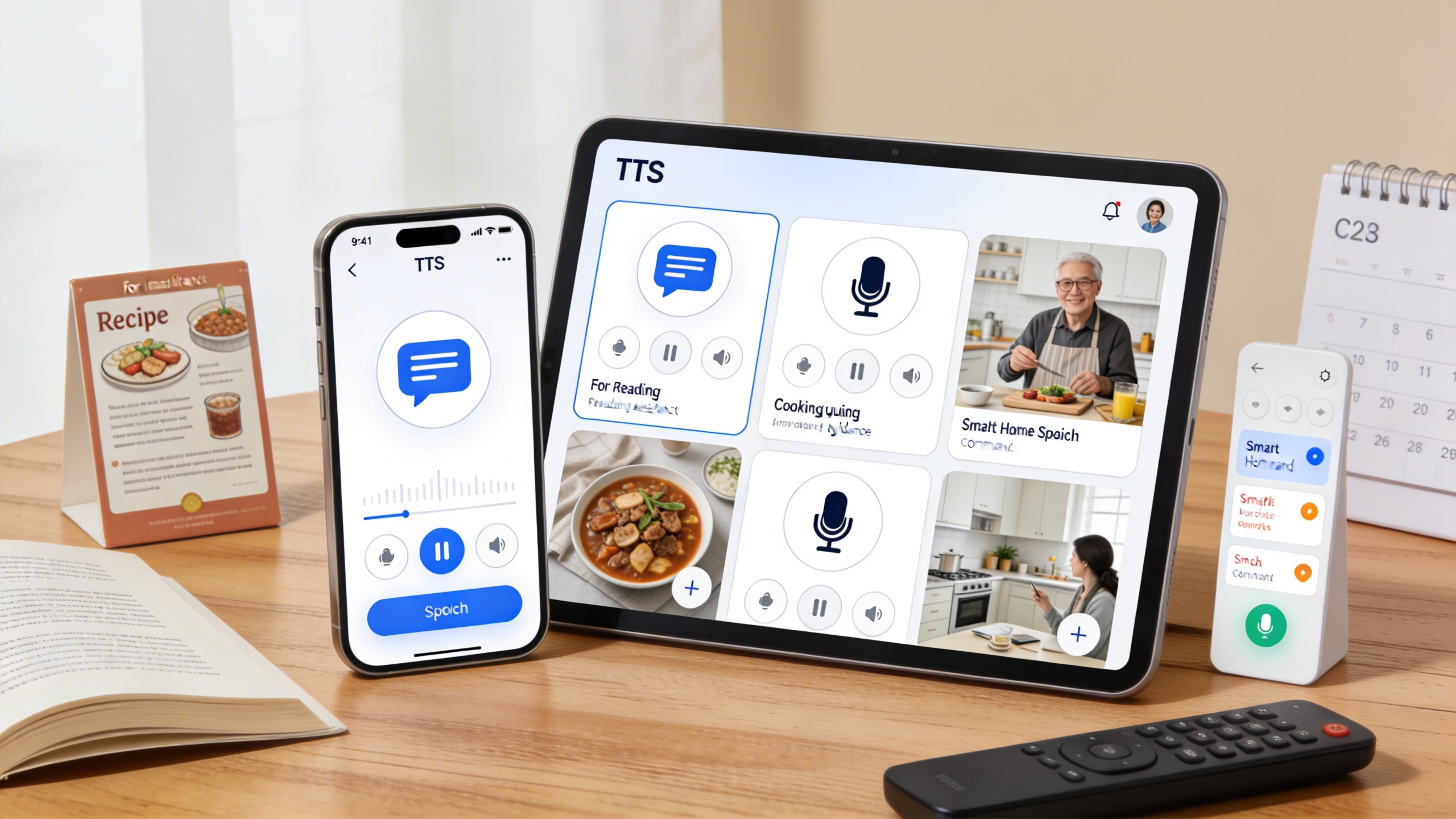
Mobile text to speech free solutions have transformed how users consume written content on smartphones and tablets. These applications leverage device-specific optimizations to deliver high-quality voice synthesis while managing battery consumption and storage constraints. Modern mobile TTS apps integrate seamlessly with accessibility features and offer offline capabilities that desktop solutions often lack.
iOS Free TTS Apps
Apple’s ecosystem provides robust built-in text to speech functionality through VoiceOver and Speak Screen features, accessible through Settings > Accessibility > Spoken Content. The native iOS voices offer excellent quality without requiring additional downloads, though users can enhance their experience with premium voice packages from the App Store.
Third-party iOS applications like Voice Dream Reader and NaturalReader expand functionality beyond basic system capabilities. These apps support multiple file formats, highlight text as it’s read, and provide granular speed controls. Most free versions include essential features with optional in-app purchases for premium voices or cloud synchronization.
Battery optimization on iOS devices automatically manages background processing for TTS applications. The system prioritizes audio playback while minimizing CPU usage, ensuring extended listening sessions without significant battery drain. Users can further optimize performance by downloading voices locally rather than relying on internet-dependent synthesis.
Android Voice Solutions
Android’s Google Text-to-Speech engine serves as the foundation for free text to speech across the platform. This system-level service powers countless applications and supports over 40 languages with natural-sounding voices. Users access these features through Settings > Accessibility > Text-to-Speech Output, where they can adjust speech rate, pitch, and voice selection.
Popular Android applications like @Voice Aloud Reader and Talk Free offer enhanced functionality beyond the standard Google TTS engine. These apps excel at reading web articles, documents, and ebooks while providing features like sleep timers, bookmarking, and customizable reading interfaces. The free versions typically include core functionality with optional premium upgrades.
Android’s flexible architecture allows users to install alternative TTS engines like eSpeak or SVOX Classic. These engines often provide unique voice characteristics or specialized language support that complement the default Google voices. Installation requires navigating to the engine’s settings and enabling it as an alternative synthesis option.
Cross-Device Synchronization
Modern free tts software increasingly supports synchronization across multiple devices, allowing users to begin listening on their smartphone and continue on their tablet or computer. Cloud-based solutions maintain reading progress, bookmarks, and voice preferences across platforms through user accounts.
Applications like Microsoft’s Immersive Reader and Google’s accessibility tools demonstrate effective cross-platform integration. These services synchronize user preferences and reading positions through cloud storage, ensuring consistent experiences whether accessing content through mobile apps or web browsers.
Voice download options play a crucial role in cross-device functionality. High-quality neural voices require significant storage space, making selective downloading essential for users with limited device memory. Most applications allow users to download specific language packs or voice personalities while maintaining access to basic synthesis engines for immediate use.
The integration between mobile ai text to speech free solutions and productivity workflows continues expanding. Users can now seamlessly convert meeting notes, research articles, and educational materials into audio format across their entire device ecosystem, creating flexible learning and accessibility solutions that adapt to different usage contexts and environments.
AI-Powered Free TTS Platforms
The evolution of artificial intelligence has revolutionized text to speech free solutions, introducing neural networks and machine learning algorithms that create remarkably human-like voices. These AI-powered platforms represent the cutting edge of voice synthesis technology, offering capabilities that were once exclusive to premium services.
Modern AI text to speech free platforms leverage deep learning models trained on vast datasets of human speech patterns. This training enables them to understand context, emotion, and linguistic nuances that traditional concatenative synthesis methods simply cannot match. The result is voice output that flows naturally, with appropriate pauses, inflections, and emotional undertones that make synthetic speech nearly indistinguishable from human narration.
Neural Voice Technology
Neural voice technology forms the backbone of today’s most advanced free text to speech solutions. These systems use neural networks to model the complex relationships between text and speech, learning from thousands of hours of recorded human voices to generate audio that captures subtle vocal characteristics.
Google’s WaveNet technology, available through their Cloud Text-to-Speech API with generous free tiers, exemplifies this approach. The platform offers neural voices that demonstrate remarkable clarity and emotional range. Similarly, Amazon Polly provides neural voices through their free tier, allowing up to 5 million characters monthly for text to audio free conversion.
Microsoft’s Azure Cognitive Services takes neural synthesis further by incorporating real-time voice customization. Their free tier includes access to neural voices that can adjust speaking style, emotion, and emphasis based on SSML (Speech Synthesis Markup Language) tags embedded within the text. This level of control was previously impossible with traditional TTS engines.
The technical advancement in neural voice technology means that free tts software can now handle complex scenarios like reading poetry with appropriate rhythm, delivering news with journalistic tone, or narrating stories with character-specific voices. These capabilities make AI-powered platforms suitable for professional content creation, educational materials, and accessibility applications.
Natural Language Processing Features
Advanced natural language processing distinguishes AI-powered platforms from simpler text to speech free tools. These systems analyze text context to make intelligent pronunciation decisions, handle abbreviations correctly, and apply appropriate emphasis to convey meaning effectively.
IBM Watson Text to Speech demonstrates sophisticated NLP capabilities through its free tier offering. The platform automatically detects and correctly pronounces technical terms, foreign words, and industry-specific jargon. It also applies contextual understanding to disambiguate words with multiple pronunciations, such as “read” (present tense) versus “read” (past tense).
OpenAI’s text-to-speech capabilities, while primarily API-focused, showcase how modern NLP can enhance voice synthesis. The system understands sentence structure, applies appropriate pauses at punctuation marks, and adjusts intonation based on question marks, exclamation points, and other textual cues.
These NLP features prove particularly valuable for educational content, where accurate pronunciation and natural flow significantly impact comprehension. Technical documentation, scientific papers, and multilingual content all benefit from the intelligent text processing that AI-powered platforms provide.
API Integration Options
Developer-friendly API integration sets AI-powered platforms apart from standalone applications. These APIs enable seamless integration into websites, mobile applications, and custom software solutions, making text to audio free conversion accessible within existing workflows.
Google Cloud Text-to-Speech API offers comprehensive documentation and client libraries for multiple programming languages. The free tier provides substantial monthly quotas, making it viable for small to medium-scale applications. The API supports real-time synthesis, batch processing, and custom voice selection through simple REST calls.
Amazon Polly’s API integration includes advanced features like speech marks, which provide metadata about the synthesized audio. This functionality enables developers to create synchronized visual experiences, such as highlighting text as it’s spoken or creating lip-sync animations for virtual characters.
Most AI-powered platforms provide generous free tiers with clear usage limits. Google offers 1 million characters monthly, Amazon provides 5 million characters for the first year, and Microsoft includes 500,000 characters monthly. These quotas accommodate substantial usage while encouraging developers to explore advanced features before committing to paid plans.
The combination of neural voice quality, intelligent text processing, and robust API access makes AI-powered platforms the most versatile option for users seeking professional-grade free text to speech capabilities.
Specialized Use Cases and Applications
Free text to speech technology has evolved far beyond basic reading assistance, opening doors to specialized applications that transform how we learn, work, and create content. Understanding these targeted use cases helps you select the right free TTS software for your specific needs and maximize the potential of voice technology in your daily workflow.
Educational and Learning Support
Students with learning disabilities benefit tremendously from text to speech free solutions that address specific challenges. Dyslexic learners often process auditory information more effectively than written text, making TTS tools essential for academic success. Research shows that students who struggle with reading comprehension can improve their understanding by up to 30% when using voice technology alongside traditional study methods.
Free text to speech applications excel in language learning scenarios, where proper pronunciation and rhythm are crucial. Students can input foreign language text and hear native-like pronunciation, helping them develop better speaking skills. Many educators integrate these tools into classroom activities, allowing students to follow along with textbooks while hearing the content read aloud, which reinforces both visual and auditory learning pathways.
For students taking extensive notes during lectures, combining voice technology with transcription tools creates a powerful learning system. While students focus on understanding concepts, Sozai can capture spoken content and convert it to text, which can then be processed through text to audio free services for later review sessions.
Accessibility and Assistive Technology
Visual impairment assistance represents one of the most critical applications for free TTS software. Screen readers powered by advanced text to speech engines enable blind and low-vision users to navigate websites, documents, and applications independently. Modern ai text to speech free platforms provide natural-sounding voices that reduce listener fatigue during extended use.
Motor disabilities that affect typing or writing also benefit from voice technology integration. Users can dictate content, which gets transcribed to text, then converted back to speech for proofreading and editing. This bidirectional approach ensures accuracy while accommodating different physical capabilities.
Cognitive accessibility improvements include support for users with attention disorders or memory challenges. Breaking down complex text into manageable audio segments helps maintain focus, while the ability to replay specific sections reinforces comprehension without requiring visual re-reading.
Content Creation and Podcasting
Content monetization possibilities have expanded significantly with high-quality free text to speech solutions. Independent creators can produce audiobook versions of their written content, reaching audiences who prefer audio consumption. While professional narration remains the gold standard, modern TTS technology offers a cost-effective alternative for testing market demand or creating supplementary audio content.
Podcast creators use text to audio free tools for various production elements, including intro and outro segments, sponsor messages, and even full episode narration for specific formats. The key lies in selecting voices that match your brand personality and ensuring consistent audio quality throughout your content.
Multilingual content creators particularly benefit from TTS technology, as they can produce content in multiple languages without hiring native speakers for each market. This approach allows rapid expansion into new geographic markets while maintaining professional presentation standards across all language versions.
Choosing the Right Free Text to Speech Solution
Selecting the ideal text to speech free solution requires a systematic approach that balances your immediate needs with long-term requirements. The abundance of options can make this decision overwhelming, but following a structured evaluation process ensures you invest time in learning the right platform.
Evaluation Criteria and Testing Methods
Start by defining your primary use case and testing each free text to speech option with your actual content. Create a standardized test document containing various text types: technical terms, numbers, punctuation-heavy sentences, and different paragraph lengths. This approach reveals how each platform handles real-world scenarios rather than idealized examples.
Audio quality should be your first priority when evaluating any text to audio free service. Listen for naturalness in speech patterns, proper pronunciation of industry-specific terms, and appropriate pacing. Test the same content across multiple voices within each platform, as quality can vary significantly between different voice models.
Consider processing speed and reliability, especially for time-sensitive projects. Some ai text to speech free platforms experience slowdowns during peak usage periods, while others maintain consistent performance. Document response times and any service interruptions during your evaluation period.
Integration capabilities matter significantly for workflow efficiency. Assess how easily each solution connects with your existing tools, whether through direct integrations, API access, or simple copy-paste workflows. The best free tts software should complement your current processes rather than disrupting them.
Common Pitfalls to Avoid
Avoid choosing solutions based solely on voice variety without testing actual output quality. Many platforms offer dozens of voices, but quantity doesn’t guarantee usability. Focus on finding three to five high-quality voices that serve your specific needs rather than access to countless mediocre options.
Don’t overlook usage limitations and restrictions. Free services often impose daily character limits, file size restrictions, or commercial use prohibitions. Understanding these constraints upfront prevents workflow disruptions later.
Resist the temptation to immediately upgrade to premium features without fully exploring free capabilities. Many users discover that free tiers provide sufficient functionality for their actual needs, saving unnecessary expenses.
Future-Proofing Your Choice
Select platforms with clear development roadmaps and active user communities. Services that regularly update their voice models and add new features demonstrate long-term viability. Check recent update histories and user feedback to gauge ongoing development momentum.
Consider the upgrade path when your needs eventually outgrow free limitations. Platforms offering seamless transitions to paid tiers with enhanced features provide better long-term value than those requiring complete workflow changes.
Evaluate data portability and export options. The ability to download generated audio files in standard formats ensures your content remains accessible even if you switch platforms later. This flexibility protects your investment in content creation and maintains workflow continuity.

