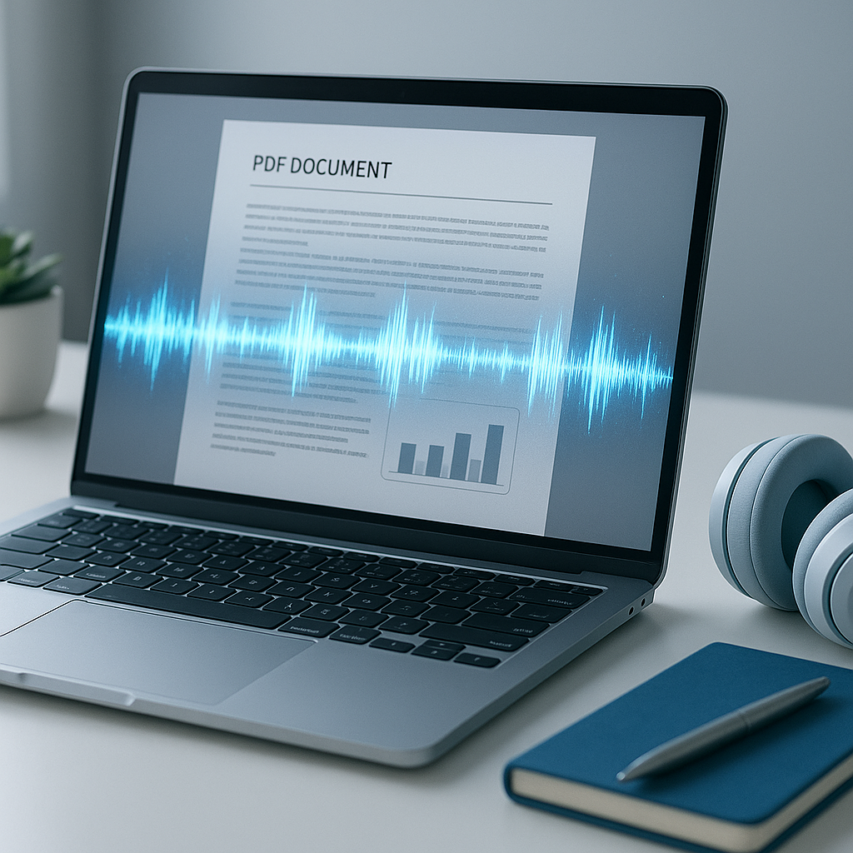
In our fast-paced digital world, the ability to consume written content while multitasking has become essential. Whether you’re a student cramming for exams during a commute, a busy professional trying to review reports while exercising, or someone with visual impairments or reading difficulties, a reliable pdf audio reader free solution can transform how you interact with documents. These innovative tools convert static PDF files into engaging audio experiences, allowing you to absorb information through your ears rather than your eyes.
Modern text-to-speech technology has evolved dramatically from the robotic, monotone voices of the past. Today’s best audio text reader free applications deliver remarkably natural-sounding speech with proper pronunciation, appropriate pacing, and even emotional inflection. Advanced AI algorithms can now handle complex document formatting, mathematical equations, and technical terminology with impressive accuracy.
This comprehensive guide explores ten exceptional free PDF audio readers across different platforms and use cases. You’ll discover browser-based solutions for quick conversions, powerful desktop applications for extensive document libraries, mobile apps for on-the-go listening, and specialized accessibility tools designed for users with specific needs. We’ll also share expert tips for optimizing your audio reading experience and choosing the perfect tool for your workflow.
What Are PDF Audio Readers and Why You Need One
A PDF audio reader is a specialized software tool that converts written text within PDF documents into spoken words using advanced text-to-speech technology. These applications analyze the text content of your PDF files and generate natural-sounding audio narration, essentially transforming any document into an audiobook experience. Whether you’re dealing with research papers, business reports, or educational materials, a pdf audio reader free solution can revolutionize how you consume written information.
The technology works by extracting text from PDF files and processing it through sophisticated speech synthesis engines. Modern solutions can handle complex document layouts, maintain proper pronunciation of technical terms, and even navigate around images and formatting elements seamlessly. This makes them invaluable for anyone who needs to process large volumes of text efficiently.
Understanding Text-to-Speech Technology
Text-to-speech technology has evolved dramatically from the robotic voices of early systems to today’s remarkably human-like speech synthesis. Contemporary audio text reader free applications utilize neural networks and machine learning algorithms to produce voices that sound natural and engaging. These systems can interpret punctuation for proper pauses, adjust intonation for questions and statements, and even handle different languages within the same document.
The core process involves several sophisticated steps: optical character recognition (OCR) for scanned PDFs, text preprocessing to handle formatting and special characters, linguistic analysis for proper pronunciation, and finally audio synthesis. Advanced pdf to audio reader tools can also recognize document structure, automatically adjusting reading patterns for headers, bullet points, and footnotes.
Modern speech engines offer multiple voice options, including different genders, accents, and speaking styles. This variety ensures users can find a voice that matches their preferences and maintains their attention during longer reading sessions.
Benefits for Different User Groups
Students benefit enormously from online pdf audio reader solutions, particularly when reviewing lecture notes, textbooks, or research materials. The ability to listen while taking notes or performing other tasks can significantly improve study efficiency. Many students find they retain information better when combining visual and auditory learning methods.
Professionals who handle extensive documentation—lawyers reviewing contracts, researchers analyzing papers, or executives going through reports—can use these tools to multitask effectively. They can listen to documents during commutes, exercise sessions, or while performing routine tasks, maximizing their productive hours.
Individuals with visual impairments or reading difficulties such as dyslexia find PDF audio readers essential for accessing written content. These tools provide independence and equal access to information that might otherwise be challenging to consume. The technology serves as a bridge, ensuring that document format doesn’t become a barrier to information access.
Language learners also discover significant value in hearing proper pronunciation while following along with text, improving both comprehension and speaking skills simultaneously.
Key Features to Look For
When selecting a read pdf aloud online free solution, voice quality should be your primary consideration. Look for tools that offer multiple high-quality voice options with natural intonation and clear pronunciation. The difference between a robotic voice and a natural-sounding one can dramatically impact your listening experience and comprehension.
Speed control functionality is crucial for customizing your listening experience. Quality applications provide variable playback speeds, allowing you to slow down complex passages or accelerate through familiar content. Most users find speeds between 150-200 words per minute optimal for comprehension.
Format support extends beyond basic PDFs to include scanned documents, password-protected files, and various text formats. The best tools can handle both text-based and image-based PDFs, automatically applying OCR when necessary.
Additional valuable features include highlighting synchronization that follows along with the audio, bookmark functionality for easy navigation, and the ability to export audio files for offline listening. Some applications also offer integration with cloud storage services, making it easy to access your documents across multiple devices.
User interface design matters significantly for daily use. Look for intuitive controls, keyboard shortcuts, and the ability to customize the reading experience to match your workflow preferences.
Top Browser-Based PDF Audio Readers
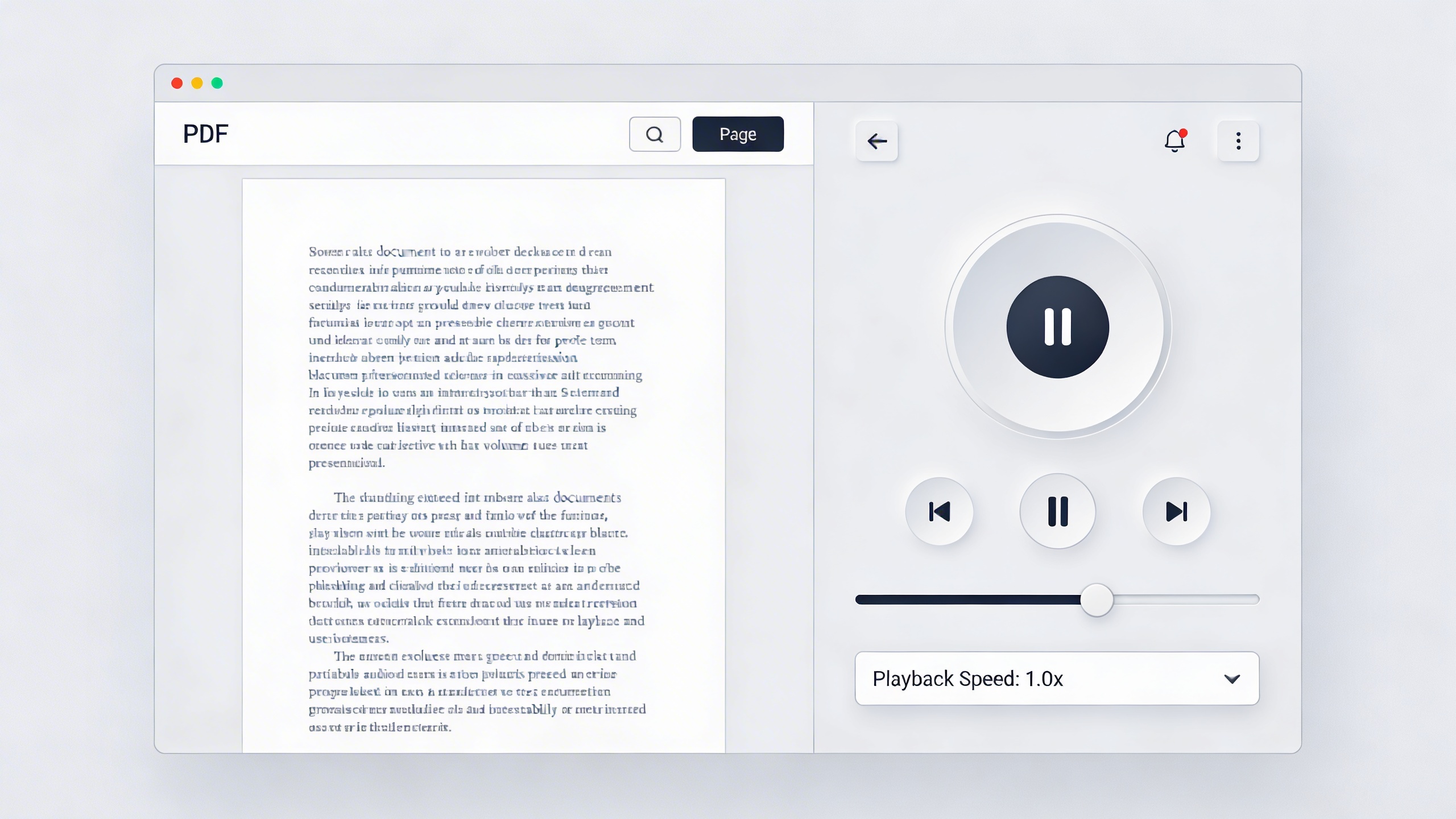
Browser-based PDF audio readers offer immediate access without software installation, making them perfect for quick document conversion needs. These web-based solutions range from simple text-to-speech tools to sophisticated platforms with advanced voice customization options.
Online Tools with No Download Required
Several online platforms excel at converting PDF documents to audio without requiring any software installation. Natural Reader stands out as a comprehensive pdf audio reader free solution, supporting multiple file formats including PDF, Word, and plain text. Users simply upload their document, select from dozens of natural-sounding voices, and begin listening immediately.
TTSReader provides another excellent option for those seeking to read pdf aloud online free. This platform offers adjustable reading speeds, voice selection, and the ability to highlight text as it’s being read. The interface remains clean and distraction-free, focusing entirely on the listening experience.
Speechify’s web version delivers premium voice quality through its online interface. While the platform offers paid features, the free tier provides sufficient functionality for most users. The service excels at handling complex PDF layouts and maintains proper pronunciation of technical terms and proper nouns.
For users requiring quick conversions, ReadSpeaker’s online demo serves as an effective audio text reader free solution. The platform processes uploaded PDFs rapidly and offers multiple voice options across different languages and accents.
Browser Extension Solutions
Browser extensions integrate PDF reading capabilities directly into your web browsing experience, eliminating the need to switch between applications. These tools work seamlessly with PDF files opened in browser tabs, providing instant access to text-to-speech functionality.
The Read Aloud extension for Chrome and Firefox transforms any PDF opened in the browser into an audio experience. This pdf to audio reader extension detects text automatically and begins reading with a single click. Users can adjust playback speed, skip between paragraphs, and even save audio files for offline listening.
Voice Dream Reader’s browser extension offers advanced features including voice customization, reading position tracking, and integration with popular cloud storage services. The extension maintains reading progress across sessions, allowing users to resume exactly where they left off.
SpeakIt! provides a lightweight solution for basic PDF audio conversion needs. This extension focuses on simplicity, offering essential features like play, pause, and speed adjustment without overwhelming users with complex options. The tool works particularly well with academic papers and research documents.
Mercury Reader combined with text-to-speech extensions creates a powerful reading environment. This combination strips away distracting elements from web-based PDFs and presents clean text that audio readers can process more effectively.
Cloud-Based Reading Platforms
Cloud-based platforms offer the most comprehensive approach to PDF audio reading, providing synchronization across multiple devices and advanced document management features. These services store user preferences, reading history, and document libraries in the cloud.
Immersive Reader from Microsoft integrates with various web applications and provides robust PDF audio reading capabilities. The platform offers dyslexia-friendly features, translation options, and customizable reading environments. Users can access their documents from any device while maintaining consistent reading preferences.
Google’s built-in accessibility features work effectively as an online pdf audio reader when combined with Google Drive’s PDF viewer. Users can upload documents to Drive, open them in the browser, and activate Chrome’s native text-to-speech functionality for immediate audio conversion.
NaturalReader’s cloud platform synchronizes reading progress across desktop and mobile devices. The service maintains a personal library of converted documents, allowing users to continue listening on different devices without losing their place. Premium features include faster processing speeds and higher-quality voice options.
Adobe Acrobat’s online platform includes basic read-aloud functionality for PDF documents stored in Adobe Document Cloud. While not as feature-rich as dedicated audio reading platforms, the integration provides convenient access for users already working within the Adobe ecosystem.
These browser-based solutions eliminate installation barriers while providing immediate access to PDF audio conversion. Whether you need a quick one-time conversion or a comprehensive cloud-based reading platform, these tools offer flexibility and convenience for transforming written content into engaging audio experiences. The key advantage lies in their accessibility—users can begin converting PDFs to audio within seconds of discovering the need, regardless of their device or operating system.
Best Desktop PDF Audio Reader Applications
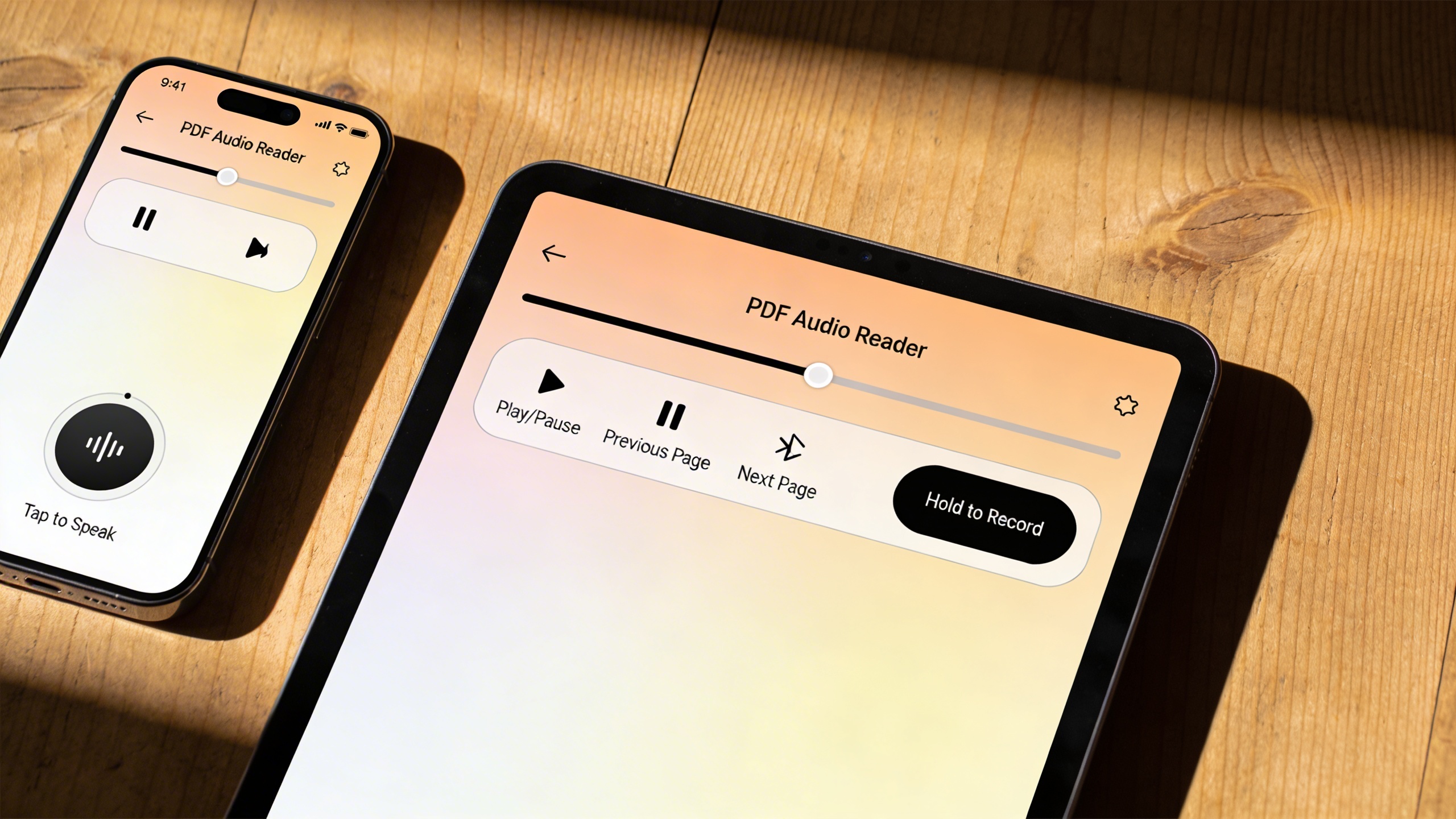
While browser-based solutions offer convenience, desktop PDF audio reader applications provide superior performance, offline functionality, and advanced features that power users demand. These applications excel at handling large documents, offer extensive customization options, and deliver consistent audio quality without internet dependency.
Windows-Compatible Solutions
Windows users have access to several robust pdf audio reader free applications that integrate seamlessly with the operating system. Natural Reader Desktop stands out as a comprehensive solution, offering high-quality text-to-speech conversion with support for multiple file formats including PDF, Word, and plain text. The application provides offline functionality, making it ideal for users who need to read pdf aloud online free without internet connectivity.
Balabolka represents another excellent Windows option, featuring extensive voice customization capabilities and batch processing functionality. This audio text reader free application supports SAPI 4 and SAPI 5 voices, allowing users to fine-tune speech rate, pitch, and volume settings. The software can convert entire PDF libraries into audio files, making it particularly valuable for creating audiobook collections or study materials.
Microsoft’s built-in Narrator has evolved significantly, now offering improved PDF reading capabilities. While not as feature-rich as dedicated applications, it provides basic pdf to audio reader functionality with seamless Windows integration and accessibility features designed for visually impaired users.
Mac and Cross-Platform Options
Mac users benefit from both native and cross-platform solutions that deliver exceptional PDF audio reading experiences. The built-in VoiceOver utility provides comprehensive accessibility features, including PDF text recognition and natural speech synthesis. However, dedicated applications offer more specialized functionality for document consumption.
Adobe Acrobat Reader DC serves as an excellent cross-platform option, available for Windows, Mac, and mobile devices. Its read-aloud feature supports continuous reading through multi-page documents with customizable voice settings. The application maintains synchronization across devices, allowing users to continue listening to documents seamlessly across different platforms.
Voice Dream Reader, while primarily known as a mobile application, offers desktop functionality through its web interface. This online pdf audio reader provides advanced text processing capabilities, including support for complex PDF layouts, tables, and footnotes. The application excels at handling academic papers and technical documents that often challenge other readers.
For users requiring transcription capabilities alongside PDF reading, applications like Sozai provide comprehensive voice technology solutions. While primarily focused on transcription and voice-to-text functionality, such tools complement PDF audio readers by enabling users to create searchable text from audio content.
Advanced Features for Power Users
Professional users require sophisticated features that go beyond basic text-to-speech conversion. Batch processing capabilities allow users to convert multiple PDF files simultaneously, creating audio libraries for offline consumption. Applications like NaturalReader Professional and TextAloud offer queue management systems that process documents in sequence, enabling users to create comprehensive audio collections efficiently.
Custom voice installation represents another crucial feature for power users. Advanced applications support third-party voice engines, including premium neural voices that deliver near-human speech quality. These voices often provide better pronunciation of technical terms, proper names, and foreign words commonly found in academic and professional documents.
| Feature | Basic Applications | Advanced Solutions |
|---|---|---|
| Voice Quality | Standard system voices | Neural and premium voices |
| Batch Processing | Single file conversion | Multiple file queues |
| Export Options | Limited formats | MP3, WAV, OGG, M4A |
| Document Support | Basic PDF text | Complex layouts, tables, images |
Speed control and bookmark functionality enable efficient navigation through lengthy documents. Users can adjust playback speed for optimal comprehension while maintaining natural speech patterns. Advanced bookmarking systems allow readers to mark important sections, create chapter divisions, and resume playback from specific locations.
Integration with cloud storage services streamlines document management for users working across multiple devices. Applications that sync reading progress, bookmarks, and custom settings ensure consistent experiences regardless of the access point, making desktop PDF audio readers essential tools for modern document consumption workflows.
Mobile PDF Audio Readers for On-the-Go Listening
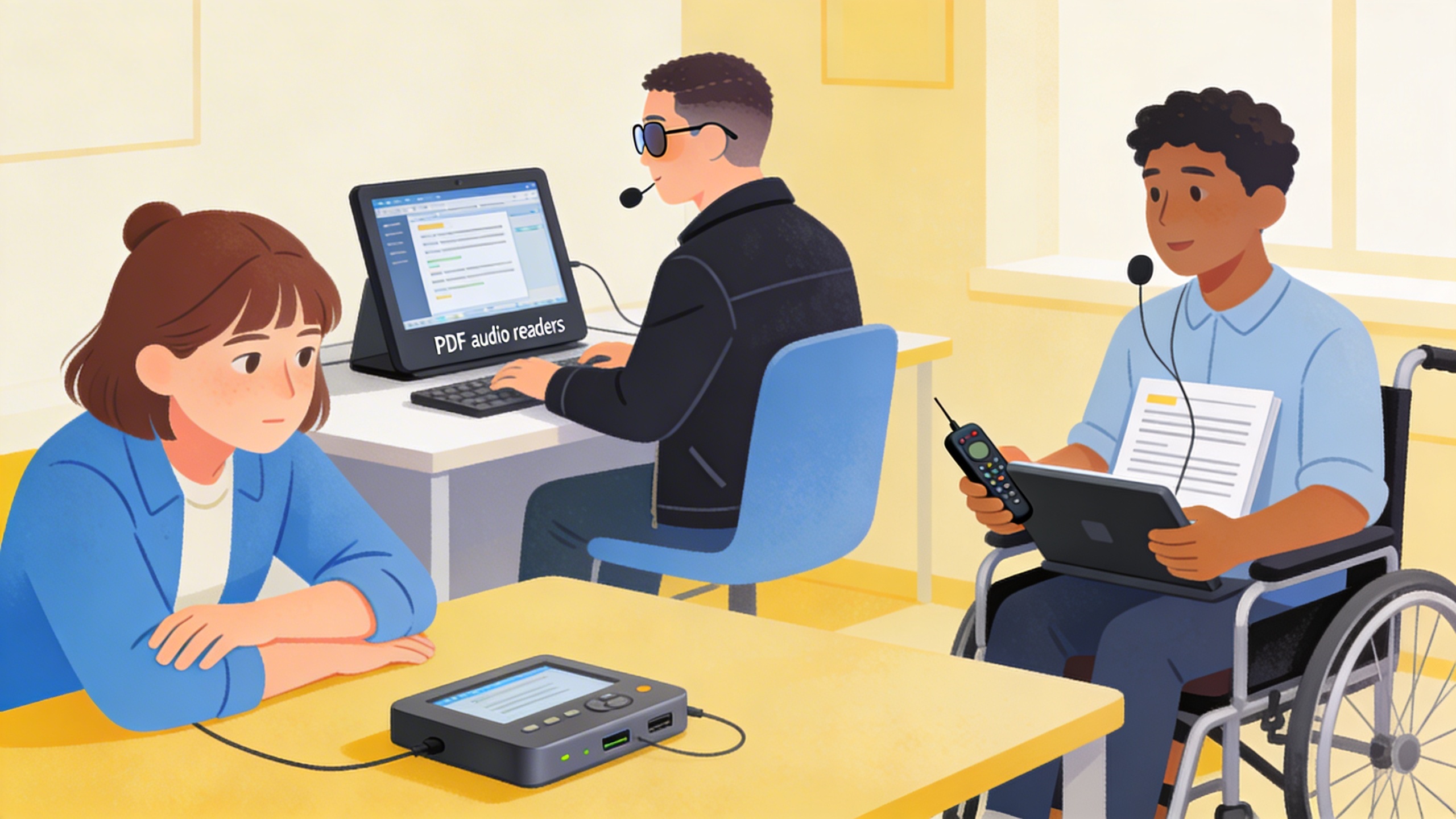
Mobile devices have transformed how we consume content, and PDF audio readers designed for smartphones and tablets offer unprecedented flexibility for listening to documents anywhere. Whether you’re commuting, exercising, or multitasking, these mobile solutions ensure your important documents are always accessible through natural-sounding speech synthesis.
iOS Audio Reading Apps
Apple’s iOS ecosystem provides several excellent options for converting PDFs to audio. The built-in VoiceOver accessibility feature works with any PDF viewer, but dedicated apps offer more refined experiences. Voice Dream Reader stands out as a premium option that handles complex document formatting exceptionally well, supporting multiple voice options and reading speeds.
For users seeking a pdf audio reader free solution, NaturalReader’s iOS app provides solid functionality without cost barriers. The app processes documents locally on your device, ensuring privacy while delivering clear pronunciation of technical terms and proper names. Its bookmark feature helps you resume listening exactly where you left off during previous sessions.
Speechify has gained popularity among iOS users for its intuitive interface and high-quality voice synthesis. While the premium version offers additional features, the free tier provides sufficient functionality for most users who want to read pdf aloud online free through their mobile devices.
Android PDF Voice Solutions
Android’s open ecosystem enables diverse approaches to PDF audio conversion. Google’s own TalkBack service integrates seamlessly with PDF readers like Adobe Acrobat Reader, creating an audio text reader free experience that works across different document types.
eReader Prestigio offers comprehensive PDF support with built-in text-to-speech capabilities. The app excels at handling large documents and technical papers, making it ideal for students and professionals who need reliable audio conversion. Its offline functionality ensures you can listen to documents even without internet connectivity.
Moon+ Reader Pro, while primarily designed for ebooks, handles PDFs effectively and includes customizable voice settings. Users can adjust speaking rates, select different voice engines, and create reading schedules for lengthy documents.
Cross-Platform Mobile Options
Several applications work seamlessly across both iOS and Android platforms, providing consistent experiences regardless of your device preference. These cross-platform solutions often synchronize your reading progress and preferences across devices.
Microsoft’s Immersive Reader technology, available through various Office apps, transforms any PDF into an engaging audio experience. The feature includes highlighting that follows along with the speech, making it easier to follow complex documents visually while listening.
For users who frequently switch between devices, cloud-based solutions like the online pdf audio reader features in Google Drive work consistently across platforms. Simply upload your PDF to Drive, open it with Google Docs, and use the built-in accessibility features to convert text to speech.
Adobe Acrobat Reader remains one of the most reliable cross-platform options, offering consistent pdf to audio reader functionality across iOS and Android. The app’s read-aloud feature handles complex layouts, tables, and multi-column documents effectively, though the voice quality depends on your device’s built-in speech synthesis engine.
When selecting mobile PDF audio readers, consider factors like offline capability, voice quality, document format support, and integration with your existing workflow. Many professionals find that combining a dedicated mobile app with cloud storage creates the most flexible solution for accessing audio versions of their documents anywhere.
Battery optimization becomes crucial for extended listening sessions. Most modern apps include power-saving features that reduce screen brightness and minimize background processing while maintaining audio playback quality. This ensures you can listen to lengthy documents without depleting your device’s battery unnecessarily.
Accessibility-Focused PDF Audio Tools
When choosing a pdf audio reader free solution, accessibility features often make the difference between a functional tool and a truly transformative experience. These specialized applications go beyond basic text-to-speech conversion to provide comprehensive support for users with diverse needs and learning differences.
Solutions for Visual Impairments
Screen readers like NVDA (NonVisual Desktop Access) and JAWS offer robust PDF reading capabilities specifically designed for users with visual impairments. NVDA provides completely free access to PDF content through advanced navigation features, including heading navigation, table reading, and form field identification. Users can jump between sections, read content line by line, or have entire documents read continuously.
Voice Dream Reader stands out as a comprehensive audio text reader free solution that works seamlessly with screen readers while offering enhanced PDF processing. The application automatically detects document structure, announces page numbers, and provides spatial audio cues to help users understand document layout. Its integration with iOS and Android accessibility services ensures compatibility with existing assistive technology setups.
For web-based needs, ChromeVox extension transforms any online pdf audio reader into an accessible experience. It announces PDF content structure, provides keyboard shortcuts for rapid navigation, and works with Google Drive’s built-in PDF viewer to create a seamless workflow for document access.
Learning Disability Support Features
Immersive Reader, Microsoft’s accessibility tool, offers specialized features for users with dyslexia, ADHD, and other learning differences. When processing PDFs through Edge browser or Office applications, it provides syllable breaks, adjustable reading speed, and picture dictionary support. The tool highlights text as it reads, helping users follow along and improve reading comprehension.
Read&Write for Google Chrome serves as a powerful pdf to audio reader with learning-focused features. It offers word prediction, vocabulary support, and customizable highlighting colors that help users with processing difficulties. The extension can read PDF content while providing definitions for complex terms and breaking down multi-syllable words into manageable segments.
Natural Reader’s learning disability support includes focus modes that highlight individual words or sentences, reducing visual overwhelm for users with attention challenges. The platform’s speed control and pause functionality allow learners to process information at their own pace, while its rewind feature helps reinforce difficult concepts.
Customization Options for Different Needs
Advanced customization transforms standard PDF readers into personalized accessibility tools. Balabolka offers extensive voice parameter adjustments, including pitch, rate, and volume controls that accommodate individual hearing preferences and processing speeds. Users can create custom pronunciation dictionaries for technical terms, names, or specialized vocabulary frequently encountered in their documents.
ClaroRead provides visual customization alongside audio features, offering background color changes, font modifications, and text spacing adjustments. These visual accommodations work in tandem with speech output to create a multi-sensory reading experience. The application’s reading ruler and word tracking features help users maintain focus while listening to PDF content.
Browser-based solutions like SpeechTexter offer customizable hotkey configurations, allowing users to control playback without mouse interaction. This feature particularly benefits users with motor impairments who rely on keyboard navigation. The platform’s bookmark system enables users to save specific PDF sections for later review, creating a personalized library of important content.
Many accessibility-focused tools now integrate with cloud storage services, ensuring that customization preferences and document libraries remain synchronized across devices. This seamless experience allows users to maintain their preferred settings whether accessing PDFs on desktop computers, tablets, or smartphones.
How to Choose the Right PDF Audio Reader
Selecting the ideal PDF audio reader requires careful evaluation of several key factors that directly impact your listening experience. Whether you need a pdf audio reader free for occasional use or a comprehensive solution for daily document consumption, understanding these criteria will help you make an informed decision that matches your specific requirements.
Evaluating Voice Quality and Natural Speech
Voice quality stands as the most critical factor when choosing any audio text reader free solution. Modern text-to-speech engines vary dramatically in their ability to produce natural-sounding speech that maintains listener engagement over extended periods.
Test potential readers with documents containing complex terminology, numbers, and punctuation marks. High-quality engines handle abbreviations correctly, pause appropriately at commas and periods, and pronounce technical terms accurately. Listen for robotic inflections, unnatural pauses, or mispronunciations that could disrupt your comprehension.
Pay attention to voice customization options, including speed adjustment, pitch control, and multiple voice selections. Premium solutions offer neural voices that sound remarkably human, while basic readers may rely on older synthesis technology that produces mechanical-sounding output. Consider whether the reader supports SSML (Speech Synthesis Markup Language) for enhanced pronunciation control.
Comparing File Format Support
Comprehensive file format compatibility ensures your chosen pdf to audio reader can handle diverse document types without requiring constant file conversions. Beyond standard PDF support, evaluate whether the tool processes Word documents, EPUB files, plain text, and web pages effectively.
Some readers excel with simple text-based PDFs but struggle with complex layouts, tables, or documents containing images with embedded text. Test your preferred tools with representative samples of your typical documents, including scanned PDFs that require OCR processing and multi-column layouts that challenge reading order accuracy.
Consider cloud storage integration capabilities, particularly if you frequently access documents from Google Drive, Dropbox, or OneDrive. Advanced readers can import directly from these platforms, eliminating the need for manual file transfers. Additionally, verify whether the tool supports password-protected PDFs and maintains formatting when processing technical documents.
Assessing User Interface and Ease of Use
An intuitive interface significantly impacts your daily interaction with any online pdf audio reader. Evaluate the learning curve required to access core features like playback controls, voice settings, and document navigation. Well-designed readers provide clear visual indicators for reading progress and offer keyboard shortcuts for efficient operation.
Mobile users should prioritize apps with responsive designs that function smoothly across different screen sizes. Desktop applications benefit from features like system tray integration, global hotkeys, and the ability to read content from any application window. Browser-based solutions should load quickly and maintain functionality without requiring plugin installations.
Consider workflow integration capabilities, especially if you plan to use the reader alongside note-taking applications or research tools. Some advanced readers can export audio files for offline listening or integrate with productivity platforms for seamless document management. For users who frequently work with transcribed content, tools like Sozai offer complementary voice-to-text capabilities that enhance overall document workflow efficiency.
Test the reader’s performance with your typical document sizes and complexity levels. Solutions that excel with short articles may struggle with lengthy reports or technical manuals, while others maintain consistent performance regardless of document length.
Tips for Optimizing Your PDF Audio Reading Experience
Getting the most from your pdf audio reader free tools requires strategic preparation and smart configuration. These optimization techniques will help you transform any document into a smooth, productive listening experience that rivals professional audiobooks.
Preparing Documents for Better Audio Conversion
Document preparation significantly impacts audio quality when you read pdf aloud online free. Start by ensuring your PDF contains selectable text rather than scanned images. If working with image-based PDFs, run them through optical character recognition (OCR) software first to create searchable text layers.
Remove unnecessary elements that disrupt audio flow. Headers, footers, page numbers, and watermarks create jarring interruptions during playback. Many PDF editors allow you to delete these elements before feeding documents to your audio text reader free tool. For academic papers, consider removing reference citations and footnote numbers that sound awkward when spoken aloud.
Break large documents into logical chapters or sections. Most pdf to audio reader applications handle shorter documents more efficiently, and you can create natural stopping points for extended listening sessions. This approach also helps with memory retention and allows for better progress tracking.
Adjusting Speed and Voice Settings
Finding your optimal listening speed requires experimentation across different content types. Technical documents often benefit from slower speeds around 150-200 words per minute, while fiction and general content work well at 200-250 words per minute. Most online pdf audio reader tools offer playback speeds from 0.5x to 3x normal rate.
Voice selection dramatically affects comprehension and enjoyment. Choose voices that match your content—professional male or female voices for business documents, warmer tones for leisure reading. Test different voices with sample paragraphs before committing to long documents. Some readers prefer switching voices between speakers in dialogue-heavy content.
Adjust pronunciation settings for specialized terminology. Many tools allow custom pronunciation dictionaries where you can specify how technical terms, proper names, or acronyms should be spoken. This prevents awkward mispronunciations that break concentration during important passages.
Creating Efficient Reading Workflows
Establish consistent workflows that maximize your productivity with audio reading. Create dedicated folders for different document types—work materials, educational content, and leisure reading—each with optimized settings profiles. This organization saves time and ensures appropriate voice and speed configurations.
Combine audio reading with other activities strategically. Light exercise, commuting, and routine tasks pair well with educational content, while complex technical documents require focused attention. For lengthy documents, alternate between audio consumption and traditional reading to maintain engagement and comprehension.
Implement bookmark and note-taking systems that work across your devices. Many tools sync progress and annotations, allowing seamless transitions between desktop and mobile listening sessions. This flexibility ensures you never lose your place or important insights during extended reading projects.

