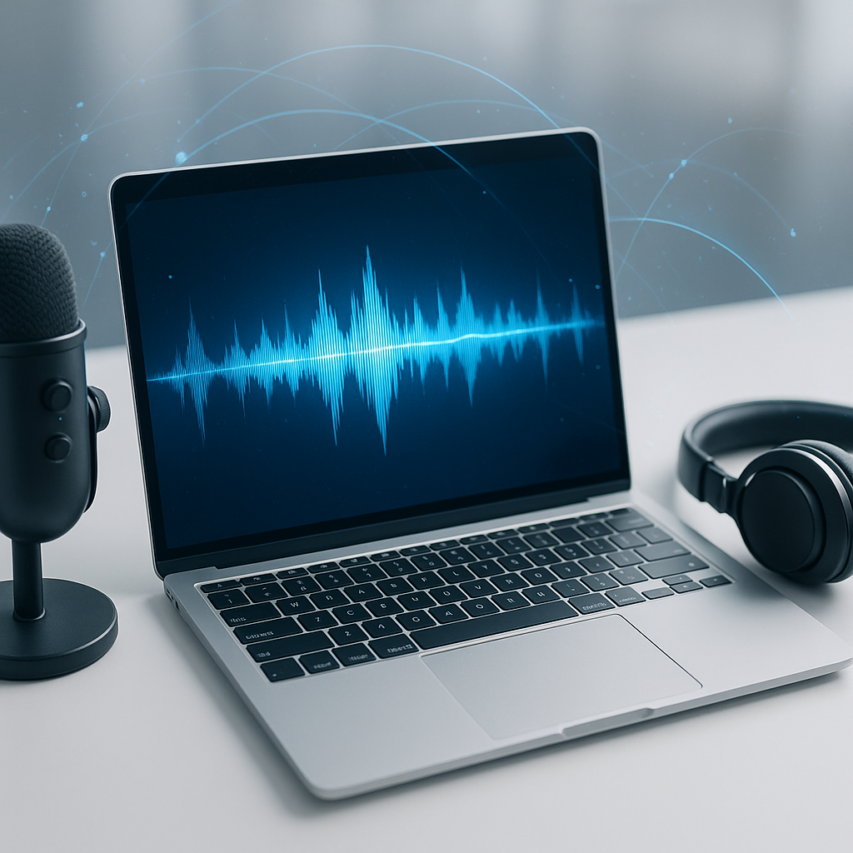
Converting spoken words into written text has become an essential productivity tool in our digital-first world. Whether you’re a student recording lectures, a journalist conducting interviews, or a business professional taking meeting notes, a reliable free audio to text converter can save hours of manual typing while improving accuracy and efficiency. These powerful tools use advanced speech recognition technology to automatically transcribe audio files, voice recordings, and live speech into editable text documents.
Finding the right audio to text converter free solution can be challenging with dozens of options available, each offering different features, accuracy levels, and file format support. Some tools excel at real-time transcription for meetings and calls, while others specialize in processing pre-recorded audio files with multiple speakers or background noise. The key factors to consider include transcription accuracy, supported file formats, language options, editing capabilities, and integration with your existing workflow.
This comprehensive guide will walk you through the best free audio file to text converter options available today, helping you understand how these tools work, what features matter most, and how to achieve the highest transcription accuracy for your specific needs. You’ll learn practical tips for optimizing your audio quality, comparing free versus premium services, and implementing these tools into common use cases across education, business, and content creation.
What Are Audio to Text Converters and How Do They Work
Audio to text converters are sophisticated software applications that transform spoken words in audio files into written text through automated speech recognition (ASR) technology. These tools have revolutionized how professionals handle meeting recordings, interviews, lectures, and personal voice notes by eliminating the time-consuming process of manual transcription.
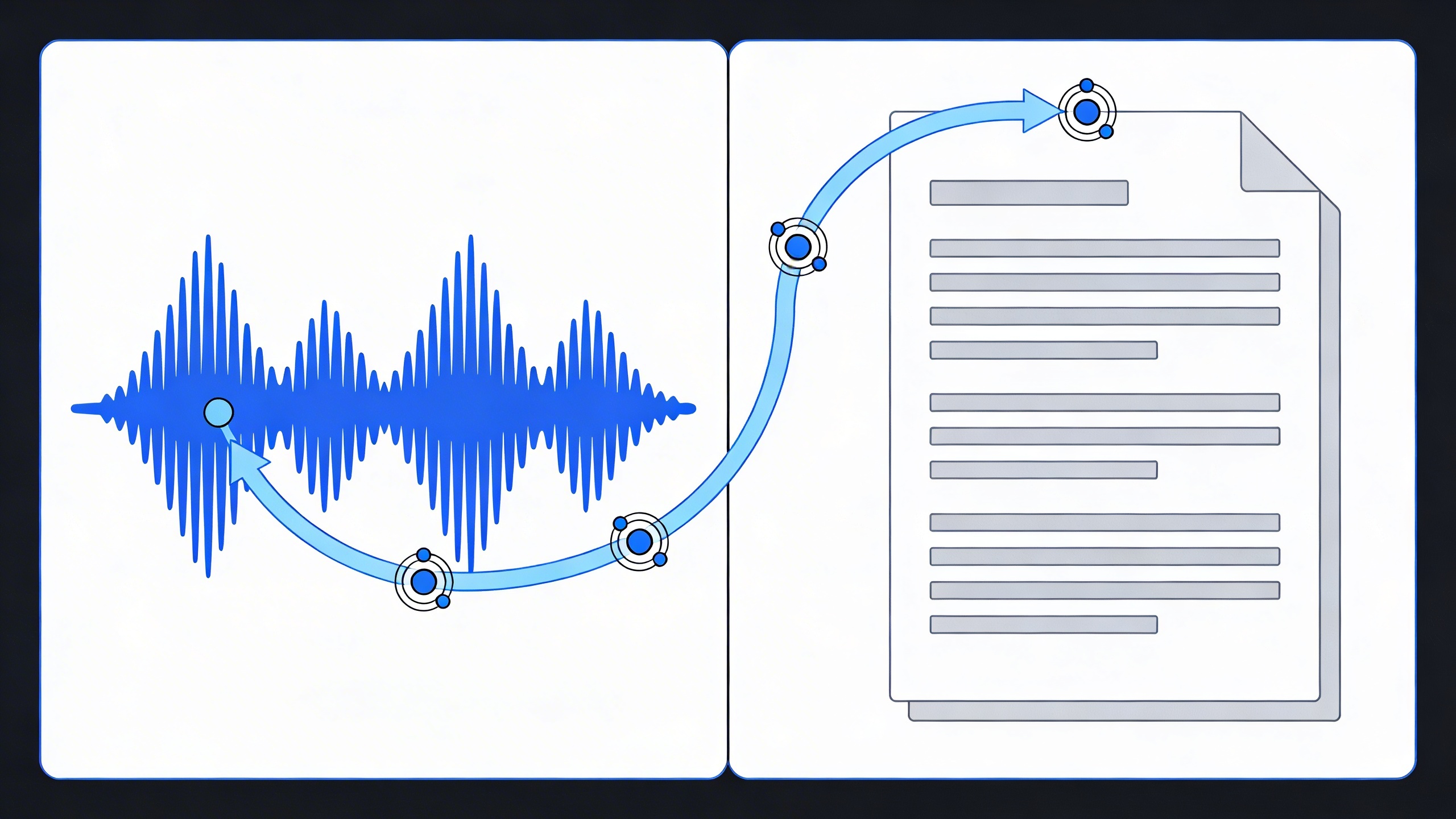
The core function of any audio to text converter involves analyzing sound waves, identifying speech patterns, and converting those patterns into readable text. Modern solutions range from simple free audio to text converter tools that handle basic recordings to advanced enterprise platforms that process multiple languages and technical terminology with remarkable precision.
Understanding Speech Recognition Technology
Automatic Speech Recognition technology operates through a multi-layered process that mimics human hearing and comprehension. When you upload an audio file to a free audio file to text converter, the software first breaks down the audio into small segments, typically measuring milliseconds in duration.
The system then applies acoustic modeling to identify phonemes—the smallest units of sound that distinguish one word from another. These phonemes are matched against vast linguistic databases containing pronunciation patterns, grammar rules, and contextual relationships between words. Machine learning algorithms continuously refine this process by analyzing millions of speech samples to improve recognition accuracy.
Neural networks play a crucial role in modern audio to text free solutions, enabling the software to understand context, handle accents, and distinguish between similar-sounding words based on surrounding phrases. This contextual understanding allows the system to correctly transcribe “there,” “their,” and “they’re” based on grammatical context rather than sound alone.
Types of Audio Input Formats
Most audio to text converter free tools support a wide variety of file formats to accommodate different recording devices and quality preferences. Common supported formats include:
- MP3 – The most widely used compressed format, ideal for longer recordings with reasonable quality
- WAV – Uncompressed format offering highest audio quality, preferred for professional transcription
- M4A – Apple’s format commonly used by iPhone voice memos and Mac recordings
- FLAC – Lossless compression format that maintains audio quality while reducing file size
- OGG – Open-source format with good compression and quality balance
File size limitations vary significantly between platforms. Basic free audio to text converter services typically accept files up to 25MB, while premium solutions can handle several gigabytes. Recording quality recommendations include sampling rates of at least 16kHz and bit depths of 16-bit or higher for optimal transcription accuracy.
Some platforms also accept video files (MP4, AVI, MOV) and extract audio automatically, making them versatile for transcribing recorded meetings, webinars, or video interviews without requiring separate audio extraction tools.
Accuracy Factors and Limitations
Transcription accuracy depends on multiple interconnected factors that users should understand before selecting an audio to text converter. Audio quality serves as the foundation—clear recordings with minimal background noise consistently produce superior results compared to distant or muffled audio.
Speaker characteristics significantly impact performance. Native speakers with clear pronunciation typically achieve 90-95% accuracy rates, while heavy accents, rapid speech, or mumbling can reduce accuracy to 70-80%. Multiple speakers in the same recording present additional challenges, as the system must distinguish between voices and attribute text correctly.
Environmental factors also influence results. Professional studio recordings with controlled acoustics perform better than casual phone recordings or outdoor interviews with wind noise. Technical terminology, proper nouns, and industry-specific jargon often require manual correction, as these words may not exist in the software’s training database.
Even the best free audio file to text converter tools have inherent limitations. They may struggle with emotional inflection, sarcasm, or cultural references that humans easily understand. Punctuation placement, while improved in recent years, still requires human review for formal documents. Users should expect to spend 10-20% of the original audio duration reviewing and correcting transcriptions, even with high-quality recordings.
Understanding these capabilities and limitations helps set realistic expectations and choose the most appropriate tool for specific transcription needs, whether for casual note-taking or professional documentation requirements.
Top Free Audio to Text Converter Tools
The landscape of free audio to text converter tools has evolved dramatically, offering users powerful transcription capabilities without the hefty price tags. Whether you need to transcribe interviews, convert meeting recordings, or transform voice memos into written text, these tools provide reliable solutions for various transcription needs.
Browser-Based Transcription Services
Browser-based tools offer the convenience of immediate access without software installation, making them ideal for quick transcription tasks and users who work across multiple devices.
Google Docs Voice Typing stands out as a completely free audio to text converter that works directly in your browser. While primarily designed for real-time dictation, it can transcribe audio played through your speakers with some creative workarounds. The tool supports over 40 languages and integrates seamlessly with Google’s ecosystem, though it requires a stable internet connection and works best with clear audio quality.
Otter.ai offers a generous free tier that provides 600 minutes of monthly transcription time. This audio to text converter free service excels at meeting transcriptions and can identify different speakers automatically. The platform’s strength lies in its collaborative features, allowing teams to share and edit transcripts together. However, the free version limits recording length to 40 minutes per session and includes Otter branding on transcripts.
Rev.ai provides another browser-based option with 5 hours of free monthly transcription. Their audio to text free service delivers high accuracy rates and supports various audio formats. The platform offers both automated and human transcription services, though the free tier only includes automated transcription with potential accuracy limitations for challenging audio.
| Service | Monthly Free Limit | Max File Length | Key Features |
|---|---|---|---|
| Google Docs Voice Typing | Unlimited | Real-time only | 40+ languages, Google integration |
| Otter.ai | 600 minutes | 40 minutes | Speaker identification, collaboration |
| Rev.ai | 5 hours | 7 hours | High accuracy, multiple formats |
Desktop Applications for Offline Use
Desktop applications provide the advantage of offline functionality and often offer more robust features for users who regularly work with audio transcription tasks.
Windows Speech Recognition comes pre-installed on Windows computers and functions as a reliable free audio file to text converter for basic transcription needs. While not as sophisticated as cloud-based alternatives, it offers complete offline functionality and reasonable accuracy for clear recordings. The tool works best with training and can improve over time as it learns your speech patterns.
Audacity with plugins represents a powerful combination for users comfortable with audio editing. While Audacity itself is an audio editor, various free plugins can add transcription capabilities. This approach works well for users who need to clean up audio before transcription, though it requires more technical knowledge than other solutions.
Express Scribe provides a free version that excels at playback control during manual transcription. While not an automatic audio to text converter, it offers features like variable speed playback, foot pedal support, and hotkey controls that significantly speed up manual transcription work. The free version supports common audio formats and includes basic transcription tools.
Mobile Apps for On-the-Go Transcription
Mobile transcription apps have become essential tools for professionals who need to capture and convert speech to text while away from their desks.
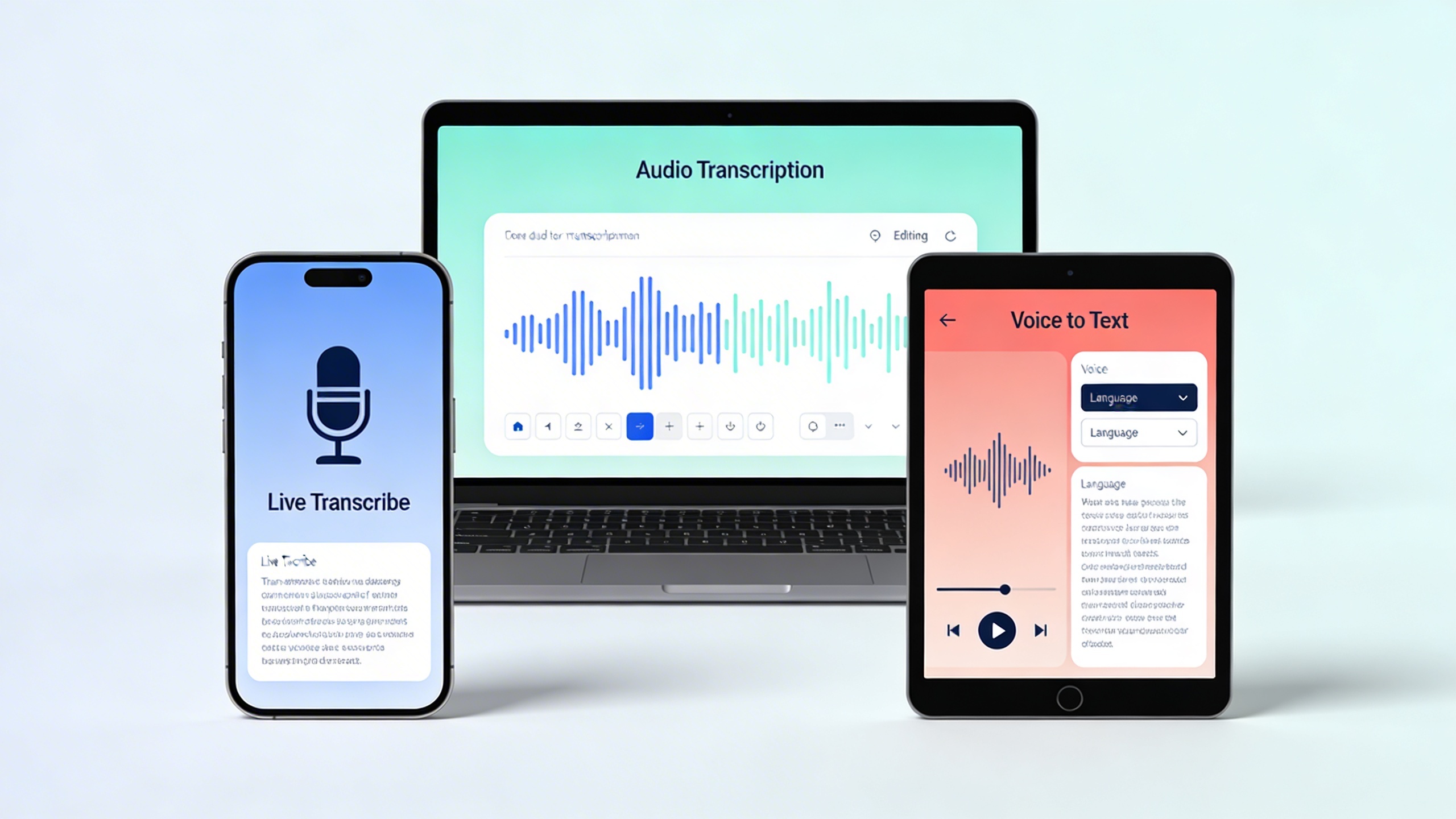
Sozai emerges as a standout option in the mobile transcription space, offering AI-powered transcription capabilities across iOS, Android, and macOS platforms. The app excels at real-time transcription and voice note conversion, making it particularly valuable for professionals who need quick, accurate transcription on the go. Sozai’s strength lies in its user-friendly interface and consistent performance across different devices and environments.
Google’s Recorder app, available on Pixel devices and some Android phones, provides excellent offline transcription capabilities. This free audio to text converter works without an internet connection and can transcribe recordings made directly within the app. The tool offers search functionality within transcripts and can identify different speakers, though its availability is limited to specific Android devices.
Just Press Record offers a simple yet effective solution for iOS users who need quick voice-to-text conversion. The app provides one-tap recording with automatic transcription, though the free version includes limitations on transcription length and cloud storage. Its strength lies in its simplicity and integration with iOS shortcuts and widgets.
Speechnotes presents a cross-platform solution that works well for dictation and short audio file transcription. The app offers punctuation voice commands and can export transcripts in various formats. While the free version includes ads and some feature limitations, it provides reliable basic transcription functionality for everyday use.
When selecting an audio to text converter, consider factors like accuracy requirements, file format support, offline capabilities, and integration with your existing workflow. Many users find that combining multiple tools provides the best overall solution, using browser-based services for collaborative work, desktop applications for intensive transcription tasks, and mobile apps for capturing ideas and quick notes on the move.
Key Features to Look for in Audio Transcription Software
Choosing the right free audio to text converter requires careful evaluation of several critical features that directly impact your transcription experience. The best audio to text converter free tools share common characteristics that separate them from basic offerings, ensuring you get professional-quality results without the premium price tag.
Before committing to any platform, create a checklist of your specific needs. Consider factors like the types of audio files you’ll process, whether you need real-time transcription or can work with batch processing, and how the transcribed text will integrate into your existing workflow. Understanding these requirements helps you identify which features are essential versus nice-to-have additions.
Accuracy and Language Support
Transcription accuracy stands as the most crucial factor when evaluating any audio to text free solution. Look for tools that achieve at least 85% accuracy on clear audio recordings, though the best services often exceed 90% with high-quality input. Many platforms now offer speaker identification, which proves invaluable for meeting transcriptions and interviews where multiple voices are present.
Language support extends far beyond basic English transcription. Modern free audio file to text converter tools support dozens of languages, with some offering real-time language detection. This feature automatically identifies the spoken language and applies the appropriate transcription model, eliminating manual language selection steps.
Accent recognition capabilities have improved dramatically, with leading platforms handling various regional dialects and speaking styles. Test potential tools with your specific accent or speaking pattern, as accuracy can vary significantly between different voice characteristics and recording conditions.
File Format Compatibility
Comprehensive file format support ensures your audio to text converter works with your existing media library. Essential formats include MP3, WAV, M4A, and FLAC for audio files, while advanced tools also handle video formats like MP4, MOV, and AVI by extracting the audio track for transcription.
Consider the maximum file size limitations, as many free services impose restrictions ranging from 25MB to 100MB per upload. Some platforms offer workarounds through file compression or splitting longer recordings into segments, though this may impact transcription continuity.
Cloud-based processors often handle larger files more effectively than browser-based tools, though they may require longer processing times. Evaluate whether batch processing capabilities align with your workflow, especially if you regularly transcribe multiple files simultaneously.
Export Options and Integration Capabilities
Flexible export options transform raw transcriptions into actionable content. Look for platforms offering multiple output formats including plain text, Microsoft Word documents, PDF files, and subtitle formats like SRT or VTT. Advanced tools provide structured outputs with timestamps, speaker labels, and paragraph breaks that preserve the natural flow of conversation.
Integration capabilities with productivity tools streamline your workflow significantly. The most valuable audio to text converter platforms connect seamlessly with Google Drive, Dropbox, Microsoft Office, and project management systems. Some services offer direct integration with note-taking apps, allowing transcribed content to flow automatically into your preferred organizational system.
API access, though less common in free tiers, enables custom integrations for users with specific workflow requirements. Consider whether webhook support or automated file processing aligns with your long-term transcription needs, as these features often differentiate professional-grade tools from basic converters.
Step-by-Step Guide to Converting Audio to Text
Converting audio to text successfully requires more than just uploading a file and hitting convert. The quality of your transcription depends heavily on proper preparation, smart tool selection, and thorough post-processing. This comprehensive guide walks you through each stage to maximize accuracy and minimize editing time.
Preparing Your Audio Files for Best Results
The foundation of accurate transcription starts with high-quality audio. Before using any free audio to text converter, invest time in optimizing your source material. Clear recordings with minimal background noise produce significantly better results than poor-quality files, regardless of which tool you choose.
Start by checking your audio format compatibility. Most audio to text converter free tools accept common formats like MP3, WAV, and M4A, but some may have restrictions. Convert your files to WAV format when possible, as this uncompressed format preserves audio quality better than compressed alternatives.
Audio enhancement makes a substantial difference in transcription accuracy. Use audio editing software to normalize volume levels, ensuring consistent loudness throughout the recording. Remove long pauses, background music, and obvious noise artifacts that could confuse the transcription algorithm. If multiple speakers are present, consider separating their sections into individual files for better speaker identification.
File size considerations matter for online tools. Many free audio file to text converter services impose upload limits, typically ranging from 25MB to 100MB. If your file exceeds these limits, split it into smaller segments at natural break points like sentence endings or topic transitions. This approach also allows you to process urgent sections first while longer segments upload.
Using Online Converters Effectively
Maximizing results from online transcription tools requires strategic approach and realistic expectations. Start by testing different free audio to text converter options with the same audio sample to compare accuracy levels. Each service uses different speech recognition engines, and performance varies based on accent, speaking speed, and audio quality.
Upload your prepared files during off-peak hours when possible. Many free services experience slower processing times during busy periods, and some may impose daily usage limits. Create accounts with multiple services to maintain backup options when one platform reaches capacity.
Configure available settings before processing. Most audio to text free tools offer language selection, speaker identification, and punctuation options. Enable automatic punctuation and capitalization features to reduce manual editing time. If your audio contains technical terminology or proper nouns, look for custom vocabulary features that improve recognition accuracy.
Monitor processing progress and be prepared for wait times. Free services often queue requests behind paid users, especially for longer files. Some platforms provide email notifications when transcription completes, allowing you to work on other tasks during processing.
For important recordings, consider using multiple converters simultaneously. Compare results and combine the most accurate portions from each transcript. This redundant approach takes extra time but significantly improves final quality for critical content.
Post-Transcription Editing and Cleanup
Even the best free audio to text converter requires human review and editing. Automated transcription typically achieves 85-95% accuracy under ideal conditions, leaving substantial cleanup work for professional-quality results.
Begin editing by reading through the entire transcript while listening to the original audio. This first pass identifies major errors, missing sections, and formatting issues. Focus on content accuracy rather than minor punctuation errors during this initial review.
Develop a systematic editing workflow to maintain consistency. Address speaker identification first, ensuring proper attribution throughout the document. Correct obvious word substitutions where the algorithm misheard similar-sounding terms. Pay special attention to numbers, dates, and proper nouns, which commonly suffer transcription errors.
Use text editing tools with spell-check and grammar correction features to catch remaining errors. However, be cautious with automatic corrections, as they may change intended technical terms or specialized vocabulary. For lengthy transcripts, consider tools like Sozai that combine AI transcription with advanced editing features, streamlining both conversion and cleanup processes.
Create templates for recurring transcription types like meeting notes or interviews. Standardized formatting saves time and ensures consistency across multiple documents. Include common speaker names, technical terms, and formatting preferences to accelerate future editing sessions.
Comparing Free vs Premium Audio Transcription Services
Understanding the differences between free and premium audio transcription services helps you make informed decisions about which tools best serve your specific needs. While free audio to text converters offer excellent starting points, premium versions unlock advanced capabilities that can dramatically improve accuracy and workflow efficiency.
Limitations of Free Tools
Most free audio file to text converter services impose several restrictions that may impact your transcription experience. Time limits represent the most common constraint, with many platforms restricting uploads to 15-30 minutes per file or session. This limitation forces users to split longer recordings into segments, creating additional work and potential formatting inconsistencies.
File size restrictions typically cap uploads at 25-100MB, which can be problematic for high-quality audio recordings or lengthy meetings. Additionally, free versions often process audio at lower priority levels, resulting in longer wait times during peak usage periods. Export options remain limited, usually offering only basic text formats without advanced formatting or timestamp features.
Accuracy levels in free tiers may also be reduced compared to premium offerings, as providers reserve their most advanced AI models for paying customers. Background noise handling and speaker identification capabilities are frequently simplified or completely absent in free versions.
When to Consider Paid Upgrades
Professional environments typically warrant premium subscriptions when transcription becomes a regular workflow component. If you frequently process audio files longer than 30 minutes, handle multiple speakers, or require specialized vocabulary recognition, paid upgrades deliver substantial value.
Consider upgrading when accuracy requirements exceed 90%, particularly for legal, medical, or academic applications where precision directly impacts outcomes. Premium features like custom vocabulary training, speaker diarization, and advanced editing tools become essential for professional documentation and content creation workflows.
Integration capabilities represent another upgrade trigger. Premium services often provide API access, cloud storage synchronization, and seamless connections with productivity software that free audio to text converter options cannot match.
Cost-Benefit Analysis for Different Use Cases
Student and casual users typically find free audio to text services sufficient for basic lecture notes and personal recordings. The cost savings justify minor inconveniences like file size limits and processing delays when transcription frequency remains low.
Small businesses processing 5-10 hours of audio monthly often reach the break-even point where premium subscriptions cost less than manual transcription services. Professional transcriptionists charge $1-4 per audio minute, making even mid-tier subscriptions economical for regular users.
| Use Case | Monthly Volume | Recommended Option | Key Benefits |
|---|---|---|---|
| Students | Under 2 hours | Free tier | Zero cost, basic accuracy |
| Content Creators | 5-15 hours | Premium | Speaker ID, timestamps |
| Enterprises | 50+ hours | Enterprise plans | API access, custom models |
Enterprise environments with compliance requirements or specialized terminology typically require premium features regardless of volume. The enhanced security, custom model training, and dedicated support justify higher costs when transcription accuracy directly affects business outcomes or regulatory compliance.
Common Use Cases for Audio to Text Conversion
Audio to text conversion technology has revolutionized how we handle spoken content across numerous industries and personal applications. Understanding these diverse use cases helps you choose the right free audio to text converter for your specific needs and workflow requirements.
Academic and Research Applications
Students and researchers rely heavily on audio transcription tools to transform lectures, interviews, and research sessions into searchable text documents. A reliable audio to text converter free service enables students to focus on understanding concepts during lectures rather than frantically taking notes. Many universities now record lectures, and students use these tools to create comprehensive study materials from audio files.
Research interviews present another critical application where accuracy matters tremendously. Qualitative researchers conducting focus groups or one-on-one interviews can use a free audio file to text converter to transform hours of recorded conversations into analyzable data. This process significantly reduces the time spent on manual transcription while ensuring no important details are overlooked during analysis.
Graduate students working on thesis projects often accumulate dozens of recorded interviews or presentations. Converting these audio files to text creates a searchable database of information, making it easier to identify patterns, extract quotes, and reference specific discussions during the writing process.
Business Meeting Transcription
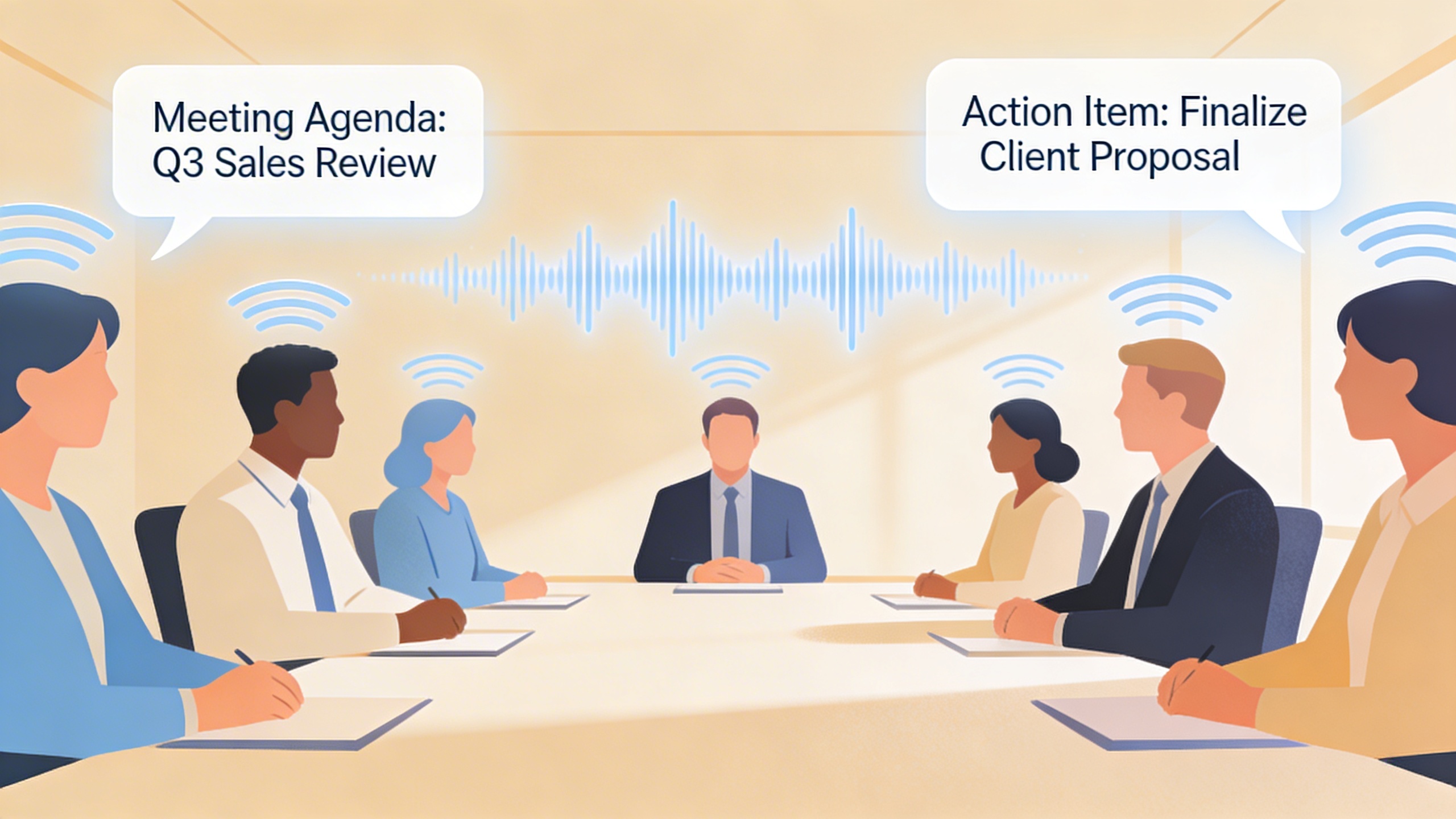
Professional environments increasingly depend on accurate meeting documentation for compliance, decision tracking, and team collaboration. An effective audio to text free solution transforms recorded meetings into detailed minutes that capture action items, decisions, and key discussion points.
Remote work has amplified the need for reliable transcription services. Teams spread across different time zones can review meeting transcripts to stay informed about discussions they missed. Legal departments particularly benefit from having written records of important business conversations for regulatory compliance and dispute resolution.
Sales teams use transcription tools to analyze client calls and identify successful conversation patterns. Marketing departments transcribe focus groups and customer interviews to extract insights about product preferences and market trends. These applications require an audio to text converter that maintains speaker identification and preserves the nuanced meaning of business conversations.
Content Creation and Media Production
Content creators across podcasting, video production, and journalism rely on transcription tools to repurpose audio content efficiently. Podcasters use transcripts to create show notes, blog posts, and social media content from their episodes. This multi-format approach extends their content reach while improving search engine optimization.
Video producers need accurate transcripts for creating subtitles and closed captions, making their content accessible to hearing-impaired audiences and improving engagement across platforms. A quality free audio to text converter handles various audio qualities and speaker accents commonly found in media production.
Journalists conducting interviews can quickly transform recorded conversations into quotable text, speeding up article writing and fact-checking processes. Documentary filmmakers use transcription to organize hours of interview footage and identify the most compelling soundbites for their productions.
The accessibility benefits of audio to text conversion extend beyond convenience to creating inclusive experiences. Transcripts make audio content available to individuals with hearing impairments while also serving users who prefer reading to listening or need to consume content in sound-sensitive environments.
These diverse applications demonstrate why choosing the right audio to text converter depends on understanding your specific requirements for accuracy, speed, and integration capabilities.
Tips for Maximizing Transcription Accuracy
Getting the most accurate results from your free audio to text converter requires careful attention to both the input quality and post-processing steps. Even the best audio to text converter free tools can struggle with poor audio quality or challenging recording conditions. By following these proven techniques, you can significantly improve transcription accuracy and reduce the time spent on manual corrections.
Audio Quality Optimization Techniques
The foundation of accurate transcription lies in high-quality audio recordings. Use a dedicated microphone positioned 6-8 inches from the speaker’s mouth to capture clear, direct sound. External microphones consistently outperform built-in device microphones for transcription purposes. Record in uncompressed formats like WAV when possible, as compressed formats like MP3 can introduce artifacts that confuse transcription algorithms.
Maintain consistent audio levels throughout your recording. Most audio to text free services perform best with recordings that peak between -12dB and -6dB. Avoid automatic gain control if your recording device offers manual level adjustment, as sudden volume changes can disrupt transcription accuracy. Monitor your recording levels in real-time to prevent clipping or overly quiet passages.
Speaker Preparation and Environment Setup
Create an optimal recording environment by choosing a quiet room with minimal echo and background noise. Soft furnishings like curtains, carpets, and upholstered furniture help absorb sound reflections that can muddy audio quality. Turn off fans, air conditioning, and other noise sources during recording sessions.
Speaker preparation significantly impacts transcription results. Encourage speakers to speak at a moderate pace with clear enunciation. Rapid speech or mumbling forces free audio file to text converter tools to make educated guesses about unclear words. Brief speakers on avoiding filler words like “um” and “uh” when possible, though modern transcription tools handle these reasonably well.
For multi-speaker recordings, ensure speakers don’t talk over each other. Most audio to text converter tools struggle with overlapping speech, leading to garbled or missing text in the final transcript. Establish clear speaking turns and use brief pauses between speakers.
Post-Processing and Error Correction Methods
Review transcripts systematically by listening to the original audio while reading the generated text. Focus particularly on proper nouns, technical terms, and numbers, as these commonly require correction. Many transcription errors follow predictable patterns based on similar-sounding words or phrases.
Develop a personal editing workflow that includes spell-checking, punctuation review, and speaker identification. Create custom vocabularies for frequently used technical terms or names specific to your content. Some platforms allow you to upload these vocabularies to improve future transcription accuracy.
Consider using multiple transcription services for critical content. Comparing results from different audio to text free tools can help identify errors and provide alternative interpretations of unclear passages. This cross-reference method proves especially valuable for important documents or presentations where accuracy is paramount.

