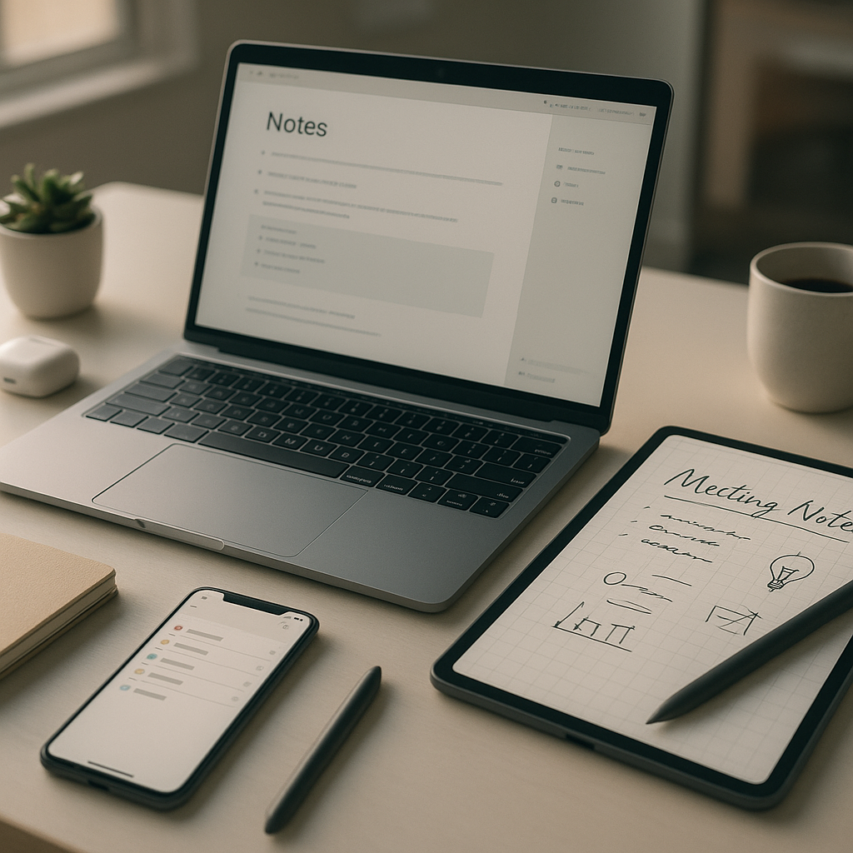
The landscape of digital productivity has undergone a remarkable transformation, with note taking apps emerging as the cornerstone of modern information management. What began as simple digital notebooks has evolved into sophisticated platforms that harness artificial intelligence to revolutionize how we capture, organize, and retrieve our thoughts. Today’s best note taking app solutions go far beyond basic text input, incorporating voice transcription, intelligent search capabilities, and automated organization features that adapt to individual workflows and thinking patterns.
This evolution reflects our changing relationship with information in an increasingly fast-paced world. Whether you’re a student attending virtual lectures, a professional managing complex projects, or a creative individual brainstorming ideas, the right note app can dramatically enhance your productivity and mental clarity. Advanced features like real-time collaboration, cross-platform synchronization, and AI-powered content suggestions are no longer luxury additions but essential tools for staying competitive and organized.
In this comprehensive guide, we’ll explore the essential features that define exceptional good note taking apps, examine platform-specific solutions, and help you navigate the complex landscape of free versus premium options. You’ll discover how to select and implement the perfect note keeping app that aligns with your unique needs and workflow requirements.
Essential Features to Look for in Modern Note Taking Apps
Selecting the right note taking apps requires understanding which features will genuinely enhance your productivity workflow. Today’s digital landscape demands tools that can adapt to various work styles while maintaining reliability across different scenarios. The most effective note keeping app combines traditional text capabilities with modern innovations that streamline how you capture, organize, and retrieve information.
When evaluating options, focus on features that address your specific needs rather than getting distracted by flashy additions that may never see practical use. The best note taking app for your workflow should feel intuitive while offering enough depth to grow with your requirements over time.
AI-Powered Transcription and Voice Notes
Voice-to-text functionality has transformed from a novelty feature into an essential productivity tool. Modern note taking apps with accurate transcription capabilities allow you to capture thoughts during commutes, record meeting discussions, or quickly dictate ideas without breaking your flow of work.
Look for applications that offer real-time transcription with high accuracy rates, especially in noisy environments or with multiple speakers. The most valuable systems can distinguish between different voices and automatically format the text with appropriate punctuation and paragraph breaks. Advanced transcription features should include speaker identification, timestamp insertion, and the ability to edit transcribed content while maintaining the original audio reference.
For professionals who frequently attend meetings or conduct interviews, Sozai provides robust AI-powered transcription that works seamlessly across iOS, Android, and macOS devices, ensuring you never miss important details regardless of your platform preference.
Consider how well the voice note feature integrates with your existing workflow. The ideal note app should allow you to combine transcribed content with typed notes, images, and other media within the same document structure.
Cross-Platform Synchronization
Seamless device integration has become non-negotiable for modern professionals who work across multiple platforms throughout their day. Your chosen note keeping app must reliably sync content between smartphones, tablets, laptops, and desktop computers without data loss or formatting issues.
Effective synchronization goes beyond simple cloud backup. Look for applications that offer real-time collaboration, offline access with automatic sync when connectivity returns, and conflict resolution when the same note is edited on multiple devices simultaneously. The synchronization should preserve all formatting, attachments, and metadata regardless of which device you use to access your content.
Pay attention to sync speed and reliability during your evaluation period. Test the application by creating notes on one device and immediately checking availability on another. Quality note taking apps should sync changes within seconds under normal network conditions, and provide clear indicators when sync is in progress or has failed.
Consider storage limitations and pricing models for cloud synchronization. Some applications offer generous free tiers, while others require subscription plans for full cross-platform functionality.
Advanced Organization and Search Capabilities
Robust organization features separate good note taking apps from merely functional ones. Effective tagging systems allow you to create custom categories that reflect your specific workflow, making it easy to group related content across different projects or time periods.
The most powerful note taking apps offer nested folder structures combined with flexible tagging, allowing you to organize content hierarchically while maintaining cross-cutting themes. Look for applications that support both manual tagging and automatic tag suggestions based on content analysis.
Search functionality should extend beyond simple keyword matching. Advanced search capabilities include filtering by creation date, file type, tags, or content within attached documents. The best note taking app will offer full-text search that can locate content within images, PDFs, and even transcribed audio files.
Smart search features that understand context and synonyms can significantly reduce the time spent hunting for specific information. Some applications now offer AI-powered search that can find relevant notes even when you remember only partial details or related concepts rather than exact phrases.

Top Note Taking Apps for Different Use Cases
Choosing the right note taking app depends heavily on your specific workflow and requirements. While some apps excel at academic research, others shine in business environments or creative projects. Understanding which features align with your use case ensures you select a note app that truly enhances your productivity rather than creating additional friction in your daily routine.
Best Apps for Students and Academic Work
Academic note taking requires specialized features that support research, citation management, and long-form writing. The best note taking app for students typically includes robust organizational systems for managing multiple courses, semesters, and research projects simultaneously.
Notion stands out for academic work with its database functionality and template system. Students can create course dashboards that link assignments, reading lists, and lecture notes while maintaining a master calendar. The app’s relation properties allow you to connect notes across different subjects, making it easier to identify patterns and connections in your coursework.
Obsidian excels for research-heavy disciplines through its bidirectional linking system. Students can build knowledge graphs that visualize connections between concepts, authors, and theories. The app’s citation plugin integrates with reference managers like Zotero, automatically formatting bibliographies and maintaining source tracking throughout the research process.
For students who prefer handwritten notes, GoodNotes combines digital ink with powerful search capabilities. You can annotate PDFs, create custom templates for different subjects, and use handwriting recognition to search through written content. The app’s folder system mirrors traditional binders while offering cloud synchronization across devices.
Microsoft OneNote provides excellent collaboration features for group projects and study sessions. Students can share notebooks with classmates, work simultaneously on shared documents, and use the app’s audio recording feature to capture lectures while taking synchronized notes.
Professional and Business-Focused Solutions
Business environments demand note keeping apps that integrate seamlessly with existing workflows and support team collaboration. Professional note taking apps prioritize features like meeting transcription, project management integration, and enterprise security standards.
Roam Research has gained popularity among knowledge workers for its networked thought approach. The app treats each note as a node in a larger network, making it ideal for strategic planning, project documentation, and building institutional knowledge bases. Its daily notes feature captures meeting minutes and action items while automatically linking to relevant projects and contacts.
For teams that rely heavily on voice communication, Sozai offers AI-powered transcription that converts meeting recordings into searchable, organized notes. The app’s ability to identify speakers and extract key action items makes it particularly valuable for project managers and consultants who need to document client conversations and team discussions accurately.
Craft focuses on structured document creation with a clean interface that appeals to professionals who need to share polished notes with clients or stakeholders. The app’s block-based editor supports rich formatting, embedded media, and collaborative editing while maintaining version history for important documents.
Logseq appeals to professionals who prefer local data storage and markdown formatting. The app’s block-based structure supports project management methodologies like Getting Things Done (GTD) while offering powerful querying capabilities for tracking tasks, deadlines, and project status across multiple initiatives.
Creative and Visual Note Taking Platforms
Creative professionals and visual thinkers require note taking apps that support multimedia content, flexible layouts, and artistic expression. These good note taking apps prioritize visual organization and creative freedom over rigid structures.
Milanote excels for creative project management with its mood board approach to note organization. Designers, writers, and artists can create visual collections that combine images, text, links, and files in freeform layouts. The app’s collaborative features allow creative teams to share inspiration and feedback throughout project development.
Concepts offers unlimited canvas space with precision drawing tools that rival professional design software. The app supports vector graphics, layered compositions, and pressure-sensitive input, making it ideal for designers who need to sketch ideas while maintaining the ability to refine them into polished presentations.
Freeform provides a collaborative whiteboard experience that works seamlessly across Apple devices. Teams can brainstorm visually using a combination of handwriting, typed text, sticky notes, and imported images. The app’s infinite canvas accommodates large-scale project planning and creative exploration.
For photographers and visual artists, Adobe Creative Cloud’s integration with note taking workflows through apps like Adobe XD allows seamless movement between ideation and execution. These platforms support multimedia annotation, mood boarding, and collaborative review processes essential for creative work.
The key to selecting the right note app lies in matching features to your specific workflow requirements rather than choosing based on popularity alone.
AI-Enhanced Note Taking: The Future of Digital Productivity
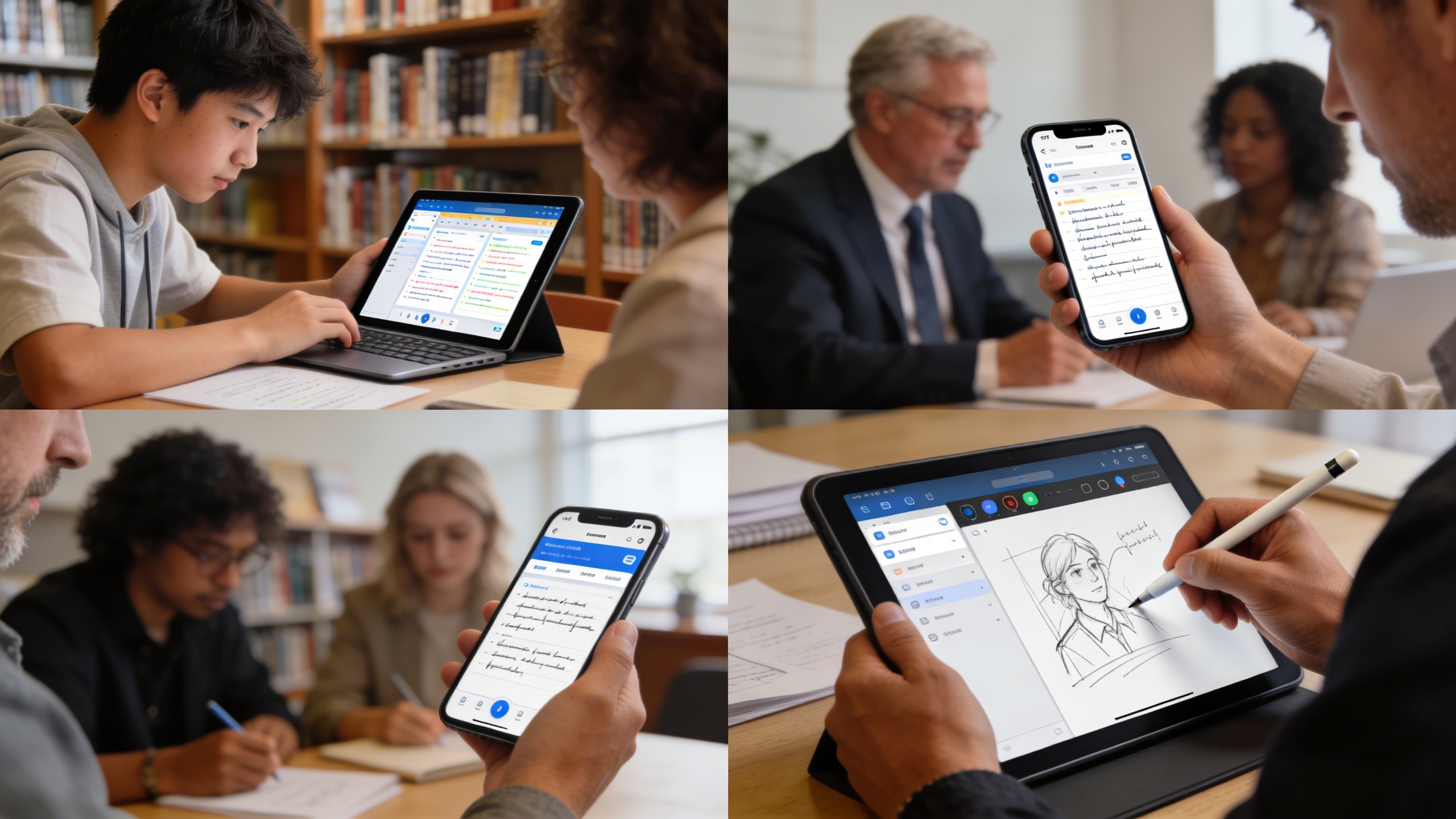
The landscape of note taking apps is rapidly evolving as artificial intelligence transforms how we capture, organize, and retrieve information. Modern AI-powered solutions are moving beyond simple text storage to become intelligent productivity partners that understand context, automate organization, and seamlessly integrate with our digital workflows.
Voice Recognition and Transcription Technology
Voice-to-text accuracy has reached remarkable levels, with leading note taking apps achieving over 95% accuracy in real-time transcription. This advancement has made voice input a practical alternative to traditional typing, especially for professionals who need to capture ideas quickly during meetings or while multitasking.
Advanced transcription technology now handles multiple speakers, background noise filtering, and technical terminology with impressive precision. Many note keeping apps incorporate speaker identification, automatically labeling who said what during recorded conversations. This feature proves invaluable for journalists, researchers, and business professionals who conduct frequent interviews or attend collaborative meetings.
The integration of voice recognition extends beyond simple dictation. Modern systems can distinguish between commands and content, allowing users to say “create new section” or “add bullet point” while dictating notes. For users seeking reliable voice-to-text capabilities, Sozai offers advanced AI transcription technology that works across multiple platforms and languages.
Smart Content Organization and Auto-Categorization
Machine learning algorithms are revolutionizing how note taking apps organize information without manual intervention. These systems analyze content patterns, identify topics, and automatically sort notes into relevant categories based on semantic understanding rather than simple keyword matching.
Smart categorization goes beyond basic filing. The best note taking app solutions now recognize project relationships, suggest relevant tags, and even predict which notes you’ll need based on your current context. For example, when you start typing about a specific client, the system might surface related meeting notes, contact information, and previous project discussions.
Content clustering algorithms help users discover connections between seemingly unrelated notes. This capability transforms scattered information into coherent knowledge networks, making any good note taking apps more valuable as a long-term knowledge repository rather than just a temporary storage solution.
Integration with Productivity Workflows
Modern note app solutions excel at connecting with existing productivity ecosystems through sophisticated API integrations. These connections enable automatic task creation from action items mentioned in notes, calendar event generation from meeting discussions, and seamless data flow between note taking apps and project management platforms.
Workflow automation has become increasingly sophisticated, with AI systems capable of parsing natural language to extract actionable items. When you write “follow up with Sarah next Tuesday,” intelligent systems can automatically create calendar reminders, add tasks to your project management tool, and even draft email templates.
Cross-platform synchronization ensures that AI enhancements work consistently across desktop, mobile, and web environments. This unified experience means your organized notes, categorized content, and integrated workflows remain accessible regardless of which device you’re using.
The future of digital productivity lies in these AI-enhanced capabilities that reduce manual organization overhead while improving information accessibility. As these technologies continue advancing, note taking apps are becoming central hubs for personal and professional knowledge management, transforming how we capture, process, and act on information in our daily workflows.
Platform-Specific Recommendations and Considerations
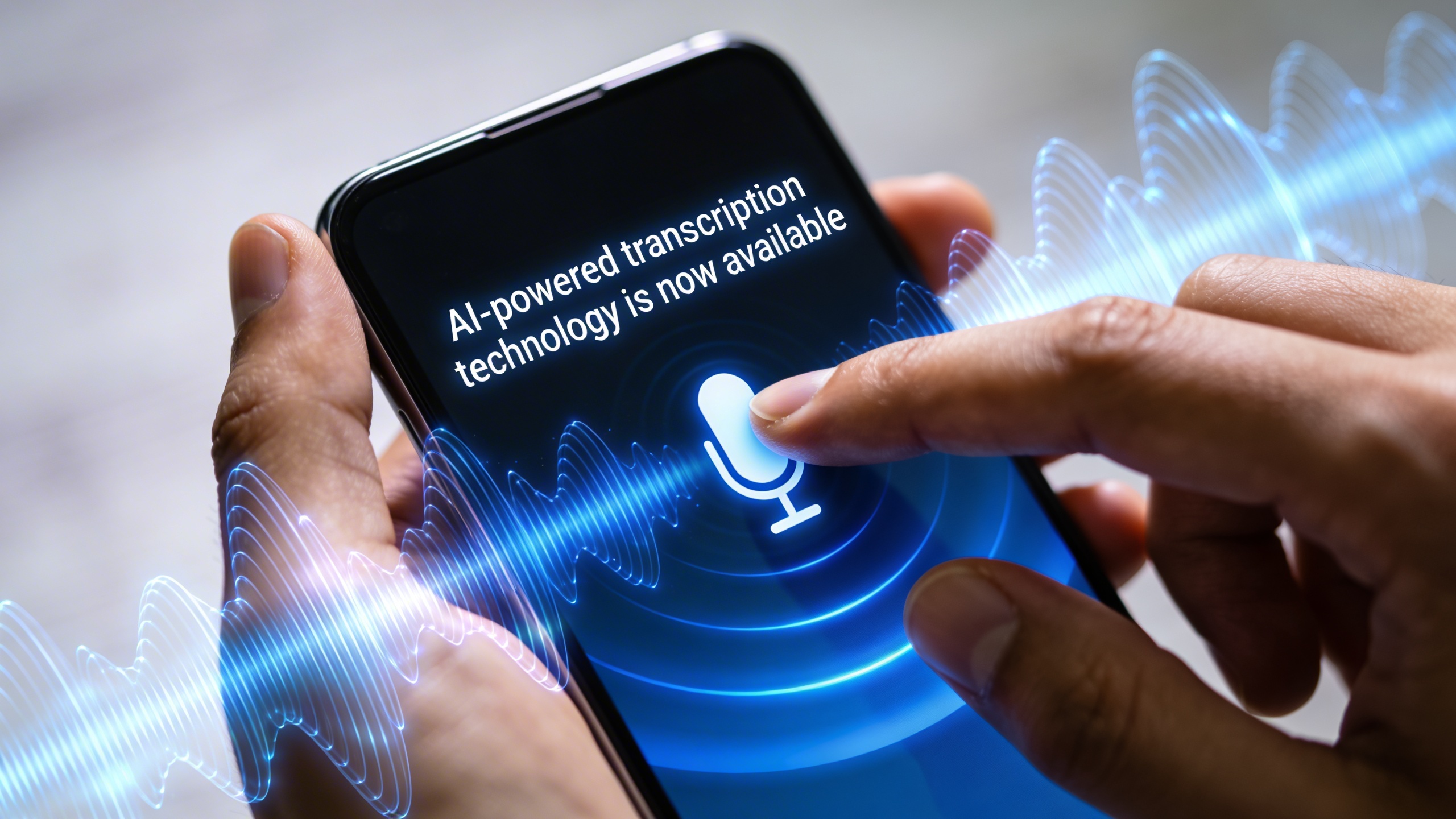
Choosing the right note taking apps depends heavily on your primary device and workflow preferences. Each platform offers unique advantages and limitations that can significantly impact your productivity and user experience. Understanding these platform-specific considerations helps you select a note app that truly complements your digital ecosystem.
Best Note Apps for iPad and Tablet Users
Tablet users benefit most from note taking apps that excel in touch interface optimization and natural writing experiences. The best note taking app for iPad users typically combines excellent stylus support with intuitive gesture controls. Apps like GoodNotes and Notability lead this category by offering pressure-sensitive writing, palm rejection, and seamless integration with Apple Pencil functionality.
Touch interface optimization extends beyond stylus support to include finger-friendly navigation, customizable toolbars, and adaptive layouts that work in both portrait and landscape orientations. Look for apps that offer split-screen functionality, allowing you to reference documents while taking notes simultaneously. The ability to import PDFs and annotate them directly within your note app creates a unified workspace for research and documentation.
Handwriting recognition capabilities become particularly valuable on tablets, enabling you to search through handwritten notes and convert text when needed. Good note taking apps for tablets also provide extensive customization options for paper templates, pen styles, and organizational structures that mirror traditional notebook experiences.
Mobile-First Solutions for Smartphone Users
Smartphone users require note keeping app solutions that prioritize quick capture and seamless synchronization. The most effective mobile note apps focus on reducing friction between having an idea and recording it. Features like widget access, voice-to-text capabilities, and camera integration for document scanning become essential for on-the-go productivity.
Offline functionality proves crucial for mobile users who may encounter connectivity issues. The best mobile note taking apps automatically sync changes when connection returns while maintaining full functionality during offline periods. Quick capture features such as audio recording, photo notes, and location tagging help preserve context and details that might otherwise be lost.
For users who frequently capture meeting discussions or lectures on their mobile devices, voice transcription capabilities can transform productivity. Sozai offers powerful AI transcription features that work seamlessly across mobile platforms, converting spoken content into searchable, organized notes with impressive accuracy.
Mobile note apps should also excel in one-handed operation, with thumb-friendly interfaces and voice commands that enable hands-free note creation. Push notification reminders and location-based alerts help ensure important notes don’t get forgotten in busy mobile workflows.
Desktop and Web-Based Powerhouses
Desktop environments unlock the full potential of advanced note taking apps through comprehensive keyboard shortcuts, multi-window workflows, and sophisticated formatting capabilities. Power users benefit from applications that offer extensive customization options, plugin ecosystems, and integration with desktop productivity suites.
Keyboard shortcuts become particularly important for desktop note taking, enabling rapid navigation, formatting, and content creation without breaking focus. The most effective desktop note apps provide customizable hotkey systems that adapt to individual workflow preferences. Advanced formatting options including tables, code blocks, mathematical equations, and embedded media create professional-quality documentation.
Web-based solutions offer unique advantages in collaborative environments and cross-platform accessibility. These note keeping app options eliminate software installation requirements while providing real-time collaboration features that surpass traditional desktop applications. Cloud-native architecture ensures automatic backups and version history without manual intervention.
Desktop note apps excel in handling large document collections, offering powerful search capabilities, tag-based organization, and database-like functionality for knowledge management. Integration with other desktop applications through APIs, file system access, and clipboard monitoring creates seamless workflows that span multiple productivity tools.
The choice between native desktop applications and web-based solutions often depends on security requirements, offline access needs, and integration preferences with existing software ecosystems. Consider your primary use cases and collaboration requirements when selecting between these powerful desktop options.
Comparing Free vs Premium Note Taking Solutions
Choosing between free and premium note taking apps requires understanding what features justify the investment. While many note keeping apps offer robust free tiers, premium versions unlock capabilities that can significantly enhance productivity for specific user types.
What You Get with Free Versions
Most reputable note taking apps provide generous free tiers that cover essential functionality. Free versions typically include basic text editing, simple formatting options, and limited cloud storage ranging from 60MB to 2GB. Popular note app providers like Notion, Obsidian, and Evernote offer cross-device synchronization in their free plans, allowing access to notes across multiple devices.
However, free versions come with notable restrictions. Storage limitations mean users must regularly manage file sizes and delete older content. Feature caps often limit the number of devices for synchronization, restrict offline access, or disable advanced formatting tools. Some apps impose monthly upload limits, which can be problematic for users who frequently add images, PDFs, or audio recordings to their notes.
Premium Features Worth the Investment
Premium subscriptions unlock features that transform good note taking apps into powerful productivity platforms. Unlimited storage and enhanced sync capabilities eliminate concerns about space constraints and ensure seamless access across all devices. Advanced search functionality, including OCR text recognition in images and handwritten notes, becomes available in premium tiers.
AI-powered features represent the most compelling premium offerings. Intelligent summarization, automatic tagging, and smart content suggestions can dramatically reduce time spent organizing information. For users who frequently transcribe meetings or lectures, premium plans often include enhanced voice-to-text capabilities and integration with specialized transcription services like Sozai for professional-grade accuracy.
Collaboration features in premium versions enable real-time editing, advanced sharing permissions, and team workspace management. These capabilities are essential for professional environments where multiple stakeholders need access to shared documentation.
Cost-Benefit Analysis for Different User Types
Students often find free versions sufficient for basic coursework, but premium features become valuable during intensive research periods. The ability to store unlimited PDFs, sync across multiple devices, and utilize AI summarization tools can justify costs ranging from $4-8 monthly during critical academic periods.
Professional users typically see clear ROI from premium subscriptions. Time saved through advanced search, automated organization, and enhanced collaboration features often exceeds the monthly cost within days. Business professionals handling client information, project documentation, or research materials benefit from unlimited storage and robust security features.
| User Type | Recommended Tier | Key Benefits | Typical ROI Timeline |
|---|---|---|---|
| Casual Users | Free | Basic sync, simple organization | N/A |
| Students | Free to Premium | Research tools, unlimited storage | 1-2 months |
| Professionals | Premium | Advanced AI, collaboration | 2-4 weeks |
| Teams | Business Plans | Admin controls, team features | 1-2 weeks |
The best note taking app choice ultimately depends on individual workflow requirements and budget constraints. Users should evaluate their specific needs against available features rather than automatically choosing the most expensive option.
Security, Privacy, and Data Management in Note Taking Apps
When selecting the best note taking app for your needs, security and privacy considerations should rank among your top priorities. Your digital notes often contain sensitive information, from personal thoughts to confidential business strategies, making robust data protection essential for any reliable note keeping app.
End-to-End Encryption and Data Protection
Modern note taking apps implement varying levels of encryption to protect your data. End-to-end encryption ensures that only you can access your notes, even if the service provider experiences a data breach. Look for apps that use industry-standard AES-256 encryption for data at rest and TLS encryption for data in transit.
Privacy policies reveal how companies handle your information. The most secure note app providers clearly state they cannot access your encrypted content and limit data collection to essential operational requirements. Some providers offer zero-knowledge architecture, meaning they technically cannot decrypt your notes even if compelled by legal requests.
Location-based privacy settings also matter, especially for apps with AI transcription capabilities. When using voice-to-text features or tools like Sozai for meeting transcriptions, verify that audio processing occurs locally on your device rather than being transmitted to external servers.
Backup and Export Options
Data portability prevents vendor lock-in and ensures you maintain control over your information. Good note taking apps provide multiple export formats, including plain text, PDF, HTML, and proprietary formats that preserve formatting and metadata. Regular automated backups to your preferred cloud storage service offer additional protection against data loss.
Consider apps that support standard formats like Markdown or allow bulk export of entire notebooks. This flexibility becomes crucial when migrating between platforms or maintaining offline archives of important notes. Some enterprise-focused solutions also provide API access for custom backup solutions.
Compliance and Enterprise Security Features
Organizations require note taking apps that meet regulatory compliance standards. GDPR compliance ensures proper handling of personal data for European users, while SOC 2 Type II certification demonstrates comprehensive security controls. HIPAA compliance becomes essential for healthcare organizations managing patient information.
Enterprise-grade security features include single sign-on (SSO) integration, multi-factor authentication, and administrative controls for user management. Advanced solutions offer audit logs that track document access and modifications, meeting requirements for regulated industries.
Data residency options allow organizations to specify where their information is stored geographically. This feature addresses sovereignty concerns and helps organizations comply with local data protection regulations while maintaining the collaborative benefits of cloud-based note taking apps.
Making the Right Choice: Selection Guide and Implementation Tips
Selecting the right note taking apps requires a strategic approach that considers your unique workflow, technical requirements, and long-term productivity goals. The abundance of options can feel overwhelming, but a systematic evaluation process will help you identify the best note taking app for your specific needs.
Assessing Your Note Taking Needs
Begin by conducting an honest audit of your current note-taking habits and future requirements. Consider the primary contexts where you capture information: during meetings, while reading, brainstorming sessions, or daily task management. Document the types of content you typically record, whether text-heavy research notes, visual diagrams, audio recordings, or multimedia presentations.
Evaluate your collaboration requirements carefully. Do you frequently share notes with colleagues, or do you primarily work independently? Consider whether you need real-time editing capabilities, commenting features, or simple sharing options. Your device ecosystem also plays a crucial role—determine whether you need seamless synchronization across iOS, Android, Windows, or macOS platforms.
For professionals who rely heavily on voice input during meetings or while mobile, consider tools that offer robust transcription capabilities. Apps like Sozai excel at converting spoken words into accurate text, making them valuable additions to your productivity toolkit when combined with traditional note keeping app features.
Migration Strategies from Existing Systems
Transitioning between note app platforms requires careful planning to preserve years of accumulated knowledge. Start by cataloging your existing content and identifying which information remains actively relevant versus historical reference material. Most good note taking apps provide import tools for common formats like PDF, Word documents, or plain text files.
Create a phased migration timeline rather than attempting to transfer everything simultaneously. Begin with your most frequently accessed notes and current projects, then gradually migrate archived content during less busy periods. Test the export capabilities of your current system early in the process to understand any formatting limitations or data loss risks.
Maintain parallel systems temporarily during the transition period. This approach allows you to verify that all critical information has transferred correctly while building familiarity with your new platform’s features and organizational structure.
Maximizing Productivity with Your Chosen App
Success with any note app depends more on consistent habits than sophisticated features. Establish a standardized naming convention and folder structure that aligns with your workflow patterns. Create templates for recurring note types such as meeting agendas, project planning, or research documentation to maintain consistency and save time.
Leverage automation features wherever possible. Set up quick capture methods using widgets, keyboard shortcuts, or voice commands to reduce friction when recording ideas. Configure notification systems and review schedules to ensure important information doesn’t get buried in digital archives.
Regular maintenance prevents your digital workspace from becoming cluttered and inefficient. Schedule weekly or monthly reviews to archive completed projects, update tag systems, and reorganize content hierarchies. The most powerful note taking apps become exponentially more valuable when combined with disciplined organizational practices and consistent usage patterns.

