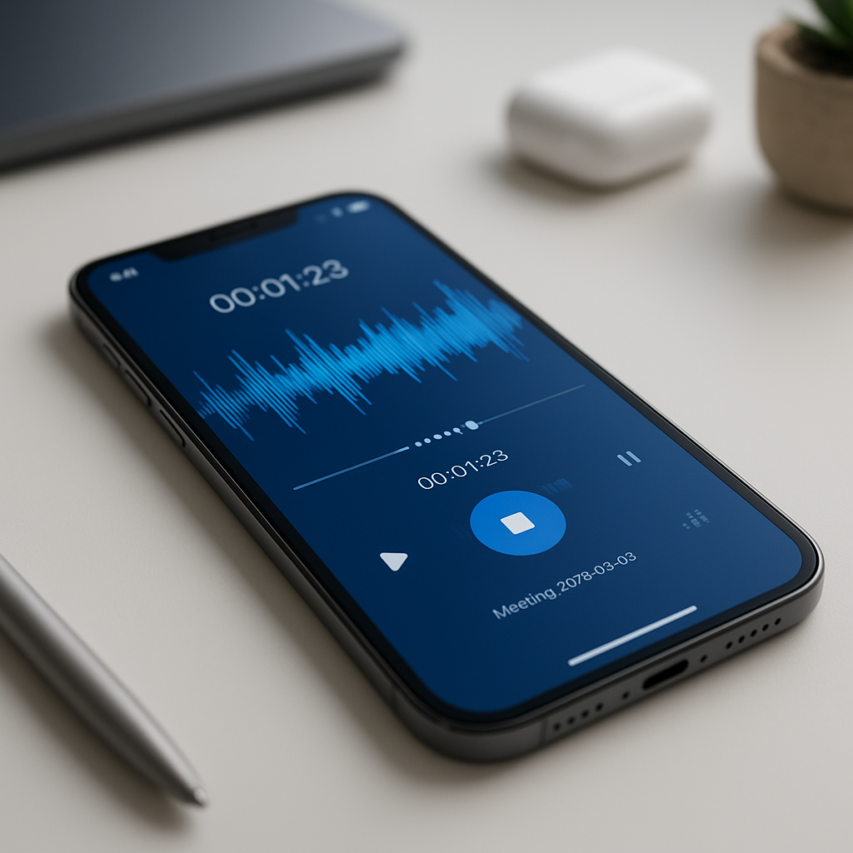
In today’s fast-paced digital world, the ability to capture audio on the go has become essential for professionals, students, and anyone who values preserving important information. Whether you’re recording meeting notes, conducting interviews, capturing creative ideas, or simply need to remember a crucial conversation, having a reliable voice recorder android app can transform how you manage and retain audio content. The convenience of pulling out your smartphone to instantly record high-quality audio has made traditional recording devices largely obsolete.
Android’s open ecosystem provides users with an incredible variety of audio recorder android solutions, each designed to meet specific needs and preferences. From simple sound recorder android apps for basic note-taking to sophisticated samsung voice recorder features and specialized android call recorder applications, the options can be overwhelming. Some apps excel at transcription accuracy, others prioritize audio quality, while certain solutions focus on seamless integration with productivity workflows.
This comprehensive guide will walk you through everything you need to know about Android voice recording apps, helping you navigate essential features, compare top-rated options, understand privacy considerations, and ultimately find the perfect audio companion that matches your specific recording requirements and usage patterns.
Essential Features Every Android Voice Recorder Should Have
Choosing the right voice recorder android app requires understanding which features truly matter for your recording needs. Whether you’re capturing important meetings, creating voice memos, or recording lectures, the best audio recorder android solutions share several critical characteristics that separate professional-grade apps from basic alternatives.
Audio Quality and Format Options
The foundation of any excellent sound recorder android app lies in its ability to capture clear, high-fidelity audio. Look for apps that offer multiple recording formats, with WAV and FLAC providing uncompressed quality for professional use, while MP3 and AAC formats offer excellent compression for everyday recording needs.
Bitrate flexibility is equally important. Professional recordings benefit from 320 kbps or higher bitrates, while voice memos can use lower bitrates like 128 kbps to conserve storage space. The best apps automatically adjust recording quality based on ambient noise levels, ensuring optimal clarity whether you’re in a quiet office or a bustling café.
Sample rate options should include standard 44.1 kHz for general use and 48 kHz for professional applications. Some advanced voice recorder android apps even offer 96 kHz sampling for studio-quality recordings. Additionally, seek apps with noise reduction capabilities and automatic gain control to maintain consistent audio levels throughout your recordings.
Storage and Cloud Integration
Modern audio recorder android applications must handle storage intelligently, offering both local and cloud-based solutions. Local storage management should include compression options, automatic file organization by date or project, and the ability to archive older recordings to free up device space.
Cloud integration transforms how you manage recordings across devices. The most effective apps sync seamlessly with Google Drive, Dropbox, OneDrive, and other popular cloud services. This ensures your recordings remain accessible whether you’re switching between your phone, tablet, or computer.
Look for apps that offer automatic backup scheduling, allowing you to set recordings to upload during off-peak hours or when connected to WiFi. Some applications provide transcription services that convert speech to text, making your recordings searchable and more valuable for reference purposes. Sozai exemplifies this approach by combining high-quality recording with AI-powered transcription capabilities.
Storage optimization features should include duplicate detection, batch operations for managing multiple files, and the ability to export recordings in different formats based on your intended use.
User Interface and Accessibility
An intuitive interface can make the difference between a tool you use regularly and one that sits unused on your device. The best sound recorder android apps feature large, clearly labeled recording buttons that remain easily accessible even during stressful situations like important phone calls or spontaneous interviews.
Essential interface elements include one-touch recording initiation, visual waveform displays that show recording levels in real-time, and quick access to pause, stop, and playback functions. The samsung voice recorder app, pre-installed on Samsung devices, demonstrates effective simplicity with its clean design and logical button placement.
Accessibility features ensure the app serves users with varying needs and abilities. Voice commands for hands-free operation, high contrast modes for users with visual impairments, and customizable text sizes make recordings accessible to everyone. Some apps include haptic feedback for recording status confirmation and audio cues that announce recording state changes.
Advanced interface features might include customizable recording profiles for different scenarios, widget support for quick access from your home screen, and the ability to continue recording while using other apps. For users requiring android call recorder functionality, look for apps that integrate seamlessly with your phone’s dialer and provide clear legal compliance information for your jurisdiction.
The most successful voice recorder android applications balance powerful features with straightforward operation, ensuring that whether you’re a first-time user or a recording professional, you can capture high-quality audio without wrestling with complicated controls or confusing menu structures.
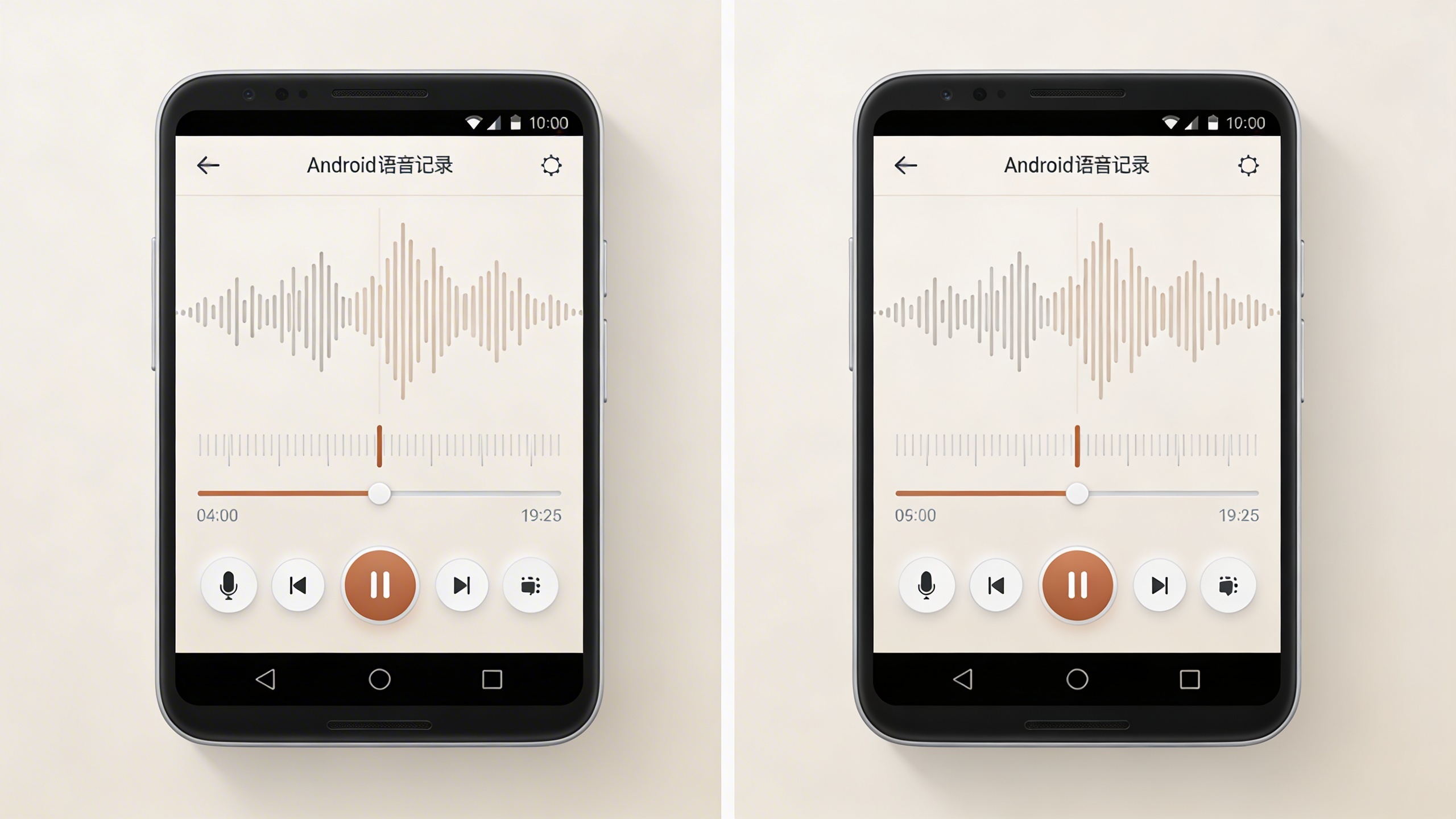
Top General-Purpose Voice Recording Apps for Android
The Android ecosystem offers an impressive array of voice recording solutions, each designed to meet different user needs and preferences. Whether you’re a journalist conducting interviews, a student recording lectures, or simply someone who wants to capture quick voice memos, the right voice recorder android app can transform your smartphone into a powerful audio capture device.
Professional Recording Solutions
For users who demand broadcast-quality audio and advanced recording controls, several professional-grade apps stand out from the crowd. These applications typically offer high-fidelity recording formats, gain control, and noise reduction features that rival dedicated recording equipment.
RecForge II represents the gold standard for professional mobile recording. This audio recorder android solution supports multiple file formats including WAV, MP3, and FLAC, with sample rates up to 44.1kHz. The app provides real-time audio monitoring, allowing you to adjust levels during recording and prevent distortion. Its built-in editor enables trimming, splitting, and basic audio processing without requiring additional software.
Hi-Q MP3 Voice Recorder caters to professionals who need reliable, long-duration recording capabilities. The app excels at capturing meetings, conferences, and interviews with its automatic gain control and background noise suppression. Users can schedule recordings, set quality presets for different scenarios, and organize files with custom tags and folders.
Smart Recorder offers a unique approach by automatically detecting sound levels and pausing recording during silence periods. This intelligent feature proves invaluable for capturing sporadic audio events or conserving storage space during lengthy recording sessions. The app supports cloud synchronization and provides detailed recording statistics.
Simple and User-Friendly Options
Not everyone needs professional-grade complexity. Many users prefer streamlined applications that prioritize ease of use while maintaining good audio quality. These sound recorder android apps focus on intuitive interfaces and one-touch operation.
The built-in samsung voice recorder app, available on Galaxy devices, exemplifies simplicity without sacrificing functionality. Samsung has refined this application over multiple iterations, resulting in a clean interface that beginners can master immediately. The app offers three recording modes: standard for general use, interview mode for enhanced voice clarity, and speech-to-text for automatic transcription. Its integration with Samsung’s ecosystem allows seamless sharing across devices and cloud storage services.
Easy Voice Recorder lives up to its name by providing a minimalist recording experience. The app features a large record button, clear audio visualization, and simple file management. Despite its straightforward design, it supports various quality settings and includes basic sharing options for email and social media platforms.
Voice Recorder by Splend Apps strikes an excellent balance between simplicity and functionality. The application provides one-touch recording with automatic file naming based on date and time. Users appreciate its widget support, allowing quick recording access directly from the home screen without opening the full application.
Feature-Rich Comprehensive Apps
Modern users often require more than basic recording functionality. Comprehensive applications combine voice capture with transcription, editing, and organizational tools, creating all-in-one audio solutions that eliminate the need for multiple apps.
For users seeking advanced transcription capabilities alongside high-quality recording, Sozai provides AI-powered voice-to-text conversion with remarkable accuracy. The app seamlessly transforms recorded audio into editable text, making it ideal for journalists, researchers, and students who need both audio archives and searchable transcripts. Sozai’s intelligent processing handles multiple speakers and technical terminology with impressive precision.
Otter.ai has gained popularity among business professionals for its real-time transcription capabilities. The app records meetings while simultaneously generating live transcripts, allowing participants to follow along and search for specific topics later. Its collaboration features enable team members to add comments, highlights, and action items directly within transcripts.
AudioLab combines recording functionality with a comprehensive audio editing suite. Users can capture high-quality recordings and immediately process them with effects, filters, and mixing tools. The app supports multiple audio formats and includes features like noise reduction, echo cancellation, and volume normalization.
While some manufacturers include capable android call recorder functionality in their native apps, third-party solutions like Automatic Call Recorder by Appliqato offer enhanced features for users who frequently record phone conversations. The app automatically captures both incoming and outgoing calls, organizes recordings by contact, and provides cloud backup options.
When selecting from these diverse options, consider your primary use cases, required audio quality, and desired additional features. The best voice recording app ultimately depends on balancing your specific needs with the complexity you’re comfortable managing in your daily workflow.
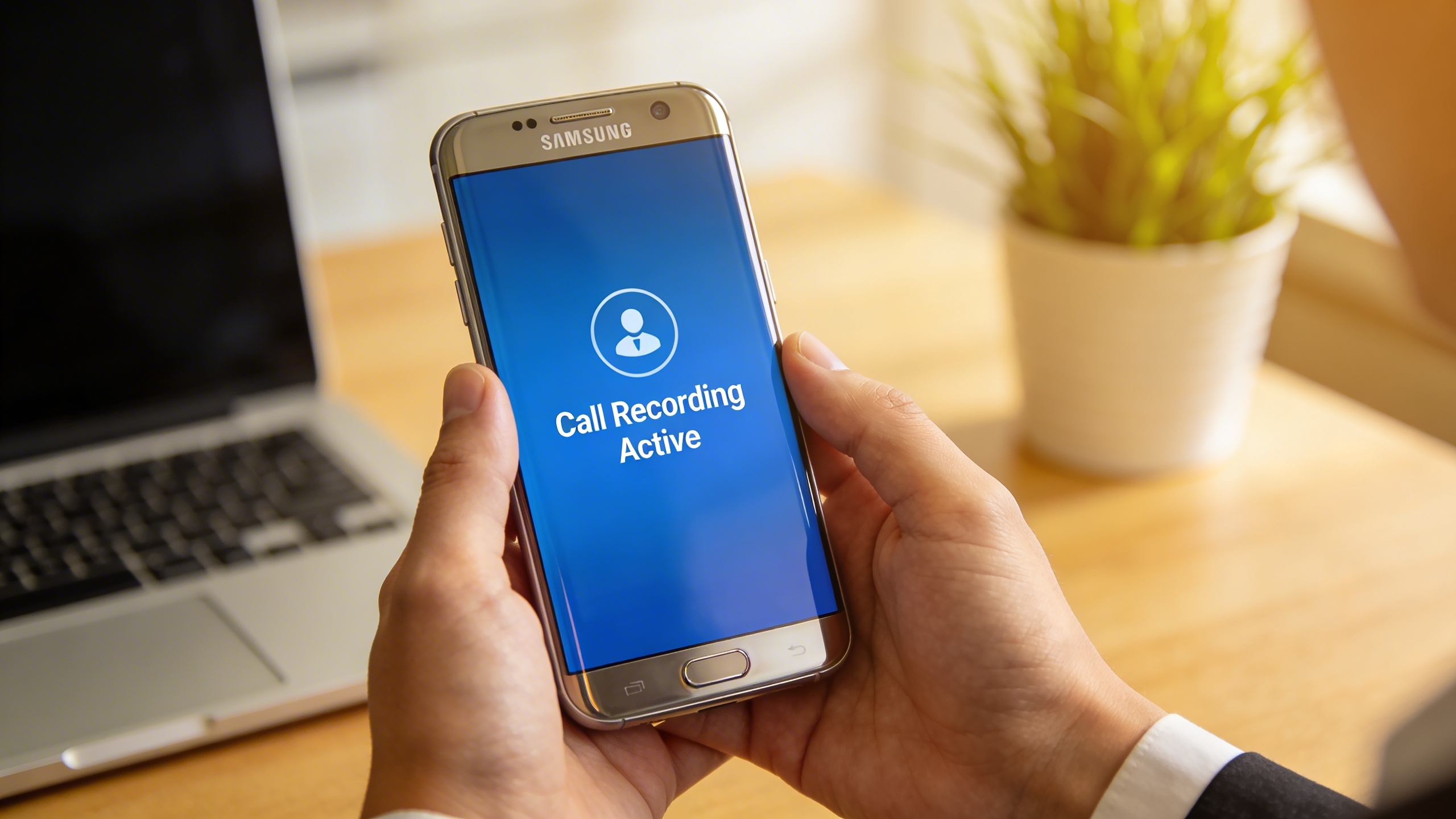
Specialized Call Recording Applications
Call recording represents one of the most sensitive yet valuable applications of voice recorder android technology. Whether you’re a business professional documenting important client conversations, a journalist conducting interviews, or someone who needs to keep records for legal purposes, specialized call recording apps offer capabilities that go far beyond standard audio recorder android functionality.
Unlike general recording apps that capture ambient sound through your device’s microphone, call recording applications integrate directly with your phone’s calling system to capture both sides of a conversation with exceptional clarity. This integration requires sophisticated technology and careful attention to legal compliance, making the choice of application particularly important.
Legal Considerations and Compliance
Before exploring technical features, understanding the legal landscape surrounding call recording is absolutely critical. Laws vary significantly by jurisdiction, with some regions requiring consent from all parties while others only require single-party consent. Many professional-grade android call recorder applications include built-in compliance features to help users navigate these requirements responsibly.
The most robust call recording apps provide automatic notification systems that inform all parties when recording begins. Some applications even include customizable announcement messages that clearly state recording is in progress, helping ensure compliance with local regulations. Advanced solutions may also offer geolocation-based legal guidance, automatically adjusting notification requirements based on your current location.
For business users, many specialized applications include features like automatic retention policies, secure cloud storage with encryption, and audit trails that document when recordings were made, accessed, or shared. These features become particularly valuable in regulated industries where call recording compliance extends beyond simple consent requirements to include data protection and retention mandates.
Automatic vs Manual Call Recording
The choice between automatic and manual recording approaches significantly impacts both usability and compliance. Automatic recording systems activate whenever a call begins, ensuring no important conversations are missed due to user oversight. This approach works particularly well for sales teams, customer service representatives, or anyone who needs comprehensive call documentation.
However, automatic recording raises additional privacy concerns and may not be suitable for all users. Many sound recorder android applications designed for calls offer granular control, allowing users to set automatic recording for specific contacts while maintaining manual control for others. This hybrid approach provides flexibility while maintaining compliance with varying consent requirements.
Manual recording systems require users to actively initiate recording during calls, providing greater control but risking missed recordings. The best manual systems offer quick-access recording buttons, voice commands, or gesture controls that make activation seamless even during active conversations. Some applications include smart reminders that prompt users to start recording when calls begin with designated contacts.
Advanced call recording applications often include scheduling features, allowing users to set automatic recording during business hours while reverting to manual control during personal time. This temporal control helps maintain professional documentation standards while respecting personal privacy boundaries.
Call Recording Quality and Reliability
Audio quality in call recording presents unique challenges compared to standard voice recording. Phone conversations involve compressed audio streams, varying network conditions, and the need to capture both local and remote audio clearly. Professional android call recorder applications employ specialized algorithms to enhance call audio, reduce background noise, and ensure consistent volume levels between speakers.
The most reliable call recording solutions utilize multiple capture methods simultaneously. While some samsung voice recorder applications excel at general audio capture, specialized call recorders often integrate with both the device’s microphone system and internal audio routing to ensure complete conversation capture even when using speakerphone, Bluetooth headsets, or wired earphones.
Network reliability also impacts recording quality, particularly for VoIP calls or conversations over cellular networks with poor signal strength. Leading applications include automatic quality monitoring that adjusts recording parameters in real-time, ensuring optimal capture regardless of connection conditions. Some solutions even provide backup recording methods that activate when primary capture quality drops below acceptable thresholds.
For users requiring transcription capabilities alongside call recording, applications that integrate with AI-powered speech recognition services can automatically convert recorded conversations to searchable text. This functionality proves invaluable for professionals who need to quickly locate specific information within extensive call archives, transforming recorded conversations into actionable business intelligence.
Samsung Galaxy Built-in Voice Recording Solutions
Samsung Galaxy devices come equipped with sophisticated native recording capabilities that leverage the company’s deep hardware integration and software optimization. These built-in solutions offer Galaxy users a seamless recording experience that extends far beyond basic audio capture, integrating with Samsung’s broader productivity ecosystem to create a comprehensive voice-to-text workflow.
Samsung Voice Recorder Features
The Samsung Voice Recorder app stands out among voice recorder android options through its intelligent audio processing and device-specific optimizations. The application automatically adjusts recording quality based on environmental conditions, utilizing Galaxy devices’ advanced microphone arrays to reduce background noise and enhance vocal clarity.
Key features include multiple recording modes tailored for different scenarios: Standard mode for general use, Interview mode that amplifies voices from multiple directions, and Speech-to-text mode that provides real-time transcription. The app’s adaptive recording technology automatically switches between high and standard quality based on available storage space, ensuring users never miss important audio due to storage constraints.
The interface prioritizes simplicity while offering advanced controls for power users. One-tap recording starts immediately, while the quick settings panel allows users to adjust audio quality, enable noise reduction, and set automatic recording limits. For professionals who need reliable audio recorder android functionality, the app includes bookmark features that let users mark important moments during long recordings for easy navigation later.
Samsung Notes Voice Integration
Samsung’s ecosystem approach shines through the seamless integration between the Voice Recorder app and Samsung Notes. This connection transforms the traditional note-taking experience by allowing users to embed audio recordings directly within their written notes, creating rich multimedia documents that capture both spoken and written information.
When recording within Samsung Notes, the app automatically syncs audio timestamps with text input, enabling users to jump to specific audio segments by tapping on corresponding written notes. This feature proves invaluable during meetings, lectures, or interviews where participants need to correlate spoken content with written observations.
The voice-to-text functionality within Samsung Notes leverages Samsung’s proprietary speech recognition technology, which has been optimized for Galaxy hardware. Users can dictate notes directly into the app, with the system learning individual speech patterns over time to improve accuracy. This makes Samsung Notes a compelling alternative to standalone transcription services for users who prefer keeping their audio content within Samsung’s secure ecosystem.
Galaxy-Specific Optimization
Samsung’s hardware-software integration delivers performance advantages that generic sound recorder android applications cannot match. Galaxy devices utilize dedicated audio processing chips that handle noise cancellation and audio enhancement without draining the main processor, resulting in longer recording sessions and better battery life.
The S Pen integration on Galaxy Note and Tab devices adds another dimension to voice recording capabilities. Users can start recordings with S Pen gestures, create visual annotations while recording, and use Air Actions to control playback remotely. These features make Galaxy devices particularly attractive for professionals who need hands-free recording control during presentations or field work.
Galaxy devices also benefit from Samsung’s Bixby integration, allowing users to start recordings, search through audio files, and manage recordings using voice commands. The system can automatically organize recordings by location, contact, or custom tags, making it easier to locate specific audio files within large recording libraries.
For users seeking enhanced transcription capabilities beyond Samsung’s built-in options, apps like Sozai can complement Galaxy’s native recording features with advanced AI-powered transcription and voice analysis tools.
Advanced Features and AI-Powered Capabilities
Modern voice recorder android applications have evolved far beyond simple audio capture. Today’s leading apps incorporate sophisticated artificial intelligence and machine learning technologies that transform raw recordings into actionable, searchable content. These advanced capabilities represent the future of mobile audio recording, offering users unprecedented control over their recorded content.
Real-time Transcription and Speech-to-Text
The most significant advancement in audio recorder android technology is the integration of real-time transcription capabilities. These systems use neural networks trained on millions of hours of speech data to convert spoken words into accurate text as you record. Modern transcription engines achieve accuracy rates exceeding 95% for clear speech in quiet environments.
Language support has expanded dramatically across recording platforms. Leading applications now support over 100 languages and dialects, with continuous learning algorithms that adapt to individual speech patterns and accents. This multilingual capability proves invaluable for international business meetings, academic research, and personal documentation in diverse linguistic environments.
The speed of transcription processing has improved substantially, with many apps delivering near-instantaneous text conversion. This real-time capability enables users to follow along with transcripts during recording sessions, making it easier to identify key moments and important statements as they occur. For professionals who rely on accurate documentation, Sozai offers industry-leading transcription accuracy with support for multiple languages and specialized terminology recognition.
Voice Enhancement and Noise Reduction
Advanced sound recorder android applications now incorporate sophisticated audio processing algorithms that dramatically improve recording quality. These systems use artificial intelligence to identify and suppress background noise while preserving the clarity and natural tone of human speech.
Adaptive noise cancellation technology analyzes the acoustic environment in real-time, distinguishing between desired speech and unwanted ambient sounds. This processing occurs during recording, ensuring that the final audio file requires minimal post-processing. The algorithms can effectively reduce common noise sources including air conditioning hum, traffic sounds, keyboard typing, and paper rustling.
Voice enhancement features extend beyond noise reduction to include automatic gain control, which maintains consistent volume levels throughout recordings. This technology prevents the audio distortion that often occurs when speakers move closer to or farther from the recording device. Some advanced systems also apply dynamic range compression, ensuring that whispered comments remain audible while preventing loud voices from overwhelming the recording.
Echo and reverb reduction algorithms analyze room acoustics and apply corrective filtering to minimize the hollow sound that often plagues recordings made in large spaces. These features prove particularly valuable for samsung voice recorder users who frequently record in conference rooms, lecture halls, or other acoustically challenging environments.
Smart Organization and Search
Artificial intelligence has revolutionized how users organize and retrieve their recorded content. Modern voice recording applications automatically analyze audio content to generate meaningful tags, categories, and searchable metadata. These systems can identify speakers, detect emotional tone, and even recognize specific topics or subjects discussed during recordings.
Intelligent categorization systems learn from user behavior, automatically sorting recordings into relevant folders based on content analysis. For example, recordings containing business terminology might be automatically tagged as “meetings,” while recordings with academic vocabulary could be categorized as “lectures” or “research notes.”
Advanced search capabilities allow users to locate specific information within hours of recorded content using natural language queries. Instead of manually scrubbing through audio files, users can search for phrases like “budget discussion” or “project deadline” and immediately jump to relevant sections. This functionality proves especially valuable for android call recorder users who need to reference specific conversations or agreements.
Timeline-based organization features create visual representations of recording content, highlighting key moments, speaker changes, and topic transitions. These visual aids make it significantly easier to navigate long recordings and identify important segments for review or sharing.
Privacy, Security, and Storage Considerations
When selecting a voice recorder android app, privacy and security should be paramount concerns, especially when recording sensitive conversations, business meetings, or personal notes. The audio content you capture often contains confidential information that requires proper protection throughout the recording, storage, and sharing process.
Data Protection and Encryption
Modern audio recorder android applications implement various security measures to protect your recordings. Look for apps that offer end-to-end encryption for stored files, ensuring that even if your device is compromised, your audio content remains secure. Many professional-grade apps encrypt recordings both at rest and in transit, using industry-standard protocols like AES-256 encryption.
Password protection features add another layer of security, allowing you to lock individual recordings or the entire app behind biometric authentication or custom passwords. This becomes particularly crucial when using an android call recorder, as these recordings often contain highly sensitive business or personal conversations that could be damaging if accessed by unauthorized parties.
Some apps also provide automatic deletion features, where recordings are permanently removed after a specified time period. This reduces the risk of old, forgotten recordings becoming a security liability while ensuring compliance with data retention policies in professional environments.
Local vs Cloud Storage Trade-offs
The choice between local and cloud storage significantly impacts both convenience and privacy. Local storage keeps your recordings entirely on your device, providing maximum privacy control but limiting accessibility across multiple devices. This approach works well for sensitive recordings where privacy outweighs convenience.
Cloud storage offers seamless synchronization across devices and automatic backups, but introduces additional privacy considerations. When evaluating cloud-enabled sound recorder android apps, research the provider’s data handling practices, server locations, and compliance with privacy regulations like GDPR or CCPA.
| Storage Type | Privacy Level | Accessibility | Backup Security |
|---|---|---|---|
| Local Only | Highest | Single Device | Manual Required |
| Encrypted Cloud | High | Multi-Device | Automatic |
| Standard Cloud | Medium | Multi-Device | Automatic |
Many users find hybrid approaches most practical, using local storage for highly sensitive recordings while leveraging encrypted cloud storage for general-purpose audio files. The samsung voice recorder, for instance, offers both local storage and secure Samsung Cloud integration for Galaxy device users.
Sharing and Collaboration Features
Secure sharing capabilities enable productive collaboration without compromising privacy. Look for apps that offer controlled sharing options, such as password-protected links, expiration dates for shared content, and permission controls that prevent recipients from downloading or forwarding recordings.
Some advanced voice recorder android apps integrate with secure communication platforms, allowing direct sharing through encrypted channels. These features prove invaluable for business teams, journalists, or researchers who need to collaborate on audio content while maintaining strict confidentiality.
Consider apps that provide detailed sharing logs, showing who accessed recordings and when. This audit trail becomes essential for compliance purposes and helps maintain accountability in professional settings where recorded content may have legal implications.
Choosing the Right Voice Recorder for Your Needs
Selecting the ideal voice recorder android app requires careful consideration of your specific use cases, technical requirements, and budget constraints. The right choice depends on whether you need basic recording functionality or advanced features like transcription and cloud integration.
Business and Professional Use Cases
Professional environments demand reliable audio recorder android apps with enterprise-grade features. Legal professionals require apps that offer secure storage and timestamp verification for depositions and client meetings. Journalists need high-quality recording with noise reduction capabilities and fast export options to meet tight deadlines.
For business meetings and interviews, prioritize apps that provide automatic transcription services. Modern AI-powered solutions can convert speech to text with impressive accuracy, saving hours of manual transcription work. Look for features like speaker identification, which helps distinguish between different voices in multi-person conversations.
Sales teams benefit from samsung voice recorder apps that integrate with CRM systems, allowing seamless workflow management. Customer service departments should focus on call recording capabilities that comply with industry regulations while maintaining audio clarity for quality assurance purposes.
Personal and Educational Applications
Students and educators have different priorities when choosing a sound recorder android app. Voice memos for capturing lecture notes work best with apps that offer simple one-tap recording and easy organization features. Language learners need playback controls with variable speed settings to practice pronunciation and comprehension.
Personal productivity enthusiasts often prefer apps that sync across multiple devices, enabling access to recordings from smartphones, tablets, and computers. Family users might prioritize apps with sharing capabilities for recording special moments or creating voice messages for distant relatives.
Creative professionals like podcasters and musicians require apps with advanced audio editing features, multiple format support, and the ability to record in high-resolution formats. These users should focus on apps that offer professional-grade audio processing tools.
Budget Considerations and Value Assessment
Free voice recorder android apps often provide sufficient functionality for basic recording needs, but premium versions unlock advanced features like cloud storage, transcription services, and enhanced audio quality. Evaluate whether subscription-based models offer better long-term value compared to one-time purchases.
Consider the total cost of ownership, including storage fees for cloud-based solutions. Some android call recorder apps require monthly subscriptions for unlimited recording time, while others offer lifetime licenses that may prove more economical for heavy users.
Professional users should factor in productivity gains from features like automatic transcription, which can justify higher subscription costs. Personal users might find that mid-tier options provide the perfect balance between functionality and affordability, offering essential features without unnecessary complexity.

