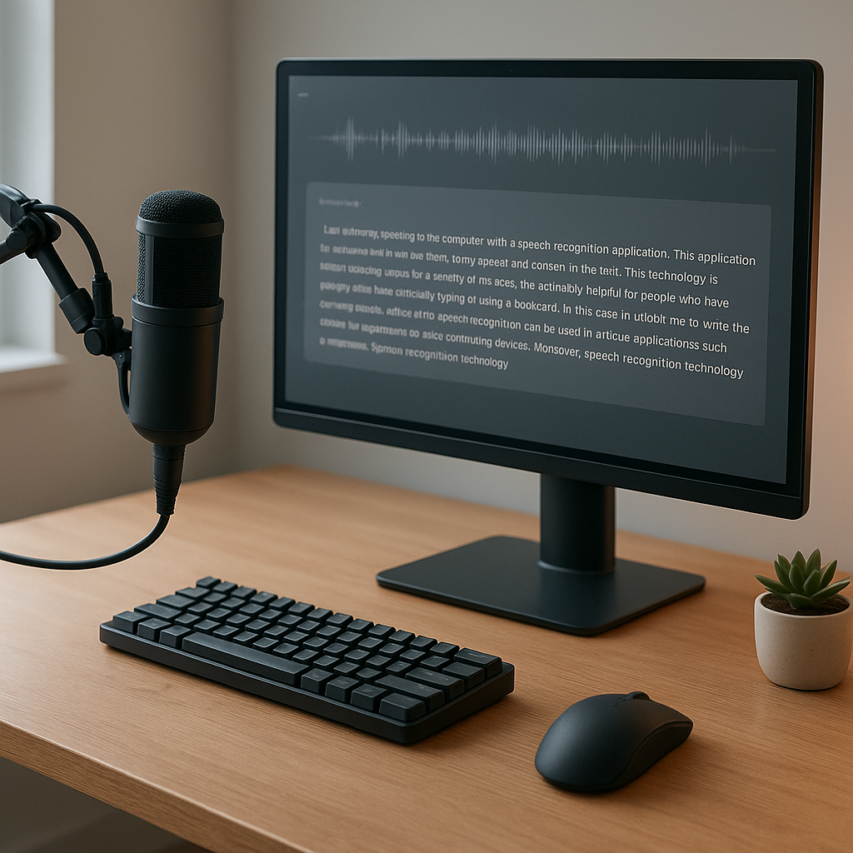
Dragon NaturallySpeaking stands as one of the most influential pioneers in the speech recognition software industry, transforming how millions of users interact with their computers through voice commands. Originally developed by Dragon Systems and later acquired by Nuance Communications, this dragon naturally speaking software has been helping professionals, students, and individuals with disabilities convert spoken words into text with remarkable accuracy for over two decades. From its humble beginnings in the 1990s to its current sophisticated iterations, Dragon speech recognition software has consistently pushed the boundaries of what’s possible with voice-to-text technology.
As the digital landscape continues to evolve with new AI-powered alternatives, understanding where Dragon NaturallySpeaking fits in today’s voice technology ecosystem becomes increasingly important. This comprehensive review examines every aspect of the dragon naturallyspeaking software, from its core features and performance capabilities to pricing structures and real-world applications. Whether you’re considering Dragon for professional dictation, accessibility needs, or productivity enhancement, this guide will help you make an informed decision by comparing it against modern alternatives and providing practical insights into its strengths, limitations, and overall value proposition in today’s competitive speech recognition market.
What is Dragon NaturallySpeaking Software?
Dragon NaturallySpeaking represents one of the most established and sophisticated speech recognition platforms in the software industry. Developed by Nuance Communications, this dragon naturally speaking software transforms spoken words into digital text with remarkable accuracy, enabling users to dictate documents, control applications, and navigate their computers using voice commands alone.
The software stands as a comprehensive solution for anyone seeking to replace traditional typing with natural speech input. Unlike basic voice recognition tools found in operating systems, dragon naturallyspeaking software offers deep customization, extensive vocabulary support, and professional-grade accuracy that adapts to individual speaking patterns and industry-specific terminology.
History and Evolution of Dragon Speech Recognition
The journey of dragon speech recognition software began in the early 1980s when Dragon Systems was founded by James and Janet Baker. Their pioneering work in hidden Markov models and statistical speech recognition laid the foundation for what would become the industry standard in voice-to-text technology.
Dragon NaturallySpeaking first launched in 1997 as a revolutionary consumer product that required users to pause between words. This discrete speech recognition marked a significant breakthrough, though it demanded considerable patience from early adopters. The software evolved rapidly through subsequent versions, introducing continuous speech recognition that allowed natural, flowing conversation.
Nuance Communications acquired Dragon Systems in 2000, accelerating development and expanding the platform’s capabilities. Major milestones included enhanced accuracy rates exceeding 95%, support for multiple languages, and integration with popular business applications like Microsoft Office and electronic health record systems.
The software has undergone numerous iterations, with each version improving recognition accuracy, processing speed, and vocabulary comprehension. Modern versions leverage deep learning algorithms and cloud-based processing to deliver near real-time transcription with minimal training requirements.
Core Technology Behind Dragon NaturallySpeaking
The technological foundation of dragon natural speech software relies on sophisticated acoustic modeling and natural language processing algorithms. The system analyzes audio input through multiple layers, beginning with acoustic feature extraction that identifies phonetic patterns in speech signals.
Advanced neural networks process these acoustic features alongside contextual information, including grammar rules, vocabulary databases, and user-specific speech patterns. The software maintains detailed acoustic models that adapt to individual voices, accents, and speaking styles through continuous learning mechanisms.
Language modeling plays a crucial role in achieving high accuracy rates. The system evaluates word sequences based on statistical probability, considering context and semantic relationships to select the most likely transcription. This approach enables the software to distinguish between homophones and handle complex technical terminology.
The platform incorporates speaker adaptation technology that creates personalized voice profiles. These profiles store acoustic characteristics unique to each user, including pronunciation patterns, speaking pace, and vocal emphasis. This personalization significantly improves recognition accuracy over time, particularly for users with distinct accents or speech characteristics.
Target Users and Use Cases
Dragon naturally speaking software serves diverse professional and personal applications across multiple industries. Healthcare professionals represent a primary user base, utilizing the software for clinical documentation, patient notes, and medical reporting. The platform includes specialized medical vocabularies and integrates seamlessly with electronic health record systems.
Legal professionals leverage dragon naturallyspeaking software for case documentation, brief preparation, and court reporting. The software’s ability to handle complex legal terminology and maintain formatting consistency makes it invaluable for law firms and legal departments.
Business professionals use the platform for email composition, report writing, and presentation development. The software’s integration with Microsoft Office applications enables seamless workflow integration, allowing users to dictate directly into Word documents, Excel spreadsheets, and PowerPoint presentations.
Individuals with mobility limitations or repetitive strain injuries find dragon speech recognition software essential for computer interaction. The platform provides comprehensive hands-free computing capabilities, enabling full system navigation and application control through voice commands.
Writers, journalists, and content creators utilize the software to accelerate document production and overcome writer’s block. The ability to speak thoughts naturally often facilitates more fluid creative expression compared to traditional typing methods.

Key Features and Capabilities
Dragon NaturallySpeaking stands out in the speech recognition software market through its comprehensive feature set designed for both casual users and professionals. The software combines advanced voice recognition technology with practical tools that transform how users interact with their computers, making it possible to work entirely hands-free while maintaining high productivity levels.
Voice Command and Dictation Features
The core strength of dragon naturally speaking lies in its exceptional dictation accuracy, which can reach up to 99% with proper training and optimal audio conditions. Users can speak at natural conversational speeds, typically between 120-160 words per minute, while the software converts speech to text in real-time. This speed advantage makes dragon speech recognition software particularly valuable for professionals who need to process large volumes of text quickly.
Beyond basic dictation, the software includes an extensive library of voice commands for system navigation. Users can open applications, switch between windows, format text, and perform complex editing tasks using only their voice. Commands like “bold that,” “select previous paragraph,” or “go to end of document” eliminate the need for keyboard and mouse interaction. The software also supports custom voice shortcuts, allowing users to create personalized commands for frequently performed actions.
The punctuation and formatting capabilities are particularly sophisticated, recognizing natural speech patterns for commas, periods, and paragraph breaks. Advanced users can dictate complex documents with tables, bullet points, and formatting elements using voice commands alone. For professionals working with specialized content, Sozai offers an alternative approach to voice-to-text conversion with AI-powered transcription that works seamlessly across multiple devices.
Customization and Training Options
Dragon naturallyspeaking software provides extensive customization options that significantly improve recognition accuracy over time. The initial setup includes voice training exercises where users read provided text samples, allowing the software to learn their unique speech patterns, accent, and pronunciation habits. This training process typically takes 10-15 minutes but can dramatically improve accuracy from the first use.
The vocabulary customization features enable users to add industry-specific terminology, proper names, and technical jargon that may not be in the standard dictionary. Medical professionals, lawyers, and technical writers can import specialized word lists or create custom vocabularies that recognize field-specific language. The software learns from corrections, automatically improving its recognition of frequently used terms and phrases.
Users can create multiple voice profiles for different speakers, making dragon naturally speaking suitable for shared workstations or family computers. Each profile maintains its own vocabulary customizations, command preferences, and accuracy improvements. The software also allows fine-tuning of recognition sensitivity, microphone settings, and processing speed to match individual hardware configurations and speaking styles.
Integration and Compatibility
Dragon natural speech technology integrates seamlessly with popular productivity applications, including Microsoft Office suite, web browsers, and email clients. The software works directly within these applications, allowing users to dictate into Word documents, compose emails in Outlook, or fill web forms without switching between programs. This deep integration maintains formatting and supports application-specific commands.
The compatibility extends to various document formats and text fields across the operating system. Users can dictate into text editors, instant messaging applications, and even command-line interfaces. The software includes specific optimization for popular programs like Excel, PowerPoint, and Adobe Acrobat, providing specialized voice commands for each application’s unique features.
Operating system support focuses primarily on Windows platforms, with dragon naturallyspeaking software optimized for Windows 10 and 11. The software requires specific hardware requirements including a quality microphone and adequate processing power for optimal performance. While primarily designed for Windows, users seeking cross-platform voice recognition solutions might consider cloud-based alternatives that work across different operating systems.
The software also supports various audio input devices, from basic computer microphones to professional headsets and wireless devices. The flexibility in hardware compatibility makes it accessible for different work environments, whether in quiet home offices or busier professional settings where noise cancellation becomes crucial for maintaining accuracy.
Dragon NaturallySpeaking Performance Analysis
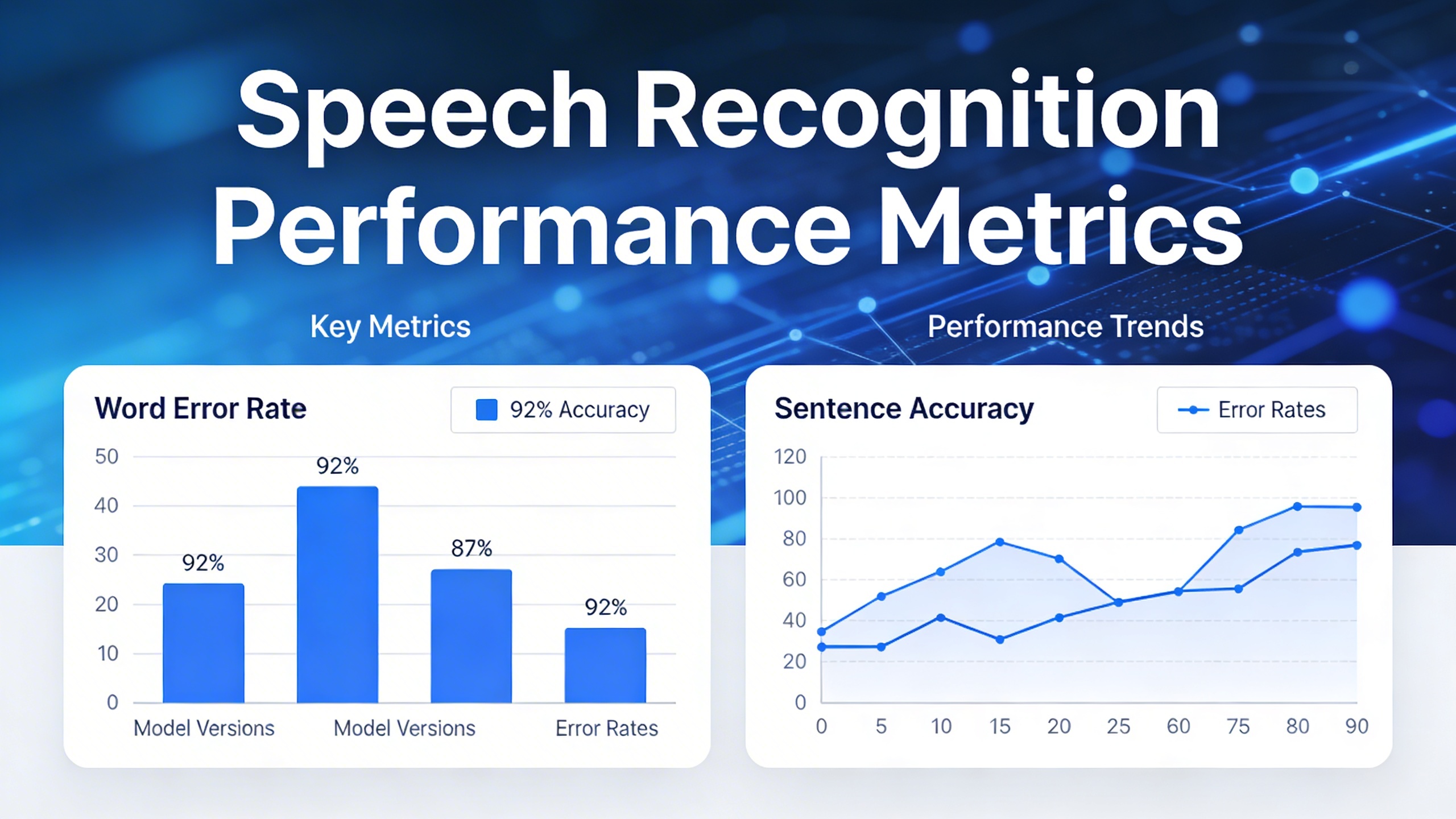
Understanding the performance capabilities of dragon naturally speaking software is crucial for users considering this speech recognition solution. The software’s effectiveness depends on three key performance areas that directly impact user experience and productivity.
Accuracy and Recognition Quality
Dragon naturallyspeaking software delivers industry-leading accuracy rates, with the latest versions achieving up to 99% recognition accuracy out of the box for clear speech. This impressive baseline performance stems from advanced deep learning algorithms that process acoustic patterns and linguistic context simultaneously.
The software excels at recognizing natural speech patterns, including connected words and conversational tone. Users typically experience accuracy improvements of 15-20% within the first week of regular use as the system adapts to individual speech characteristics. Dragon speech recognition software particularly shines with technical vocabulary, medical terminology, and legal jargon when using specialized vocabularies.
Recognition quality remains consistent across different microphone types, though professional-grade headsets yield optimal results. The software effectively filters background noise and handles varying speaking volumes, making it suitable for diverse work environments from quiet home offices to bustling corporate settings.
Speed and Processing Performance
Dragon naturally speaking processes speech in real-time, with typical latency of less than 500 milliseconds between spoken words and text appearance. This near-instantaneous response enables natural dictation flow without disrupting thought processes or speaking rhythm.
Processing performance scales efficiently with hardware capabilities. On modern systems with adequate RAM and processor power, the software handles continuous dictation sessions lasting several hours without performance degradation. Dragon natural speech processing requires approximately 4GB of available RAM and benefits from solid-state drives for optimal response times.
The software’s multi-threading architecture allows simultaneous operation with other applications without significant system slowdown. Users can dictate into word processors, email clients, or web browsers while running resource-intensive programs in the background.
| Performance Metric | Typical Range | Optimal Conditions |
|---|---|---|
| Processing Latency | 300-500ms | Under 300ms |
| Words Per Minute | 120-160 WPM | Up to 200 WPM |
| CPU Usage | 15-25% | 10-20% |
Learning and Adaptation Capabilities
The adaptive learning system within dragon naturally speaking software continuously refines recognition patterns based on user corrections and speech habits. This machine learning component analyzes vocabulary usage, pronunciation variations, and speaking pace to build increasingly accurate voice profiles.
Voice profile training begins with an initial setup process where users read provided text samples for 5-10 minutes. This baseline training establishes fundamental speech characteristics, but the real learning occurs through daily usage. The software tracks correction patterns and automatically adjusts recognition algorithms to prevent recurring errors.
Advanced users can accelerate adaptation by importing existing documents that represent their typical writing style and vocabulary. Dragon naturallyspeaking software analyzes these texts to understand word frequency patterns and contextual usage, improving recognition of domain-specific terminology and personal writing preferences.
The learning system also adapts to environmental factors such as microphone positioning, ambient noise levels, and speaking volume variations. Users who switch between different workstations or recording conditions benefit from the software’s ability to maintain consistent performance across varying acoustic environments.
For users seeking reliable voice-to-text solutions with similar adaptive capabilities, tools like Sozai offer modern alternatives with cloud-based learning that works seamlessly across multiple devices and platforms.
Pricing and Editions Comparison
Available Editions and Pricing Tiers
Dragon naturally speaking offers several editions designed for different user needs and budgets. The current lineup includes Dragon Home, Dragon Professional Individual, and Dragon Legal Individual, with pricing ranging from approximately $200 to $700 depending on the edition and features included.
Dragon Home serves casual users who need basic speech recognition for personal documents, emails, and web browsing. This entry-level edition provides core dictation capabilities with reasonable accuracy for everyday tasks. Dragon Professional Individual targets business users and professionals who require advanced formatting, custom vocabulary support, and integration with business applications like Microsoft Office.
The premium Dragon Legal Individual edition caters specifically to legal professionals, featuring specialized legal vocabulary, enhanced transcription capabilities for legal documents, and advanced formatting tools for complex legal formatting requirements. Each tier builds upon the previous edition’s features while adding specialized functionality for specific professional needs.
Value Proposition Analysis
The dragon naturally speaking software delivers different value propositions across its pricing tiers. Home users typically see value through time savings on personal correspondence and document creation, with the software paying for itself within months for users who regularly dictate content.
Professional users often experience significant productivity gains that justify the higher price point. The dragon speech recognition software can reduce document creation time by 50-70% for experienced users, translating to substantial labor cost savings in business environments. Legal professionals particularly benefit from the specialized vocabulary and formatting features that streamline brief preparation and case documentation.
| Edition | Target User | Key Benefits | Typical ROI Timeline |
|---|---|---|---|
| Dragon Home | Personal users | Basic dictation, email efficiency | 3-6 months |
| Dragon Professional | Business professionals | Advanced formatting, app integration | 1-3 months |
| Dragon Legal | Legal professionals | Legal vocabulary, specialized formatting | 2-4 weeks |
Cost vs. Benefit Considerations
When evaluating dragon naturallyspeaking software, consider both direct and indirect benefits. Direct benefits include time savings on document creation, reduced typing strain, and improved accessibility for users with physical limitations. Indirect benefits encompass increased productivity, better work-life balance, and potential health improvements from reduced repetitive strain.
The software’s one-time purchase model provides long-term value compared to subscription-based alternatives. Users who process substantial amounts of text daily—such as writers, lawyers, doctors, and business professionals—typically see the fastest return on investment. However, casual users should carefully assess their usage patterns before investing in higher-tier editions.
For organizations considering multiple licenses, volume discounts and enterprise editions offer additional cost savings. The dragon natural speech technology continues improving through updates, extending the software’s useful life and enhancing its value proposition over time. Users should also factor in training time and potential productivity dips during the initial learning period when calculating overall costs and benefits.
Pros and Cons of Dragon NaturallySpeaking
Understanding the strengths and limitations of dragon naturally speaking helps determine whether this speech recognition software aligns with your specific needs and workflow requirements.
Advantages and Strengths
Dragon naturally speaking software excels in accuracy and customization capabilities. The software delivers industry-leading recognition rates, often exceeding 95% accuracy after proper training. Users can create custom vocabularies for specialized terminology, making it particularly valuable for professionals in legal, medical, and technical fields.
The software’s learning capability represents another significant advantage. Dragon speech recognition software adapts to individual speaking patterns, accents, and vocabulary preferences over time. This continuous improvement means accuracy increases with regular use, creating a personalized experience that becomes more efficient with extended usage.
Voice command functionality extends beyond basic dictation. Users can navigate applications, format documents, and control computer functions entirely through voice commands. This comprehensive approach to voice control creates a truly hands-free computing environment that can dramatically improve productivity for users with mobility challenges or repetitive strain injuries.
Professional editions offer robust integration with popular business applications including Microsoft Office, email clients, and specialized software platforms. These integrations enable seamless workflow transitions between voice input and traditional computing tasks.
Limitations and Drawbacks
Dragon naturallyspeaking software requires significant initial setup and training time. New users must complete voice training sessions and may need several hours of use before achieving optimal accuracy. This learning curve can be frustrating for users expecting immediate results.
System resource consumption presents another consideration. The software demands substantial processing power and memory, potentially slowing older computers or affecting performance when running alongside resource-intensive applications. Users with basic hardware configurations may experience lag or reduced responsiveness.
Background noise sensitivity can impact performance in busy environments. Dragon natural speech recognition works best in quiet settings, making it less suitable for open offices or noisy home environments without proper audio equipment or noise-canceling microphones.
The software’s complexity can overwhelm casual users. Advanced features and extensive customization options may feel excessive for simple dictation needs, while the learning curve for voice commands requires dedicated practice time.
Best Fit Scenarios
Dragon naturally speaking proves ideal for professionals requiring extensive document creation, including lawyers drafting contracts, doctors completing patient notes, and writers producing lengthy manuscripts. The software’s accuracy and formatting capabilities make it particularly valuable for users who regularly work with complex documents.
Individuals with physical limitations benefit significantly from the comprehensive voice control features. Users with carpal tunnel syndrome, arthritis, or other conditions affecting typing ability can maintain productivity through voice-driven computing.
Specialized professionals working with industry-specific terminology find the custom vocabulary features invaluable. Medical professionals can train the software to recognize pharmaceutical names and medical procedures, while legal professionals can add case law references and legal terminology.
For users seeking alternatives or additional transcription capabilities, modern solutions like Sozai offer cloud-based transcription that works across multiple devices without requiring extensive local setup or training.
The software works best for users committed to the initial investment in training and setup time, who work primarily in controlled environments, and who need the advanced features that justify the learning curve and system requirements.
Dragon NaturallySpeaking vs. Modern Alternatives
While Dragon NaturallySpeaking remains a powerful speech recognition solution, the landscape of voice-to-text technology has evolved dramatically. Modern alternatives offer compelling features that challenge the traditional dominance of Dragon speech recognition software, particularly in areas like cloud connectivity, real-time collaboration, and cross-platform accessibility.
Cloud-Based Speech Recognition Solutions
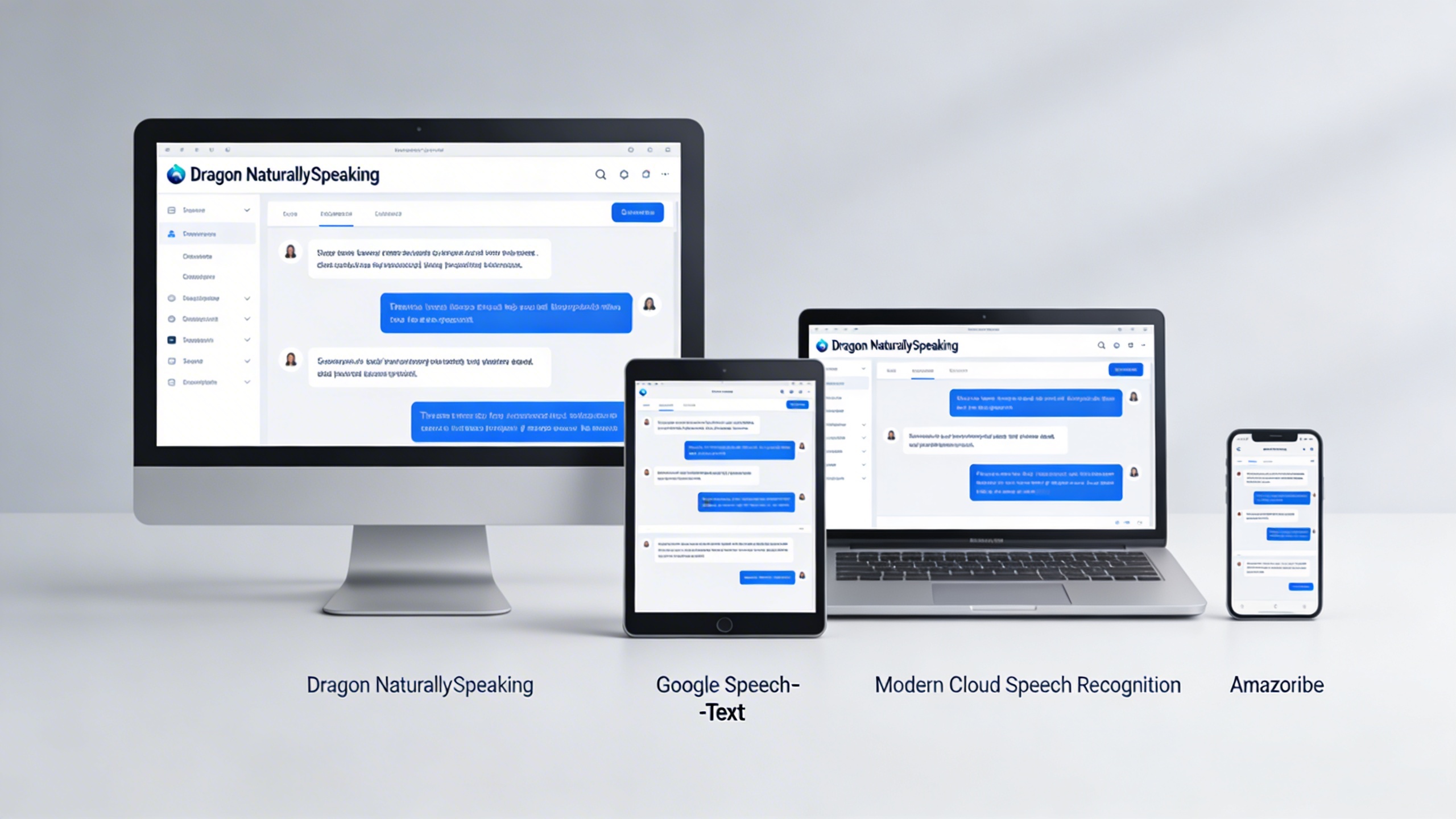
Google Speech-to-Text represents the most significant shift in how speech recognition operates today. Unlike Dragon NaturallySpeaking software, which processes everything locally on your device, Google’s solution leverages cloud computing to deliver consistently updated recognition models. This approach provides several advantages: automatic updates without software installations, access to the latest language models, and the ability to handle multiple languages simultaneously without additional purchases.
The accuracy comparison between Dragon naturally speaking and Google’s cloud solution varies by use case. Dragon excels in controlled environments with consistent speakers and specialized vocabulary, while Google performs better with diverse accents, background noise, and conversational speech patterns. For professionals who dictate in quiet offices with technical terminology, Dragon natural speech recognition often delivers superior results. However, for general users working in varied environments, cloud-based solutions frequently provide more reliable performance.
Microsoft Azure Speech Services and Amazon Transcribe offer enterprise-grade alternatives that integrate seamlessly with existing business workflows. These platforms provide real-time transcription capabilities that Dragon naturallyspeaking software traditionally struggled to match, especially for live meetings and collaborative sessions.
Built-in Operating System Options
Windows Speech Recognition has matured significantly since its early iterations, now offering surprisingly capable voice control without additional software purchases. While it doesn’t match the sophistication of Dragon speech recognition software for extended dictation sessions, it handles basic voice commands and short text input effectively.
The key advantage of built-in solutions lies in their integration depth. Windows Speech Recognition works across all applications without compatibility concerns, while Dragon naturally speaking occasionally encounters issues with newer software or web applications. However, Dragon’s vocabulary learning and adaptation capabilities remain superior for users who invest time in training the system.
Apple’s Voice Control on macOS and iOS provides another compelling alternative, particularly for users within the Apple ecosystem. The seamless synchronization between devices and consistent performance across applications makes it attractive for mobile professionals who need reliable voice input on multiple platforms.
AI-Powered Transcription Services
Modern AI transcription services have revolutionized how professionals approach voice-to-text conversion. These platforms typically offer features that Dragon naturallyspeaking software doesn’t provide natively, such as speaker identification, sentiment analysis, and automatic meeting summaries.
The performance comparison reveals interesting trade-offs. Dragon naturally speaking excels at real-time dictation with immediate text output, making it ideal for writers and professionals who compose documents through speech. However, AI transcription services often provide better accuracy for recorded content, multiple speakers, and noisy environments.
For professionals who frequently attend meetings or conduct interviews, AI-powered solutions like Sozai offer advantages that traditional Dragon speech recognition software cannot match. These tools provide automated transcription of recorded content, speaker separation, and intelligent formatting that saves significant post-processing time.
| Feature | Dragon NaturallySpeaking | Cloud Solutions | Built-in OS Options | AI Transcription |
|---|---|---|---|---|
| Real-time Accuracy | Excellent | Good | Fair | Good |
| Setup Complexity | High | Low | None | Low |
| Offline Capability | Full | Limited | Full | None |
| Multi-speaker Support | Limited | Good | None | Excellent |
| Cost | High upfront | Subscription | Free | Subscription |
The choice between Dragon naturally speaking and modern alternatives ultimately depends on specific use cases and workflow requirements. Traditional Dragon speech recognition software remains the preferred choice for high-volume dictation in controlled environments, while cloud-based and AI-powered solutions excel in collaborative, mobile, and multi-speaker scenarios. Understanding these distinctions helps users select the most appropriate tool for their voice recognition needs.
Getting Started with Dragon NaturallySpeaking
Setting up dragon naturally speaking requires careful attention to both technical requirements and proper configuration. The initial setup process significantly impacts the software’s performance and accuracy, making it essential to follow best practices from the beginning.
Installation and Setup Process
Dragon naturally speaking software demands robust system specifications for optimal performance. Your computer should have at least 8GB of RAM, though 16GB provides better results for complex documents. A modern processor with multiple cores ensures smooth operation, while a high-quality microphone becomes crucial for accurate speech recognition. USB headset microphones typically deliver superior results compared to built-in computer microphones.
The installation process begins with downloading the software from the official Nuance website or installing from physical media. During setup, the software prompts you to create a user profile, which stores your voice characteristics and vocabulary preferences. Choose a quiet environment for this initial configuration, as background noise can interfere with the calibration process.
After installation, dragon speech recognition software automatically runs an audio setup wizard. This wizard tests your microphone levels and positioning, ensuring optimal input quality. Position your microphone approximately one inch from the corner of your mouth, maintaining consistent distance throughout use.
Training and Optimization Tips
Voice training represents the most critical step in maximizing dragon naturallyspeaking software accuracy. The initial training session requires reading provided text samples for approximately 10-15 minutes. Speak naturally at your normal pace, avoiding overly slow or exaggerated pronunciation. The software learns your speech patterns, accent, and vocal characteristics during this process.
Additional training sessions improve recognition accuracy over time. Dragon natural speech technology adapts to your vocabulary and speaking style through continued use. Regular training with documents from your specific field or industry enhances domain-specific terminology recognition. Medical professionals, legal practitioners, and technical writers benefit significantly from specialized vocabulary training.
The software includes acoustic and language model optimization features. Acoustic optimization analyzes your recorded speech patterns, while language model optimization learns from your written documents and emails. Running these optimizations weekly maintains peak performance levels.
Best Practices for Maximum Accuracy
Consistent microphone positioning ensures reliable recognition results. Maintain the same distance and angle each time you use the software. Environmental factors significantly impact performance, so minimize background noise, air conditioning sounds, and interruptions during dictation sessions.
Speaking technique affects accuracy more than most users realize. Maintain steady volume levels without shouting or whispering. Pause naturally between sentences, allowing the software to process complete thoughts. Avoid filler words like “um” and “uh” which can confuse the recognition engine.
Regular vocabulary updates improve recognition of specialized terms and proper names. Add frequently used words, acronyms, and industry-specific terminology to your personal vocabulary. The software learns these additions and incorporates them into future recognition sessions.
For users seeking modern alternatives with simplified setup processes, contemporary solutions like Sozai offer streamlined voice-to-text capabilities without extensive training requirements. However, dragon naturally speaking remains powerful for users willing to invest time in proper configuration and training procedures.

